


.avif)





.svg)



Should Jotform be used in 2025?

.svg)
Jotform has established itself as one of the benchmark solutions for online forms, popular with freelancers, web agencies and development teams alike. With its intuitive interface and numerous customization options, it facilitates data collection, survey management and automation processes without requiring advanced coding skills.
But then, what really sets Jotform apart in a market saturated with similar tools? This article offers a comprehensive overview to understand whether Jotform remains the right solution for business needs in 2025, assessing its strengths, limitations and preferred use cases.
My experience with Jotform
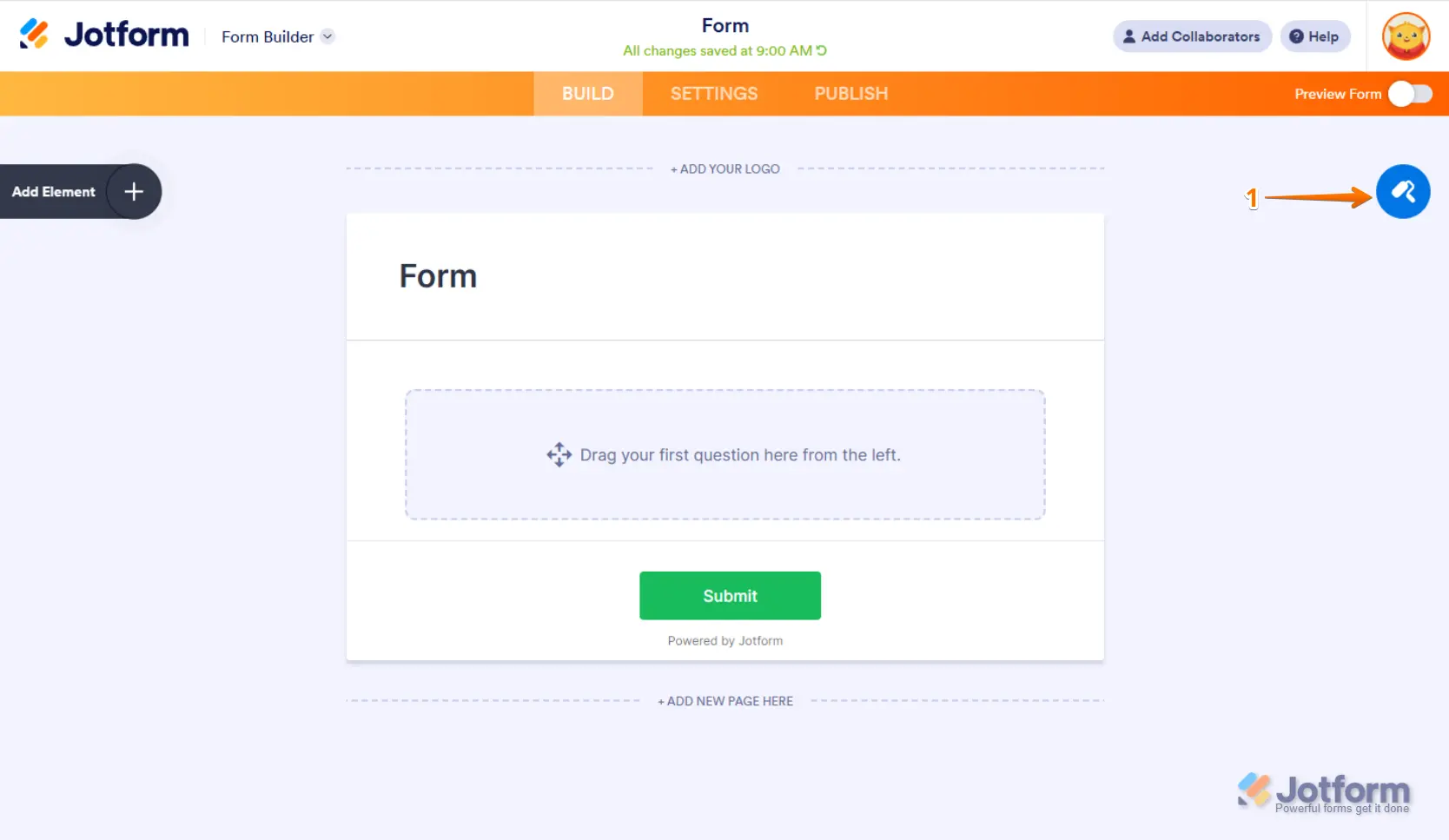
In a professional context, I use Jotform mainly to quickly create personalized forms and automate data collection from customers and collaborators. What I remember first and foremost is the flexible customization offered by the many built-in templates and widgets, which greatly simplifies the implementation of questionnaires adapted to all contexts.
In the enterprise, Jotform particularly excels in processes involving multiple validation flows or instant compilation of results with easy export to other tools. Its integration with leading cloud platforms and CRM tools notably facilitates administrative workflow.
However, despite its power, Jotform shows certain limitations when seeking to implement complex business logic with advanced formulas and nested conditions, where more specialized tools may be preferable. Full access to certain functionalities also requires subscription to paid packages.
.Is Jotform really useful for my needs?
The real question to ask yourself before adopting Jotform is to clearly identify your data collection and processing objectives. Do you want a classic form that's quick to deploy, or a more robust solution capable of automating various stages of your business process?
Jotform is perfectly suited to web agencies looking to rapidly deploy customized customer forms, developers wishing to integrate functional forms without starting from scratch, as well as small businesses looking to digitize their internal processes with a simple yet extensible tool.
Its other strong point lies in the multitude of native integrations on offer, with platforms such as Google Sheets, PayPal, Slack, or Salesforce, boosting productivity and data synchronization with no additional effort.

Is Jotform suitable for beginners?
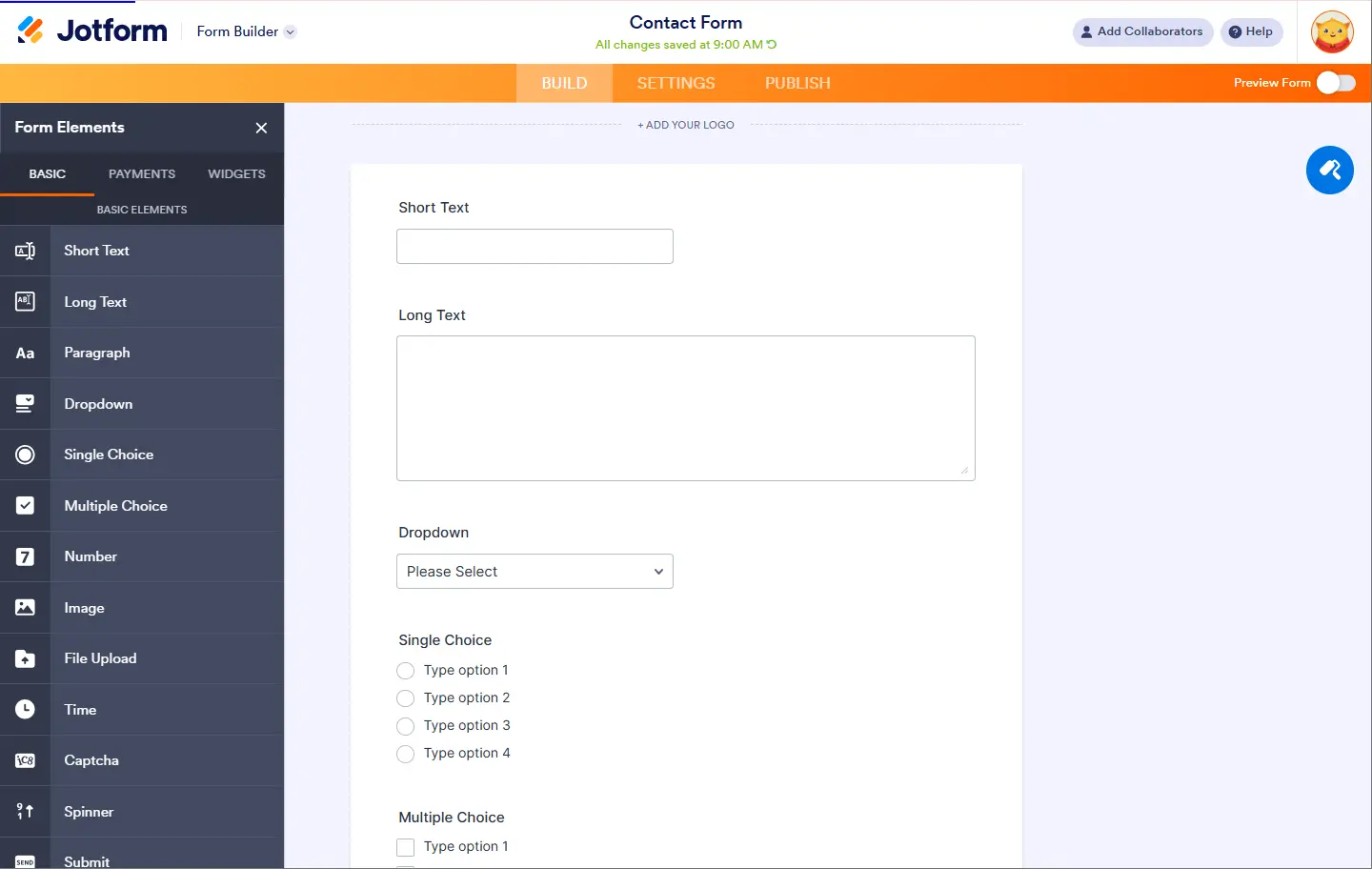
Jotform is particularly suitable for beginners thanks to its intuitive interface and drag-and-drop system, which makes it easy to build forms without any programming knowledge. The many pre-designed templates save time while producing a professional rendering quickly.
Beginners also appreciate the basic functions accessible free of charge and the possibility of testing the platform without obligation, which makes getting to grips with it simple and gradual. What's more, the integrated guides and tutorials are invaluable for familiarizing yourself at your own pace.
How much does Jotform cost?
Jotform offers a free version enabling the creation of simple forms with a monthly quota limited to 100 submissions, which is perfect for testing or for small personal and beginner projects.
The Pro package, from €24/month, significantly increases these limits, unlocks advanced options such as online payment, customized integration via API, as well as enhanced upload capabilities. This offer is recommended for professionals and businesses who need a versatile tool capable of handling large volumes.
What are Jotform's key features?
The first key feature of Jotform is its extensive library of templates and widgets, which allows you to create forms tailored to a variety of needs, from simple contact forms to complex surveys and online payments.
Then, the flexibility of customization options, including the integration of visual elements, simple conditional rules, and a wide range of sharing options (email, direct link, embedding) also make Jotform a complete tool for efficient data collection.

Among the advanced features, Jotform offers workflow automation tools, such as automatic notifications, approval management and API integrations, making it easy to synchronize with other business platforms.
It also includes advanced security options such as SSL encryption, GDPR compliance, and password protection for sensitive forms, meeting the needs of strict privacy businesses.
.For some very specific use cases, notably those requiring complex calculations, multi-step workflows with advanced conditional logic, Jotform may show its limits in terms of flexibility. For these cases, tools like Typeform or Formstack could offer more technical options.
However, Jotform remains highly competitive against its rivals thanks to its ease of use and large catalog of ready-to-use templates, while maintaining excellent value for money for teams that don't require extreme customization.
To sum up, its advantages include ease of use, varied integrations and a wide range of standard features, while its disadvantages lie above all in the limitations as soon as requirements become algorithmic or highly customized.
FAQS
Is it reliable and secure?
Jotform is overall a reliable and secure tool, using HTTPS protocol for all transactions, ensuring data encryption during communication between users and servers. The platform is GDPR-compliant, guaranteeing compliance with European rules on the protection of personal data.
In addition, Jotform offers options such as password protection, encryption of saved data and the ability to add privacy agreements to forms. These measures help to reinforce the robustness and security of the data collected, which is crucial in the professional context.
Is it compatible with my other tools?
Jotform offers excellent compatibility with all major modern browsers, and is accessible on both desktop and mobile. It offers native integrations with a large number of third-party tools via API, facilitating connection to CRMs, payment tools, marketing platforms, or cloud storage solutions.
Support for CSV, Excel, PDF formats for data export also enables easy exploitation of results in a variety of professional contexts.
Is there responsive customer support?
Jotform customer support is available via live chat, email and a comprehensive knowledge base accessible from their site. Tickets are generally processed quickly, with relevant and helpful answers that resolve most issues encountered.
Users also appreciate the community forums that complement official support, often offering additional solutions shared by other experienced users.
What do other users think?
User reviews converge on a positive appreciation of Jotform, particularly for its ease of use and wealth of free features. Many point to the speed with which an effective form can be set up.
Some, however, point to limitations in the management of advanced conditional formulas or the cost of top plans, which can rapidly increase for specific professional functions.
Can I easily change later?
User reviews converge on a positive appreciation of Jotform, particularly for its ease of use and wealth of free features. Many point to the speed with which an effective form can be set up.
Some, however, point to limitations in the management of advanced conditional formulas or the cost of top plans, which can rapidly increase for specific professional functions.
Alternatives

Specializing in business creation, sales and digital marketing, he puts his expertise at the service of users to help them identify the solutions best suited to their needs. Passionate about digital innovation and optimizing online performance, Alexis is committed to providing detailed, transparent and unbiased comparisons.
Do you have an entrepreneurial project?
We support you in the structuring and development of your tech project. Make an appointment with one of our Business Strategists.