


.avif)





.svg)
.svg)




You've probably heard of ReShot. It's the free tool par excellence for unearthing royalty-free illustrations and icons, a fast and valuable alternative to traditional image banks. But in 2025, in an ecosystem that's evolving at breakneck speed, is it still a good idea to integrate it into your workflow for your visual creations? Simplicity, features, limits... After several years of use at Easy Web, here I share my unfiltered feedback and my objective opinion on its real usefulness depending on your projects.
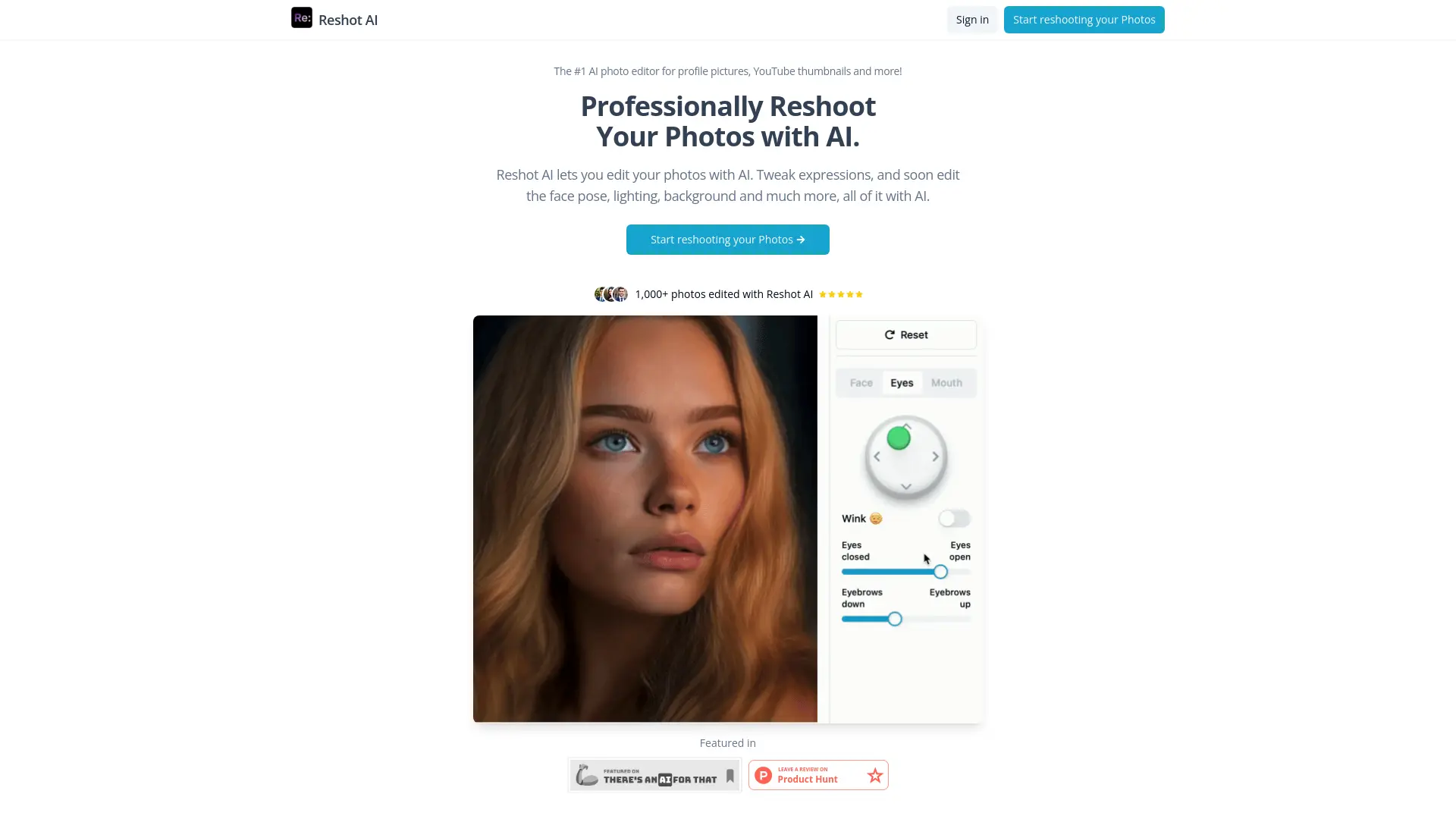
My experience with Reshot
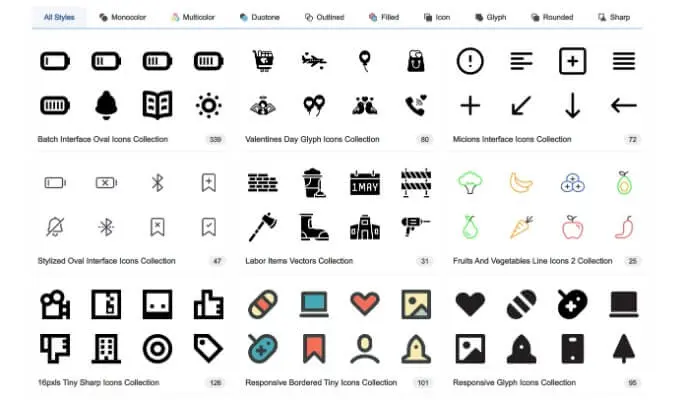
Reshot, I've been using it since our early days at Easy Web, which is to say I've had time to tinker with it in every sense. I've seen it evolve, and what always blows me away is its library of royalty-free vector assets of absolutely unique quality and diversity.
For rapid prototyping needs, mockups or even to boost our customer deliverables with punchy illustrations, Reshot is our secret weapon. We save an inordinate amount of time not searching for icons or illustrations elsewhere, it's all there, ready to use and, above all, stylistically consistent.
For rapid prototyping needs, mockups or even to boost our customer deliverables with striking illustrations, Reshot is our secret weapon.
However, if your projects require highly advanced customization or complex illustrations requiring vector tools like Illustrator, Reshot will show its limitations. It doesn't replace a full graphics suite for pure creation, but excels as a resource.
Is Reshot really useful for my needs?
The real question to ask yourself before using Reshot is: what is my objective? Because the relevance of Reshot depends very much on how you use it. If your primary need is to enrich your visual projects with free, original, high-quality resources (photos, icons, illustrations), then Reshot is a gold mine. For that, it fits the bill perfectly.
Whether you're a freelance designer, a young agency looking for distinctive visuals, or a freelance content creator, Reshot gives you quick access to a rich library at no cost. You can use it to polish a landing page, bring a blog post to life, or find the perfect icon for an app in development.
Another major asset of Reshot is its philosophy: resources designed by designers, for designers. The collections are often more cutting-edge, with a graphic style that's out of the ordinary, and often under permissive license.


Is Reshot suitable for beginners?
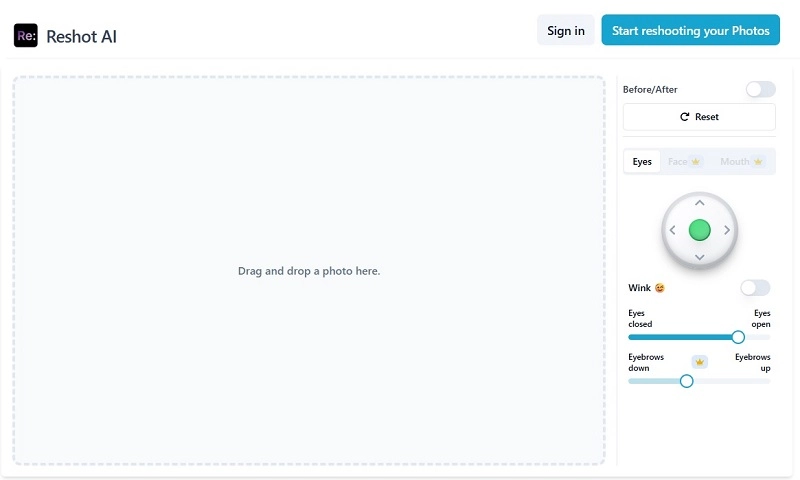
You know, when you're just starting out in design, the idea of mastering complex tools can quickly become a drag. That's where Reshot shines for me: it's a real springboard. Its interface is incredibly uncluttered, with no superfluous complexity. Looking for a vector icon for your website, an illustration for a LinkedIn post or just a quality photo? Drag-and-drop and thousands of pre-designed resources save you an incredible amount of time, without ever feeling overwhelmed.
Forget hours spent dissecting cumbersome software. With Reshot, you produce impactful visuals quickly, without getting in over your head. It's the perfect tool for achieving a professional rendering even without being a trained graphic designer. And believe me, this ease of access and the quality of the resources available give you confidence from the very first creations. You concentrate on the idea, not the technique.
How much does Reshot cost?
The question of cost is always central, and Reshot is no exception. It's a crucial point that I always look at for our projects at Easy Web.
Reshot first offers a free version, perfect for exploring the tool. You gain access to a selection of templates and images, ideal for students or designers who just want to test the waters before committing. It's an excellent gateway to familiarize yourself with the interface and basic functionality.
For the solo designer or freelancer looking to professionalize their work, the Pro package is €19/month. It unlocks the full library of premium resources, advanced export options (such as vector and high-resolution formats), and extensive editing features. It's clearly the choice I'd recommend for demanding, everyday use.
As for agencies or teams, the Team offer, at €49/month, is a game-changer. It includes everything in the Pro formula, plus real-time collaborative features, shared workspaces and priority support. For an agency like ours where synergy is key, this version is indispensable for optimizing workflows and collective productivity.
What are Reshot's key features?
You know that endless time spent optimizing every image or video for every medium? Solved. Reshot's first flagship feature is its AI-based predictive optimization engine. It automatically analyzes your assets and adapts them in real time for any screen or bandwidth. We're talking impeccable quality, without the slightest manual effort. This is the kind of detail that, for an agency like ours, represents hours of work saved on a daily basis.
And let's talk collaboration. Reshot has integrated a revolutionary simultaneous editing capability. More than just sharing, it's a real canvas where everyone can intervene in real time, seeing each other's modifications instantly. Version tracking is ultra-robust, so you always know who did what and when. For our complex customer projects, where several designers and project managers collaborate, this has become a mainstay. It streamlines the back-and-forth and reduces misunderstandings.
.
Frankly, the first thing that blew me away with Reshot was its intelligent suggestion engine. You know that moment when you're looking for the perfect illustration and the tool suggests it before you've even finished your thought? Their algorithms analyze your project, your usual style, and come up with incredibly relevant asset suggestions. It speeds up the creative process like crazy, reducing that "research-inspiration" time that can often hold a project back.
But where Reshot really stands out, especially for us in agencies, is on real-time collaboration. No more going back and forth on files, no more lost versions! Being able to work together on the same file, see each other's cursors, leave contextual comments and have a clear version history is a game changer. It streamlines our workflows and ensures that the whole team is always in line. Indispensable for fast-moving projects.
Let's be clear: Reshot isn't the Swiss Army knife you'd expect for everything. At Easy Web, we quickly realized its limitations for advanced image retouching or complex vector creation. For custom illustrations, advanced masking or sophisticated photomontages, it lacks the necessary power and precision. That's where the problem lies if your projects demand absolute finesse.
For these cases, Photoshop or Affinity Photo for retouching, and Illustrator or Figma for vector graphics, are the natural choice. They offer the depth and flexibility that Reshot lacks. But be warned: Reshot remains insanely agile for rapid prototyping or the creation of basic assets. Don't underestimate it for these everyday needs, as this is its preferred playground.
To sum up our experience:
- Advantages: Ultra-fast learning curve, efficient for prototyping, ideal for simple assets.
- Disadvantages : Lacks depth for pro retouching, limited vector capabilities, not suitable for complex projects.
FAQS
Is it reliable and secure?
Yes, reliability and security are Reshot's strong points. The tool uses standard encryption protocols (such as SSL/TLS) for all communications, ensuring the protection of your data and projects. On the infrastructure side, it relies on robust servers with regular backups, minimizing any risk of loss or interruption. At Easy Web, we've scrutinized their practices: updates are frequent, demonstrating an ongoing commitment to security and stability. You can work with peace of mind.
Is it compatible with my other tools?
Absolutely. Reshot is designed to integrate with your existing ecosystem. It seamlessly handles the export of vector (SVG) and raster (PNG, JPG) files, ensuring native compatibility with leading tools such as Figma, Sketch, or the Adobe suite. For advanced workflows, its robust API facilitates custom connections. Personally, we've often seen it fit naturally into our customers' production chains, and our own too. That's a big plus.
Is there responsive customer support?
Clearly, when you need help with Reshot, responsiveness can be variable. Their email ticket system works, but don't expect an instant response like with live chat. I've found that for complex queries, this requires a little patience. For more common questions, their knowledge base is often the fastest and most sufficient. This is one aspect where the tool could still improve for us professionals, who are often pressed for time.
What do other users think?
The feedback I'm hearing? Generally very positive, especially as it's a free tool. Our fellow designers praise the quality and originality of the visuals, a real breath of fresh air away from conventional banks. Curation (content selection) is often praised for its high standards, guaranteeing a highly professional rendering. Admittedly, some would like more volume, but the relevance and quality are unanimously appreciated. Reshot is clearly a solid option, acclaimed for its added value.
.Can I easily change later?
The feedback I'm hearing? Generally very positive, especially as it's a free tool. Our fellow designers praise the quality and originality of the visuals, a real breath of fresh air away from conventional banks. Curation (content selection) is often praised for its high standards, guaranteeing a highly professional rendering. Admittedly, some would like more volume, but the relevance and quality are unanimously appreciated. Reshot is clearly a solid option, acclaimed for its added value.
.Alternatives
.svg)

Specializing in business creation, sales and digital marketing, he puts his expertise at the service of users to help them identify the solutions best suited to their needs. Passionate about digital innovation and optimizing online performance, Alexis is committed to providing detailed, transparent and unbiased comparisons.
Do you have an entrepreneurial project?
We support you in the structuring and development of your tech project. Make an appointment with one of our Business Strategists.