


.avif)





.svg)
.svg)



FontLab has long been a must-have reference for typographic designers and agencies who want to create or modify typefaces with surgical precision, pushing customization to the extreme. But in 2025, with the rapid evolution of design tools, is it still a relevant solution for your projects? Having personally worked with FontLab on countless projects at Easy Web, from the design of exclusive branded typefaces to web optimization, I'm sharing my experience. We'll break down its features, strengths and limitations, to help you decide if FontLab is the right tool for you.
My experience with FontLab
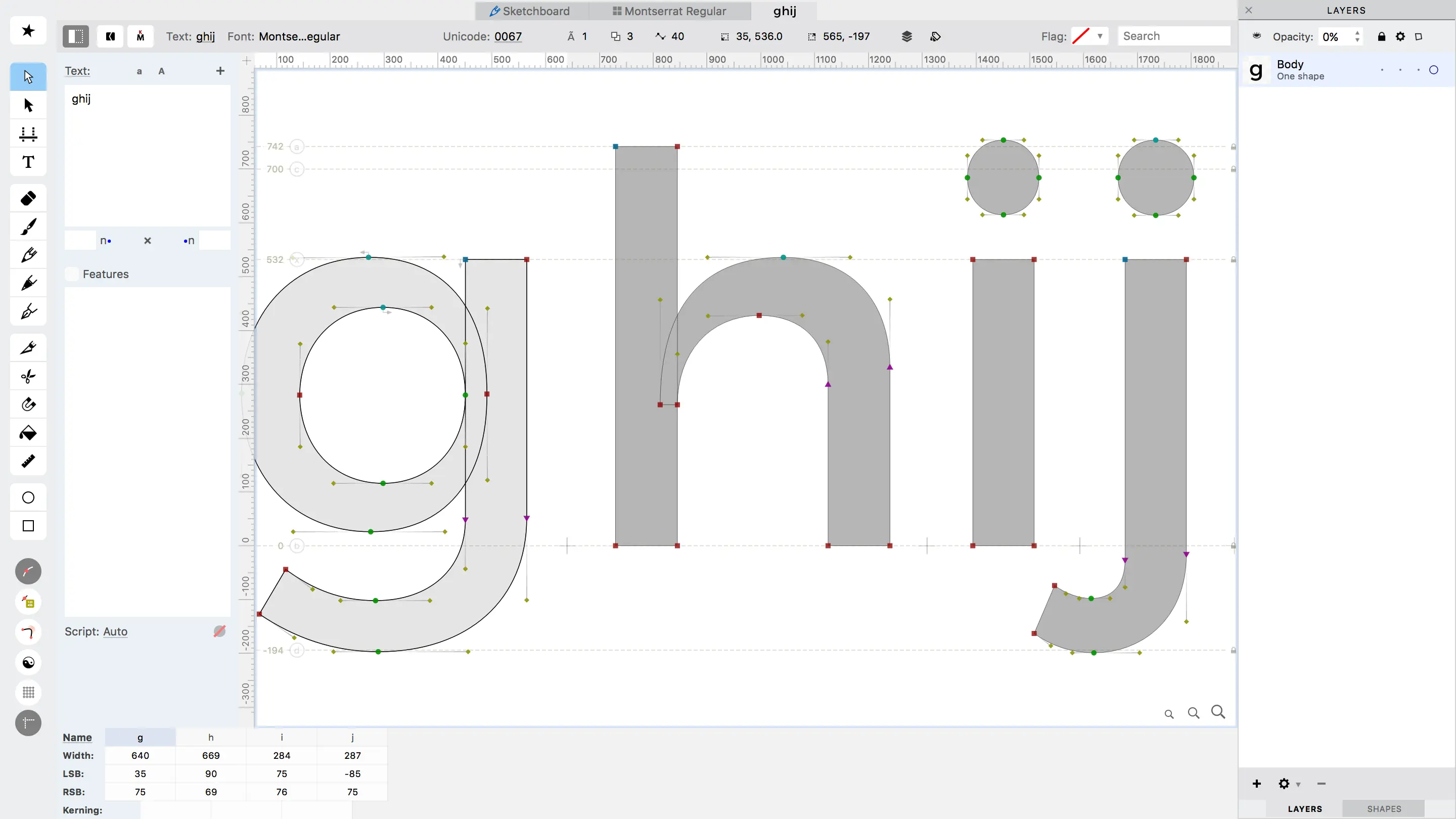
FontLab has been my well-kept secret for years when it comes to the most demanding typography projects. I've had the opportunity to push it to its limits on custom font creations for demanding brands. What I appreciate most of all is his surgical precision when creating typefaces.
It's the tool that shines when you need to master every curve, every spacing. For exclusive logotypes or complete font families, it's incomparable. It enables a finesse in design that transforms an idea into a unique brand asset, often indispensable to our customers.
But let's be clear, FontLab is not for the casual designer. The learning curve is steep, and its cost represents an investment. You really need to have specific, advanced typographic needs to fully justify its adoption.
FontLab is not for the casual designer.
Is FontLab really useful for my needs?
The real question to ask yourself before using FontLab is: what's your purpose? Its relevance depends enormously on your use. For the creation, in-depth modification, editing of typographic typefaces or the development of complete font families, it's the reference tool.
Whether you're a freelance typographer, a designer specializing in branding, or an agency developing unique visual identities, FontLab offers unrivalled precision. Need to design a logo with a bespoke typeface, create an exclusive corporate font or perfect the kerning of a display font? This tool gives you perfect control.
And its other strong point? Its suite of vector tools specifically optimized for letter design. It's not just tracing curves, it's manipulating every node with surgical granularity, essential for professional-quality typography.


Is FontLab suitable for beginners?
Are you getting into type design? FontLab may seem intimidating at first, but believe me, it offers surprising entry points for beginners. Forget the idea that it's just for experts. Its vector drawing tools are very intuitive, similar to what you may already know from other software. To get started, creating a unique logotype or simply modifying a few glyphs for a customer project becomes surprisingly accessible, even without mastering all its subtleties.
The great thing is that you can start with basic functions, such as editing points and manipulating Bézier curves, then gradually explore the advanced options. FontLab is designed to accompany you as you develop your skills. It's an investment, yes, but one that gives you a solid foundation for understanding typographic anatomy and industry standards, without feeling overwhelmed from the start. You progress at your own pace.
How much does FontLab cost?
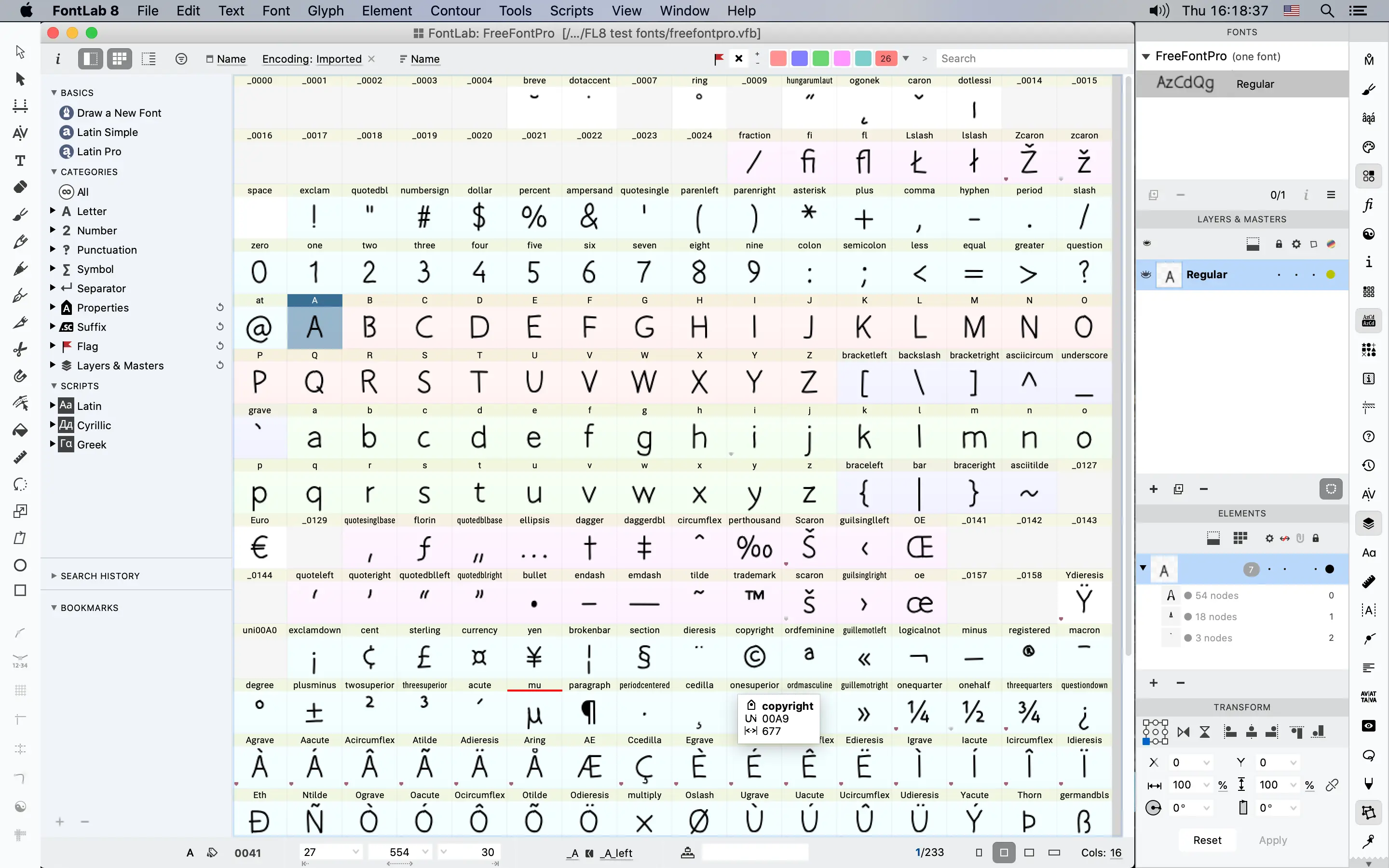
When it comes to pro tools, the question of cost is always on the table. For FontLab, it's an investment that I see as strategic for pros. They opt for a perpetual license, a model I appreciate because it avoids the pressure of monthly subscriptions.
About 680€ for a full license. Yes, it's an initial budget, but it gives you access to the tool's full functionality - all the powerful vector drawing options, metric editing, kern (the adjustment of spacing between pairs of letters, crucial for perfect typography), and much more, with no time limit.
This is clearly the formula for typographic design studios, agencies developing brand identities with bespoke typography, or freelance designers specializing in font creation. For these profiles, the payback is rapid and the long-term added value is indisputable. It's the assurance of having a state-of-the-art tool without having to put your hand back in your wallet every month.
What are FontLab's key features?
Are you looking to sculpt each character with surgical precision? FontLab excels at this. Its vector drawing tools are a marvel. No more imprecise tracings, we're talking ultra-fluid Bézier curves and point-to-point control that I've rarely seen elsewhere. For us at Easy Web, when we have to create custom logotypes or titles, it's a huge time-saver. It's the very essence of typographic design, having a hand in every detail of the glyph.
But FontLab doesn't stop there. What really makes the difference is its management of kerning and spacing. Being able to adjust each pair of letters with such finesse is crucial to a font's legibility and aesthetics. Add to this a robust integration of OpenType functionalities, allowing automatic ligatures or contextual variants to be programmed, and you have a complete tool. It's the kind of detail that elevates a simple text design to a true work of typography.
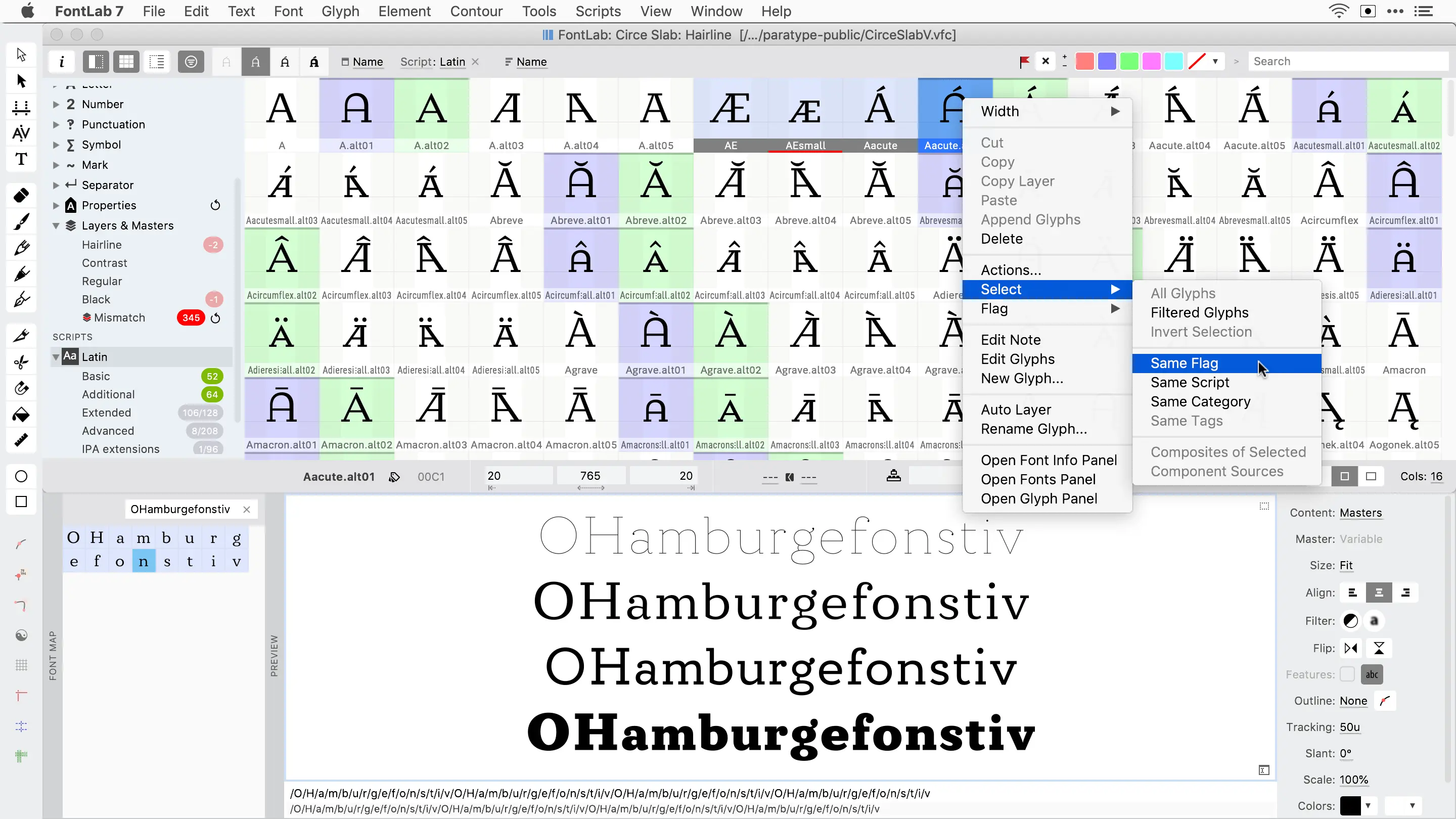
Frankly, variable font management in FontLab is a feat. I'm talking about this ability to dynamically interpolate between design "masters" to create all the variations in weight, width, etc. This is a major asset today. At Easy Web, we've been able to simplify the creation of font families enormously, reducing the number of files and offering unprecedented flexibility to our customers. It's a real creative and technical boost.
And then there's the power of advanced OpenType features. Beyond automatic kerning, we can really push customization with complex contextual substitutions or sophisticated ligatures. What's really great is the ability to script via Python. For designers who want to automate repetitive tasks or create customized tools, this is a gold mine. Believe me, it's enabled us to optimize quite a few complex productions.
FontLab is powerful, but often overkill. For a quick kerning adjustment or glyph retouch, it's overkill. Its learning curve is a major hindrance for one-off needs, requiring a substantial time investment far from express editing.
In these cases, Glyphs (Mac) or FontForge (free) are more relevant. FontLab, on the other hand, really excels in complete typographic creation, especially for complex variable fonts. Its potential is colossal for advanced design, justifying its price.
To sum up:
Advantages:
- Extreme power pro creation.
- Variable font tip management.
- Surgical precision details.
Drawbacks:
- Demanding learning curve.
- Significant cost.
- Too much for basic tasks.
FAQS
Is it reliable and secure?
Absolutely. FontLab is a benchmark, renowned for its robustness. We've managed complex typographic projects with it, without the slightest worry about stability. For security, your font files remain your property, managed locally. The FontLab team is proactive: updates are frequent and correct potential vulnerabilities. It's a safe and reliable environment for your creations.
Is it compatible with my other tools?
Yes, absolutely. FontLab is designed to integrate seamlessly into your current design ecosystem. It supports the import and export of a multitude of industry-standard formats, such as OpenType (.otf), TrueType (.ttf), but also SVG or UFO (Unified Font Object).
This means you can easily exchange your font creations with your usual layout, illustration or prototyping tools. The aim is to keep your workflow agile and frictionless. For us, it's vital to be able to switch from one tool to another without wasting time.
Is there responsive customer support?
Our experience at Easy Web with FontLab support is rather nuanced. For specific technical questions, notably about specific scripts or complex glyph interpolation issues, answers are often detailed and pertinent. On the other hand, responsiveness can vary. Don't expect instant support for every query. Count on reasonable lead times, and sometimes a little reminder is necessary if your project is under pressure. It's solid support, but not always the fastest on the market. Something to bear in mind for your tight schedules.
What do other users think?
Clearly, among users, FontLab is seen as the ultimate tool for type design. Professionals in the field praise its unrivalled precision on Bézier curves and its advanced management of OpenType functionalities, essential for complex fonts. It's the software of choice for creating custom typefaces, but it's notoriously demanding to learn. It's not a tool for occasional projects, rather an investment for those aiming for excellence in typography.
Can I easily change later?
Clearly, among users, FontLab is seen as the ultimate tool for type design. Professionals in the field praise its unrivalled precision on Bézier curves and its advanced management of OpenType functionalities, essential for complex fonts. It's the software of choice for creating custom typefaces, but it's notoriously demanding to learn. It's not a tool for occasional projects, rather an investment for those aiming for excellence in typography.
Alternatives
.svg)

Specializing in business creation, sales and digital marketing, he puts his expertise at the service of users to help them identify the solutions best suited to their needs. Passionate about digital innovation and optimizing online performance, Alexis is committed to providing detailed, transparent and unbiased comparisons.
Do you have an entrepreneurial project?
We support you in the structuring and development of your tech project. Make an appointment with one of our Business Strategists.