


.avif)





.svg)



Should you use Wix Logo Maker in 2025?
Wix Logo Maker is the tool many people first discover for creating a logo online, quickly and without a big budget. It has positioned itself as the accessible reflex for entrepreneurs launching their projects. But in 2025, is it really a viable option for quality visual creations, especially if you're aiming for the professional? Simplicity, features, limits... I've been using Wix Logo Maker for several years, and in this article, I share my experience and my objective opinion on its real usefulness depending on your needs. Let's break it down together.

My experience with Wix Logo Maker
I've been juggling Wix Logo Maker for a few years now for a variety of needs, from customer projects in the ideation phase to personal ideas in the launch phase. What has always struck me, and what I particularly appreciate, is its easy access for fast, professional results.
For startups who want a logo done quickly and well, or to test visual concepts without going through a full-time designer from the outset, this tool is a godsend. It allows you to rough out a visual identity and have a coherent rendering in a matter of minutes, even without advanced graphic skills.
However, we have to be clear-headed. When you're looking for a truly unique identity, with custom typography or complex symbolism, Wix Logo Maker quickly shows its limitations. It's an excellent starting point, but not a substitute for the creativity and finesse of a pro graphic designer.
Is Wix Logo Maker really useful for my needs?
The real question to ask yourself before using Wix Logo Maker is: what is my objective? Because its relevance depends very much on how you use it. If your goal is to quickly obtain a simple logo for a fledgling project or to validate an idea without big investment, it fulfills its mission perfectly, offering you an immediate visual base.
Whether you're a self-employed entrepreneur, a startup creator on a tight budget, or just a side-project holder, Wix Logo Maker offers a quick solution. Ideal for a test landing page logo, a social profile, or a first draft of branding for a pitch, without delay.
Its major advantage remains its simplicity. No need to master complex software; it's designed to create a clean visual, quickly and frictionlessly, even without graphic expertise.

Is Wix Logo Maker suitable for beginners?
I often see entrepreneurs feeling stuck right from the start, just because they don't have a logo. Wix Logo Maker is clearly the ideal tool for breaking this barrier. Its strength lies in its guided approach: you answer a few questions about your business, and it generates proposals. We're talking ultra-accessible, intuitive drag-and-drop templates. It's perfect for a solopreneur or a small structure that needs a quick visual to launch its project right away.
The advantage? You don't need to be an experienced graphic designer. You can easily customize colors, fonts and icons. It's a huge time-saver when you've got a thousand things to manage. For a first draft, a visual prototype, or even to validate a direction before investing in a custom design, it does the job. It makes logo design accessible to everyone, with no technical prerequisites, and that's powerful.
How much does Wix Logo Maker cost?
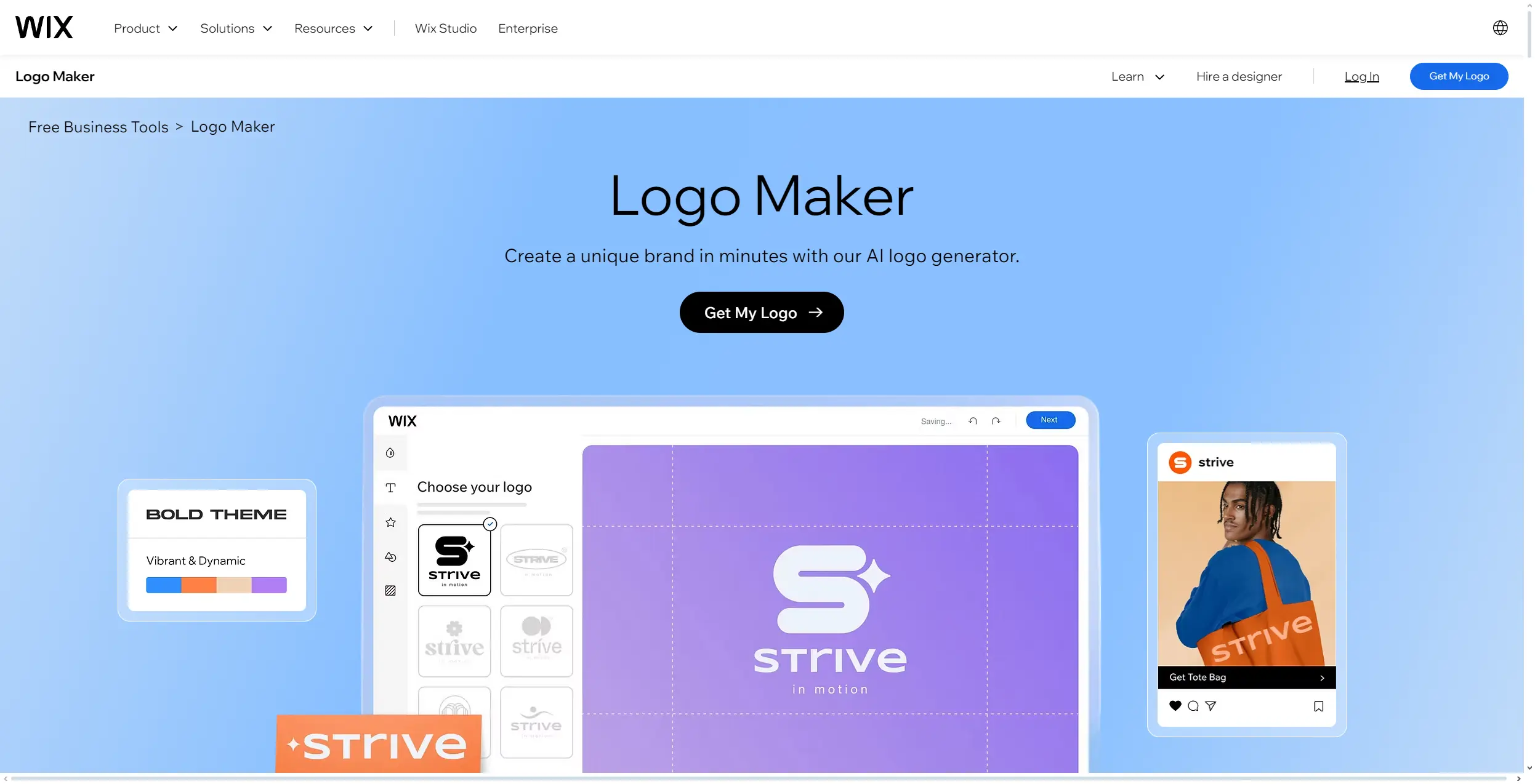
So, let's talk money. Wix Logo Maker offers two tiers. For a really basic need - a logo for a side project or a client on a tight budget - the "Basic Logo" package is super affordable. You get the vector files and a few web variations, the essentials to get you started. Ideal for the freelancer just starting out or the micro-business looking for quick visibility without breaking the bank. Simple, effective.
But if your standards are higher, if you're aiming for complete branding for a demanding customer, the "Professional Logo" package becomes indispensable. The cost is higher, it's true. But in return, you unlock a complete branding kit: variations for all media (web, print, social) and, above all, full commercial rights. For us at the agency, this is the default option. It's an investment, yes, but for impeccable consistency and long-term peace of mind, it's worth every penny.
What are the key features of Wix Logo Maker?
When I put Wix Logo Maker to the test for Easy Web, the first thing that jumped out at me was its ability to start strong. You enter your business sector, a few keywords, and the AI generates a multitude of logo proposals in the blink of an eye. For a designer, it's an excellent starting point for a quick exploration of concepts, or to help a client visualize leads when time is short. It's an appreciable time-saver for initial brainstorming, even if pure originality can sometimes be lacking.
Once the base has been generated, the real test is flexibility. Wix Logo Maker offers decent customization tools: adjusting fonts, color palettes, icons and even layout. You can really shape the initial proposal to better fit the brief. But let's be clear: while these options are handy for fine-tuning, they're no substitute for the total freedom offered by professional vector design software. It's an efficient drag-and-drop editor for quick design, not a full-fledged design studio.
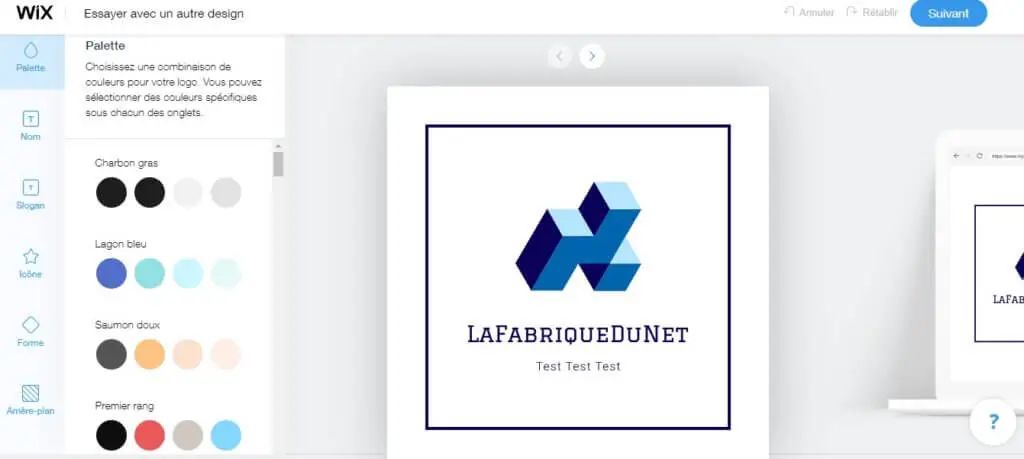
I've been exploring Wix Logo Maker, and what caught my eye was its brand kit generation module. For us professionals, this is an asset. Once your logo is finalized, the tool automatically suggests color palettes, complementary typography and logo variations. This can serve as a quick basis for a style guide, saving you precious time on initial conceptualization.
Speaking of efficiency, the initial suggestions generated by Wix Logo Maker's AI deserve a mention. You enter your business sector, a few keywords, and the tool suggests concepts. It's obviously not a turnkey solution for a designer, but I've found it useful as a creative starting point. Rather than staring at a blank page, you already have a few visual avenues to refine or radically transform.
For a seasoned designer, Wix Logo Maker quickly shows its limitations. You won't be able to handle complex vector exports for large-format printing, nor precisely control typography or CMYK colors. Forget about creating declensions for a complete graphic charter or advanced integration into a brand ecosystem, it's simply not its role.
For these use cases, tools like Adobe Illustrator, Affinity Designer, or even Figma, are a must. But let's be clear: if you're looking for a quick solution for a simple logo with no great technical ambitions, Wix Logo Maker remains relevant. It helps you out, and that's already a lot.
In short, its strengths are:
- Rapid and easy to use.
- Good for a basic, economical need.
Their weaknesses:
- Limited customization options.
- Lack of professional vector formats.
- Not suitable for complex graphic charters.
FAQS
Is it reliable and secure?
Yes, absolutely. At Easy Web, the security of the tools we use is non-negotiable. Wix, as a web giant, implements robust security protocols, from SSL encryption for your data to the secure servers where your creations are stored. Your work is safe. As for reliability, their cloud infrastructure ensures impressive stability, minimizing any risk of loss. We're talking about a reliable digital environment for your most precious projects.
Is it compatible with my other tools?
Absolutely. Wix Logo Maker provides you with vector files, including SVG. This is essential for us designers, as it guarantees perfect scalability of your logo, without any loss of quality, whether it's on a business card or a billboard. You also receive the classic raster formats (PNG, JPG) for immediate web use. In practical terms, you'll be able to import these files seamlessly into your usual professional tools such as Adobe Illustrator, Figma or Sketch for integration or refinement. Compatibility is standard and seamless for your workflow.
Is there responsive customer support?
Absolutely. At Easy Web, we've often called on Wix support for various tools, and for Logo Maker, it's in the same vein. You get access to a comprehensive help center, live chat and phone support. What I noticed was a good reactivity for classic queries: we got answers within minutes via chat. If your question involves very specific design nuances, the response time may be a little longer, as this requires more in-depth expertise. Overall, the service is efficient for an automated creation tool.
What do other users think?
You know, for an entrepreneur just starting out or a small structure in need of a quick logo, they find it top-notch. It's intuitive, fast, and allows you to have something presentable without huge effort or budget. They appreciate the autonomy it gives them.
However, if we talk among pros, between designers and agencies, the perception is different. There's general agreement that it's a good starting point, a generator of ideas. But when it comes to originality, depth of branding and advanced personalization, it remains limited. To create a strong, unique identity, we're moving towards more robust tools.
Can I easily change later?
You know, for an entrepreneur just starting out or a small structure in need of a quick logo, they find it top-notch. It's intuitive, fast, and allows you to have something presentable without huge effort or budget. They appreciate the autonomy it gives them.
However, if we talk among pros, between designers and agencies, the perception is different. There's general agreement that it's a good starting point, a generator of ideas. But when it comes to originality, depth of branding and advanced personalization, it remains limited. To create a strong, unique identity, we're moving towards more robust tools.
Alternatives
.svg)

Specializing in business creation, sales and digital marketing, he puts his expertise at the service of users to help them identify the solutions best suited to their needs. Passionate about digital innovation and optimizing online performance, Alexis is committed to providing detailed, transparent and unbiased comparisons.
Do you have an entrepreneurial project?
We support you in the structuring and development of your tech project. Make an appointment with one of our Business Strategists.