


.avif)





.svg)
.svg)



unDraw has quickly established itself as the solution of choice for free, customizable vector illustrations, a real asset for designers and web developers seeking efficiency. But in 2025, with graphic trends accelerating, is it still the go-to tool for your projects? For several years now, I've been using unDraw on an almost daily basis at Easy Web. In this article, I share my feedback on its current relevance: its simplicity, key features and possible limitations, to help you make the right choice.
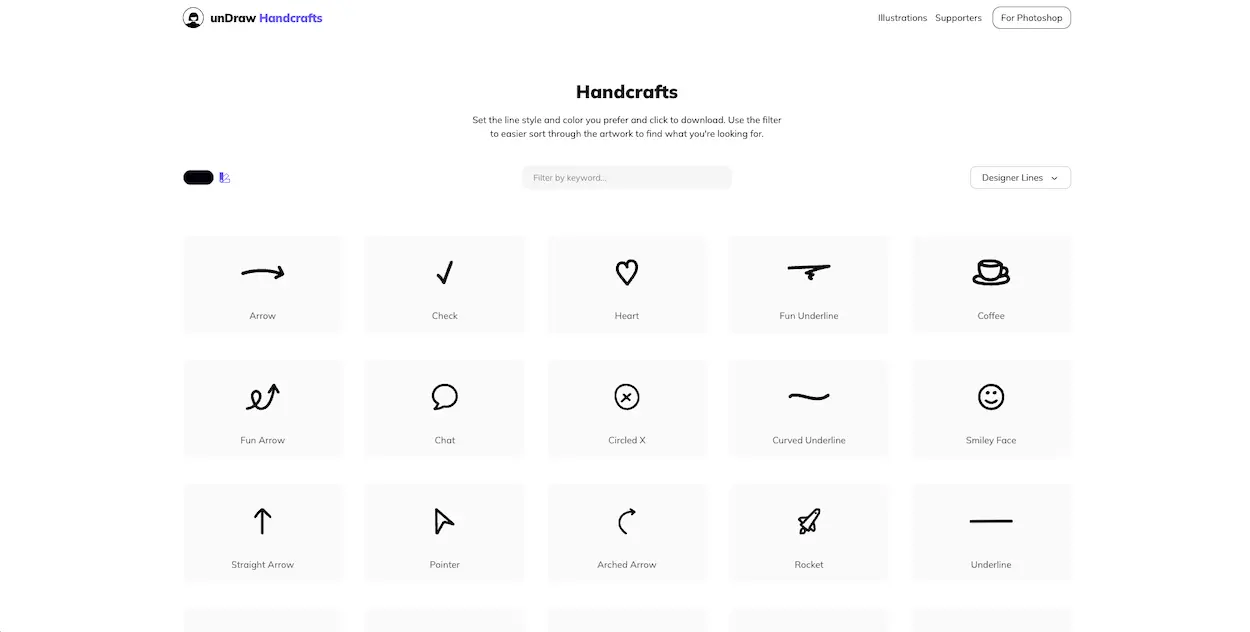
My experience with unDraw
I've been integrating unDraw into our workflows at Easy Web for years now. It has become an almost daily resource for many of our customer projects. If there's one thing that has always blown me away with unDraw, it's its ease of illustration customization.
When does it shine? Simple: when you need vector illustrations for your interfaces or content, but the graphic charter is non-negotiable. UnDraw lets you adapt the dominant color of any illustration with one click. It's ideal for maintaining impeccable visual consistency, without ever opening up more complex design software.
But, let's be clear, there are limits. If your projects require very specific illustrations, with a granular level of detail or pixel-perfect customization, aDraw will show its weaknesses. It won't replace a dedicated illustrator. It's first and foremost a time-saver, not an exhaustive graphic creation tool.
Is unDraw really useful for my needs?
The real question to ask yourself before using unDraw is: what is my objective? Because the relevance of unDraw depends very much on how you use it. If your goal is to quickly and professionally dress up your web pages, mobile apps, or even presentations with modern, vector-based illustrations, then yes, unDraw is a must-have resource.
Whether you're a freelancer, content creator, solo entrepreneur or communications manager in a small to medium-sized business, unDraw saves you precious time and ensures visual consistency. For example, to illustrate website sections, newsletters, blog articles, or even application prototypes, unDraw offers a quick solution with undeniable professional quality.
Beyond its simplicity, what makes unDraw particularly powerful is its flexibility. Each illustration is fully customizable in color to suit your graphic charter in just a few clicks. This is a major asset for maintaining a strong visual identity, without inordinate effort.


Is unDraw suitable for beginners?
If you're just starting out in web design, or your agency is welcoming new talent not yet well-versed in illustration tools, unDraw is the perfect solution. We're talking about a vector illustration library where customization is king. You don't need to be a whiz with Illustrator; just choose your illustration, adapt the color to your branding in one click, and it's ready. Ideal for adding cachet to a mock-up, a customer presentation or even a social post, without any drawing expertise.
This accessibility is unDraw's big plus point for junior profiles. The learning curve is virtually non-existent, allowing you to focus on integration and visual impact rather than technical complexity. It's an excellent starting point for understanding the importance of illustrations in the user experience and brand image, before even thinking about mastering more complex software. It speeds up the workflow considerably, believe me.
How much does aDraw cost?
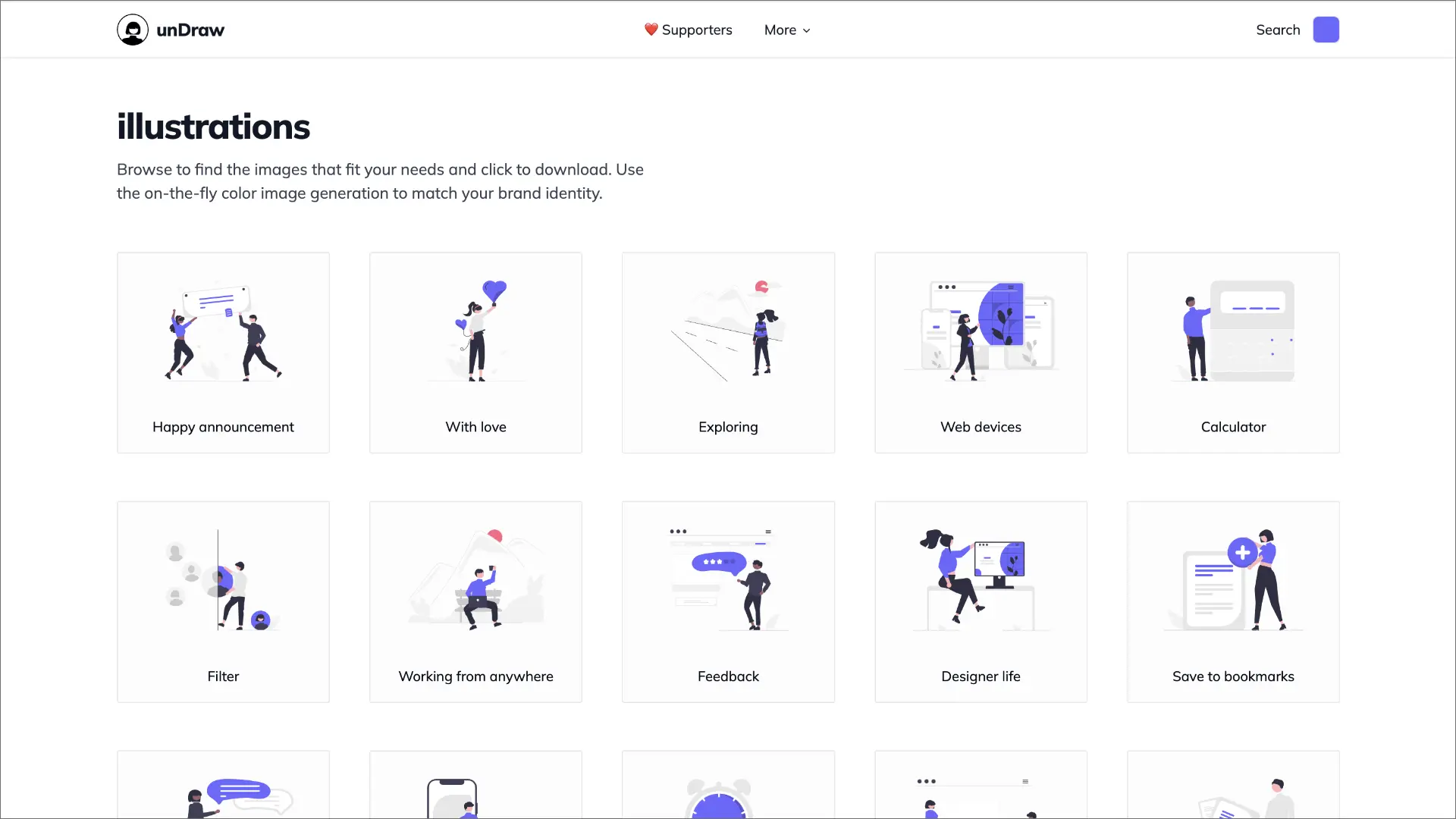
Let's talk about money. That's often the first question that comes up when evaluating a tool, isn't it? Well, with unDraw, the answer is simple and above all... refreshing: it's totally free.
Yes, you read that right. There are no paid packages, no hidden freemium models, no annual subscriptions to budget for. unDraw is an entirely open-source resource. At Easy Web, this accessibility is a major asset. It means zero licensing costs for hundreds of professional illustrations, directly integrable into all our customer projects. It's ideal for maximizing your creativity without impacting your margins. Whether you're a freelance designer juggling your budget, a small agency or a more established structure, unDraw's unique, free "formula" adapts perfectly to every need. It's total freedom, without compromising on quality.
What are unDraw's key features?
Frankly, the first thing that scotched me about unDraw, and makes it a major asset for us at Easy Web, is their library of vector illustrations. We're talking thousands of different designs, all in SVG format. That's essential. And why is that? Because SVG is lightweight, adapts to all screen sizes without pixelating, and is perfect for web integration without weighing down the site. It's the basis of a fluid user experience.
Then, and this is where the tool gets really powerful for brand integration, there's color customization. You enter the hexadecimal code of your main color, and boom! All illustrations are instantly tinted. This feature is a real time-saver. No more manual retouching in Illustrator for each asset; with one click, everything is consistent with your customer's graphic charter.
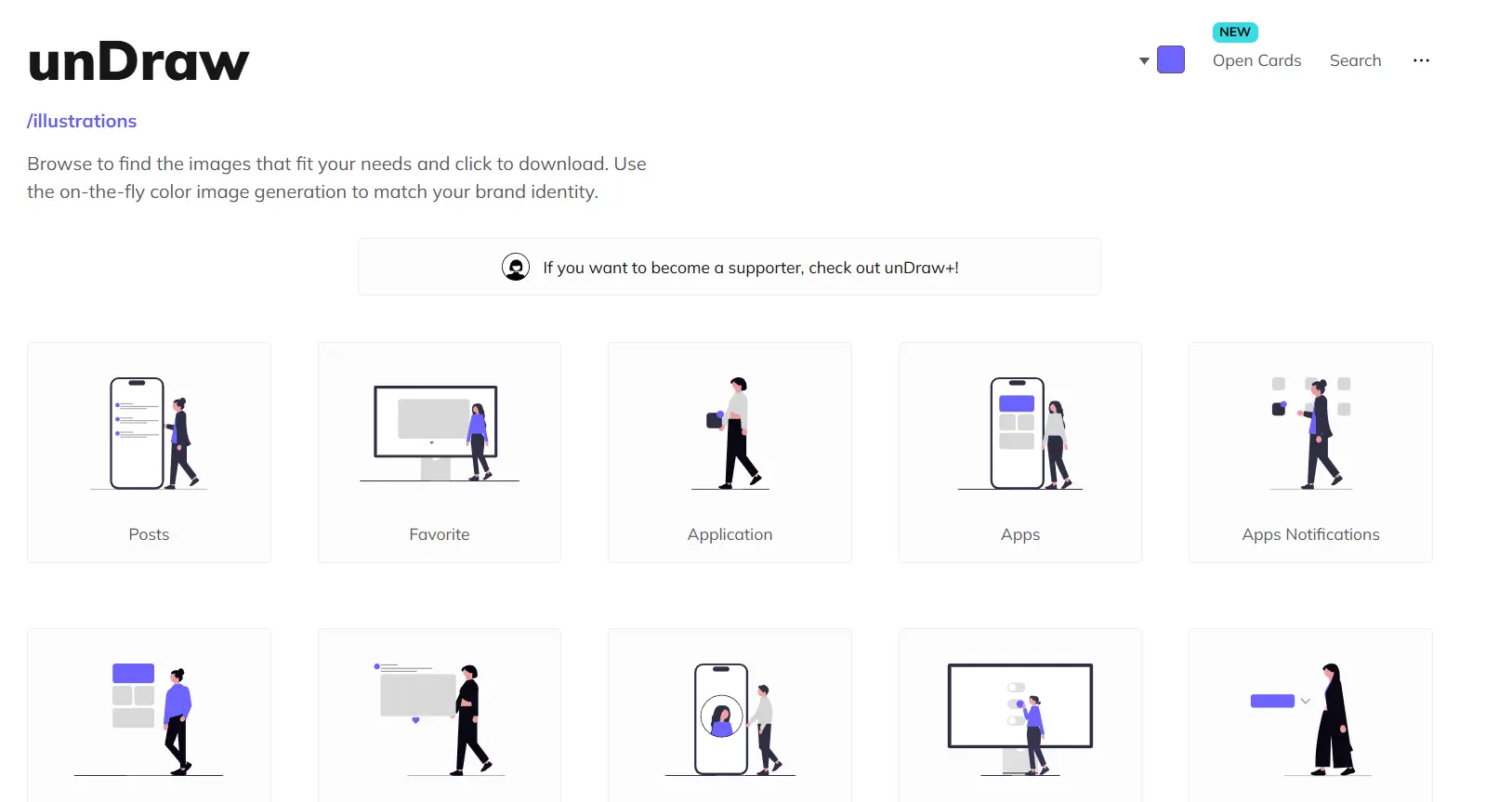
The real game-changer with unDraw for us professionals is its ability to adapt 100% to your visual identity. You can change the main color of illustrations in one click, directly on the site. It's a phenomenal time-saver. No more manual retouching in Illustrator to match the client's charter. For an agency, this is an invaluable asset for maintaining visual consistency without getting in over your head.
But that's not all. Being able to download these illustrations in SVG format is crucial. This means perfect scalability, with no loss of quality, whether for a small icon or a large responsive banner. And the icing on the cake? The MIT license. Clear and simple, it allows free use, including commercial use. We know where we're going, without worrying about legal hassles. It makes our projects, and those of our customers, more secure.
.Need truly unique illustrations? unDraw quickly reaches its limits. Customization is reduced to color; it's impossible to modify poses, add complex elements or fine-tune a scene. For a customer looking for a distinctive visual identity or very precise branding, unDraw lacks flexibility. It excels at the generic, not the bespoke.
For these specific needs, platforms like Freepik or custom illustration take over, offering more diversity. That said, unDraw retains its place. For quick mock-ups or standard web sections, it's an incredible asset for consistency and speed. At Easy Web, we still use it massively for these cases.
In brief:
Advantages:
- Free, royalty-free
- Customizable color
- Vast library
- Fast integration
Disadvantages:
- Non-modifiable style
- Repetitive in use
- Not suitable for unique branding
FAQS
Is it reliable and secure?
Absolutely. UnDraw is an open source illustration library. Its reliability comes from the fact that it's not an application requiring sensitive data transfers. You download SVG files directly from their site. There's no user account, no storage of your creations on third-party servers. For us at Easy Web, this is a key point: your work remains securely localized. It's a passive tool, a resource, not an interactive service that could pose confidentiality issues.
Is it compatible with my other tools?
Absolutely! The great strength of unDraw lies in the SVG format of its illustrations. This vector format is a universal standard in web design and development, ensuring near-perfect compatibility. Whether you're using Figma, Sketch, Adobe XD, Illustrator, or even direct code tools to integrate on your site, you can import, resize and customize these visuals without any loss of quality. This is a major asset for your workflow.
Is there responsive customer support?
Clearly, unDraw is not a commercial service with classic customer support. It's an open-source resource, designed for autonomy. In five years with Easy Web, I've never had the need to seek support for this tool. Its simplicity and robustness minimize this need. If a problem arises, the community or GitHub repositories are the best points of contact, but this is rare. This is plug-and-play, not intensive after-sales service.
What do other users think?
User feedback on unDraw is overwhelmingly positive. Designers and agencies particularly appreciate its vast collection of free vector illustrations (SVG) and their rapid color customization, a major asset for the uniformity of graphic charters. Its ease of integration into various projects, from prototyping to production, is unanimously praised. On the other hand, its popularity can sometimes lead to visual redundancy. For projects requiring a highly distinctive graphic identity, some users look for less widespread alternatives to avoid "déjà-vu".
Can I easily change later?
User feedback on unDraw is overwhelmingly positive. Designers and agencies particularly appreciate its vast collection of free vector illustrations (SVG) and their rapid color customization, a major asset for the uniformity of graphic charters. Its ease of integration into various projects, from prototyping to production, is unanimously praised. On the other hand, its popularity can sometimes lead to visual redundancy. For projects requiring a highly distinctive graphic identity, some users look for less widespread alternatives to avoid "déjà-vu".
Alternatives
.svg)

Specializing in business creation, sales and digital marketing, he puts his expertise at the service of users to help them identify the solutions best suited to their needs. Passionate about digital innovation and optimizing online performance, Alexis is committed to providing detailed, transparent and unbiased comparisons.
Do you have an entrepreneurial project?
We support you in the structuring and development of your tech project. Make an appointment with one of our Business Strategists.