


.avif)





.svg)
.svg)



Should VistaCreate be used in 2025?
VistaCreate has established itself as a solid player in assisted design, often seen as a direct alternative to Canva, but with its own identity and distinct library of resources. The question for us web and design professionals in 2025 is: can a tool of this calibre still meet our demands for productivity and quality?
After several years of using it, for various projects at Easy Web and beyond, I've formed a very clear idea. In this article, I share with you my detailed opinion on its performance, key features and, above all, its real limitations for everyday professional use. Simplicity, efficiency, and where it sticks... Let's break it down together.
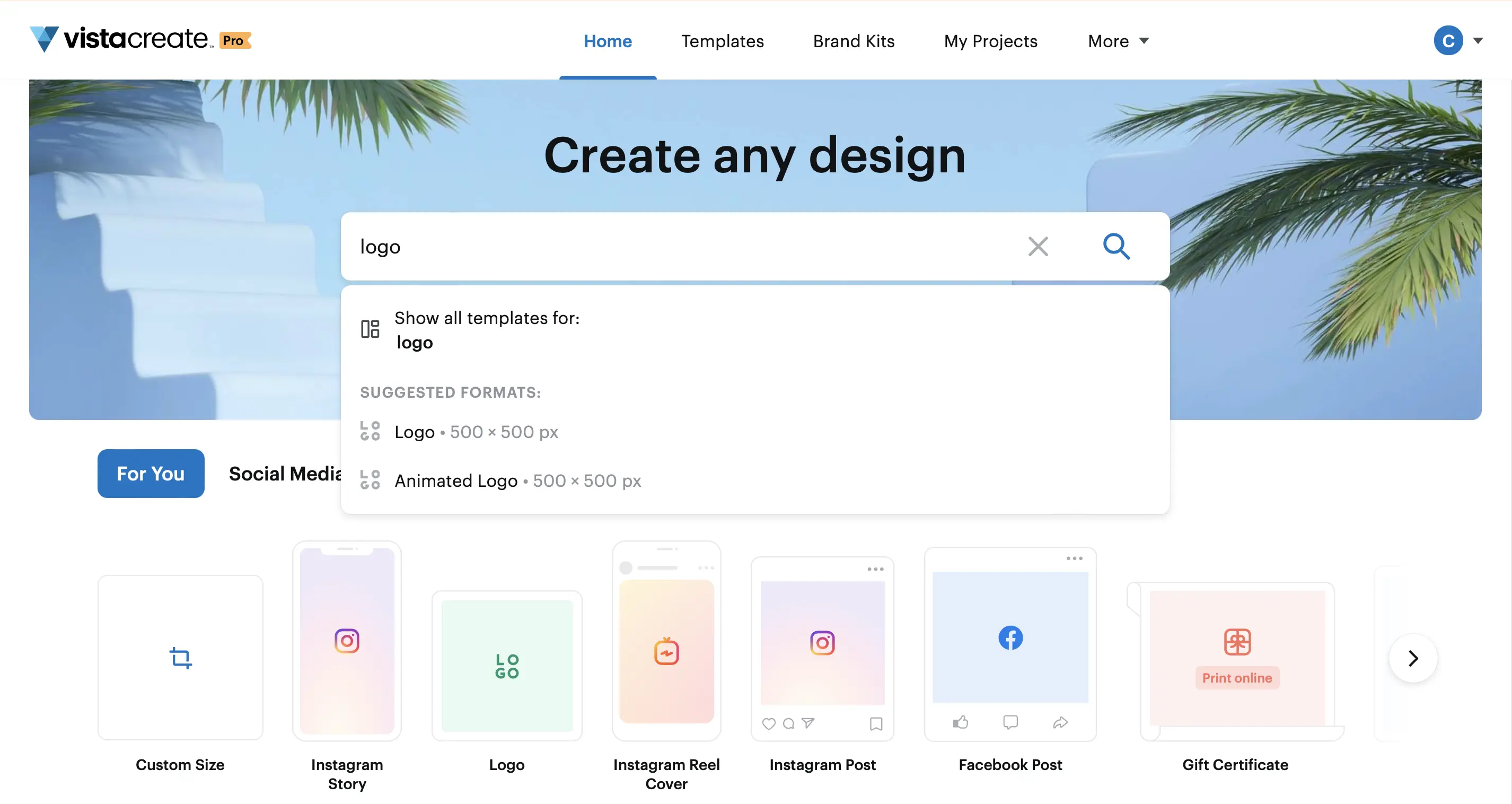
My experience with VistaCreate
I've been juggling with VistaCreate for a few years now, both for quick marketing needs within Easy Web and to accompany certain customers on campaign visuals. What has always struck me is its ability to generate dynamic, engaging visuals with disconcerting ease. His real strength, for me, is the diversity and quality of his animated assets.
For social media campaigns that call for movement, impactful web banners or short animations without going through After Effects, VistaCreate is ultra-relevant. It excels where speed and visual impact are paramount, offering a library of video templates and animated elements that are truly cutting-edge, which is crucial in 2025.
So what's new?
However, we have to be lucid. For in-depth branding work, highly specific graphic creations requiring pixel-perfect precision or advanced layer management, VistaCreate shows its limitations. It's no substitute for full DTP software or a dedicated vector editor when you're aiming for total design mastery.
Is VistaCreate really useful for my needs?
The real question before using VistaCreate is: what's your objective? Its relevance really depends on the use. If your primary need is to generate quick visual content for social networks or simple web banners, then VistaCreate is a solid ally. It shines for the production of recurring visuals without in-depth graphic expertise.
Whether you're a freelancer, content creator or comm' manager in a SME, VistaCreate will save you an incredible amount of time, while guaranteeing consistency. For daily publishing on Instagram, running an ad campaign, or quickly designing invitations, the tool offers a responsive and intuitive interface, perfect for these tasks.
Another major asset: the "Brand Kit" integration. Centralizing your logos, colors and fonts ensures that every creation respects your visual identity, with no extra effort. A tangible productivity gain on a daily basis.


Is VistaCreate suitable for beginners?
When I look at tools like VistaCreate, I see an incredible gateway for those getting into design. No more hours spent dissecting complex software! With its intuitive drag-and-drop interface and thousands of pre-designed templates - whether for an Instagram post, a web banner or even a quick presentation - it lets anyone produce pro visual content, without a degree in graphic arts. It's perfect for busy entrepreneurs or marketing teams in need of responsiveness.
The huge library of visual elements, from photos to videos to animated objects, is a major asset. No need to search high and low to find the right resources; everything is integrated. For a beginner, it's the guarantee of being able to create quickly, to test different approaches, and to obtain a visually coherent and impactful rendering, even without mastering the arcana of typography or composition. It's the freedom to create without the steep learning curve.
How much does VistaCreate cost?
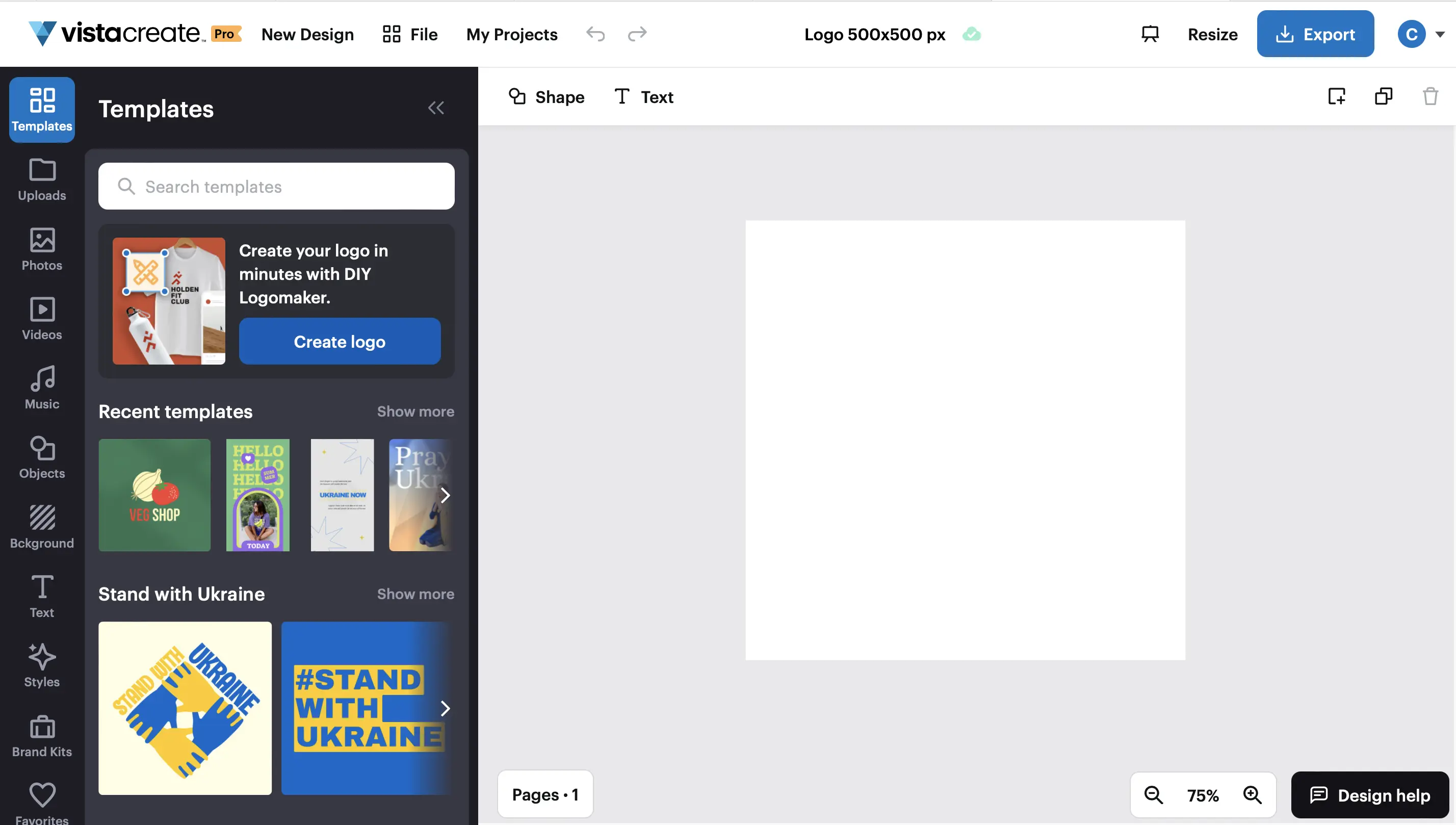
When we look at the portfolio of tools, cost is always central. VistaCreate starts with a free version. It offers the essentials: limited access to templates and graphic elements. Ideal for small designers, students or simply to test the interface without commitment. It's a good starting point, but for a professional workflow, its capabilities are quickly reached.
For us agencies or freelance designers who produce regularly, the Pro package is a must. At around €10 a month (or a little less on an annual basis), it opens the doors to everything: unlimited premium library, advanced tools like background removal and brand management (the famous brand kit, a must!). This is the plan I'd see perfectly for full-time freelancers or small agency teams. This is where the investment becomes logical to optimize the productivity and consistency of your creations.
What are VistaCreate's key features?
Honestly, the first strong point that jumped out at me with VistaCreate was the breadth of its template library. For us in agencies, time is a precious resource. Having thousands of designs, from Instagram posts to infographics, ready to be customized, is a massive speed-up. You save an incredible amount of time by not starting from a blank sheet of paper every time, believe me.
But where it really gets interesting for pros is the Brand Kit function. You centralize your customers' logos, fonts and colors to apply them in one click to all your creations. This is crucial for brand consistency. No more visual slippage! Maintaining a strong, unified identity, even across multiple campaigns, is a guarantee of reliability for your customers, and that, in 2025, is non-negotiable.
.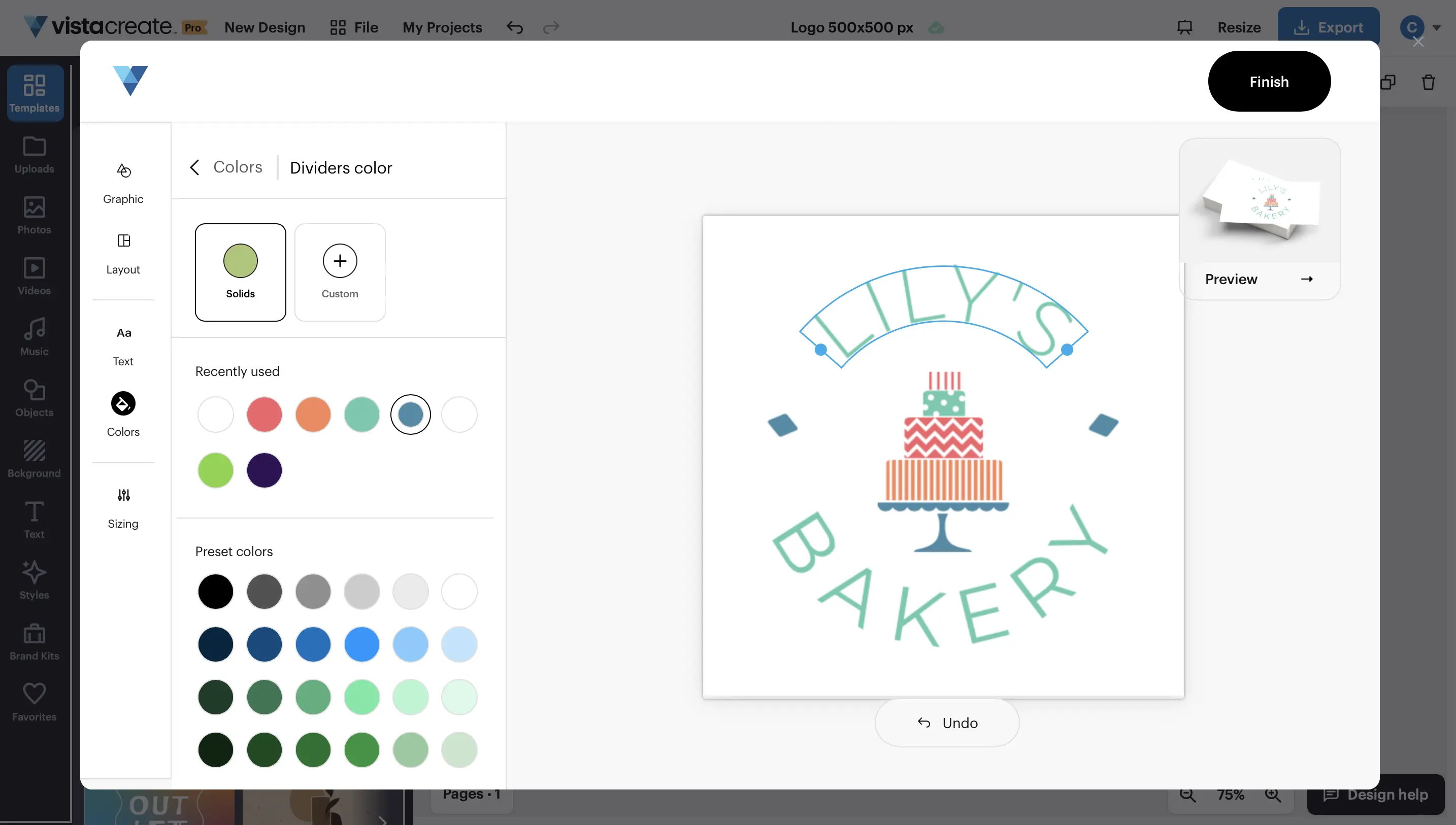
Agency time is money, right? VistaCreate has really fine-tuned its Brand Kit. No more headaches finding the right colors or fonts! You centralize everything here: precise color charts, typefaces, logos and even templates. A colossal time-saver for brand consistency across all media. At Easy Web, this has become indispensable for delivering effortlessly aligned, professional visuals. That's what advanced functionality is all about.
But what really impressed me was their real-time collaboration system. Share a design, get direct feedback, make instant changes... It's a revolution for our productivity! No more endless e-mails and misunderstandings. At Easy Web, we quickly validate drafts and iterate without friction. This kind of functionality transforms a design tool into a teamwork platform. Indispensable in 2025!
Frankly, for pro projects requiring precise vector manipulation or advanced UI component management, VistaCreate quickly reaches its limits. Forget pixel-by-pixel refinements or the management of complex design systems. It's stuck.
For these cases, you'll naturally turn to tools like Adobe Illustrator/Photoshop or Figma. But be warned, VistaCreate still excels for quick creations: social posts, banners... Its simplicity remains a major asset for our daily marketing tasks.
In short, VistaCreate is an excellent Swiss army knife, not a complete toolbox.
- Highlights:
- Simplicity and speed of execution
- Rich templates
- Ideal for content marketing
- Weak points:
- Limitations on advanced functions
- Lack of precision for complex design
- Not suitable for design systems
FAQS
Is it reliable and secure?
For an agency like ours, security is paramount. VistaCreate uses SSL/TLS encryption for all communications, protecting your data in transit. The infrastructure is based on robust cloud servers, ensuring high availability and resilience. What's more, they comply with data protection regulations, including the RGPD, a non-negotiable point for our operations in 2025. This is a guarantee of reliability for professional use.
Is it compatible with my other tools?
VistaCreate excels at exporting your designs in standard formats: PNG, JPG, and PDF in particular. This is great for easily integrating it into your CMS, marketing platforms or even your printing processes. For us at Easy Web, it's a complementary tool. It won't replace the advanced vector or photo retouching capabilities of your professional suites (such as the Adobe suite), but it fits in perfectly for quick creation or production of recurring visuals. It facilitates workflow, without taking the place of anything else.
Is there responsive customer support?
This is a key question, I agree. For VistaCreate, my experience with customer support has been positive overall. Live chat is the fastest route; you get concise answers within minutes, which is essential when you're in the middle of a project rush. For more specific requests, their e-mail support usually responds within 24 hours. They also have a solid knowledge base, packed with tutorials. In short, they're there when you need them, without making you wait hours.
What do other users think?
Clearly, the community is unanimous on one point: VistaCreate shines for its simplicity. Feedback highlights its ease of use for quick creations, particularly for social networks or basic visuals. This is a real asset for those who don't have a solid grounding in design or who are looking for an agile solution. Obviously, for complex projects requiring pixel-by-pixel control or advanced layer functionality, our peers will turn to more robust suites. But for efficiency, it does the trick.
Can I easily change later?
Clearly, the community is unanimous on one point: VistaCreate shines for its simplicity. Feedback highlights its ease of use for quick creations, particularly for social networks or basic visuals. This is a real asset for those who don't have a solid grounding in design or who are looking for an agile solution. Obviously, for complex projects requiring pixel-by-pixel control or advanced layer functionality, our peers will turn to more robust suites. But for efficiency, it does the trick.
Alternatives
.svg)

Specializing in business creation, sales and digital marketing, he puts his expertise at the service of users to help them identify the solutions best suited to their needs. Passionate about digital innovation and optimizing online performance, Alexis is committed to providing detailed, transparent and unbiased comparisons.
Do you have an entrepreneurial project?
We support you in the structuring and development of your tech project. Make an appointment with one of our Business Strategists.