


.avif)





.svg)



DesignEvo has positioned itself as the accessible tool par excellence for creating logos, often the first reflex of those starting out with no graphic design background. But for us design professionals and web agencies, the question is quite different: in 2025, is it still a good idea to integrate it into our visual creation processes? Simplicity, functionality, and above all, its real limits... I've been using DesignEvo for a number of years for specific needs, and here I share my detailed feedback and objective opinion on its real usefulness, depending on your requirements.

My experience with DesignEvo
I discovered DesignEvo a few years ago now, and it's never really left me for a specific task. What I appreciate most is really its simplicity and fearsome efficiency for logo creation, even without being a design expert.
It's the perfect tool when you need to quickly generate logo drafts for mock-ups, customer pitches or startups launching their concept. The template library is vast and highly intuitive, a real time-saver.
This is the perfect tool when you need to quickly generate draft logos for mock-ups, customer pitches or startups launching their concept.
However, if your goal is complex branding with precise variations or a deep visual identity, it shows its limitations. It lacks the granularity and options of more specialized tools for large-scale projects.
It's a real time-saver.
Is DesignEvo really useful for my needs?
The real question to ask before using DesignEvo is: what is my objective? Its relevance depends very much on the purpose. If your goal is to quickly create a simple, uncluttered logo to launch a project or validate an idea, DesignEvo is a valuable ally. It excels in simplifying this first visual step.
Who is it really for? Whether you're a beginning micro-entrepreneur, a freelancer with a one-off logo need, or a content creator, DesignEvo gives you autonomy. It allows you to generate variations, test concepts without heavy investment, and get immediate results for your first media.
Another major asset: its vast library of templates and icons. Thousands of ready-to-use options. This drastically speeds up the creative process. No need to start from a blank sheet of paper: you have a solid, adaptable starting point, which makes it much easier to get to grips with and get things done quickly.

Is DesignEvo suitable for beginners?
You're looking to create a logo quickly without diving into the complexities of Illustrator or Photoshop? DesignEvo is clearly the tool for you when you're just starting out. Its strong point? An impressive library of thousands of pre-designed templates. Whether it's for a side project, your Twitch channel or a small association, you just pick and choose, drag and drop a few icons, adjust the text, and that's it. It's intuitive, and drag-and-drop makes creation accessible even if you've never touched design software.
The crucial advantage is this virtually non-existent learning curve. No need to understand layers or blend masks; everything is simplified to get a visually correct result in minutes. For an entrepreneur just starting out, or an agency managing micro-projects with tight budgets, it's a huge time-saver. It's the perfect tool for roughing out an idea and getting a concrete idea before potentially investing in a more complex creation.
How much does DesignEvo cost?
The cost of DesignEvo? It's straightforward. I've seen quite a few pricing models, and they offer a classic, efficient scheme.
The Free package is perfect for getting started. You test the tool, create logos in low resolution, with the obligation to credit them. Ideal for a first look or a personal project with no budget.
For more professional use, the Basic formula, often at €24.99/year. It removes the attribution and gives access to high resolution. It's the happy medium for freelancers or small businesses looking for clean rendering without breaking the bank.
Finally, for an agency or designer managing complex projects, the Plus package, at around €49.99/year, is a must. The real plus? Vector formats (SVG, PDF). That changes everything when it comes to adapting your creations. It's the right investment for maximum flexibility and impeccable quality.
What are DesignEvo's key features?
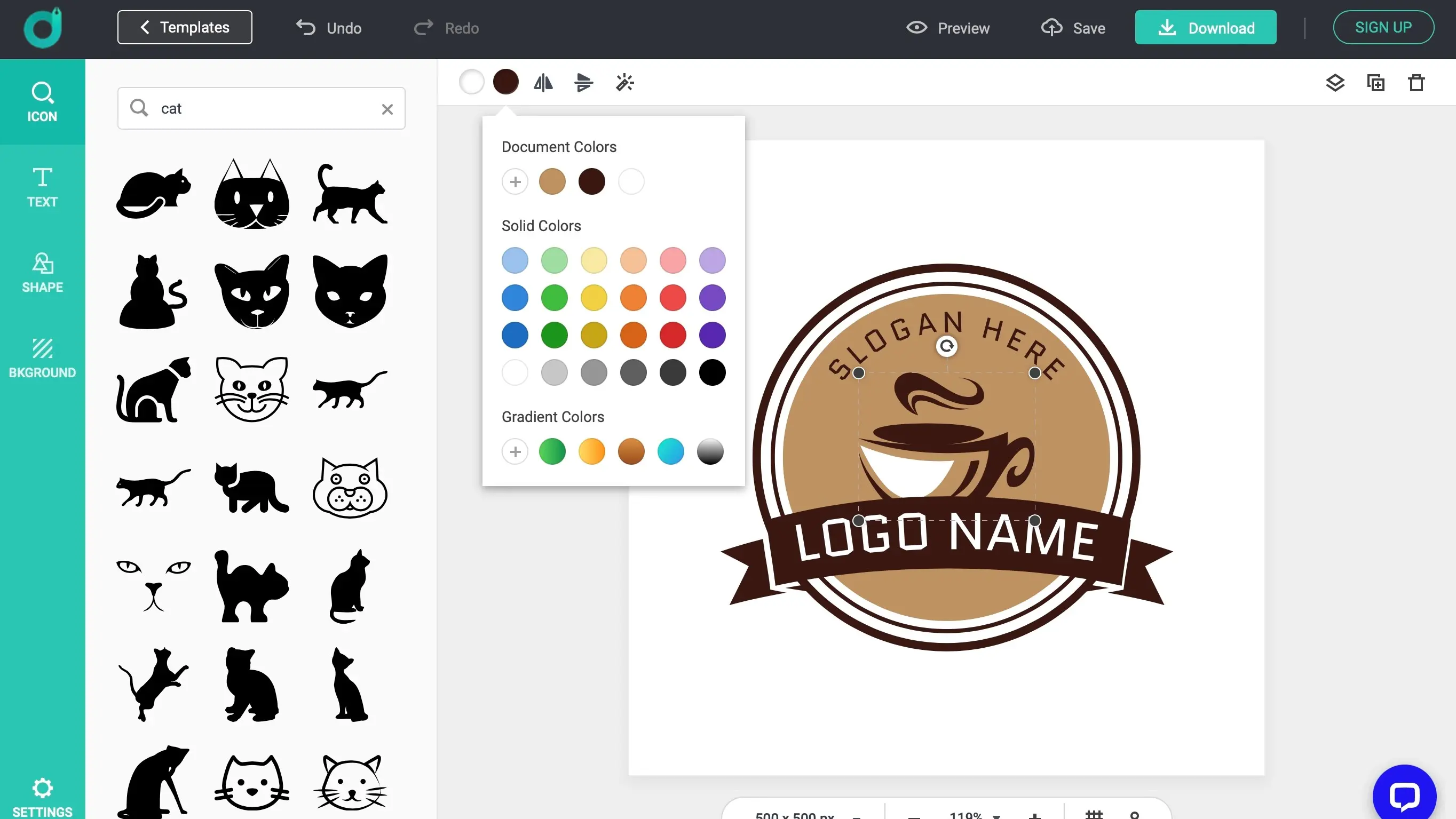
When you're looking for efficiency in logo creation, DesignEvo's template library is a real asset. We're talking thousands of templates, categorized by industry, offering an ultra-fast starting point. There's no need to start from scratch for every draft: you just select and adapt. For us in the agency, it's a colossal time-saver on projects that demand maximum responsiveness.
But the benefits don't stop there. What really makes the difference is the depth of customization. You have access to an impressive palette of fonts and vector icons, allowing you to push the design far beyond the simple template. You can really infuse your brand identity. And best of all, SVG or PDF exports guarantee impeccable professional quality for all your media.
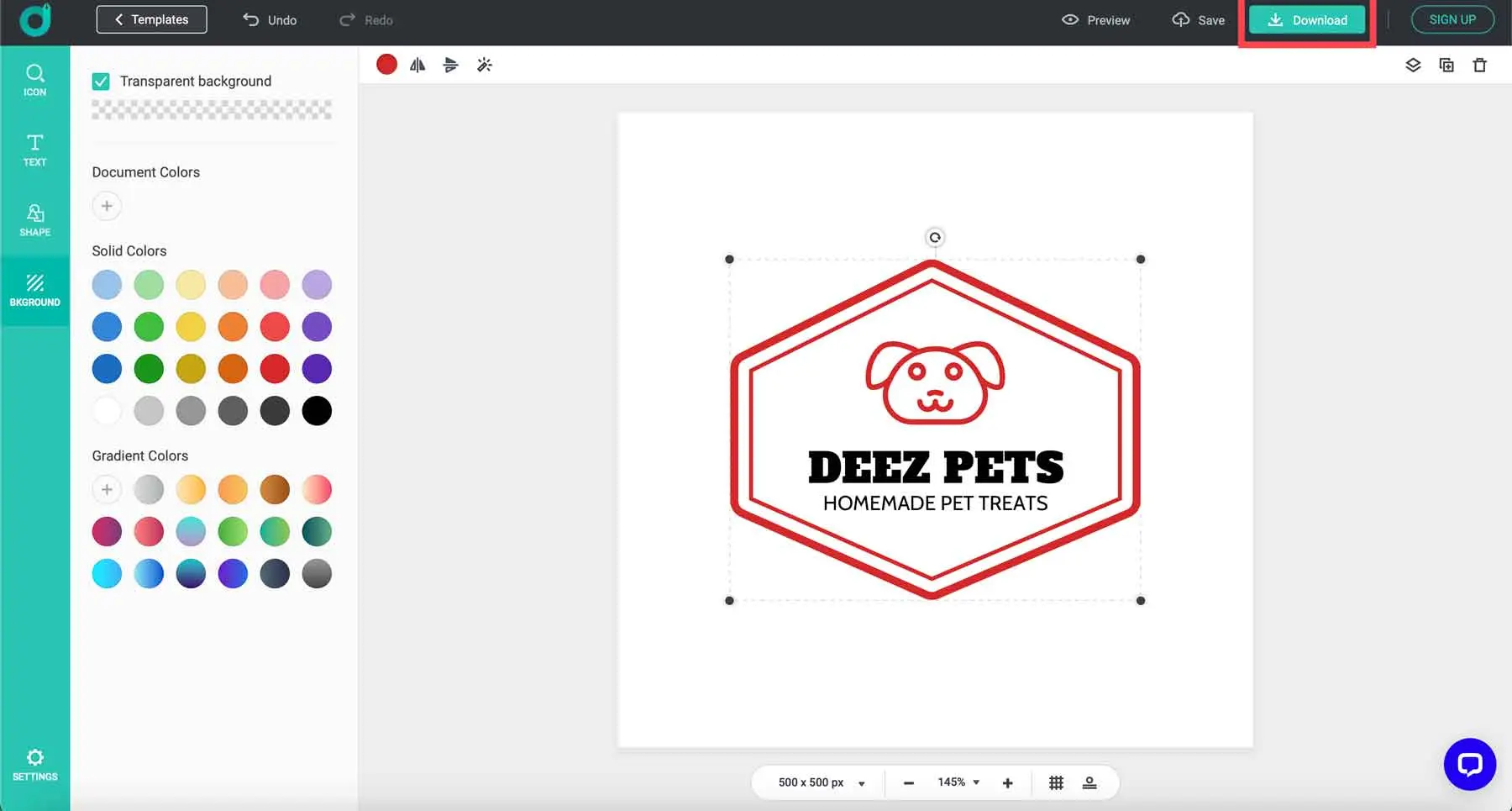
When evaluating a tool like DesignEvo for pro use, the question of vector is paramount. I was pleasantly surprised by its ability to export logos in SVG or PDF vector formats. It changes everything! No more pixels and compromises on quality when you have to resize a logo for a large panel or a small favicon. It's a huge time-saver for declensions and a non-negotiable criterion for web integration.
Beyond the simple selection of templates, the layer management and detailed customization options impressed me. You can really dive into each element: adjust opacity, merge shapes, or even apply complex gradients. For an online tool, this granularity is invaluable. It allows you to go beyond the simple template and add your own unique touch, even on fast-paced projects where every minute counts.
If you're aiming for a complete brand identity, beyond a quick logo, DesignEvo will quickly show its limitations. For complex illustrations, bespoke typography or integration into a design system, it's not suited. It lacks the vector freedom and advanced controls essential to agencies.
For these needs, tools like Adobe Illustrator, Affinity Designer or even Figma for vector branding are indispensable. DesignEvo is excellent for prototyping a logo idea or an ultra-specific requirement. It has its place, but not as a primary agency tool.
To sum up, DesignEvo is:
- Advantages:Ease, speed, wide choice of templates.
- Disadvantages: Limited customization, basic vector options, not suitable for complex projects.
FAQS
Is it reliable and secure?
Clearly, the reliability is spot on. As an agency, we can't afford unstable tools, and DesignEvo delivers. As for security, that's also a solid point: they use robust encryption to protect your data, and their servers are well guarded. Your designs remain your property. This is essential, especially when working on sensitive customer projects. We always make sure our tools respect that.
Is it compatible with my other tools?
Compatibility is crucial. DesignEvo excels here by exporting your logos in standard formats: SVG (Scalable Vector Graphics), ideal for vector editing in tools like Adobe Illustrator, Affinity Designer or Inkscape. You also get raster files such as transparent PNG and JPG. This means you can easily import your creations into Photoshop, GIMP, or even layout tools like Figma or Sketch to integrate them into your overall designs. This is a major asset for a smooth workflow.
Is there responsive customer support?
DesignEvo customer support? I've been able to test it out and, honestly, it's pretty responsive for a tool of this type. Communication is mainly by e-mail via a ticket system. You won't get a 24/7 hotline, but that's not what you'd expect from a freemium solution. Responses generally arrive within 24 to 48 business hours, and they're accurate. Their FAQ section is also well-stocked for the most frequently asked questions. For our needs at Easy Web, this is more than sufficient and reliable.
What do other users think?
From our exchanges and the communities I follow, DesignEvo is hailed for its speed and ease of access. Freelancers and small structures love it for basic logos or quick concepts. Its strong point is clearly its accessibility for one-off needs, with templates that help you get started quickly. But more experienced designers point out its shortcomings in terms of fine-tuned customization and advanced vector export options. For complex projects or a truly unique brand identity, most turn to more robust suites. It's a good springboard, not a Swiss Army knife.
Can I easily change later?
From our exchanges and the communities I follow, DesignEvo is hailed for its speed and ease of access. Freelancers and small structures love it for basic logos or quick concepts. Its strong point is clearly its accessibility for one-off needs, with templates that help you get started quickly. But more experienced designers point out its shortcomings in terms of fine-tuned customization and advanced vector export options. For complex projects or a truly unique brand identity, most turn to more robust suites. It's a good springboard, not a Swiss Army knife.
Alternatives
.svg)

Specializing in business creation, sales and digital marketing, he puts his expertise at the service of users to help them identify the solutions best suited to their needs. Passionate about digital innovation and optimizing online performance, Alexis is committed to providing detailed, transparent and unbiased comparisons.
Do you have an entrepreneurial project?
We support you in the structuring and development of your tech project. Make an appointment with one of our Business Strategists.