


.avif)





.svg)



Should you use Cal.com in 2025?

Cal.com is a modern open-source appointment scheduling automation solution that offers flexibility and customization rare on the market. Used by professionals and businesses looking for an effective alternative to Calendly and similar tools, Cal.com is built on a robust architecture that facilitates large-scale calendar management, synchronization and appointment scheduling.
With growing adoption in the developer community thanks to its open-source nature and easy integration via API, Cal.com poses a pertinent question: how do you combine ease of use and advanced customization in a scheduling tool? This article will explore Cal.com's strengths, limitations and use cases in 2025, to help you decide if it's the right tool for you.
.
My experience with Cal.com
I used Cal.com in a professional context to automate the management of customer appointments in a web agency. What I particularly appreciated was its open-source nature, enabling extensive customization to integrate the system seamlessly into our existing workflows. Flexibility and the ability to adapt to specific use cases are its greatest assets.
In a context where online appointment scheduling is becoming a must, Cal.com excels in multi-calendar management and synchronization with popular services such as Google Calendar or Microsoft Outlook, making coordination simple and reliable.
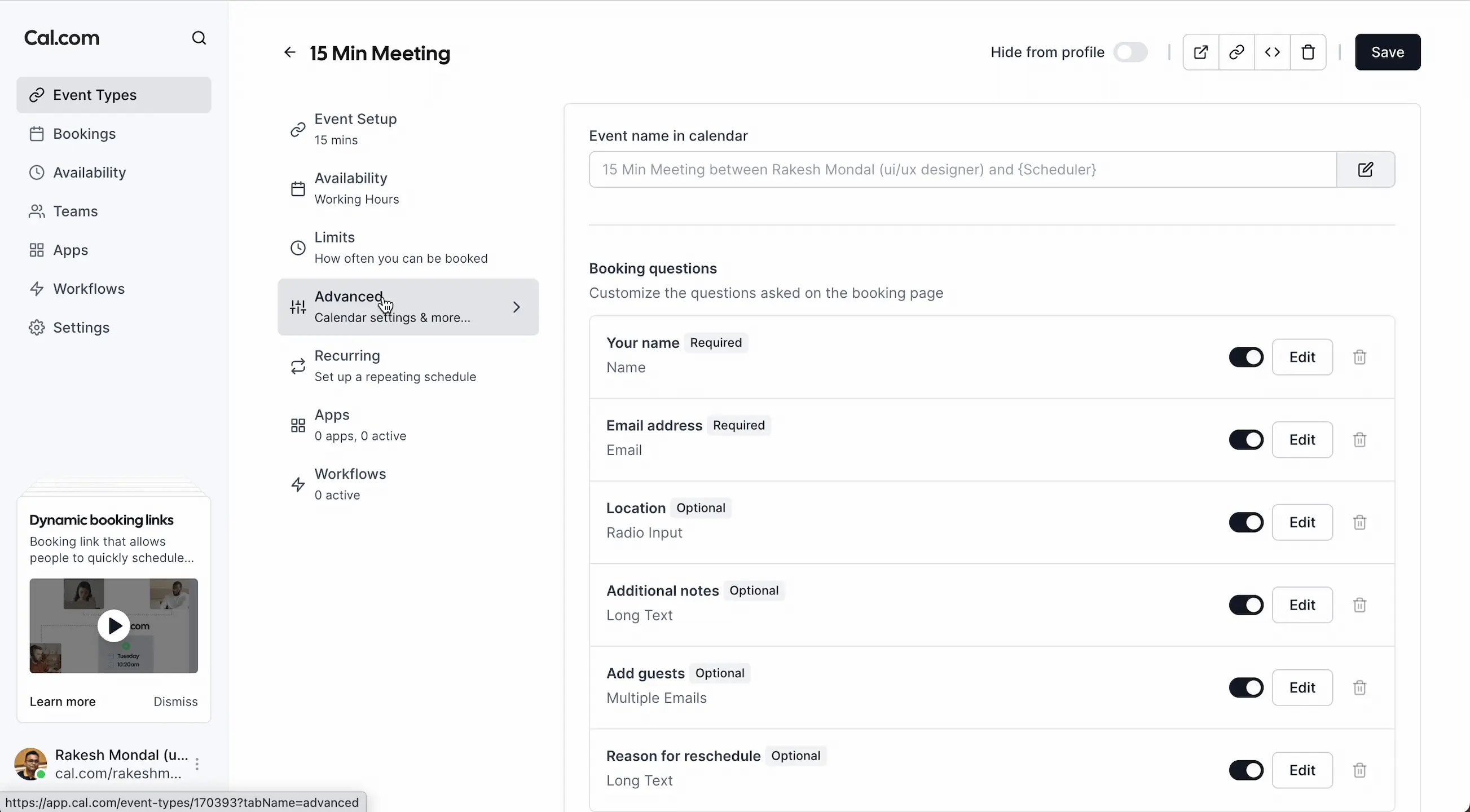
However, its interface, while functional, can seem a little austere compared to its more established competitors. For some complex cases, it may also require a little extra development to take full advantage of its capabilities.
Is Cal.com really useful for my needs?
The real question to ask yourself before adopting Cal.com is whether you need a customizable, robust solution for booking appointments, while still wanting to retain complete control of the data. Cal.com responds very well to this need, thanks in particular to its open-source code and rich API.
Many types of personas can find something to their liking: web agencies who need to manage multiple customers with different schedules, freelancers who want a tool without restrictive subscriptions, or in-house teams wishing to integrate scheduling into their technical stack. For example, a developer can integrate Cal.com into a customized customer portal without running into limitations.
Another strong point of Cal.com lies in its ability to integrate into customized systems and workflows, which are not always found in standard proprietary solutions.

Is Cal.com suitable for beginners?
Cal.com is accessible enough for a beginner thanks to its easy installation and clear documentation, but it does however require a minimum of familiarity with technical notions such as APIs and calendar services to exploit its full potential. The basic functionalities remain simple to implement, notably appointment scheduling with Google Calendar integration.
For a novice developer, this is an opportunity to learn while having a practical tool at hand, with the possibility of extending and customizing the tool afterwards. Beginners can take advantage of ready-to-use templates and configurations, making it easy to adopt and get to grips with.
How much does Cal.com cost?
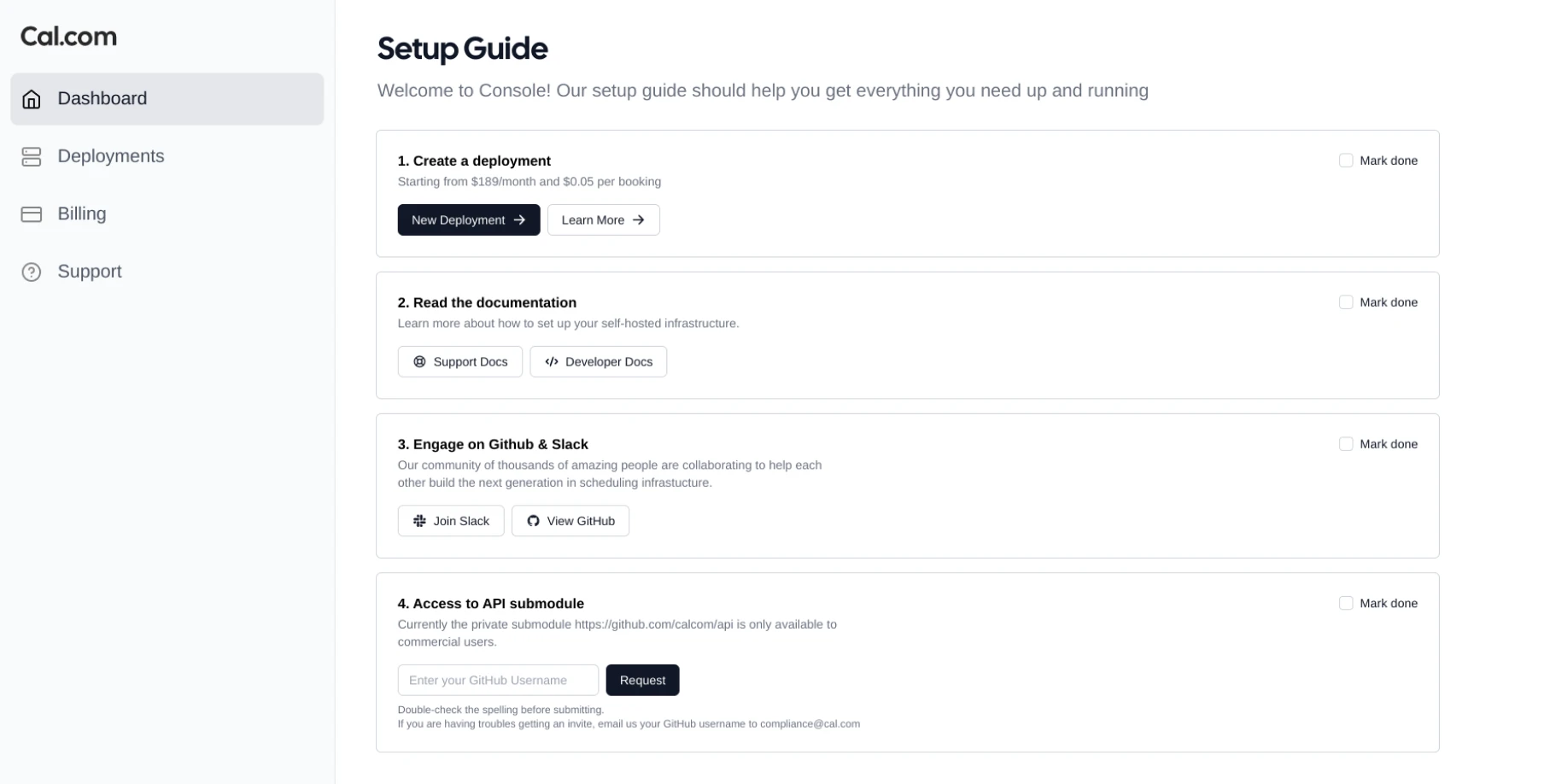
Cal.com is free to use as an open-source version, with no subscription costs, making it an excellent option for developers wanting a customizable tool at a lower cost.
There is also a paid hosted offering by Cal.com that starts at around $9/month, offering simplified management, automatic updates and dedicated customer support, suitable for teams preferring to outsource hosting and maintenance.
The open-source version will be ideal for developers, agencies and technical professionals able to manage installation and maintenance themselves to keep control of their data and configurations.
What are Cal.com's key features?
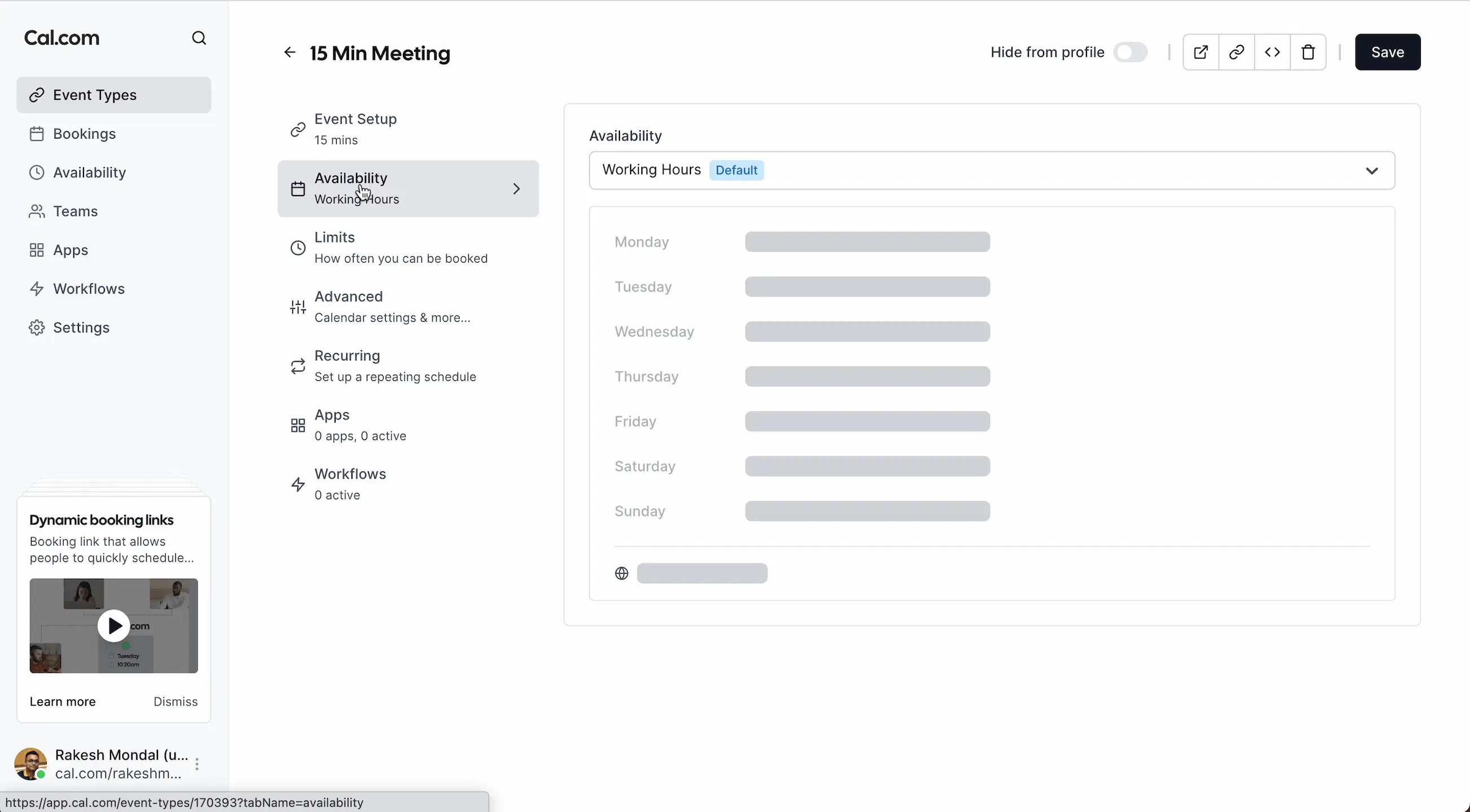
The first key feature of Cal.com is its multi-calendar management, enabling you to synchronize different calendars such as Google, Outlook or Apple Calendar, and manage availability in real time. This makes it easy to coordinate appointments, even in complex environments where several people or teams need to be taken into account.
Then, customization is at the heart of Cal.com with an open-source system that allows you to adapt the tool to very specific needs, add functionality via the API and modify the front-end for seamless integration into your business environment.
Among the advanced features, Cal.com offers customizable workflows that allow the user journey to be adapted to different scenarios, for example by adding pre-appointment questions or setting specific durations according to the type of meeting.
The platform also supports native integrations with third-party tools such as Zoom, Microsoft Teams, Slack, and offers automated email and SMS notifications to reduce oversights and improve appointment management.
.Cal.com can show its limitations in contexts where the main requirement is for a turnkey solution with a very polished interface and ready-made integrations, with no need for additional customization or development. For less technical users or small teams with no dev skills, adoption can be a little more complex.
Facing alternatives like Calendly or Doodle, which are both very easy to get to grips with and offer a highly accomplished user experience, Cal.com relies more on flexibility and freedom. These competitors remain relevant for more standardized cases.
In summary, Cal.com is an excellent tool if you value open-source and customization, but you'll have to accept a less polished interface and sometimes a need for additional technical resources to fully exploit the product.
FAQS
Is it reliable and secure?
Cal.com is reliable and secure, relying on modern protocols such as HTTPS, OAuth for connections to external calendars, and robust data security standards. By being open-source, its code is accessible for audits and improvements by the community, adding an extra layer of transparency and trust.
Own hosting or via paid offerings guarantees control over data and compliance with privacy regulations such as the RGPD.
Is it compatible with my other tools?
Cal.com is compatible with the main electronic calendar formats: iCal, CalDAV, as well as with the Google Calendar, Microsoft Graph and Apple Calendar APIs. This broad compatibility facilitates its integration into heterogeneous technical environments.
It also supports integrations via webhook and APIs that enable it to be connected to other tools such as CRMs, automation tools or communication platforms.
Is there responsive customer support?
Customer support depends on the mode of use: in the open-source version, the community and official documentation are the main resource. For the paid hosted offering, dedicated support is available with professional response times, suited to teams requiring rapid assistance.
Online resources are plentiful, with step-by-step guides and an active forum facilitating rapid problem resolution.
What do other users think?
Cal.com users particularly appreciate its flexibility and free, open-source nature, as well as the richness of its integrations. There is also positive feedback on the quality of documentation and customization possibilities.
On the other hand, some mention that the interface can seem a little crude and that installation requires a minimum of technical skills, which can be a hindrance for non-developer profiles.
Can I easily change later?
Cal.com users particularly appreciate its flexibility and free, open-source nature, as well as the richness of its integrations. There is also positive feedback on the quality of documentation and customization possibilities.
On the other hand, some mention that the interface can seem a little crude and that installation requires a minimum of technical skills, which can be a hindrance for non-developer profiles.
Alternatives
.svg)

Specializing in business creation, sales and digital marketing, he puts his expertise at the service of users to help them identify the solutions best suited to their needs. Passionate about digital innovation and optimizing online performance, Alexis is committed to providing detailed, transparent and unbiased comparisons.
Do you have an entrepreneurial project?
We support you in the structuring and development of your tech project. Make an appointment with one of our Business Strategists.