


.avif)





.svg)



Should you use Wix in 2025?

Wix has established itself as one of the most popular website builders, offering an accessible solution for beginners and professionals alike. Its platform combines an intuitive interface with rich customization options, making it possible to quickly and efficiently create sites tailored to a variety of needs. Why choose Wix among the multitude of tools available today? This article will help you understand the strengths and limitations of Wix to decide if it's the right tool for you in 2025.
My experience with Wix
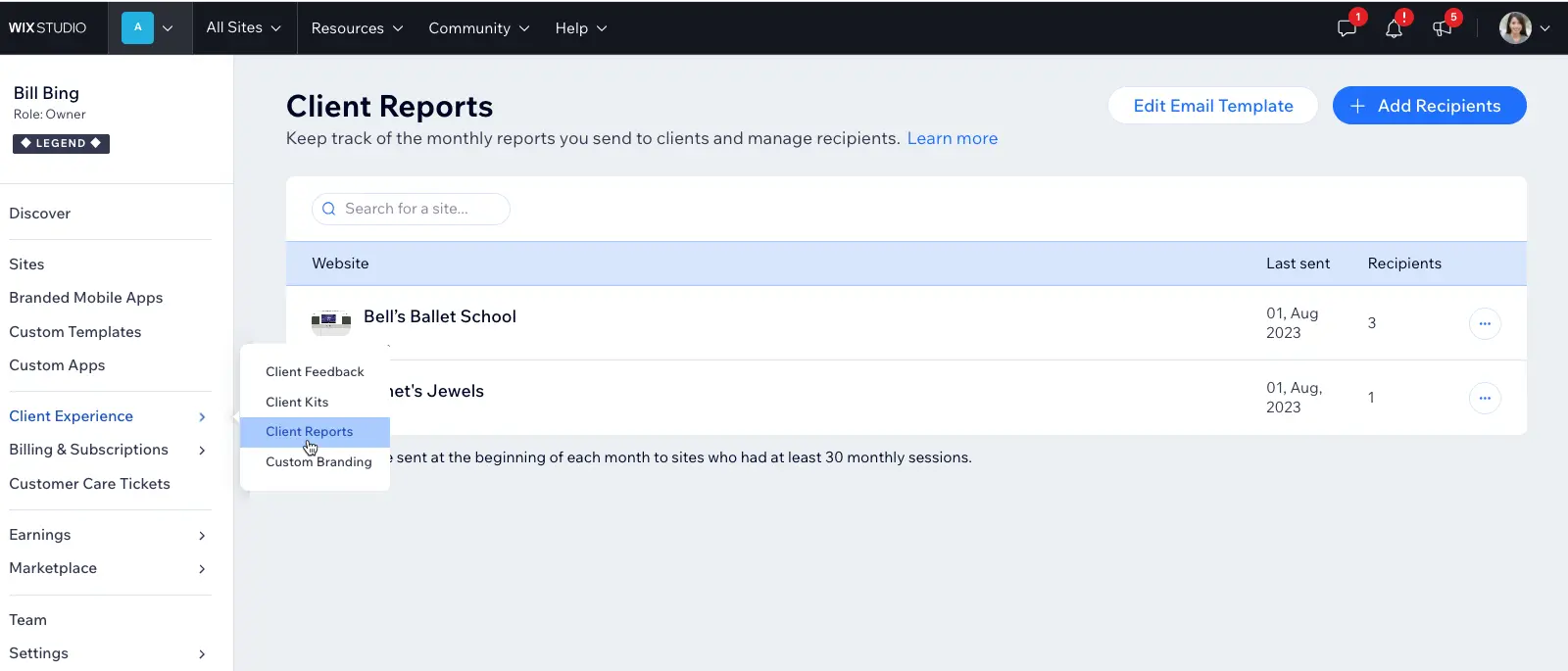
I've used Wix for both personal and professional projects. Its strength lies in its ease of use, particularly with its **very ergonomic** drag-and-drop editor, which enabled me to set up sites quickly without coding. This has been particularly useful for customers wanting a basic but polished web presence.
In cases where time is a key factor, Wix excels by offering a stable environment and well-designed templates that facilitate creation without compromising on aesthetics. I also appreciated the built-in SEO options that help optimize visibility.
However, Wix shows its limitations for projects requiring very specific functionality or extensive customization beyond its native capabilities. Performance can also become an issue for very heavy or complex sites.
Is Wix really useful for my needs?
The real question to ask yourself is to understand what type of site you need to create and what level of control you want to have. Wix is very useful for those looking for a quick solution, without having to worry about hosting or coding.
This concerns a variety of profiles:
- Small businesses wanting a professional showcase without heavy investment
- Freelancers or self-employed people wanting an easy-to-manage web presence
- Agencies looking to quickly offer a working model to their clients
In addition to this, Wix offers e-commerce functionality and marketing tools, making it a versatile ally. Its intuitive interface provides another strong point: the ability to easily modify your site over time, without systematically depending on a developer.

Is Wix suitable for beginners?
For beginners, Wix is particularly well suited thanks to its intuitive visual editor. It requires no programming knowledge, making it possible to create an attractive site in just a few hours.
The platform also offers ready-to-use templates and a clear interface for managing content, greatly simplifying the learning curve. This makes it an ideal solution for those wishing to launch their site without technical complexity.
How much does Wix cost?
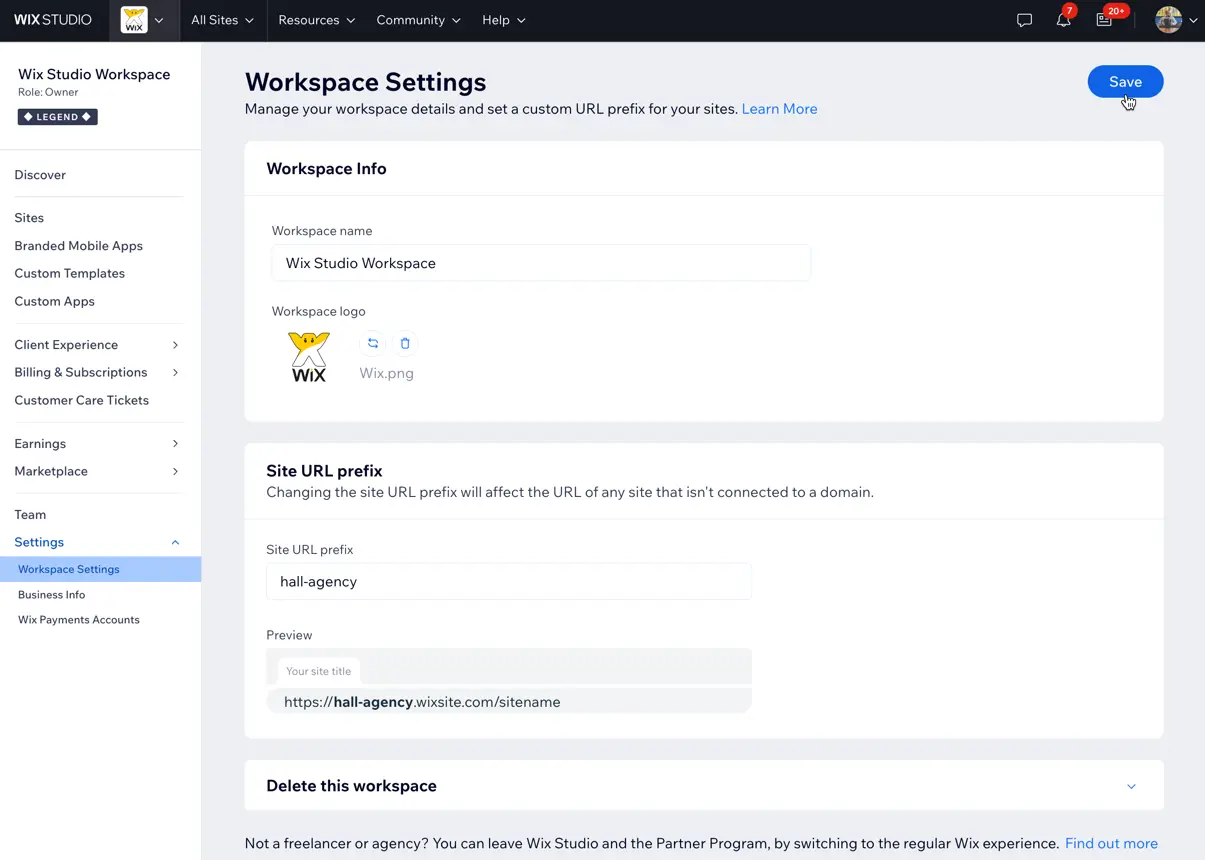
Wix offers a free version with hosting included and access to numerous templates, ideal for testing and starting a basic site.
For professional needs, several paid packages exist:
- Combo at around €13/month, suitable for personal sites without Wix advertising
- Unlimited at €17/month, for freelancers with high traffic
- Business Basic from €23/month, essential for an online shop
Each package unlocks additional features like personalized domain access, more storage space, or advanced marketing tools. This allows you to choose according to your real needs.
What are Wix's key features?
The first key feature of Wix is its drag-and-drop visual editor, which allows you to build your site in total freedom without touching the code. This intuitive interface is particularly appreciated for saving time quickly.
Then, Wix has an extensive library of professional templates and integrated widgets, making it easy to customize according to industry or specific expectations, without resorting to advanced technical skills.

Wix also offers advanced features:
- Integration of a complete e-commerce system with payment management, inventory and promotions
- Integrated SEO tools to optimize the site's natural referencing easily
These options considerably expand the possibilities beyond the simple creation of a showcase site.
Wix is less suited to projects requiring bespoke development or complex architecture. For example, for advanced web applications or environments where code needs to be fully controlled, Wix can quickly show its weaknesses.
In this case, competitors such as WordPress, Webflow or even Shopify (for e-commerce) will often be more relevant. These alternatives offer greater flexibility and more in-depth control.
In addition, Wix has the advantage of being quick to learn and easy to maintain, which partly offsets its technical limitations. In short, Wix offers an excellent compromise for standard needs, but long-term objectives need to be considered carefully.
FAQS
Is it reliable and secure?
Wix is a reliable and secure platform for creating and hosting websites. It uses HTTPS protocols to secure exchanges between browser and server.
The robustness of its cloud infrastructures guarantees high availability and regular backups. In terms of security, Wix integrates protection against common attacks such as SQL injections or DDoS attacks, and also offers access management for the site administrator.
Is it compatible with my other tools?
Wix is compatible with numerous integrations via its App Market, enabling the addition of features such as forms, live chat, marketing tools, CRM, social networks, and much more.
The platform also supports modern standards such as REST APIs, allowing Wix to be interfaced with other external tools and services.
Is there responsive customer support?
Wix customer support is responsive and accessible via several channels: online help center, chat and email support. Documentation is very comprehensive.
Response times generally range from a few hours to a day depending on the channel, and responses are relevant, which is useful for quickly resolving any problems encountered.
What do other users think?
User reviews of Wix are generally very positive about its ease of use and speed of implementation.
Some criticism focuses on the lack of advanced customization and limitations for complex projects, but the majority value the solution as an excellent compromise for creating a website without technical complexity.
Can I easily change later?
User reviews of Wix are generally very positive about its ease of use and speed of implementation.
Some criticism focuses on the lack of advanced customization and limitations for complex projects, but the majority value the solution as an excellent compromise for creating a website without technical complexity.
Alternatives
.svg)

Specializing in business creation, sales and digital marketing, he puts his expertise at the service of users to help them identify the solutions best suited to their needs. Passionate about digital innovation and optimizing online performance, Alexis is committed to providing detailed, transparent and unbiased comparisons.
Do you have an entrepreneurial project?
We support you in the structuring and development of your tech project. Make an appointment with one of our Business Strategists.