


.avif)





.svg)
.svg)



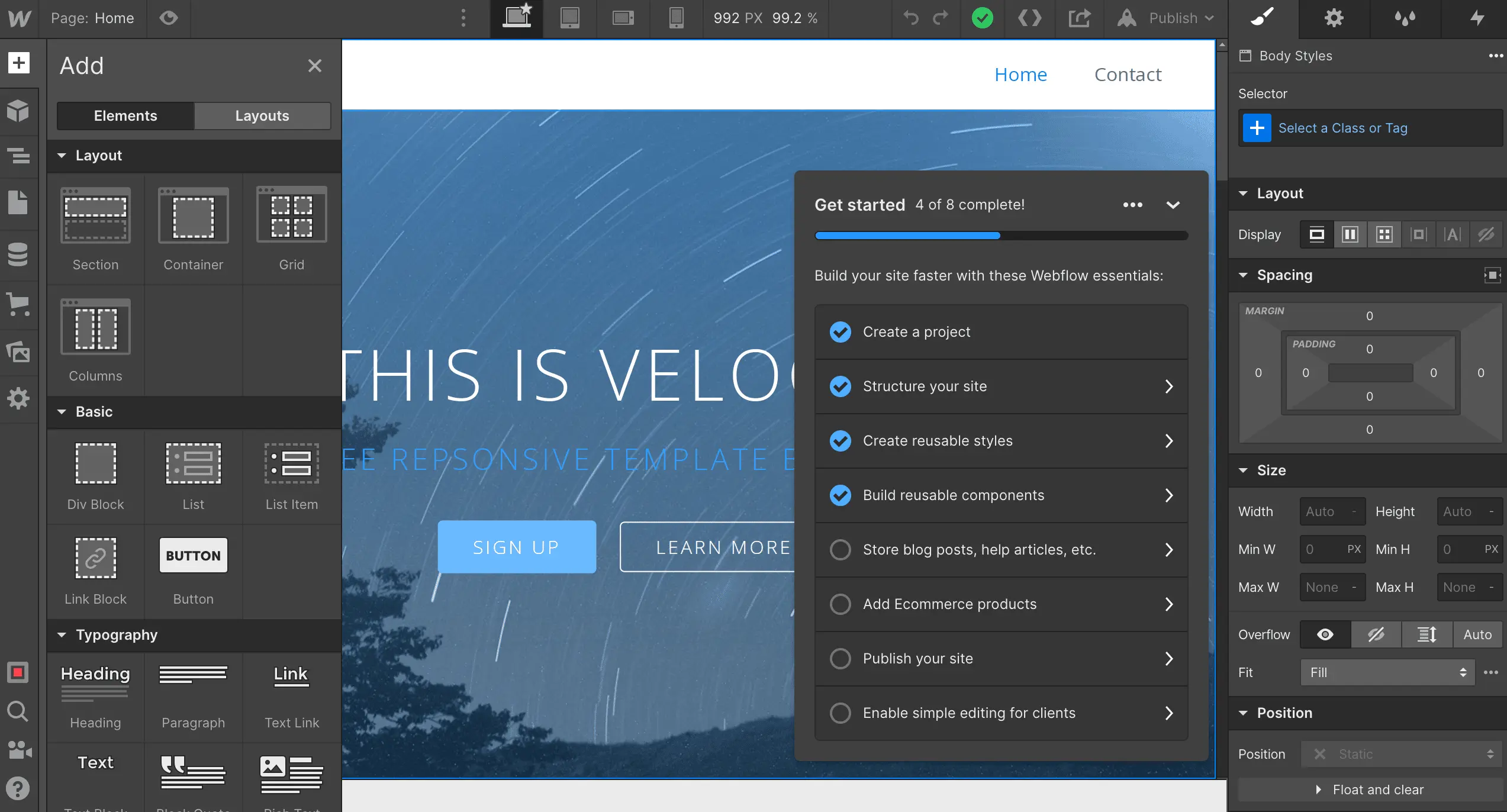
Webflow has established itself as a real force in the world of visual web development, allowing designers to build complex websites without writing a single line of code. It has become the go-to tool for many agencies and freelancers looking for flexibility and power. But in 2025, with new solutions constantly emerging, is it still the best option for your most demanding projects? Simplicity, features, limitations... After years of using it on a daily basis, I'm sharing my honest feedback and objective opinion to help you decide if it meets your real needs.
My experience with Webflow
I've seen Webflow evolve since I started at Easy Web, and it has become a cornerstone of our workflows. I've been pushing it for years, bending it in every way possible for our client projects. What always amazes me is its ability to offer total creative freedom without sacrificing performance.
For us designers and agencies, it changes everything. No more battling with code for every pixel. Webflow lets you build complex sites with advanced animations directly in the visual editor, while generating clean, optimized code. It's the perfect bridge between design and front-end development.
Please note, this does not mean that it is a magic wand. There is a real learning curve, especially when it comes to mastering all the subtleties of the CMS or advanced interactions. And for truly massive or ultra-specific projects with complex backends, other solutions may be more suitable.
Is Webflow really useful for my needs?
The real question to ask yourself before using Webflow is: what is your goal? Its relevance depends greatly on how you intend to use it. If you're looking to create fully customized websites with pixel-perfect control over design and complex animations without diving into lines of code, then yes, Webflow is the solution for you. It's a real game-changer for unique and dynamic projects.
For freelance designers and mid-sized web agencies, Webflow is incredibly effective. I've seen it used to quickly prototype interfaces, develop advanced landing pages for marketing campaigns, or deliver complete client sites with dynamic CMS. The autonomy and speed of delivery it offers are a major asset in our daily projects.
Its other big advantage? The cleanliness of the code it generates. Webflow doesn't produce "spaghetti code" like some other builders. This ensures that if you ever need to leave the ecosystem or add specific integrations, the code remains clean, semantic, and easy to manipulate. A real guarantee of longevity for all your projects.
Is Webflow suitable for beginners?
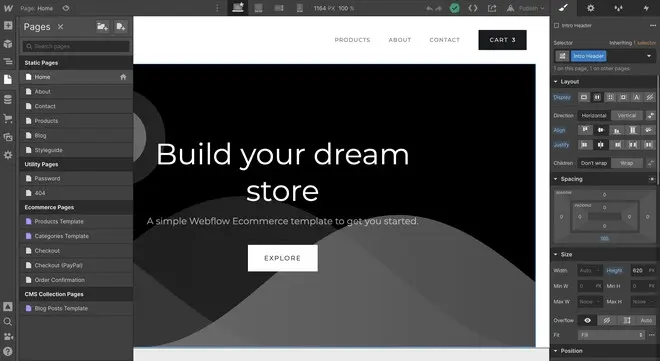
When you're new to web design, the idea of coding can be intimidating. Webflow changes that by offering a visual interface where every element can be manipulated directly. You can drag and drop entire sections, customize pre-built components, or start from a template to quickly create a landing page, simple portfolio, or blog. It's the perfect springboard for understanding the structure of a website without writing a single line of code.
What's great for beginners is that even though there is a learning curve, it's incredibly well supported. Webflow University is a gold mine, explaining each concept with disconcerting clarity. You learn the basics of CSS (margins, paddings, flexbox) or HTML (sections, div) visually, which completely demystifies web development. It gives you the keys to progress far beyond simple "no-code."


How much does Webflow cost?
So, let's talk about cost, because it's a question that comes up often. Webflow breaks things down intelligently.
For hosting your websites, the Basic plan is $14/month (billed annually). It is perfect for a showcase website without dynamic content management. Ideal for a sleek portfolio or a high-performance landing page.
Next is the CMS plan, at $23/month. This is our standard choice at Easy Web for most projects. It includes a robust CMS, which is essential for blogs, news, or product listings. If you have content to manage, this is the plan for you.
Finally, the Business plan, at $39/month, is for sites with high traffic or lots of dynamic elements. Think of fast-growing companies or initiatives with complex databases.
Workspace plans, on the other hand, manage team collaboration (starting at $19/seat/month), which is essential for agencies.
What are the key features of Webflow?
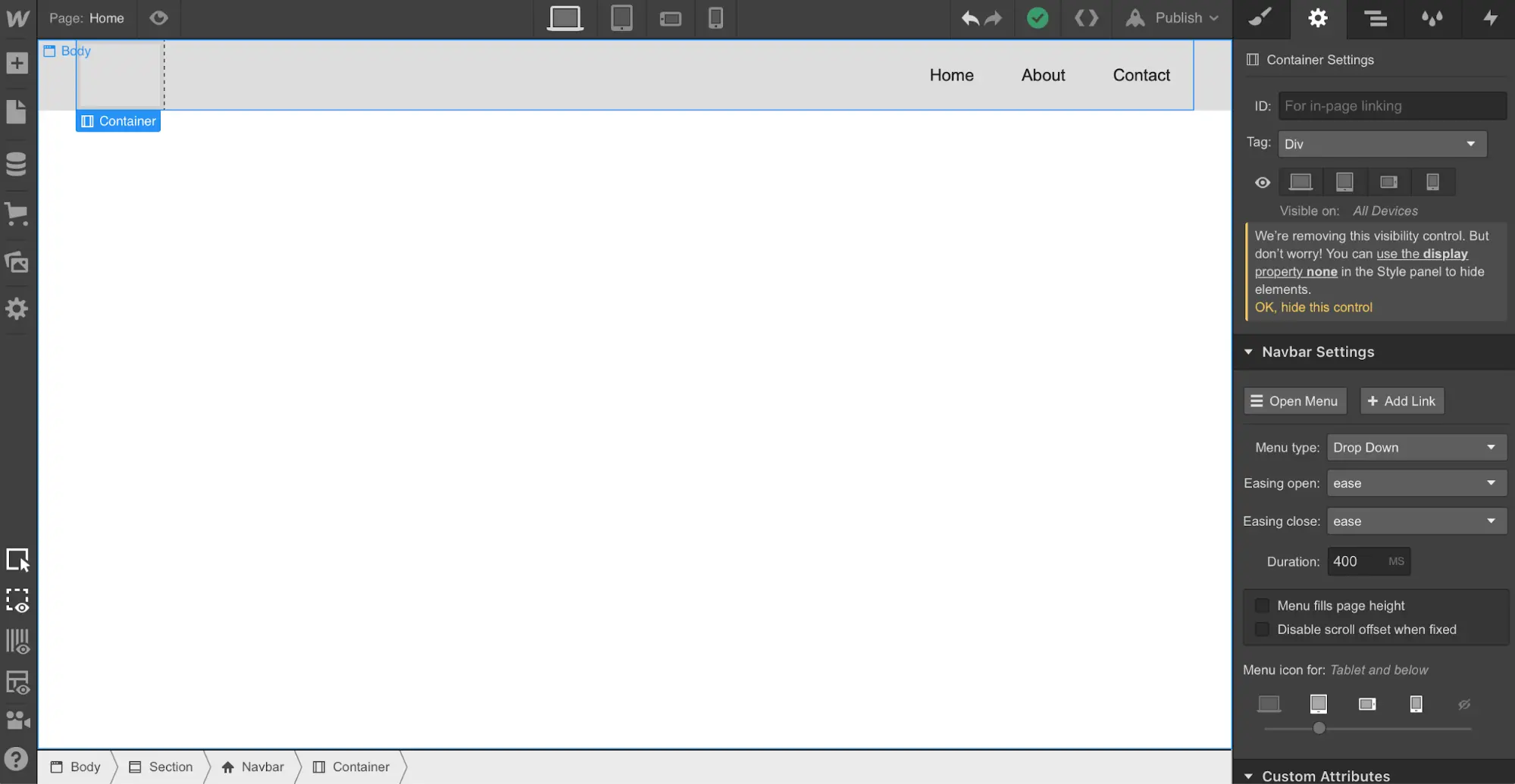
When I think of Webflow, the first feature that always blows me away is its visual designer. It goes way beyond simple drag-and-drop. In fact, it gives you granular control over every CSS property, allowing you to build complex designs with the same precision as coding, but without writing a single line. It's the perfect tool for experimenting and iterating quickly, without the usual frustration of frameworks.
But the real advantage, and I think this is crucial for us designers in 2025, is its integrated CMS. Forget about cumbersome systems and endless plugins. With Webflow, you can intuitively structure dynamic content collections. Whether it's for a blog, portfolio, or product page, your clients can then manage their content with disconcerting simplicity. It's powerful, clean, and saves us a ton of time!
When it comes to advanced customization, Webflow's Interactions 2.0 immediately comes to mind. It's much more than just animation. You can create ultra-dynamic user experiences, from complex parallax scrolling to subtle micro-interactions when you click. Honestly, the freedom to create animations using blocks of elements, without a single line of code, has changed the way we approach design at Easy Web. It opens up incredible possibilities for bringing a website to life.
Another recent game-changer: Webflow Logic. No more complicated third-party integrations for simple forms or workflows. Now you can create conditional logic, trigger emails or notifications, and even connect APIs directly from the visual interface. For us, this means less dependence on back-end developers for standard tasks and greater responsiveness for our customers. It's a huge step toward a truly all-in-one tool for dynamic websites.
Webflow is powerful, but there are cases where it reaches its limits. For e-commerce with thousands of SKUs or very detailed inventory management, it lacks depth. Platforms requiring complex user management or dynamic web applications with deep relational databases quickly reach their limits here.
In these situations, other tools come into play: Shopify for pure e-commerce, or more customized development for complex business applications. Webflow remains a fantastic tool for a multitude of projects, but you have to know how to identify the right horse for the right race.
In short, Webflow offers undeniable advantages, but also a few challenges:
Advantages:
Disadvantages:
FAQ
Is it reliable and secure?
Frankly, reliability and security are major strengths of Webflow. They rely on a robust infrastructure, including AWS, offering built-in DDoS protection and automatic SSL certificates for each site. It's an architecture designed for high availability. For us at Easy Web, that means customer sites that run smoothly and are secure from end to end. We sleep soundly at night, that's for sure.
Is it compatible with my other tools?
Absolutely. Webflow is designed to integrate seamlessly into your ecosystem of tools. We regularly use solutions such as Zapier or make.com to automate complex workflows with your CRM, marketing tools, or e-commerce systems. Native integrations also exist for platforms such as HubSpot, Mailchimp, and Shopify Lite. And for more advanced needs, its robust API opens the door to custom connections, even allowing integration with headless CMS. It's a real Swiss Army knife.
Is there responsive customer support?
Definitely, yes. At Easy Web, we have often called on them, and responsiveness is one of their strengths. In the event of a technical blockage or complex question, their team is generally quick to respond, often within a few hours for critical requests.
What's great is how relevant their feedback is. They don't just brush you off with generic answers. They understand the challenges of production. At the same time, their forum and community are extremely active, which is often a good place to turn to for less urgent questions. In short, for such a central tool, their support meets our professional expectations.
What do other users think?
Most feedback is positive, especially from designers and agencies. The most common comments are about the freedom and precision it offers, allowing users to create complex designs without the usual constraints of code. The community also praises its publishing efficiency and CMS integration. Yes, a learning curve is often mentioned, and sometimes the cost for very small projects, but the general consensus leans toward a powerful tool that justifies the investment for professional and high-performance results. It is clearly a favorite for those seeking total control.
Can I easily change later?
Absolutely. That's one of Webflow's strengths. Thanks to its visual structure and CSS "classes" (you define a style once, and it applies everywhere), modifying the design is incredibly simple. Need to change a color, font, or even the responsive structure? A single change can impact your entire site. And when it comes to content, CMS collections make mass updates a breeze. You save a ton of time, trust me.
Alternatives
.svg)
.avif)
Specializing in business creation, sales and digital marketing, he puts his expertise at the service of users to help them identify the solutions best suited to their needs. Passionate about digital innovation and online performance optimization, Alexis is committed to providing detailed, transparent and unbiased comparisons.
Do you have an entrepreneurial project?
We support you in structuring and developing your tech project. Make an appointment with one of our Business Strategists.