


.avif)





.svg)



Should Tilda be used in 2025?

Tilda has established itself today as a particularly accessible and versatile no-code website creation platform, ideal for developers who want to quickly design professional websites without diving into code complexity. By offering an intuitive drag-and-drop interface and a series of ultra-customizable pre-designed blocks, Tilda meets a growing demand for agile, efficient tools. In a world where development flexibility is becoming a key criterion, how does Tilda stack up against more technical alternatives? This article takes you on a full immersion into its world, to better assess whether this solution is right for your needs in 2025.
My experience with Tilda
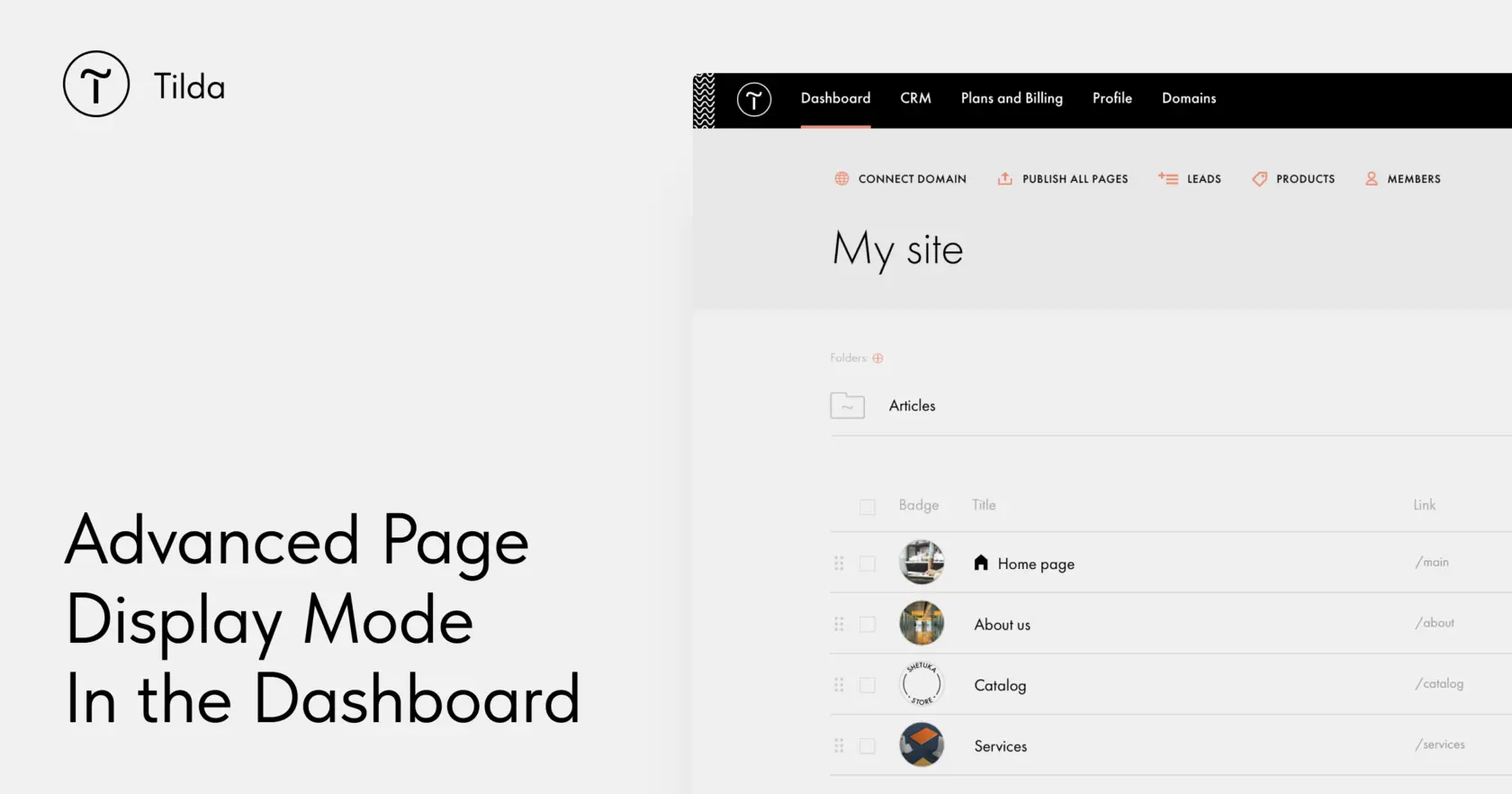
I've used Tilda for both personal and professional projects, notably to quickly create showcase sites and landing pages. What I particularly appreciated was its ease of use combined with great flexibility thanks to the modular blocks. It's quick to get to grips with, speeding up prototyping and production without sacrificing aesthetic quality or site responsiveness.
Tilda excels in contexts where rapid deployment is crucial, such as for agencies that need to deliver customer sites with a professional design without too much custom development. Its block-based system also facilitates frequent updates and the integration of multimedia elements.
However, there are limitations, particularly in terms of advanced customization and functional extensions compared with CMSs like Wordpress or bespoke frameworks. The no-code generator remains less suited to projects with high technical complexity or requiring a specific backend.
Is Tilda really useful for my needs?
The real question to ask when considering Tilda is in what context and for what type of project this tool will be most relevant. If you're a developer looking to quickly launch a showcase site, landing page or portfolio without preparing a complex environment, Tilda is an excellent choice.
This tool is suited to several personas:
- Freelancers who want to quickly deliver sites to their customers.
- Web agencies looking to prototype or create simple-to-maintain sites.
- Marketers wishing to create pages dedicated to their campaigns without depending on a developer.
Another of Tilda's strong points is its integrated management of responsive design and its ability to handle varied content (text, images, videos) without requiring lengthy configurations.

Is Tilda suitable for beginners?
For beginners, Tilda is one of the most accessible tools on the market. Its pre-designed block construction system means you can quickly achieve a professional result without any knowledge of coding. Drag-and-drop functions and visual parameters make customization easy.
Beginners also benefit from a clear interface and fluid responsive design management, avoiding tedious technical adjustments. As a result, novices to site creation can achieve a professional rendering in the pocket of a few hours of learning.
How much does Tilda cost?
Tilda offers several formulas adapted to different profiles and needs.
The Free formula allows you to create a project with a limited number of pages and functionalities, perfect for testing the platform or for very basic use.
The Personal formula costs around 10€/month and offers more pages, limited e-commerce functionalities, and access to SEO tools. It is well suited to freelancers or small agencies starting out in site creation.
The Business package, at around €20/month, offers full e-commerce functionality, advanced integrations, and priority support, meeting the needs of agencies and local authorities wanting a more robust tool.
Beyond these packages, there are also customized options for very large projects or advanced professional uses.
What are Tilda's key features?
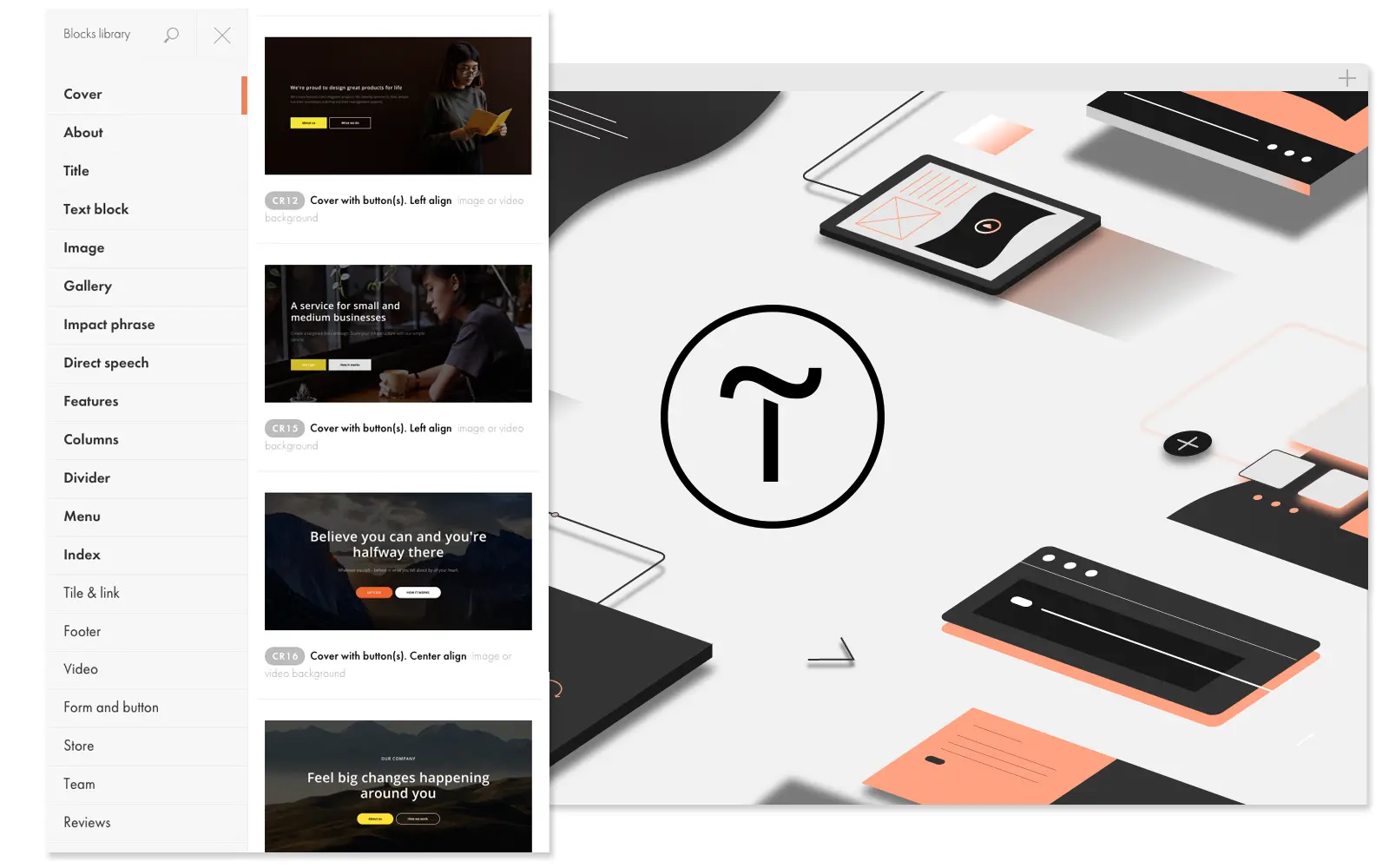
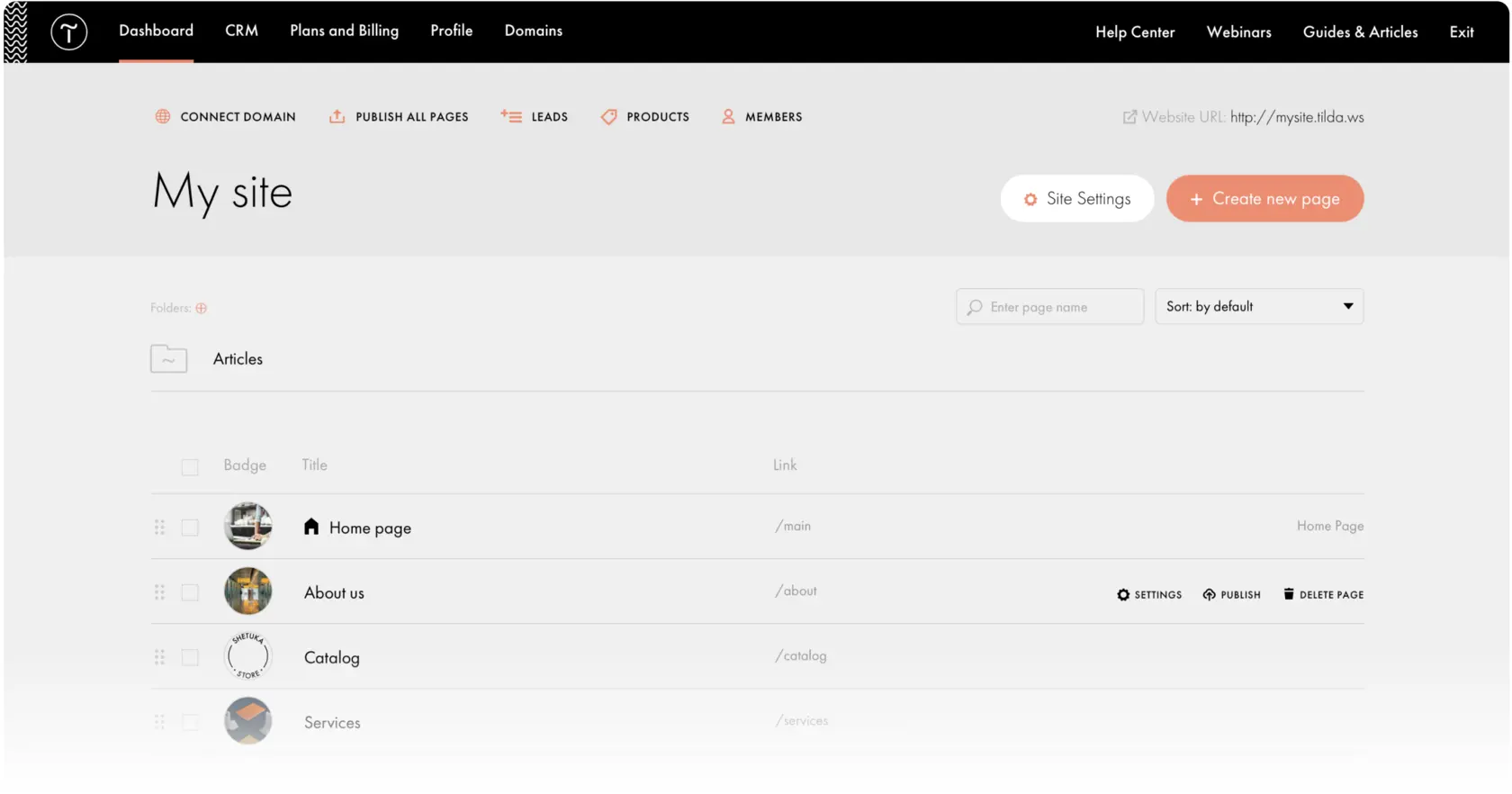
Tilda's first key feature is its block-based page editor. This visual interface offers hundreds of pre-designed blocks that users can easily assemble and customize, making creation quick and intuitive. This system also guarantees graphic consistency without having to manage any code.
The second major feature is native responsive design management. Tilda automatically adapts pages for optimal reading on mobiles, tablets and computers, an indispensable asset in today's context where mobile traffic is in the majority.
Advanced features include the integration of custom animations and interactions that make sites more dynamic and engaging.
Another example, Tilda offers integrated SEO management with tools to optimize SEO naturally and structure pages for Google and other engines.
Tilda has a few limitations, depending on the use case. For projects requiring an elaborate backend or complex integrations with specific databases, this tool is likely to show its weaknesses. Advanced customization options are also limited compared to open source platforms such as Wordpress.
In terms of competitors, we can cite Webflow, which offers more control over design and code, or Wix, which has an extensive range of templates but can prove less flexible. Despite these alternatives, Tilda retains the advantage of simplicity and speed.
its advantages include speed of implementation and an intuitive interface, but the major drawback is the ceiling in functional and technical complexity it can handle.
FAQS
Is it reliable and secure?
Tilda is a reliable and secure platform that guarantees data protection thanks to the use of HTTPS protocols for all sites created. The platform is hosted on high-performance servers with advanced security measures such as protection against DDoS attacks.
In terms of reliability, Tilda offers a stable infrastructure with automatic backups and a high availability rate. For business users, these aspects ensure uninterrupted service and optimum security of hosted content.
Is it compatible with my other tools?
Tilda is compatible with all major modern web browsers and incorporates limited export options (such as HTML page export). The tool also supports API integrations with other third-party services, including payments, CRM, and marketing tools.
Supported media formats include images, videos and a variety of audio files, making it easy to manage rich content.
Is there responsive customer support?
Tilda's customer support is available via chat and email with generally fast response times, suitable for professional use. Online documentation is rich and well-organized, enabling solutions to common problems to be found quickly.
For Business subscriptions, support is prioritized, offering more personalized assistance to agencies and professionals.
What do other users think?
User reviews highlight Tilda's ease of use and speed of implementation, as well as the quality of the designs possible without any knowledge of code. However, some users lament a lack of flexibility for very specific or complex cases.
Thus, the majority appreciate Tilda for its simplicity and is perfectly suited to fast, low-tech projects, while users with advanced needs may turn to other solutions.
Can I easily change later?
User reviews highlight Tilda's ease of use and speed of implementation, as well as the quality of the designs possible without any knowledge of code. However, some users lament a lack of flexibility for very specific or complex cases.
Thus, the majority appreciate Tilda for its simplicity and is perfectly suited to fast, low-tech projects, while users with advanced needs may turn to other solutions.
Alternatives
.svg)

Specializing in business creation, sales and digital marketing, he puts his expertise at the service of users to help them identify the solutions best suited to their needs. Passionate about digital innovation and optimizing online performance, Alexis is committed to providing detailed, transparent and unbiased comparisons.
Do you have an entrepreneurial project?
We support you in the structuring and development of your tech project. Make an appointment with one of our Business Strategists.