


.avif)





.svg)



Should Squarespace be used in 2025?

Squarespace has established itself today as one of the most robust and accessible website creation platforms on the market, ideal for development professionals and web agencies looking to quickly deliver elegant, functional projects. The service combines ease of use with power, offering a multitude of modern templates and integrated features to manage everything from content to online store.
But can Squarespace meet the specific needs of both seasoned developers and high-demand agencies? In this article, we'll dissect the qualities and limitations of this tool, to determine whether it deserves a place in your arsenal in 2025.
.
My experience with Squarespace
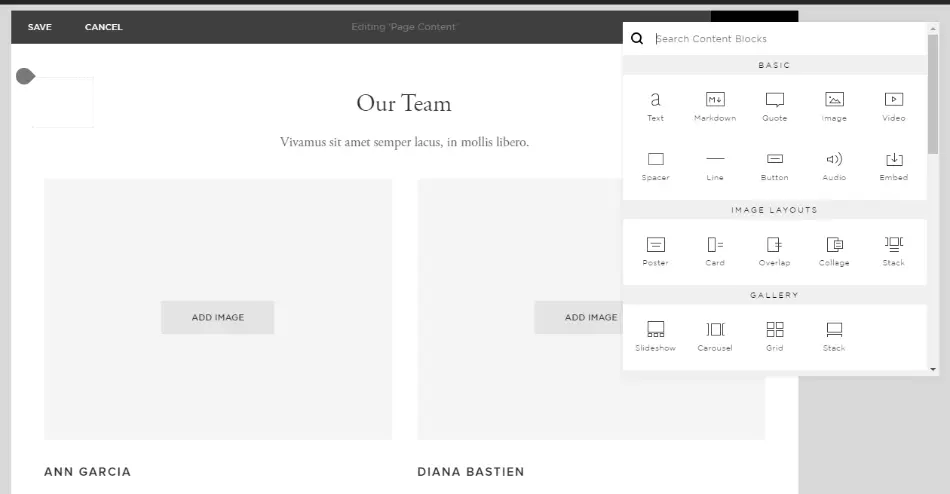
I use Squarespace for both personal projects and client assignments within my agency. Its strong point lies in its ease of use and the quality of its templates, which enable the rapid delivery of aesthetically pleasing sites without sacrificing professional quality.
This platform particularly excels in contexts where time is a key factor and the customer wants a visually impressive site with simplified content management thanks to its intuitive interface.
However, its flexibility remains limited when faced with complex and highly customized requirements. For example, advanced third-party integrations or total code control can pose problems when very specific functionalities need to be developed.
Is Squarespace really useful for my needs?
The real question to ask is: what kinds of projects do you want to complete with Squarespace? If you're a solo developer or a web agency with simple to moderate demands in terms of customization, Squarespace proves to be an excellent ally.
It's particularly suited to:
- Freelancers wanting a quick showcase site
- Small agencies looking for a turnkey solution
- Content creators or novice e-merchants
- Teams not wanting to get bogged down in complex development
In addition to its ease of use, Squarespace offers good SEO management and nice integration of marketing tools, reinforcing its usefulness for everyday needs.

Is Squarespace suitable for beginners?
Squarespace is clearly designed with beginners in mind with its intuitive interfaces and numerous pre-designed templates, making it possible to set up a site quickly without in-depth development knowledge.
Features such as the drag-and-drop builder, simplified content management, and integrated tools for SEO or e-commerce make it much easier for novices to get to grips with the site, without compromising the final quality.
How much does Squarespace cost?
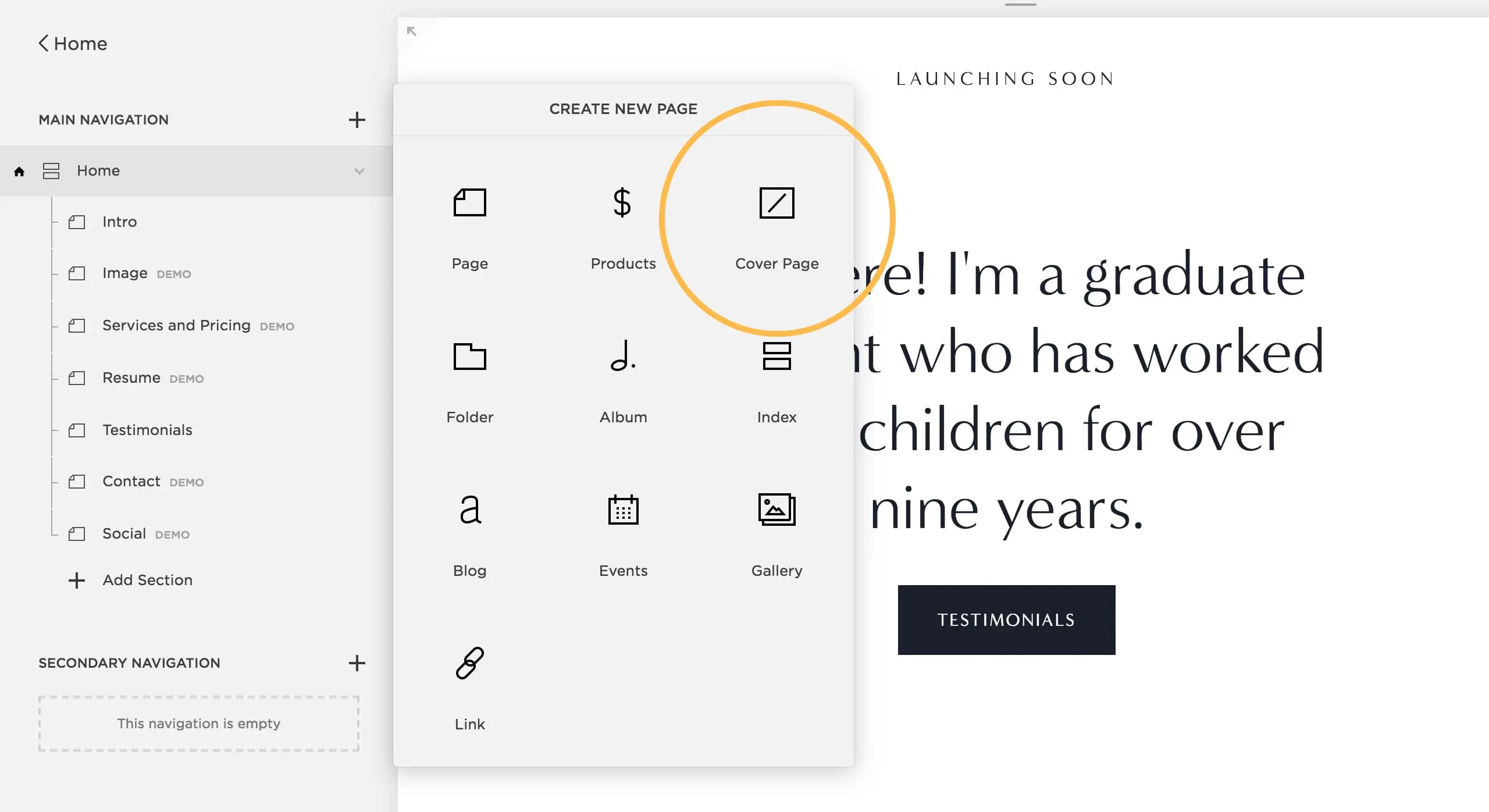
Squarespace offers several formulas tailored to the varied needs of users. The Personal formula at around $16/month offers the basics for a personal site or small showcase with access to templates and unlimited bandwidth.
The Business formula at $23/month includes advanced features such as e-commerce, marketing tools, and advanced integrations, ideal for small agencies or freelancers who want to expand their scope.
Finally, Commerce Basic ($27/month) and Commerce Advanced ($49/month) are designed for online stores with all the tools needed to manage sales and payments. Each package is therefore aimed at very distinct profiles, depending on the complexity and volume of the project.
What are Squarespace's key features?
Firstly, Squarespace impresses with its elegant, responsive templates, enabling developers and agencies to deliver modern, highly aesthetic sites without starting from scratch. Each template is fully customizable via a visual interface.
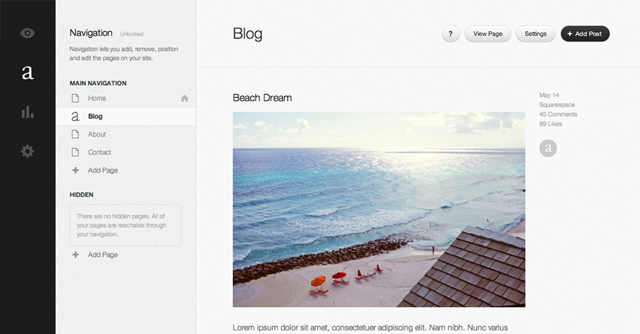
Secondly, the platform integrates a comprehensive content management system (CMS), perfectly suited to sites of all sizes, whether blogs, portfolios or online stores, with native tools for SEO and digital marketing.
Among the advanced features, Squarespace offers native integration of e-commerce solutions, allowing you to manage products, inventory, payments and shipping directly from the back-office.
Furthermore, the platform features a high-performance visual drag-and-drop editor combined with limited development options for those who want to customize via CSS and JavaScript code, offering a moderate experience between ease and customization.
The major limitations of Squarespace appear when it comes to very specific projects requiring bespoke development. For example, the lack of full backend access or restricted code customization can hold back experienced developers.
Competitors such as Webflow or WordPress (with Elementor) offer more freedom on customization and advanced integration, while remaining accessible.
In summary, Squarespace delivers simplicity and speed at the expense of flexibility. It's perfectly suited to standardized projects, but less so to complex scenarios where every technical detail counts.
FAQS
Is it reliable and secure?
Squarespace is a reliable and secure platform used by millions of websites worldwide. It applies rigorous security protocols, including automatic SSL encryption for all pages, ensuring the confidentiality of user data.
In addition, the management of backups and updates is handled by Squarespace, minimizing the risks associated with technical maintenance. Their infrastructure is stable and scalable, guaranteeing high availability and protection against common attacks.
Is it compatible with my other tools?
Squarespace is compatible with most modern browsers and offers native integrations with major marketing tools such as Google Analytics, Mailchimp, and social networks.
The platform also supports content import/export via standard formats and offers a partial API for certain advanced customizations, facilitating integration into existing ecosystems.
Is there responsive customer support?
Squarespace customer support is renowned for its responsiveness and accessibility. Available 24/7 via chat and email, it offers fast and accurate responses to the majority of problems encountered.
For premium users, telephone support is also offered, with efficient resolution times that guarantee optimal service continuity.
What do other users think?
User reviews of Squarespace often emphasize the high quality of its designs and simplicity of use, with an intuitive interface that facilitates rapid site creation.
Reviews sometimes point to limitations in advanced customization and a lack of more technical options, which may disappoint developers seeking total freedom.
Can I easily change later?
User reviews of Squarespace often emphasize the high quality of its designs and simplicity of use, with an intuitive interface that facilitates rapid site creation.
Reviews sometimes point to limitations in advanced customization and a lack of more technical options, which may disappoint developers seeking total freedom.
Alternatives
.svg)

Specializing in business creation, sales and digital marketing, he puts his expertise at the service of users to help them identify the solutions best suited to their needs. Passionate about digital innovation and optimizing online performance, Alexis is committed to providing detailed, transparent and unbiased comparisons.
Do you have an entrepreneurial project?
We support you in the structuring and development of your tech project. Make an appointment with one of our Business Strategists.