


.avif)





.svg)
.svg)



Should SiteInspire be used in 2025?

SiteInspire has always stood out as a gold mine for any designer in search of visual inspiration and cutting-edge creative intelligence. It's the reference library for millions of pros, an impeccable curation of the best on the web. But in 2025, with the explosion of tools and AI, does this platform retain its place in our daily arsenal? After years of consulting it for Easy Web, I give you my honest opinion on its simplicity, rich functionality and current limitations. My aim? To help you decide whether it's the right tool for you.
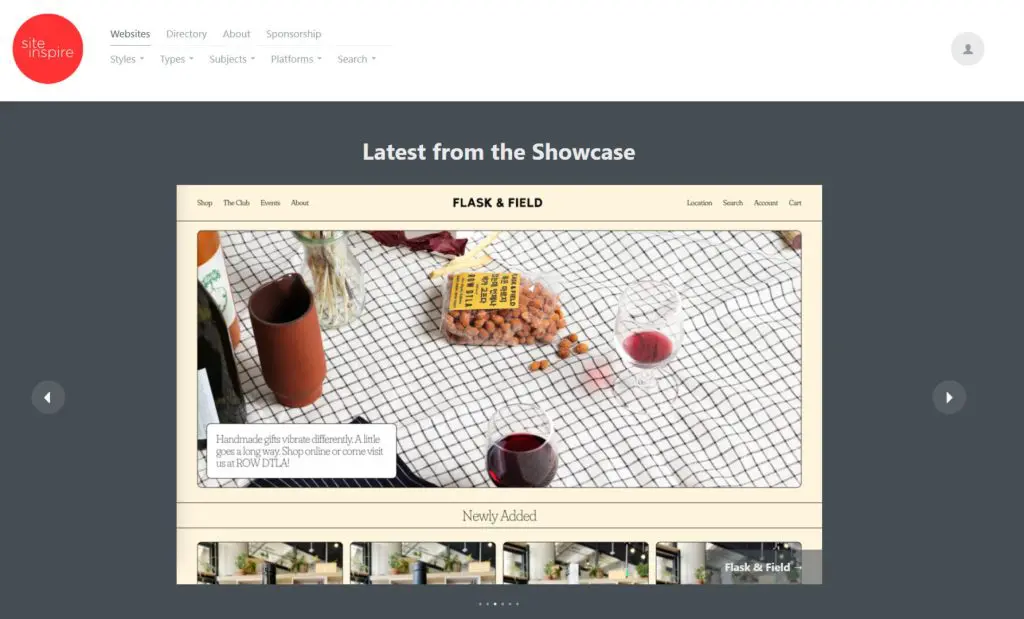
My experience with SiteInspire
I've been using SiteInspire since my early days at Easy Web, so it's no surprise that the platform has seen hundreds of my projects come and go! It's become my reflex whenever I'm looking for a visual direction or want to challenge an idea. What I particularly appreciate is the quality and relevance of its selection.
When you're in the exploration phase or preparing a moodboard for a demanding client, SiteInspire is a goldmine. Each project is a nugget, meticulously selected, so you don't have to waste time filtering out the ambient noise. It's the perfect tool to instantly elevate your vision and that of your customers.
However, SiteInspire remains a pure inspiration gallery. It doesn't offer collaboration tools, project management or community features like other platforms. It's a visual starting point, not a complete workspace.
Is SiteInspire really useful for my needs?
The real question to ask before using SiteInspire is: what's your purpose? Its relevance depends on the purpose. If you're looking for pure inspiration, capturing the latest visual trends or challenging your ideas for a web project, it's an invaluable resource. I dive in to find that visual "wow" that makes all the difference.
Whether you're a freelance designer, agency creative manager or project manager, SiteInspire is frighteningly effective. You'll find the perfect example for an e-commerce interface, a landing page that converts, or a portfolio that leaves a lasting impression. For pitching directions or unlocking a design, it's an invaluable time-saver.
Beyond inspiration, SiteInspire excels at validating aesthetic directions. In front of a customer, showing concrete examples of such a high-quality catalog lends weight to your proposals and reassures. It transforms an abstract idea into a tangible concept.


Is SiteInspire suitable for beginners?
When you're just starting out in web design, one of the biggest difficulties is often finding the right inspiration or understanding what really works. For me, SiteInspire is a great place to start. It's a goldmine of concrete examples. Imagine yourself stuck on a portfolio section or homepage layout; you can filter by "Portfolio", "Agencies" or even specific styles like "Minimalist". It's a breath of fresh air that shows you what's feasible and how others have solved similar problems.
It's not just a catalog of images. For a beginner, it's a real visual lesson. You begin to decipher effective navigation schemes, intuitive visual hierarchies or even relevant typography choices, simply by observing. It's like a crash course in market best practices, without having to take a course. You build up an internal visual library, essential for honing your own critical eye.
How much does SiteInspire cost?
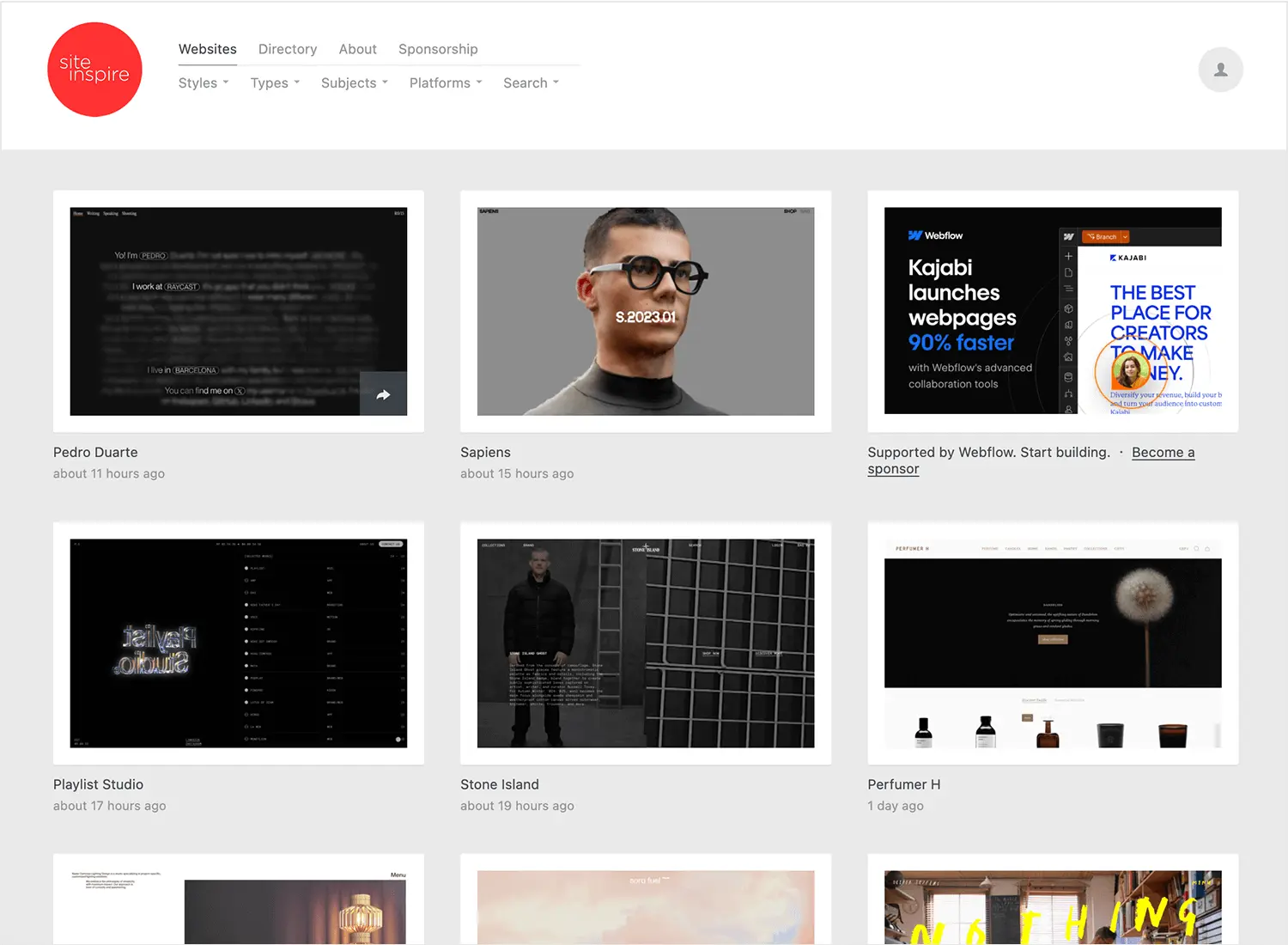
Wondering how much SiteInspire costs? The free version is perfect for quick, one-off exploration. A good starting point for students or the curious.
For pros, the "Pro" plan at €12/month unlocks unlimited collections, ad-free watch and advanced filters. This is what we've been using for a long time at Easy Web. Ideal for freelancers or small studios organizing their inspiration without distraction.
For teams like ours, the "Studio" plan at €39/month is a must. It includes all the Pro features, plus private collaborative boards and revision history. The perfect tool for agencies building moodboards together and centralizing their creative process. An investment in efficiency.
What are SiteInspire's key features?
For a designer, SiteInspire's first strength is its ruthless curation. You won't find raw quantity, but a honed selection of the best web creations of the moment. Each site is chosen for its visual and technical excellence, transforming a simple search for inspiration into a veritable exploration of nuggets. It's often used in our company to kick-start brainstorming and quickly align teams to high standards.
But where SiteInspire becomes a real Swiss army knife is in the precision of its filters. You can refine your search by site type, industry, visual style, or even by technologies used - think tags like WebGL or GSAP. It's a goldmine for targeting exactly the kind of inspiration you need for a specific project. No need to rummage around for hours, you get straight to the point, which is crucial when deadlines are pressing.
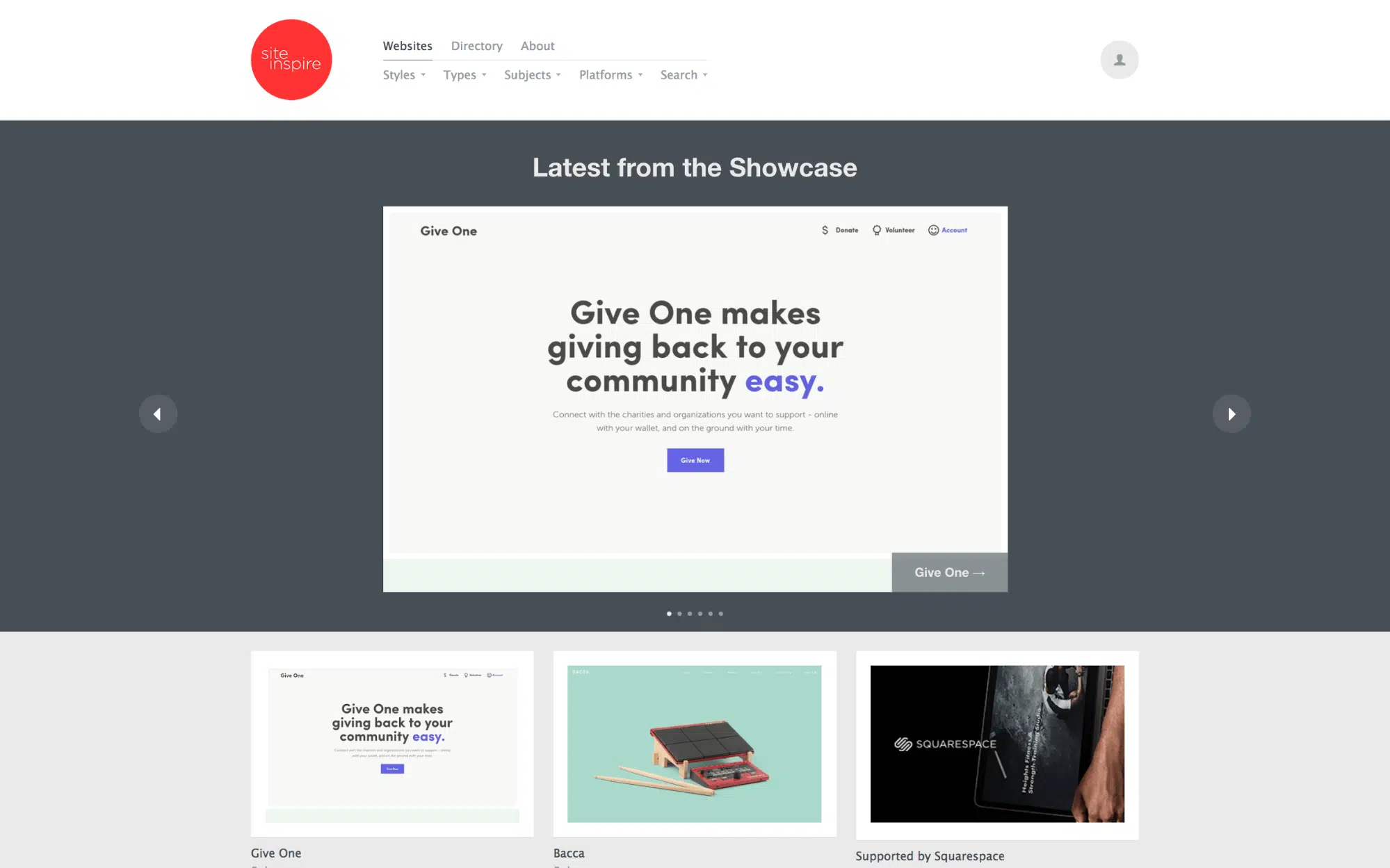
You want to find inspiration, not just any image, right? SiteInspire understands this. Their advanced filters are a nugget. We go way beyond the classic "e-commerce": imagine searching by "subtle animations", "bold typography", or even by technology stack. At Easy Web, this granularity is essential for targeting ultra-precise references that perfectly match the most complex briefs. No more endless scrolling to find that rare gem.
But it goes further than that. What I particularly appreciate is the wealth of additional information. Seeing the agency behind a project or the technologies used, when available, offers invaluable behind-the-scenes insight into innovation in 2025. And the ability to create and share your own collections is a real plus. It's your personal mood board, a space to organize your discoveries and share them with your team at the click of a button, without friction. A real time-saver.
I love SiteInspire for the creative spark it ignites, but let's be clear: if you're looking for a tool to manage your entire project workflow, from initial brief to detailed customer feedback, it quickly reaches its limits. You can't track the evolution of a design, nor centralize feedback. No version management, no direct comments on mock-ups. It's excellent as a library, not as a collaborative work platform.
For these shortcomings, we turn to tools like Figma for real-time collaboration, or Miro for structured visual brainstorming. SiteInspire has no such vocation, and it's important to understand this. Its strength lies in its impeccable curation of inspiring designs. It remains my favorite visual library for pure inspiration, even if my entire workflow goes elsewhere.
In short, SiteInspire is:
Benefits:
- Collection of high-end designs
- Uncluttered, intuitive interface
- Pure and fast source of inspiration
Disadvantages:
- No integrated collaborative features
- No project tracking or versioning
- Impossible to manage customer feedback directly
FAQS
Is it reliable and secure?
Absolutely. As a visual curation platform, SiteInspire is not a transactional application. Its reliability is measured by the consistency of its catalog and its excellent availability, which I have personally experienced. In terms of security, SiteInspire is a showcase: it uses standard protocols like HTTPS to secure your browsing. Interactions are kept to a minimum, so your personal data is rarely requested, which significantly reduces attack vectors. It's a solid, transparent platform.
Is it compatible with my other tools?
No, SiteInspire doesn't offer direct API integrations with your design tools like Figma, Adobe XD or Webflow. Its role is fundamentally different.
It's a visual inspiration platform. Its integration takes place at the level of your creative workflow. You use it in parallel: collect examples, organize them into collections for your moodboards. It's a valuable resource for the research and ideation phase, feeding directly into your work in your preferred software. It complements, not replaces, and that's its true compatibility.
Is there responsive customer support?
Clearly, SiteInspire doesn't offer direct, responsive customer support like you'd see with a classic SaaS tool. Their model is different: it's a storefront, not software with complex functionality. In the event of a problem, your best option is their detailed FAQ section or, for more specific cases, the rare contacts via their social networks. From experience, the tool is stable, so support needs are minimal. But no, don't expect live chat or an ultra-reactive ticket system.
What do other users think?
The consensus is clear: SiteInspire is unanimously hailed for its role as a high-quality inspiration aggregator. Professionals praise its rigorous curation, which often exceeds that of more generalist galleries. It's a valuable resource for visual benchmarking and creative intelligence. Many particularly appreciate its streamlined interface and efficient search, making it easy to discover trends and styles relevant to their client projects. An essential tool, according to the design community.
Can I easily change later?
The consensus is clear: SiteInspire is unanimously hailed for its role as a high-quality inspiration aggregator. Professionals praise its rigorous curation, which often exceeds that of more generalist galleries. It's a valuable resource for visual benchmarking and creative intelligence. Many particularly appreciate its streamlined interface and efficient search, making it easy to discover trends and styles relevant to their client projects. An essential tool, according to the design community.
Alternatives
.svg)

Specializing in business creation, sales and digital marketing, he puts his expertise at the service of users to help them identify the solutions best suited to their needs. Passionate about digital innovation and optimizing online performance, Alexis is committed to providing detailed, transparent and unbiased comparisons.
Do you have an entrepreneurial project?
We support you in the structuring and development of your tech project. Make an appointment with one of our Business Strategists.