


.avif)





.svg)



Should you be using QuarkXPress in 2025?

QuarkXPress is that historic DTP giant that reigned before the Adobe era. Today, it continues to offer a robust alternative for professional page layout, even if it's less in the spotlight than its direct competitor. But in 2025, with all its innovations, is it really the right tool for your graphic projects? I've spent quite a few hours working on it, and I'm going to take you through its simplicity, its key features and its real limitations. My aim? To give you an objective opinion so that you can decide whether it still fits your specific needs.
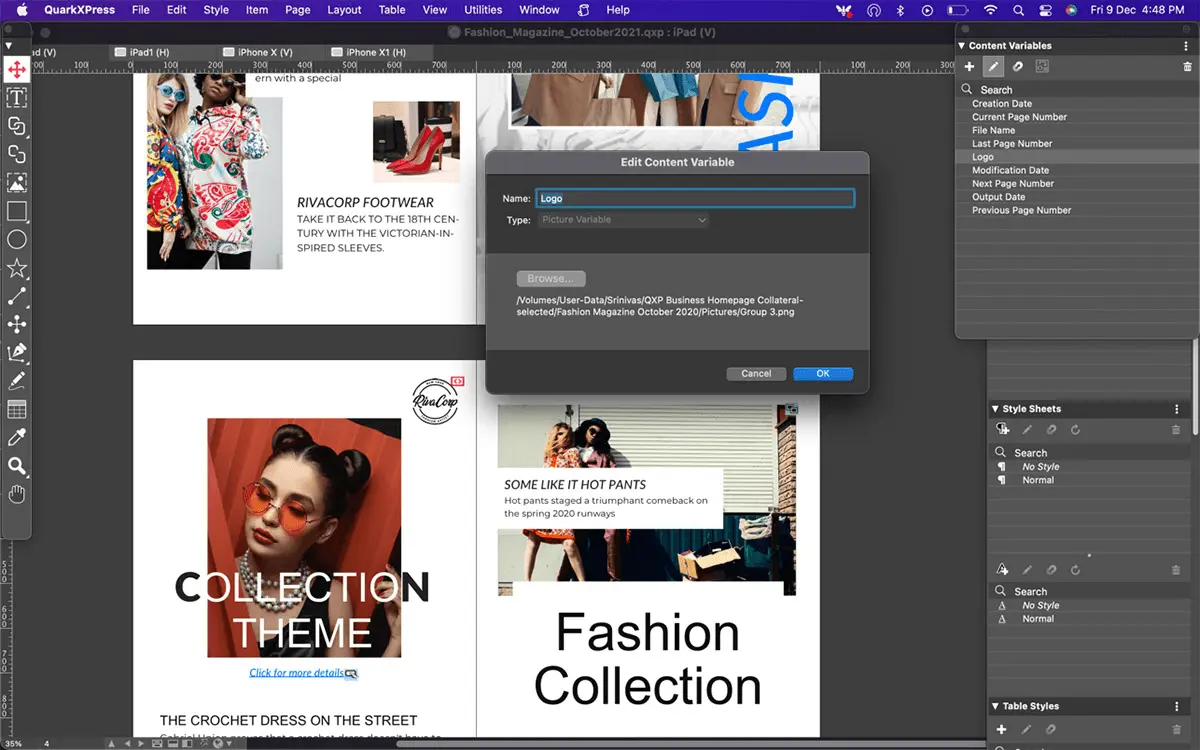
My experience with QuarkXPress
QuarkXPress is a tool that's been with me for years, long before the Easy Web adventure. I've seen its evolution, its ups and downs, but one thing has remained constant through all these versions: its robustness and unrivalled precision for print layout.
For complex publishing projects - magazines, catalogs, technical books - it's a real workhorse. Its management of text, typographic grids and colors is unfailingly reliable, essential when every millimeter counts for the final print. This is where it excels, where it justifies its status in traditional workflows.
That said, we must be lucid. Its interface can seem dated compared to more modern software, and its learning curve is steeper if you're not used to the demands of DTP. For web or UI/UX design, it's clearly not the first tool I'd put in your hands.
Is QuarkXPress really useful for my needs?
The real question to ask yourself before using QuarkXPress is: what is my objective? Because its relevance depends on the use. For complex, voluminous print publications - magazines, newspapers, catalogs - with precise typographic and production requirements, it remains formidable. It's the tool of industrial workflows.
Whether you're an expert layout artist, editorial graphic designer or print production manager, QuarkXPress offers unrivalled control. Imagine producing annual reports of hundreds of pages, massive product catalogs or daily newspapers: its robustness and precision are master assets for maintaining consistency and efficiency.
Another crucial strength lies in its advanced text management and automation. Features such as XPress Tags or Conditionnal Content enable complex layouts to be automated or dynamic updates to be managed, dramatically reducing errors and production time on large-scale projects. It's a huge time-saver for professionals.

Is QuarkXPress suitable for beginners?
If you're just starting out in professional design, QuarkXPress may seem like a behemoth. Yet it hides unsuspected assets for forging your foundations. Its highly structured approach, with its precise grid systems and concept of dedicated boxes (text, image), imposes rigor that pays off right from the first steps. For a simple leaflet, business card or basic report, you'll quickly get the hang of it. And its stability? A precious asset when you're just starting out.
And the advantage it offers you right from the start is its mastery of Master Pages. Even without experience, you'll design consistent templates, a pillar for building any project. QuarkXPress plunges you straight into "real" publishing design, far from the distractions of all-in-one tools. It teaches you the value of structure and precision.
How much does QuarkXPress cost?
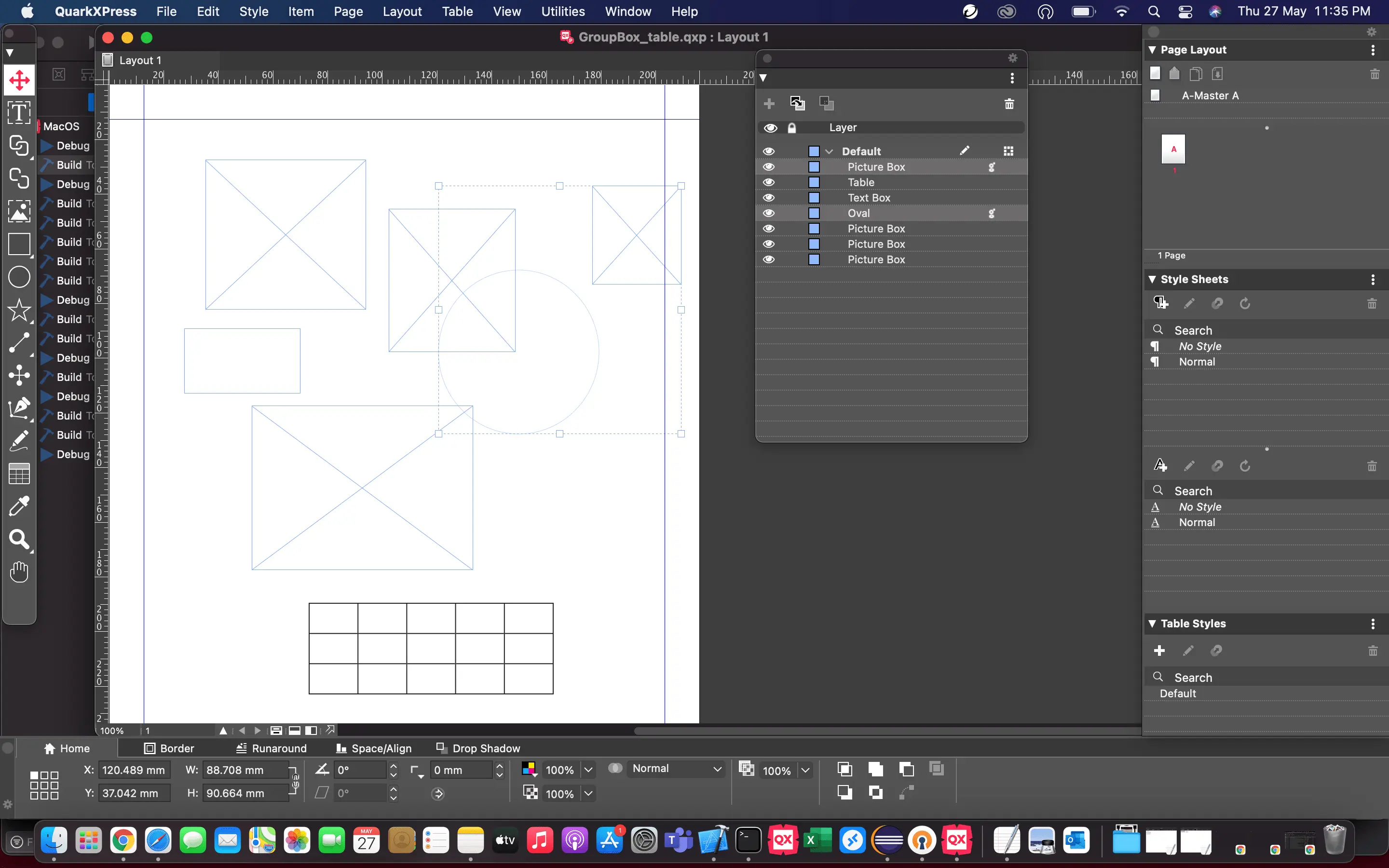
In 2025, let's be clear about the cost of QuarkXPress: it's a significant investment. Far from traditional subscription models, QuarkXPress mostly opts for a perpetual license, often around 900€ to 1100€. Add to this an annual budget of 250-350€ for updates and advanced support. Who's it for? Absolutely not for the novice freelancer or small web agency. At Easy Web, we know that this tool is aimed at established publishing agencies, print design studios managing volumes or complex projects (catalogs, magazines). Their need for precision and robustness fully justifies this financial commitment.
What are the key features of QuarkXPress?
When I look back at QuarkXPress, its historic strength in page layout and advanced typography is still there. The precision of controls over every element, from kern (the adjustment of spacing between characters) to basic grids, remains impressive. For complex print projects or documents requiring absolute rigor, this is a major asset. This granular mastery, I assure you, makes the difference for impeccable rendering.
Another strong point, especially for us in 2025: its ability to manage multi-channel. QuarkXPress lets you adapt your print creations to various digital formats such as HTML5 or interactive eBooks. This is an essential feature if you're working on projects that need to live on different media. Although less "pure web design" oriented than others, it offers a coherent solution for extending the reach of your publications.
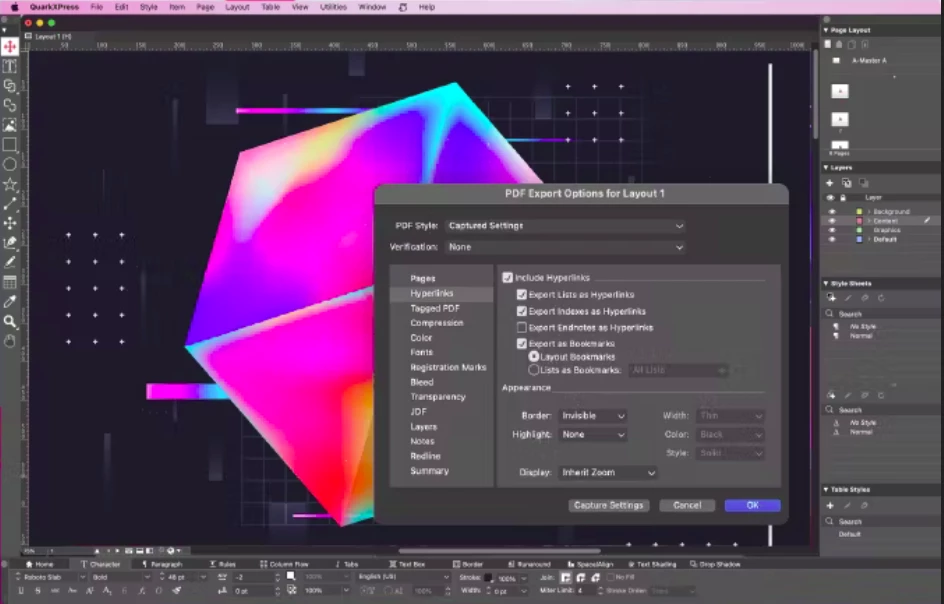
Frankly, when I have to juggle layouts for a thousand different media, I often turn to QuarkXPress's FlexLayouts. It's a breath of fresh air. Imagine: you design once, and the software adapts itself to different screen ratios, from print to mobile. For us at Easy Web, it's a monstrous time-saver on multi-platform projects, where every pixel counts for brand consistency.
And that's not all. Its ability to export to interactive HTML5 is a gold mine. No more complicated conversions! You can create digital magazines, interactive reports or eBooks with videos and animations directly from the software. This is a major asset for agencies like ours, who want to offer rich, immersive digital experiences without having to fiddle with third-party tools.
So, let's talk cash. At Easy Web, since 2020, we quickly realized that QuarkXPress, despite its pedigree, was showing its limitations for our digital and collaborative projects. For complex web mock-ups, interactive content management or simultaneous teamwork, it struggled. We soon found ourselves juggling exports and versions, a real brake on the speed demanded by 2025.
.This is where behemoths like Adobe InDesign or even the agile Affinity Publisher take over. They excel where QuarkXPress stumbles, notably in cloud workflow and cross-platform integration. But Quark isn't dead! For cutting-edge, hard-core print publishing - think technical magazines or art books - its robustness and ultra-fine typographic management are still an asset.
.To sum up, following our uses:
Advantages:
- Print-proven stability.
- Precise typographic control.
- Reliability on large print volumes.
Disadvantages:
- Dated interface.
- Lack of digital agility.
FAQS
Is it reliable and secure?
Are you worried about reliability? That's legitimate. With QuarkXPress, you're betting on a pillar of editorial design. Its longevity on the market is proof of its robustness and stability. When it comes to security, Quark's teams make a point of releasing frequent updates. This corrects potential vulnerabilities and guarantees the integrity of your files and the confidentiality of your creative data. It's a platform we've always felt confident using for our most critical projects.
Is it compatible with my other tools?
Yes, compatibility is solid for standard formats. Think PDF in particular: QuarkXPress excels at exporting print- and web-ready files, a strong point I've always appreciated. It handles images (TIFF, JPEG, PNG) and vectors (EPS) with ease. On the other hand, expect less fluidity with native files from other software, such as InDesign or Illustrator. An intermediate export is often necessary. It integrates well into a graphics chain, provided you know how.
Is there responsive customer support?
As we all know, when a project is in a hurry, support responsiveness is vital. With QuarkXPress, this is a point where the experience at Easy Web has been mixed in the past. In 2025, I can see efforts being made, notably via their customer portal and updates.
However, don't always expect an instant live chat-style response to every glitch. Email support and the ticket system are the main channels. For critical issues, support is generally good, but for finer points of use, patience is sometimes required. The community remains a valuable resource.
What do other users think?
QuarkXPress retains a loyal user base, particularly in publishing and prepress. Its robustness for complex layouts is often highlighted. Nevertheless, for many, it is perceived as a tool with a steeper learning curve than its current competitors. Pricing and an interface that may seem less intuitive are frequently cited as obstacles. Feedback converges on its reliability for print, but often expresses a desire for smoother integrations for modern digital workflows.
Can I easily change later?
QuarkXPress retains a loyal user base, particularly in publishing and prepress. Its robustness for complex layouts is often highlighted. Nevertheless, for many, it is perceived as a tool with a steeper learning curve than its current competitors. Pricing and an interface that may seem less intuitive are frequently cited as obstacles. Feedback converges on its reliability for print, but often expresses a desire for smoother integrations for modern digital workflows.
Alternatives
.svg)

Specializing in business creation, sales and digital marketing, he puts his expertise at the service of users to help them identify the solutions best suited to their needs. Passionate about digital innovation and optimizing online performance, Alexis is committed to providing detailed, transparent and unbiased comparisons.
Do you have an entrepreneurial project?
We support you in the structuring and development of your tech project. Make an appointment with one of our Business Strategists.