


.avif)





.svg)
.svg)




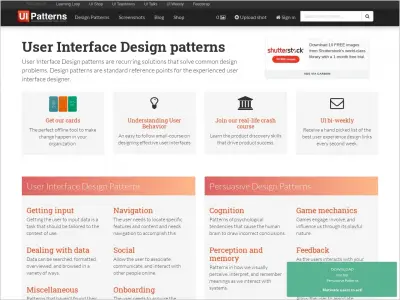
Pttrns, ever heard of it? It's become a veritable goldmine for UI/UX designers, an ultra-complete library of patterns and successful mobile experiences. But in 2025, with the rapid evolution of tools and methods, is Pttrns still relevant to our everyday creations? After years of exploring this platform, I give you my unfiltered opinion: its simplicity, its strengths, and its few limitations. Ready to dive into the real world of Pttrns?
My experience with Pttrns
Pttrns, I've had it in my toolbox long before 2025, almost since the beginning of Easy Web. It's one of those tools that becomes an extension of our creative thinking. What still strikes me, even after all these years, is its ability to offer us an almost limitless library of inspiration for our mobile projects.
For our teams, it's the first reflex whenever it comes to starting up a mobile interface or solving a UX challenge. For complex applications or simple responsive pages, Pttrns allows you to quickly visualize flows, screens and interactions proven by real projects.
That said, be warned, this is not a wireframing or interactive prototyping solution. Pttrns excels in inspiration and reference. For concrete execution or detailed mock-ups, you'll have to switch to tools like Figma or Sketch. It's a great resource, a link in the chain, not the whole chain.
Is Pttrns really useful for my needs?
The real question to ask yourself before using Pttrns is: what is my objective? Because the relevance of Pttrns depends very much on how you use it. If your need is to survey what already exists, analyze UI/UX patterns or simply find inspiration, then Pttrns will save you an incredible amount of time. It's a colossal library of concrete user experiences.
Whether you're a UI/UX designer, a product manager validating ergonomic hypotheses, or an agency looking to refine an order process, Pttrns is frighteningly efficient. Imagine: you need to create a complex navigation system. In just a few clicks, you can see how the web giants handle it. It's ultra-practical for avoiding reinventing the wheel or validating your standards.
Beyond pure inspiration, another major strong point is the quality of the captures and their meticulous organization. We're not talking about simple screenshots, but complete flows that show you the user journey step by step. A real goldmine for understanding the logic behind each design.


Is Pttrns suitable for beginners?
You're just starting out in UI/UX design and the blank page gives you the shivers? Pttrns is the perfect companion to get you started. At Easy Web, we've seen the learning curve be steep for young talent. This tool offers an insane library of proven UI patterns - think onboarding flows, user profiles or navigation systems. You have a solid foundation, without starting from scratch.
What I particularly appreciate for a beginner is the way Pttrns lets you break down real interfaces. You literally learn by observing how the web giants structure their user experiences. It's an incredible skills gas pedal. You save an inordinate amount of time understanding design logic, a valuable asset when you're just starting out.
How much does Pttrns cost?
When evaluating a tool like Pttrns, cost is inevitably at the forefront of any design professional's mind.
"Solo" package (€19/month)
To start with, there's the "Solo" formula, listed at €19/month. This is the option I recommend if you're a freelance designer or small agency just getting started with Pttrns. At this price, you get full access to the vast library of UI patterns and essential components, with basic exports in PNG and SVG. I find this offer perfect for creatives looking to structure their layouts quickly and efficiently, without a heavy financial commitment. It's a solid foundation for exploring the tool's capabilities and standardizing your individual workflows.
"Studio" package (€49/month)
If your team is growing or you're managing more complex projects, the "Studio" package, at €49 per month, becomes the obvious choice. In addition to unlimited access to the entire pattern collection, this package unlocks crucial collaborative features. You benefit from direct integrations with tools like Figma or Sketch, shared libraries and a version history, which is vital for team coherence. In my experience, this is the investment that delivers maximum productivity for medium-sized agencies or in-house design teams aiming for perfect synergy.
What are the key features of Pttrns?
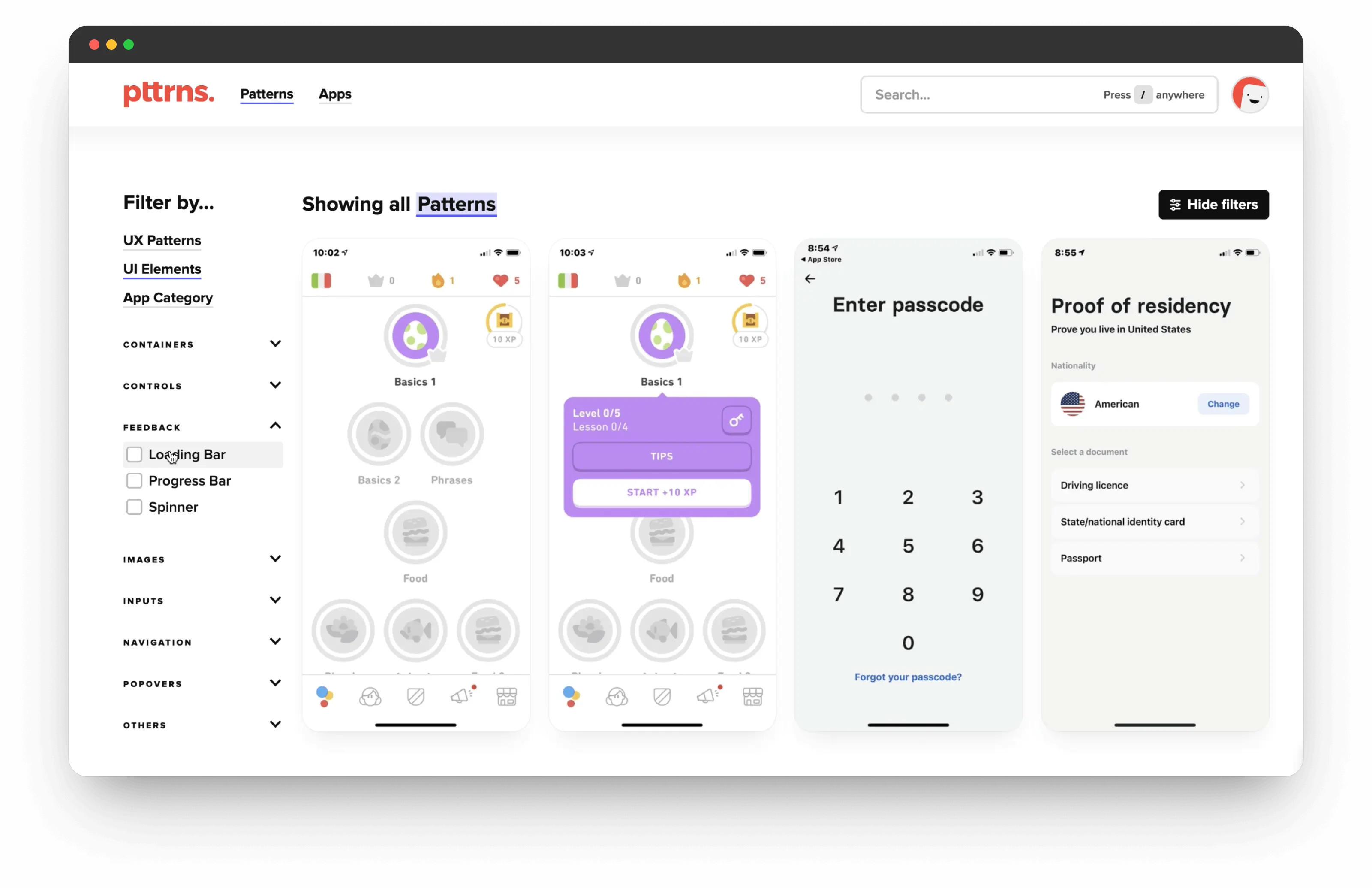
When we talk about Pttrns, the first thing that comes to mind is the sheer size and quality of its database. We're not just talking about an image gallery; it's a colossal library of concrete UI/UX patterns, drawn from real applications. Whether you're looking for perfect mobile onboarding flows or the best approach for a complex web dashboard, it's all here. For us at Easy Web, it's a gold mine for starting a project with the right foundations and solid inspiration.
But what makes this library truly powerful is the granularity of its filtering system. You can target by platform, industry type, specific component or even by stylistic elements like color and typography. No more hours of aimless scrolling. Pttrns lets you isolate exactly what you need in just a few clicks, transforming the search for inspiration into a truly strategic phase of your design process. It's a huge time-saver, believe me.
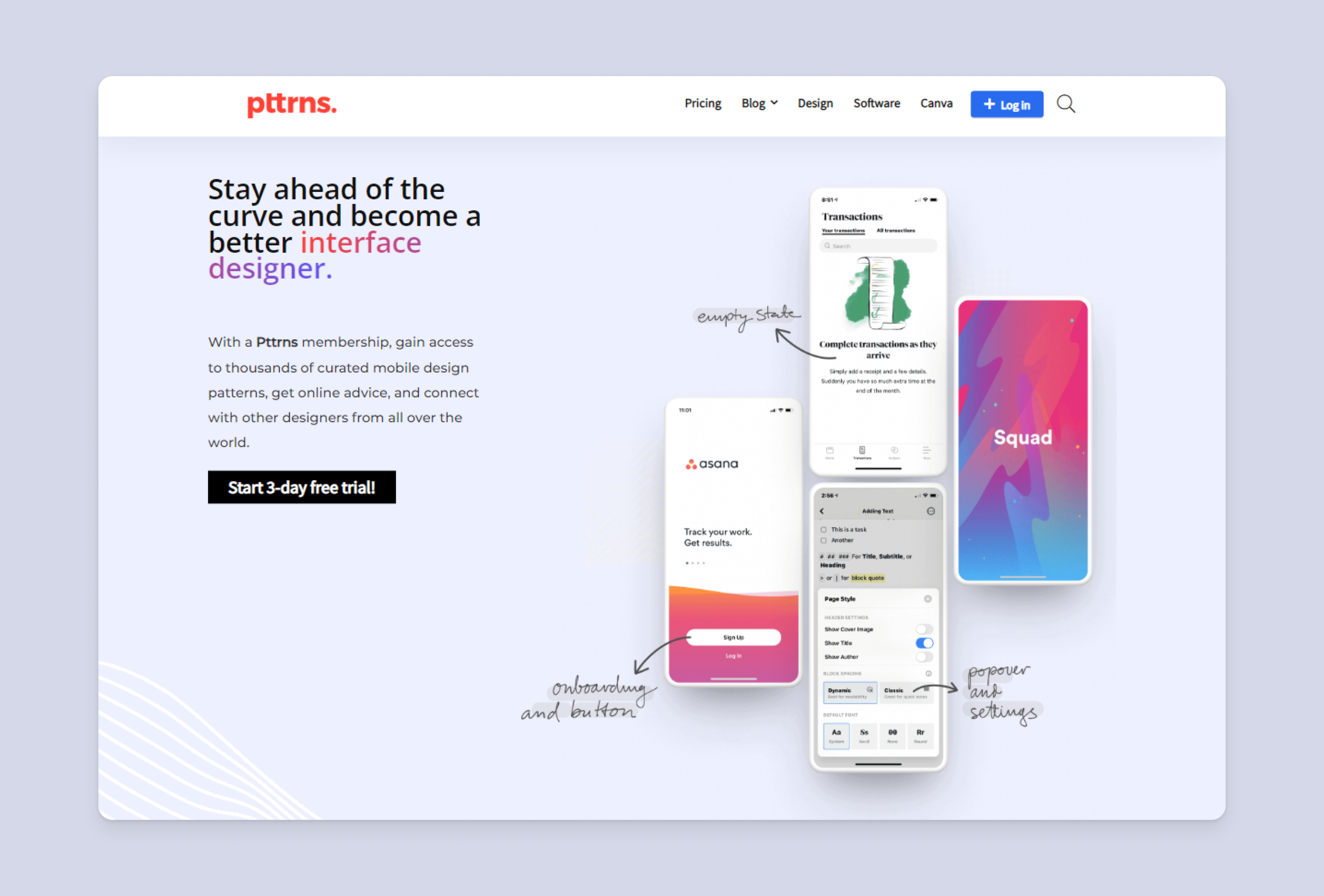
What really grabbed me about Pttrns was their AI-based recommendation engine. It's a far cry from a simple gallery! The tool analyzes your preferences, current trends and even the context of your project to suggest ultra-relevant patterns (user interface models). For us, this means considerable time savings in finding the right inspiration, and above all, it helps break the blank page syndrome by providing a clear direction.
Another major highlight is advanced component synchronization. Pttrns goes far beyond a simple inspiration library; it integrates deeply into your design ecosystem. You can link patterns directly to your master components in tools such as Figma or Storybook. This guarantees impeccable consistency between inspiration and concrete implementation, a real game changer for maintaining uniformity on a large scale.
Pttrns excels at quick inspiration, but beware. For a detailed analysis of a complete design system, or for deciphering complex user flows with their animated interactions, you'll quickly hit the ceiling. It remains a catalog of patterns, not a tool for in-depth experience auditing, and this is its main limitation.
For these more specific cases, I turn instead to Mobbin, or Figma's community resources for interactive components. Dribbble also remains essential for pure inspiration. However, Pttrns retains its unique role as a clear library of UI patterns. A great asset for getting a project off the ground quickly and efficiently.
In brief:
Advantages:
- Fast, targeted inspiration
- Clear pattern categorization
- Time-saving for UI bases
Disadvantages:
- Lack of depth on interactions
- No analysis of complex flows
- Few detailed design system elements
FAQS
Is it reliable and secure?
Reliability and security are our priorities when evaluating a tool. With Pttrns, we see a solid cloud infrastructure, designed for high availability. When it comes to security, it's classic, but effective: your data is protected by standard encryption protocols. Their privacy policy is transparent and in line with current requirements. Clearly, since we've been using it, we've never encountered a major flaw or problem. This is a point of confidence for us.
Is it compatible with my other tools?
When I discovered Pttrns, my first question was the same! To be clear, Pttrns is not a direct design tool. So you won't find deep integration plugins for Figma, Sketch or Adobe XD. Its strength lies elsewhere: it's a huge library of inspiration and UI/UX flows. You draw ideas from it, analyze the best patterns, then apply these concepts in your usual tools. It's workflow synergy, not file-to-file interoperability. That's how we use it at Easy Web.
Is there responsive customer support?
Pttrns customer support is generally very responsive. In my experience and that of my team, feedback is often within a day, mainly via their ticket system. This is effective for routine technical questions or bug fixes. For really urgent queries, I've sometimes noticed a slight delay, but on the whole, they understand the importance of fast support for pros like us. That's a strong point when you're in production.
What do other users think?
The feedback is unanimously positive. Designers praise the breadth and granularity of the Pttrns library. It's the Holy Grail for competitive intelligence and inspiration, with hundreds of thousands of cutting-edge UI/UX screenshots. I often hear about how accurate the filters are and how easy it is to find your way around. While some may hope for even faster updates, the tool is clearly seen as a must-have for optimizing the research and ideation phase.
Can I easily change later?
The feedback is unanimously positive. Designers praise the breadth and granularity of the Pttrns library. It's the Holy Grail for competitive intelligence and inspiration, with hundreds of thousands of cutting-edge UI/UX screenshots. I often hear about how accurate the filters are and how easy it is to find your way around. While some may hope for even faster updates, the tool is clearly seen as a must-have for optimizing the research and ideation phase.
Alternatives
.svg)

Specializing in business creation, sales and digital marketing, he puts his expertise at the service of users to help them identify the solutions best suited to their needs. Passionate about digital innovation and optimizing online performance, Alexis is committed to providing detailed, transparent and unbiased comparisons.
Do you have an entrepreneurial project?
We support you in the structuring and development of your tech project. Make an appointment with one of our Business Strategists.