


.avif)





.svg)
.svg)




Pexels has established itself as a goldmine, a must-have reference for thousands of free, royalty-free photos and videos, essential to our daily digital creations. But in 2025, with the meteoric emergence of generative AI and a relentless quest for ultra-specific visuals, is this platform still a viable and relevant solution for our requirements as designers and web agencies? After years of using it at Easy Web, I'd like to give you my full feedback: its simplicity, its key features, but also its concrete limitations. My aim? To help you determine whether Pexels still has a place in your creative arsenal.
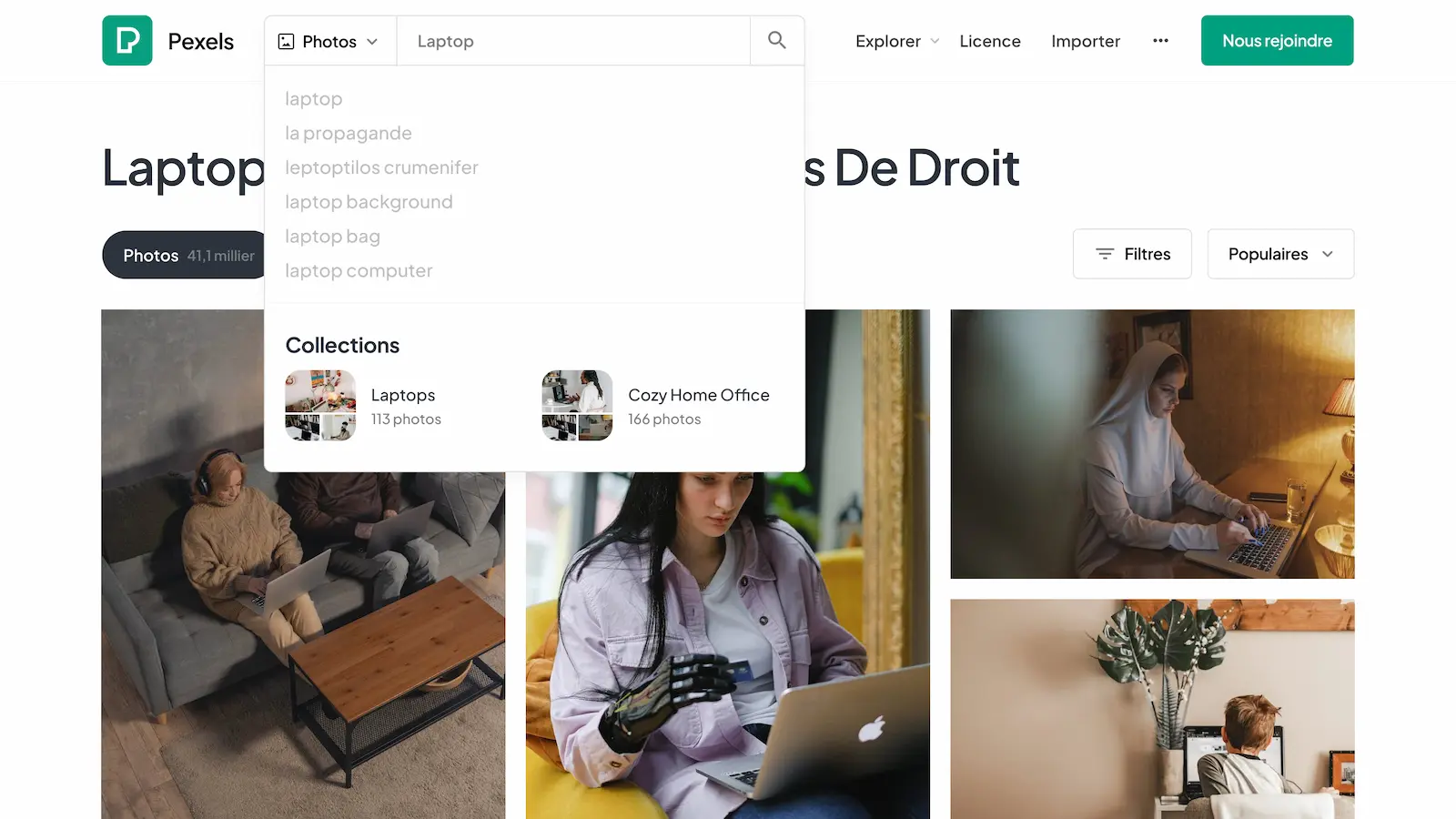
My experience with Pexels
For years, Pexels has become a staple in our workflows at Easy Web. I use it almost daily to find the perfect illustration. What I love most of all is its professional-quality library of photos and videos that are absolutely stunning, and completely free.
For quick mock-ups, prototypes, or final visuals before the customer image banks arrive, Pexels is indispensable. Its richness and diversity of subjects, combined with the free license, give us incredible flexibility without weighing down the budget. A real asset for delivering fast and well.
But beware, it's not a one-size-fits-all solution. For ultra-specific themes, less generic shots or perfect visual consistency across a series, you quickly reach your limits. It's often necessary to supplement with other sources or dedicated shoots.
But beware, it's not a one-size-fits-all solution.
Is Pexels really useful for my needs?
The real question to ask yourself before using Pexels is: what's your objective? Because the relevance of Pexels depends very much on how you use it. If your need is to quickly obtain high-quality, royalty-free images or videos for general illustrations, then yes, Pexels is formidable. It's the perfect tool for getting started, for filling a visual void without breaking the bank.
Whether you're a freelance content creator, a blogger who publishes regularly, a social media manager or even a small agency that needs visuals for a quick pitch, Pexels saves you precious time. Imagine: you're looking for the perfect illustration for a blog post about telecommuting or a background image for an Instagram story, Pexels is your instant, efficient toolbox.
Its other major asset? The quality and diversity of its content, especially when you think it's free. Far from generic clichés, you'll often find original nuggets, avoiding images that have been seen and reviewed. A real goldmine for adding a professional touch without blowing the budget, which, in 2025, remains a priority for many.


Is Pexels suitable for beginners?
When you're just starting out in web design, every euro counts, right? That's where Pexels becomes a major ally. For a junior or a freelancer just starting out, it's the ideal tool. Thousands of high-quality photos and videos, free of charge, with super-simple licenses - often usable commercially without attribution. I remember, in our early days at Easy Web, it was a gold mine for our prototype sites or the blogs of customers on tight budgets.
This ease of access, combined with really good visual quality, makes Pexels a must-have for first-time users. No headaches with complex image banks, credits or monthly subscriptions. Just download, integrate and you're done. If you want to learn how to arrange visuals, test different moods for a project, or get immediate content for your layouts, it's just the thing. It's an ultra-fluid gateway to visual integration.
How much does Pexels cost?
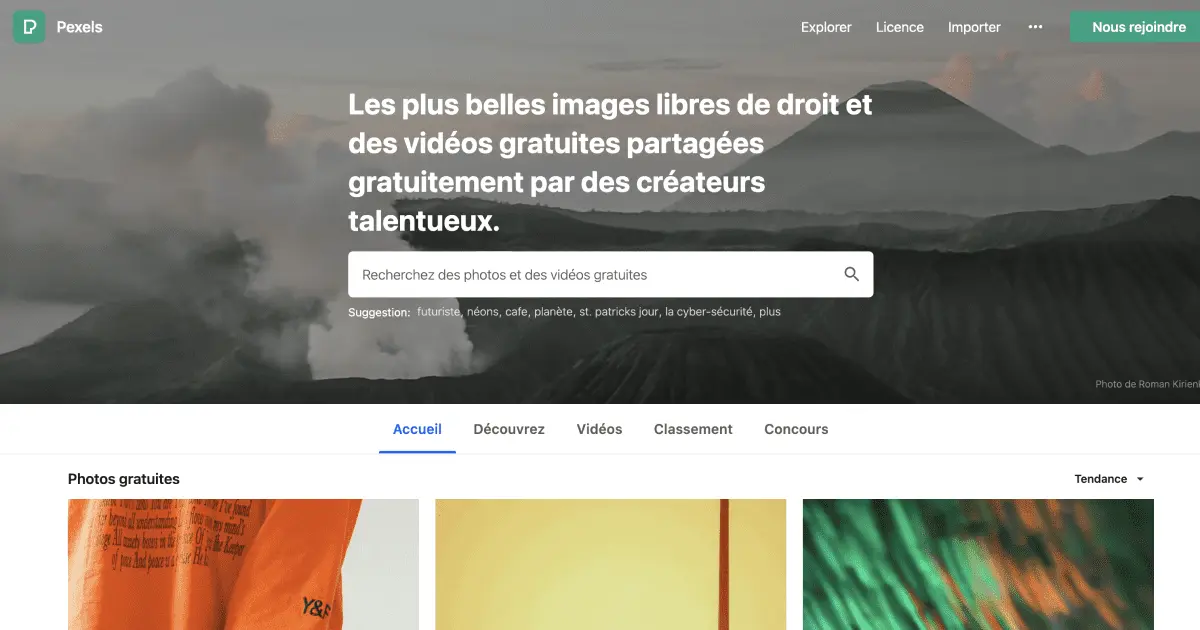
Wondering how much Pexels costs? It's simple, and it's great news: Pexels is completely free. Yes, you read that right. No hidden packages, no premium subscriptions. You get access to a colossal library of high-quality, royalty-free photos and videos, for commercial or personal use, without even having to credit the author.
.For us at Easy Web, this is a major asset. Whether you're a freelance designer, a small agency juggling your budget, or even a large structure looking to optimize costs without sacrificing quality, Pexels is an invaluable resource. It's the perfect tool for anyone who needs high-impact images, quickly, without breaking the client's budget. A real game-changer in the day-to-day running of our projects.
What are Pexels' key features?
The first thing that strikes you about Pexels is the incredible breadth of its photo and video library. Frankly, for our projects at Easy Web, it's become a must-have resource. Looking for a precise, high-resolution visual that perfectly matches a client's branding? The likelihood of finding it here, free of charge, is surprisingly high. It's a colossal time-saver and a constant source of inspiration.
But beyond quantity and quality, what really makes the difference for us pros is the simplicity of their licensing model. No more hours spent dissecting complex copyrights. With the Pexels license, most content can be used commercially, with no attribution required. This peace of mind, believe me, is a major asset when managing multiple deliverables under pressure.
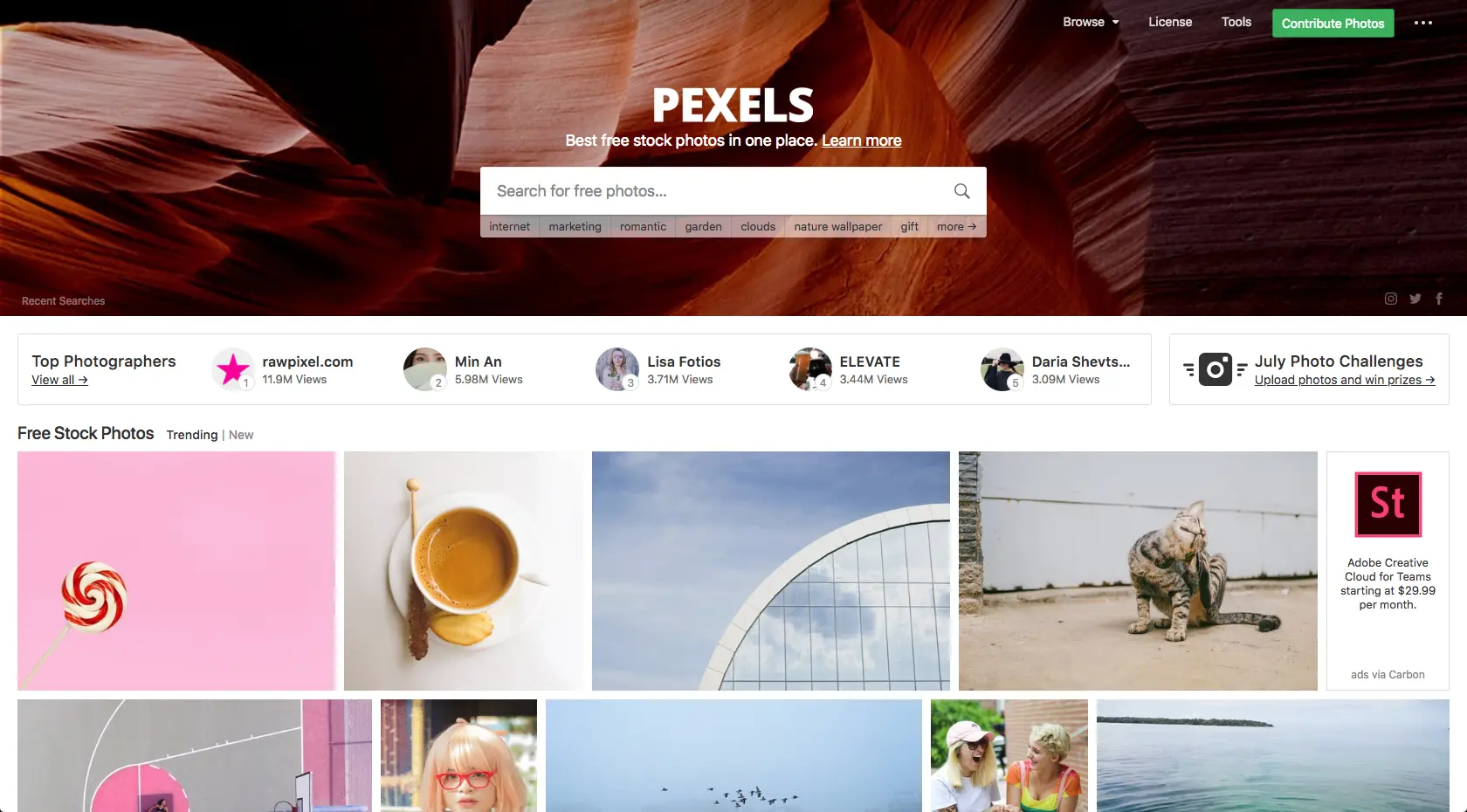
You know, bringing a site to life in 2025 isn't just about images anymore. Pexels excels with its video library. I was blown away by the quality and diversity of their royalty-free 4K clips. We use them for page backgrounds, animated banners and micro-interactions. At Easy Web, we use them for customer projects requiring this visual edge, without straining the budget or wasting hours. A colossal time-saver.
Beyond the videos, their refined search engine and themed collections are underestimated assets for pros. No more endless scrolling! Whether you need images with a specific color palette or precise shots for a brief, advanced filters and handpicked collections save you precious time. Essential for a smooth workflow when deadlines are tight, the relevance of the results is often surprising.
Pexels is great for speed, but its limitations quickly become apparent. For a very specific visual identity or a series of snapshots requiring a consistent artistic touch, it gets tougher. At Easy Web, I've often seen projects where the required depth or originality was lacking, making the tool insufficient for high-end customer deliverables.
In these cases, I turn to Unsplash for other styles, or directly to paid banks like Shutterstock or Adobe Stock for specific briefs. Pexels retains its place for rapid prototyping or generic needs. The fact that it's free remains a major advantage, and we mustn't forget it.
- Advantages: Free, huge library, ultra-simple to use.
- Disadvantages: Less suited to niches, difficulty of thematic consistency, images sometimes generic and seen and reviewed.
FAQS
Is it reliable and secure?
Totally reliable and secure. It's a robust platform, constantly available for your downloads. On the security side, Pexels offers a very permissive license: you use the images for free, for commercial or personal use, without attribution. This is Pexels' strength, and avoids many legal headaches. At Easy Web, we've integrated Pexels into our workflows without the slightest hesitation for this very reason. You can go ahead with your eyes closed.
Is it compatible with my other tools?
The Pexels resources, mostly standard images and videos (JPG, PNG, MP4), integrate perfectly into almost all your design tools. Think Figma, Photoshop, Illustrator, Premiere Pro or After Effects. Since they are raw files, integration is straightforward: a simple drag-and-drop operation is all that's required after downloading. No need for complex plug-ins or specific APIs. That's our strength: ease of use with your existing workflow.
Is there responsive customer support?
Honestly, the notion of ultra-reactive customer support is less of a priority for Pexels. It's not a service that relies on direct, personalized support like a paid SaaS solution. Their system relies mainly on a very detailed help section and an active community. If you have a question, the answer is often already there. Don't expect live chat or instant email responses; that's inherent in the model of a free tool of this scale. You'll need to be autonomous in your search for information.
What do other users think?
Frankly, the feedback I hear from the community, and what I observe at Easy Web, is excellent overall. Free high-resolution images and videos, under an ultra-permissive license, are a recurring strong point. Designers praise the speed with which they can find quality content. The only point sometimes raised? For very specific niches or ultra-focused styles, we sometimes have to supplement with other banks. But for 90% of needs, Pexels is the consensus, it's a solid base.
Can I easily change later?
Frankly, the feedback I hear from the community, and what I observe at Easy Web, is excellent overall. Free high-resolution images and videos, under an ultra-permissive license, are a recurring strong point. Designers praise the speed with which they can find quality content. The only point sometimes raised? For very specific niches or ultra-focused styles, we sometimes have to supplement with other banks. But for 90% of needs, Pexels is the consensus, it's a solid base.
Alternatives
.svg)

Specializing in business creation, sales and digital marketing, he puts his expertise at the service of users to help them identify the solutions best suited to their needs. Passionate about digital innovation and optimizing online performance, Alexis is committed to providing detailed, transparent and unbiased comparisons.
Do you have an entrepreneurial project?
We support you in the structuring and development of your tech project. Make an appointment with one of our Business Strategists.