


.avif)





.svg)
.svg)



Should Noun Project be used in 2025?
Noun Project is the icon library par excellence. For years, it has established itself as an essential reference for us designers looking for quality vector icons. It remains a major player in web and print graphics in 2025.
But the question I'm asking myself today, and that you're probably asking yourself too: with the explosion of alternatives and AI, is Noun Project still the indispensable tool for our projects in 2025?
After years of using it on a daily basis at Easy Web, I share my experience with you. From its simplicity to its limitations, I give you my objective opinion on its real usefulness and whether it's still worth the investment for your creations.
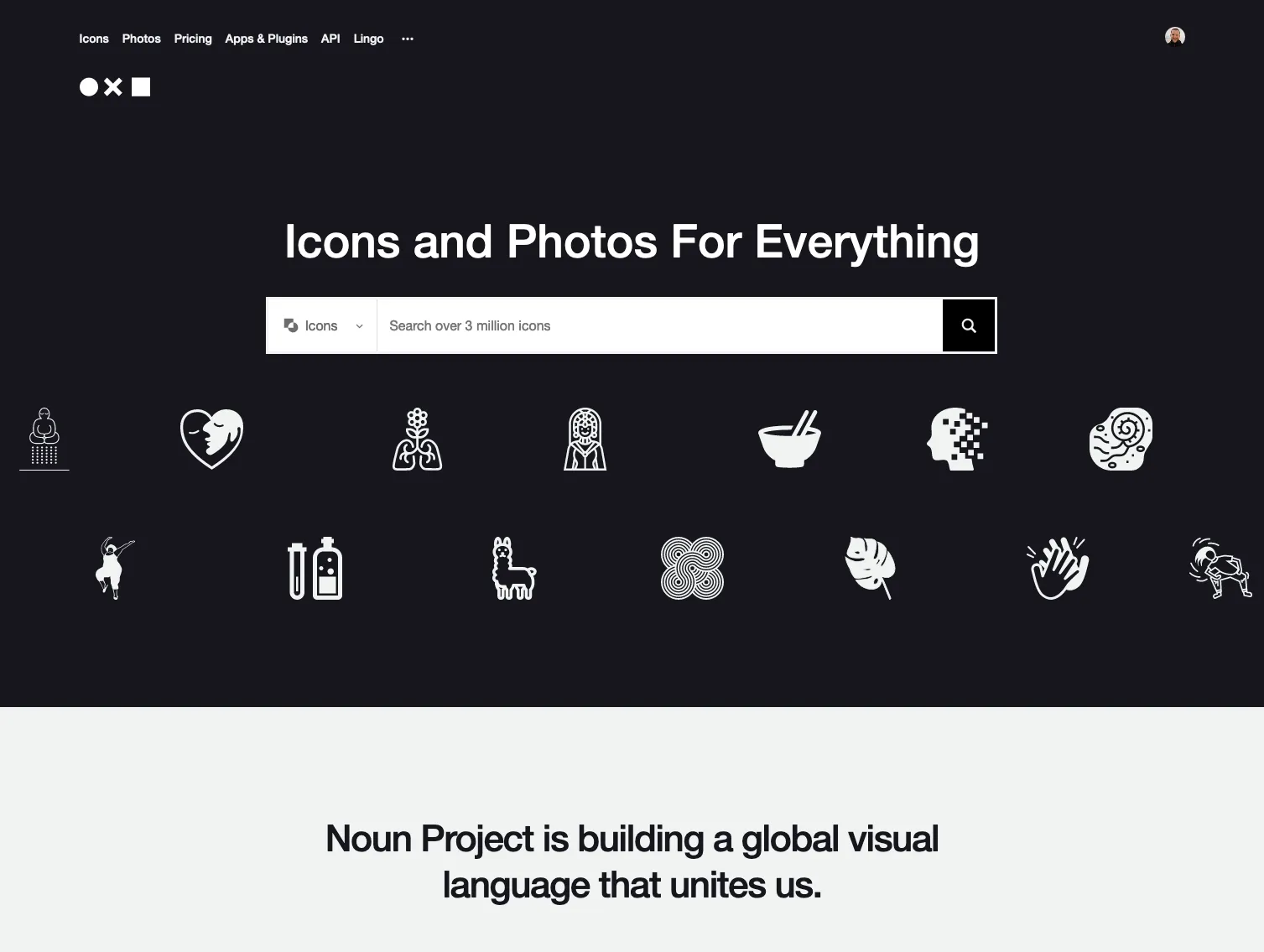
My experience with Noun Project
Noun Project, I've been using it since the early days of Easy Web, over five years ago. It's become a go-to resource. What I really appreciate is its ability to deliver icons of consistent quality. The real highlight is the diversity and visual uniformity of its icon library.
For UI projects requiring visual consistency, or to quickly energize customer presentations, Noun Project is a gold mine. It's intuitive to search, and the formats (SVG, PNG) are ideal for web integration and vector designs. You save precious time without sacrificing quality.
Beware, however: customization of certain icons may be limited without vector editing skills. For very specific needs or ultra-customized styles, we sometimes have to turn to more expensive solutions or create our own assets. It's not a one-size-fits-all solution, but an excellent starting point.
Is Noun Project really useful for my needs?
The real question to ask yourself before using Noun Project is: what is my objective? Because the relevance of Noun Project depends very much on how you use it. If your need is to quickly illustrate clear concepts with standardized vector icons, then yes, it's your essential ally. For user interfaces (UI), presentations or infographics, it's formidable.
Whether you're a front-end developer, UI/UX designer, web project manager or even a digital marketer looking to enrich your media, Noun Project saves you an incredible amount of time. It offers a colossal library of icons, perfect for an action button, a visual caption or a service pictogram. Need a "house" or "settings" symbol? You'll find it in one click, consistent and ready to use.
And what's powerful is this ability to maintain visual consistency across all your projects. When you're building a design system, for example, having a reliable source for thousands of icons in the same style is a real asset. It ensures that your interfaces stay clean and professional, no matter how complex the project.


Is Noun Project suitable for beginners?
If you're new to design and icons give you cold sweats, Noun Project is a real lifesaver. Forget complexity: here, the search engine is ultra-intuitive. Type in a keyword - "analytics", "cloud", "payment" - and pow, thousands of options appear. Perfect for your first UI/UX mock-ups, customer presentations or even your first pitch slides. Integration via plugins for tools such as Adobe XD or Figma is a breeze, allowing vector icons to be added at the click of a button.
The advantage for a beginner is obvious: you save an incredible amount of time. No need to spend hours drawing the perfect icon or searching for a dubious free resource. Noun Project offers immediate visual consistency, essential for a pro rendering without being a seasoned illustrator. It's an excellent starting point for familiarizing yourself with the integration of graphic assets and understanding the importance of a structured icon library.
How much does Noun Project cost?
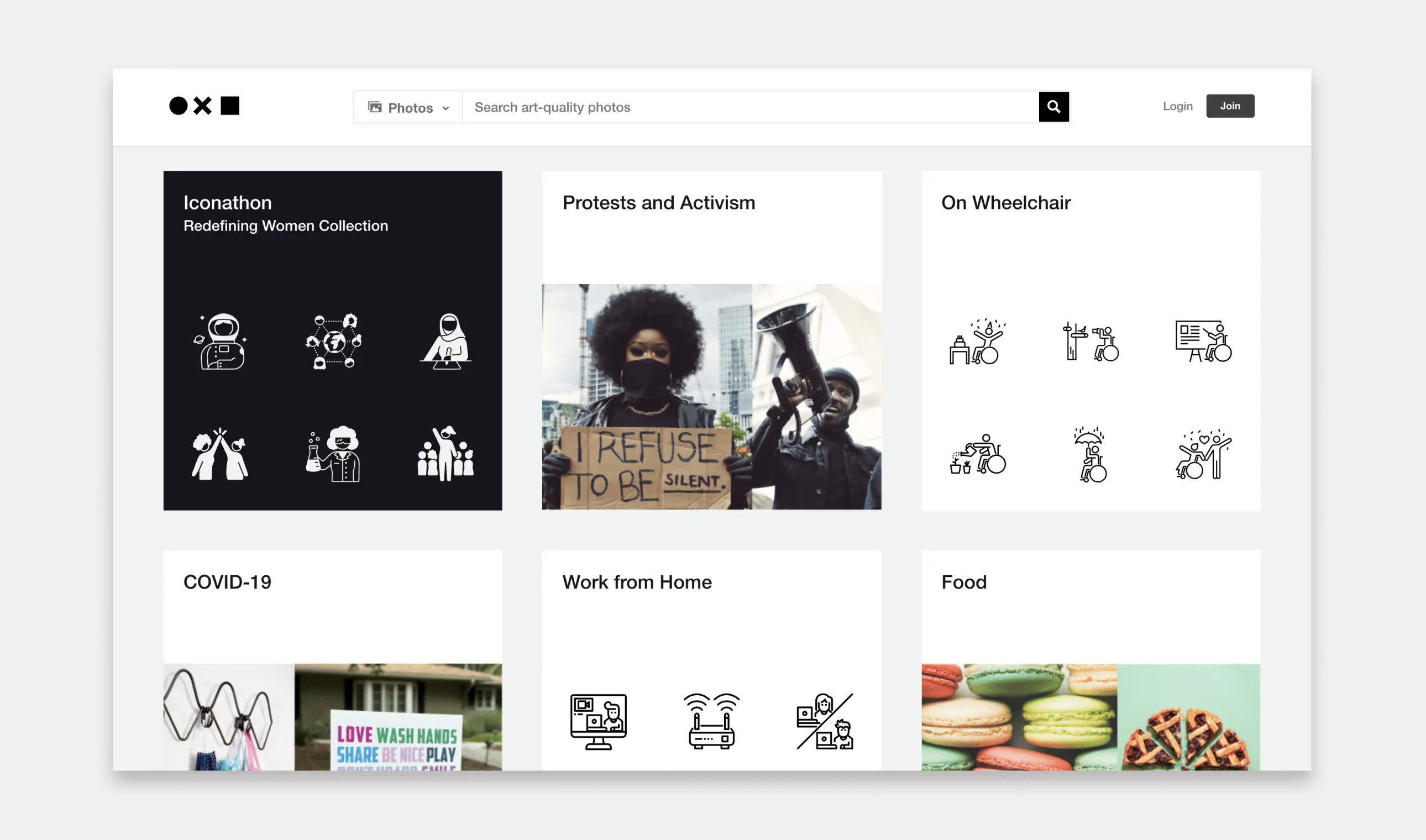
Cost, for Noun Project as for any tool, is paramount at Easy Web. We keep a close eye on this for our designers.
First, the free formula. Ideal for starting out, for personal projects. Limited access, attribution often required. Perfect for freelancers exploring without spending, this is the gateway.
Then, the Individual Pro formula. This is the obvious choice for the designer who works on a daily basis. Unlimited access to the entire icon bank, without attribution. Its annual or monthly cost is quickly recouped in time savings and creative freedom. It's the real game-changer for the freelance pro.
Finally, the Teams option. For an agency like ours, this is essential. Centralized license management, billing per user. It simplifies the whole organization and ensures compliance. The ROI is clear as soon as your design team expands. A must for growth.
What are the key features of Noun Project?
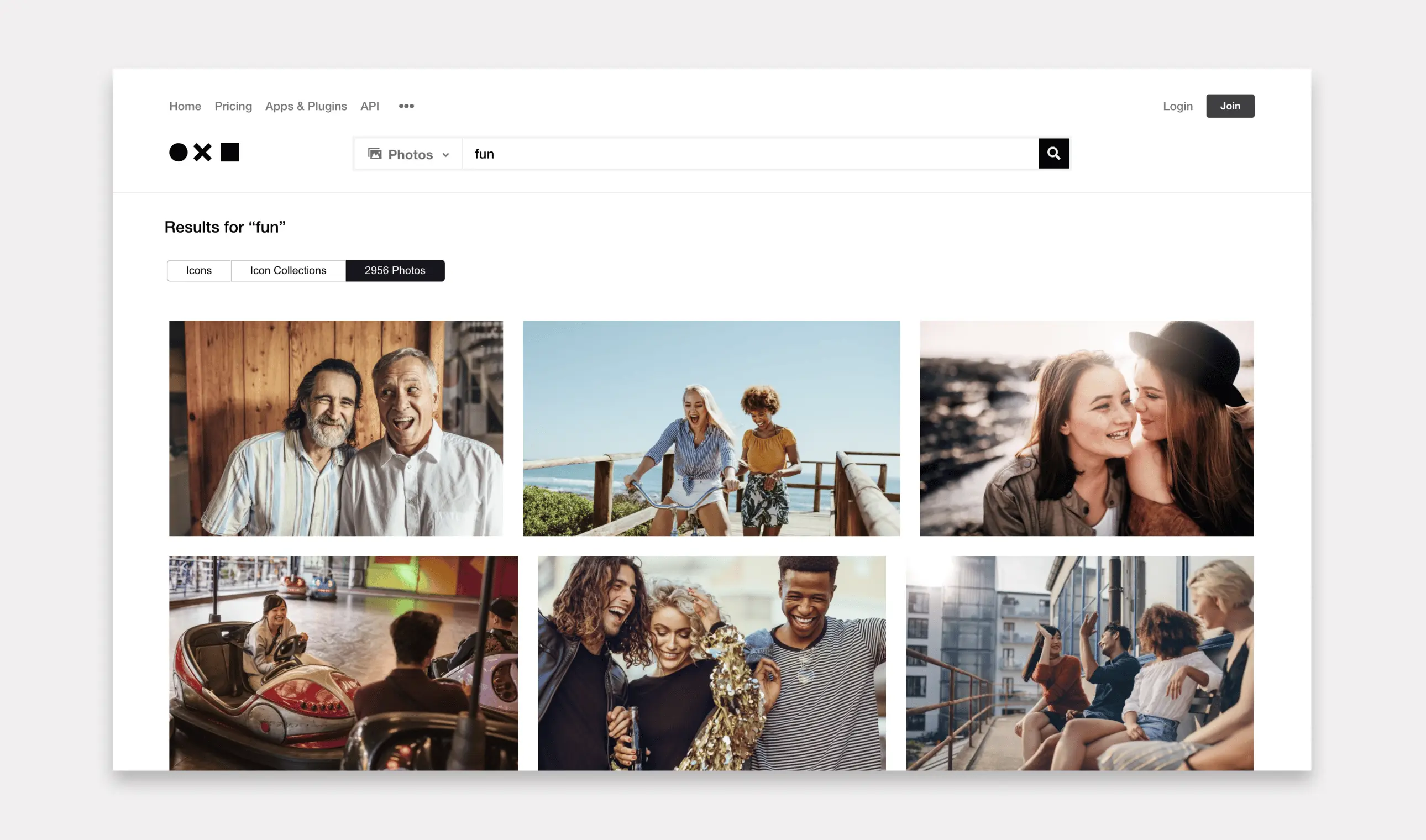
Frankly, the first thing that jumps out about Noun Project is the breadth of their library. We're talking millions of vector icons and stock photos, often in a clean, ultra-coherent style. For us at Easy Web, this is a major asset when you're looking for the precise visual element to match the identity of a customer project. The diversity and consistent quality are impressive.
But beyond volume, customization is a game-changer. You have the hand to modify colors, sizes, and even adjust certain icon details directly on the platform. And that's not all: plugins for Adobe Creative Suite (Photoshop, Illustrator) or Sketch are a real plus. Fluid integration is a huge time-saver in our daily workflow. No more endless export/import
.
What I really like about Noun Project is the flexibility offered for direct customization. You don't just download a raw SVG. No, the platform lets you modify the icon's color, its background, and even adjust the line thickness to fit perfectly with your graphic charter. It's a huge time-saver for our projects at Easy Web, no more tedious trips back and forth to Illustrator for a simple colorimetric adaptation.
Beyond that, the real power is revealed when you integrate Noun Project into your existing workflow. Whether via their plugins for tools like Figma or Adobe XD, or their API for more customized solutions, friction is minimal. This makes team collaboration and asset standardization on complex projects much smoother. For an agency, it's vital to have tools that fit effortlessly into our production chain.
Looking for a complex vector illustration or animated icon for a project that stands out from the crowd? This is where Noun Project, despite its huge library, can quickly show its limitations. Its icons, often static, are sometimes too generic for unique and differentiated branding needs.
For these cases, I turn to Adobe Stock or LottieFiles. That said, Noun Project remains indispensable at Easy Web. It's our preferred tool for icons that are fast, consistent, and essential to the clarity of a UI or the legibility of a presentation.
In short, Noun Project is:
- Strengths: Ease of use, gigantic icon base, visual consistency.
- Weaknesses: Lack of advanced options, limited customization, absence of native animations.
FAQS
Is it reliable and secure?
Absolutely. Noun Project's reliability is unquestionable. When it comes to security, their infrastructures comply with industry standards to protect your data and transactions. At Easy Web, we've been integrating it into our daily workflows for years. We've never had the slightest worry, either about access to resources or the protection of our information. It's a robust, well-maintained platform.
Is it compatible with my other tools?
Absolutely. Noun Project is designed to integrate seamlessly into your design ecosystem. Icons are primarily available in SVG (Scalable Vector Graphics), an essential vector format for quality-impaired editing and scaling in software such as Adobe Illustrator, Sketch or Figma. You can also obtain them in PNG (Portable Network Graphics), ideal for rapid integration in your layouts or on the web. This flexibility ensures extensive compatibility with virtually all your professional tools.
Is there responsive customer support?
As an agency, we know that responsive customer support is vital. At Noun Project, this is a point where we've seen variations. Their model is primarily based on a well-stocked help center. For simple or standard technical questions, answers arrive quickly, often via existing resources. But if you have more specific queries, related to complex licenses or precise account issues, expect a delay. Don't count on live chat or an immediate phone call.
What do other users think?
From our exchanges and what I see overall, Noun Project is very well received. Users, like us at Easy Web, appreciate the colossal diversity and graphic quality of their icon library. Integration via plugins for Sketch or Adobe XD is a big plus, making workflow ultra-smooth. The only frequent comment concerns the variability of stylistic consistency between certain packs, but this is a mere detail given the quantity of resources available. License management is clear, whether for free use with attribution or pro subscription.
.Can I easily change later?
From our exchanges and what I see overall, Noun Project is very well received. Users, like us at Easy Web, appreciate the colossal diversity and graphic quality of their icon library. Integration via plugins for Sketch or Adobe XD is a big plus, making workflow ultra-smooth. The only frequent comment concerns the variability of stylistic consistency between certain packs, but this is a mere detail given the quantity of resources available. License management is clear, whether for free use with attribution or pro subscription.
.Alternatives
.svg)

Specializing in business creation, sales and digital marketing, he puts his expertise at the service of users to help them identify the solutions best suited to their needs. Passionate about digital innovation and optimizing online performance, Alexis is committed to providing detailed, transparent and unbiased comparisons.
Do you have an entrepreneurial project?
We support you in the structuring and development of your tech project. Make an appointment with one of our Business Strategists.