


.avif)





.svg)
.svg)




Mobbin has carved out a special place for us UI/UX designers by becoming THE reference library for real user flows and mobile app screens. It's an invaluable well of inspiration when it comes to understanding what really works. But in 2025, with the design ecosystem moving at breakneck speed, is Mobbin still as indispensable a part of our daily arsenal? Simplicity, wealth of content, limits... After years of using it at Easy Web, I'd like to share with you my feedback and objective opinion on its practical usefulness for your needs.
My experience with Mobbin
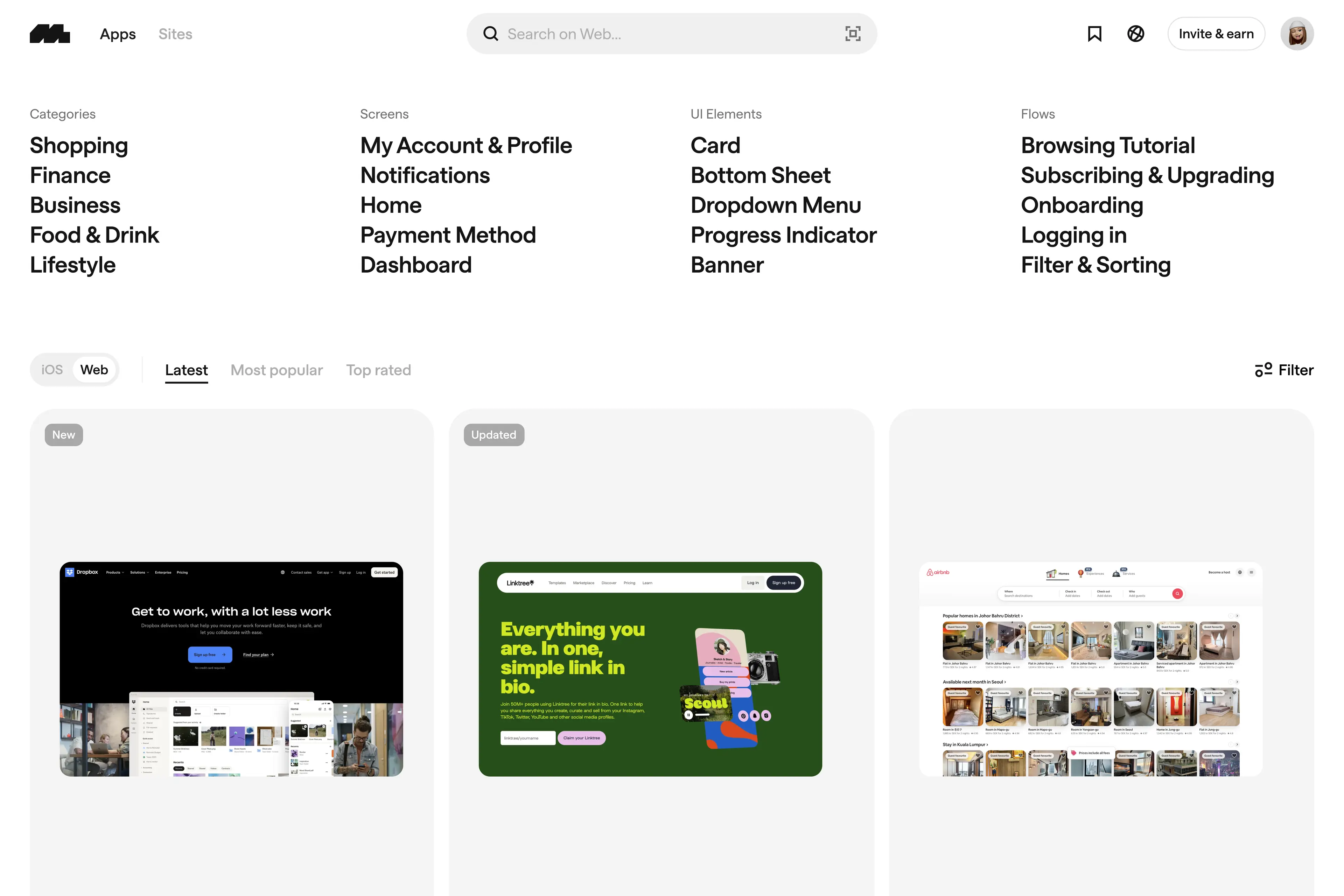
Mobbin, I know it well. It's been with me for quite some time now, a tool I've seen evolve and which has often saved my ass on complex projects at Easy Web. What always strikes me is its ability to offer an unrivalled resource for UI inspiration. Its undeniable strength is its massive and constantly updated library of real user flows and existing application screens.
For us designers and agencies, Mobbin has become indispensable when it comes to immersing ourselves in specific benchmarks or exploring the best UX/UI practices on the market. Need to see how Netflix handles its onboarding or how a fintech app handles its checkout? It's all here, perfectly categorized, offering incredible clarity to refine our own journeys.
However, even though it's a goldmine, Mobbin has its limits. It remains a tool for inspiration and reference; it doesn't replace prototyping or active design tools like Figma. Sometimes, the contextualization of flows could be more advanced, and direct integration with our design software would be a dream.
Is Mobbin really useful for my needs?
The real question to ask yourself before using Mobbin is: what's your objective? Its relevance depends very much on usage. If you're looking for an exhaustive base of real-world user interfaces for inspiration or competitor analysis, Mobbin is a formidable ally. That's its main function, and it does it brilliantly.
Whether you're a UI/UX Designer, Product Lead or front-end developer, Mobbin will save you an incredible amount of time. Analyze Spotify's onboarding, see how Airbnb handles filters or CTAs on a finance app? Mobbin gives you concrete examples, far from idealized models. It's an ultra-efficient way to see what works really.
Beyond inspiration, Mobbin excels in its ability to deconstruct complete user journeys. You don't just see a capture, but logical sequences, animations, the coherence of an experience. It's an auditing and benchmarking tool for refining your designs with real-world data.


Is Mobbin suitable for beginners?
When I see designers starting out, I always say to myself that they have an incredible opportunity to get off to a good start. For me, Mobbin is just such a gas pedal. It's a tool that democratizes access to high-level design insights. You're looking at thousands of screens from real applications - real-world app screens. You can analyze complete user flows, understand how interactions are structured and even identify the most effective design patterns. It's the equivalent of instant immersion in what really works in the marketplace.
For a junior, it's a gold mine. Instead of starting from scratch or locking yourself into a bubble, Mobbin offers you a living library of best practices. You learn by observing, by breaking down what the best have already done. This drastically reduces the learning curve and enables you to quickly integrate UI/UX conventions without even realizing it. It's a true digital mentor to sharpen your eye and understanding of the business.
How much does Mobbin cost?
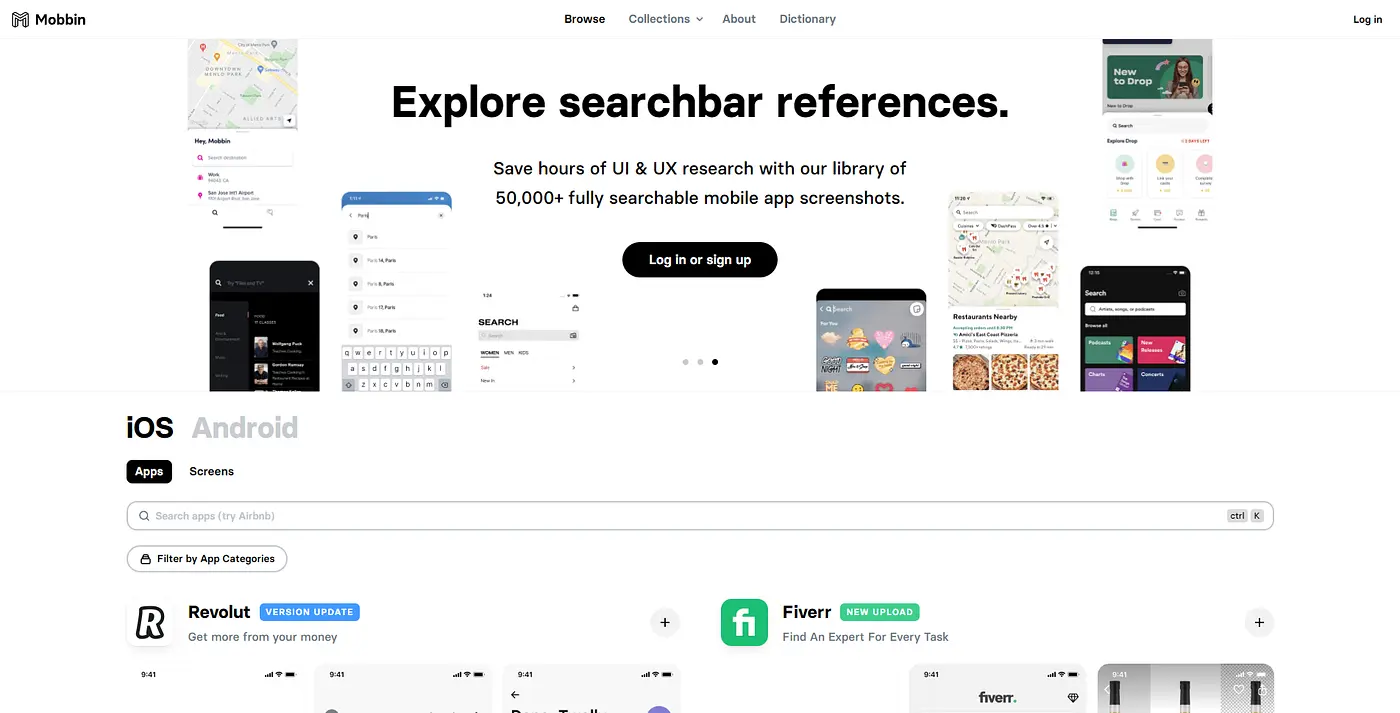
Budget is always a crucial point when it comes to tools, isn't it? Mobbin offers a clear and efficient pricing structure. First you get a Free plan, perfect for a first exploration and understanding the potential of their huge library, ideal for a student or designer just starting out. For the seasoned professional, or an agency like Easy Web, the Pro plan, at around €20-25 per month, is a wise investment. Here, you unlock everything: unlimited access to thousands of screens, advanced searches, everything you need for limitless UX/UI monitoring. Mobbin also offers customized packages for larger teams or structures looking for advanced collaboration. Believe me, for the time saved and the wealth of inspiration, it's a cost that pays for itself very quickly on your projects.
What are Mobbin's key features?
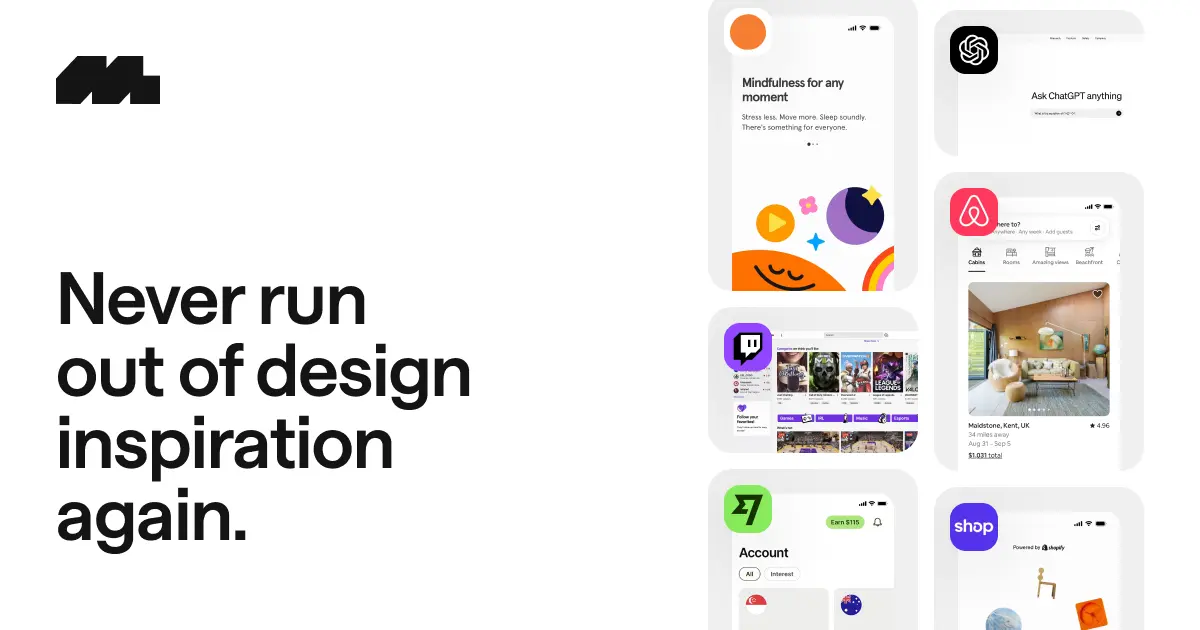
When tackling a new mobile project, you know that constant hunt for inspiration and "best practices"? Mobbin revolutionizes that. What I found really game-changing was their colossal library of real application interfaces. You have access to thousands of complete flows, from onboarding to payment, taken directly from well-known apps. For us at Easy Web, it's a gold mine for understanding what works and avoiding reinventing the wheel.
But Mobbin doesn't just show; they organize. Being able to filter by pattern (buttons, forms, navigation), by app type or even by specific screen changes everything. It allows us to quickly analyze how the giants handle specific use cases, and ensure real consistency in our design proposals. It's an incredible time-saver for our teams, and a major asset for our projects in 2025.
What really struck me about Mobbin was much more than the impressive collection of screens. You can immerse yourself in complete user journeys. No more isolation: you visualize the logical sequence, the navigation from one screen to the next, and that's a goldmine for refining your understanding of the why behind a good UX. It's by seeing these flows that you pick up on the nuances that differentiate a smooth experience from a frustrating one.
And believe me, the ability to analyze components individually is a game changer. Need to see how the biggest apps handle their "empty states" or modals? Mobbin lets you isolate these precise patterns across hundreds of applications. It's an incredible time-saver when it comes to validating your choices or finding new inspirations, without having to browse endlessly through each app.
Look, Mobbin is great for inspiration. But for concrete cases like advanced interactive prototypes or mock-ups with complex user logic, you quickly reach its limits. At Easy Web, we've seen that it's not enough for advanced user testing. We need to be clear about our role: inspiration, not complex construction.
.For these specific needs, tools like Figma with its powerful plugins, or even Axure for highly technical wireframes, are indispensable. Mobbin isn't there for everything. It remains incredibly valuable for the exploratory phase and rapid inspiration. This is its niche, and it occupies it brilliantly.
So, Mobbin? A nugget for UI inspiration, not the all-in-one.
So, Mobbin?
- Advantages: Huge library of real-world interfaces, inspirational time-saving, effective design intelligence.
- Disadvantages: Limited prototyping, no original creation, requires other tools for production.
FAQS
Is it reliable and secure?
Absolutely. Mobbin incorporates the current security standards I'd expect from a pro tool in 2025. Your data is encrypted in transit via SSL/TLS and at rest, often on state-of-the-art cloud infrastructures. As for reliability, their uptime is solid, crucial for our workflows. Robust authentication, with dual authentication, adds another layer of protection. For my part, I've never had any surprises on the security or stability front when using it for our projects at Easy Web. It's a sound basis for collaboration.
Is it compatible with my other tools?
Mobbin is positioned primarily as a resource for UI/UX inspiration and research, not as a primary design software. Its compatibility is therefore indirect. You can export screens or flows from Mobbin in image (PNG, JPEG) or PDF formats, making them easy to integrate into your presentations or specification documents. For exchange with your design tools such as Figma, Sketch or Adobe XD, there is no native API integration. You'll need to visually import elements or screenshots from Mobbin into your software. It's more of a repository than the cornerstone of your tool chain.
Is there responsive customer support?
Mobbin's customer support is something I've been watching closely. Overall, their responsiveness is good. When we had a few queries, mainly via the ticket system, answers often arrived within 24 hours. It's not always instantaneous, but for a specialized tool like this, it's a very respectable rate. No nasty surprises on our side at Easy Web on this front.
What do other users think?
What I often hear is enthusiasm for Mobbin's huge library. Designers really appreciate the quality and depth of real user flows and screens. They see it as a goldmine for inspiration, rapid concept validation and UX refinement. The realism of the interfaces is constantly praised. A few mention that its cost can be an obstacle for small structures, but many agree that the time saved and the wealth of resources justify the investment. It's a tool that has won consensus for its practical usefulness.
Can I easily change later?
What I often hear is enthusiasm for Mobbin's huge library. Designers really appreciate the quality and depth of real user flows and screens. They see it as a goldmine for inspiration, rapid concept validation and UX refinement. The realism of the interfaces is constantly praised. A few mention that its cost can be an obstacle for small structures, but many agree that the time saved and the wealth of resources justify the investment. It's a tool that has won consensus for its practical usefulness.
Alternatives
.svg)

Specializing in business creation, sales and digital marketing, he puts his expertise at the service of users to help them identify the solutions best suited to their needs. Passionate about digital innovation and optimizing online performance, Alexis is committed to providing detailed, transparent and unbiased comparisons.
Do you have an entrepreneurial project?
We support you in the structuring and development of your tech project. Make an appointment with one of our Business Strategists.