


.avif)





.svg)



Marvel has carved out a niche for itself, long recognized as a benchmark for rapid prototyping and team collaboration. But with the constant emergence of new platforms and changing needs in 2025, is it still the optimal solution for your projects? Simplicity of use, depth of functionality, and even its weak points... After years of using it on a daily basis, I give you my uncompromising opinion, so that you know whether it still matches your professional requirements.

My feedback on Marvel
Marvel has been a staple at Easy Web for years. I've seen the tool evolve, and its ability to make prototyping ultra-accessible still impresses me. For me, its real strength is its disconcerting ease of creating interactive prototypes and visualizing user paths.
For quick validations or customer presentations, it's just perfect. It concretizes the idea, brings it to life, and generates concrete feedback without friction. It's the ideal ally for agile cycles where testing and iterating are paramount.
Warning: Marvel is not a complete UI design tool. Its graphic options are basic. For complex UI creations or highly advanced animations, you'll quickly reach its limits. It excels at rapid prototyping, not detailed graphic design.
Is Marvel really useful for my needs?
The real question to ask yourself before using Marvel is: what is my objective? Because Marvel's relevance depends very much on how you use it. If your primary need is to rapidly prototype user interfaces and simulate complete user journeys, then yes, Marvel is an invaluable ally. It excels in the creation of interactive mock-ups.
Are you a UX/UI designer, digital project manager, or working in an agency and need to present clear, validated user flows? Marvel is super efficient. Imagine having to show a client the navigation of an app before you've even coded a line: Marvel lets you do just that, with disconcerting fluidity. It's perfect for rapid user testing and agile iterations.
Another major advantage is its ease of integration. You can import your assets from Sketch or Figma in the blink of an eye, and collaborate in real time with your team. It's a real time-saver for complex projects.

Is Marvel suitable for beginners?
When it comes to design tools, Marvel is often my first thought for anyone who sets foot in prototyping. I've seen it dozens of times simplify the learning process thanks to its ultra-intuitive interface. Forget 10-hour tutorials: with its drag-and-drop system and ease of linking screens, you can create interactive prototypes in minutes. It's perfect for sketching quick wireframes or bringing a customer concept to life without a line of code.
What's really powerful for beginners with Marvel is that it takes the technical complexity out of it. Being cloud-based, there's no heavy installation or compatibility to deal with. Collaboration is a breeze: a simple link is all it takes to share and gather feedback. It lets you focus on the essentials of design and user flow, without drowning you in advanced features that, frankly, wouldn't serve you in the first place. It's an ideal springboard.
How much does Marvel cost?
Cost is always a key factor for a tool. Marvel has structured its offerings in a logical way.
To get started, the Free plan is excellent. A few prototypes, discovery of the interface at no cost. Ideal for students or if you just want to see what Marvel has up its sleeve.
The plan Pro (around $16/month) is aimed at the freelance designer. It unlocks unlimited exports and more projects, essential for a pro workflow. It's the next step up as your needs grow.
At Easy Web, the plan Team (around $48/month for 3 users) is indispensable. Real-time collaboration, shared component libraries... Crucial for managing our agency projects and maintaining team coherence.
Finally, the Enterprise offer, on quotation, targets very large structures. We're talking enhanced security and customized integrations for their specific needs.
Finally, the Enterprise offer, on quotation, targets very large structures.
What are Marvel's key features?
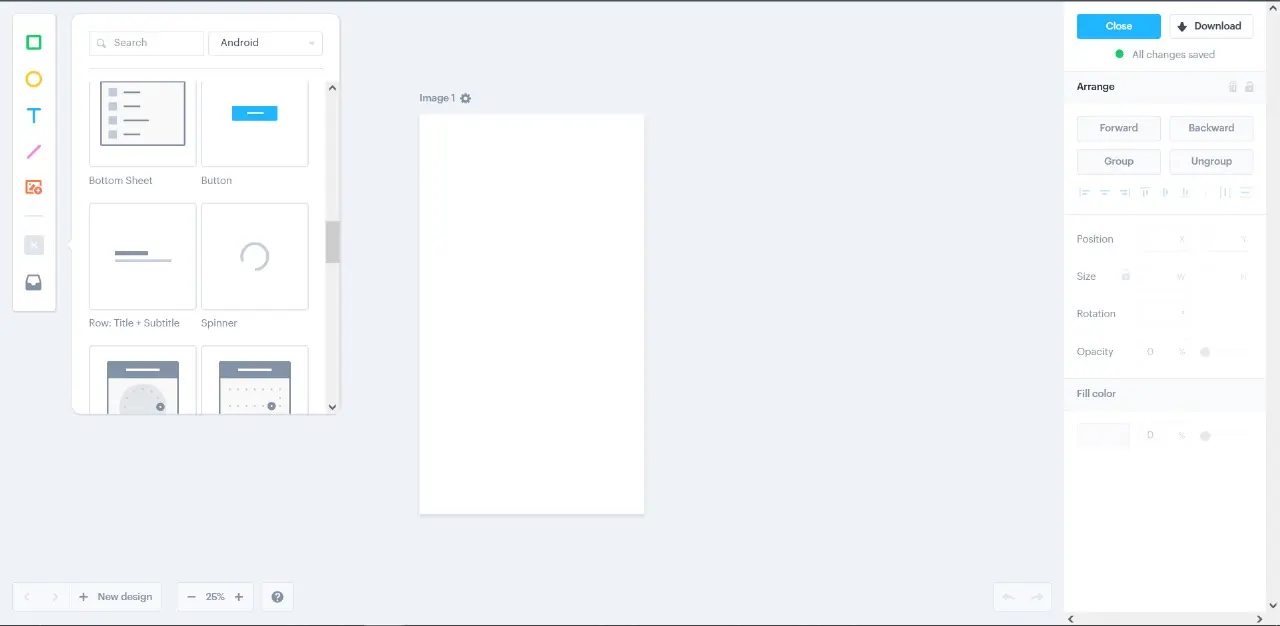
Marvel is formidable when it comes to rapid prototyping. You know, that crucial phase when your static ideas come to life? The tool makes this process incredibly intuitive. You can quickly create clickable user flows, simulate complex interactions and test complete journeys. It's ideal for validating concepts in a flash, without wasting hours on unnecessary details at the start of a project. At Easy Web, this agility is a major asset for our initial mock-ups.
But beyond simple creation, its strength also lies in collaboration and centralized feedback. No more countless e-mails and scattered annotations! Your customers and collaborators can comment directly on prototypes, point to specific areas, and even initiate discussions. In this way, feedback is collected in a structured way, making iterations much easier. Believe me, it's a game-changer in terms of streamlining the validation process and saving precious time.
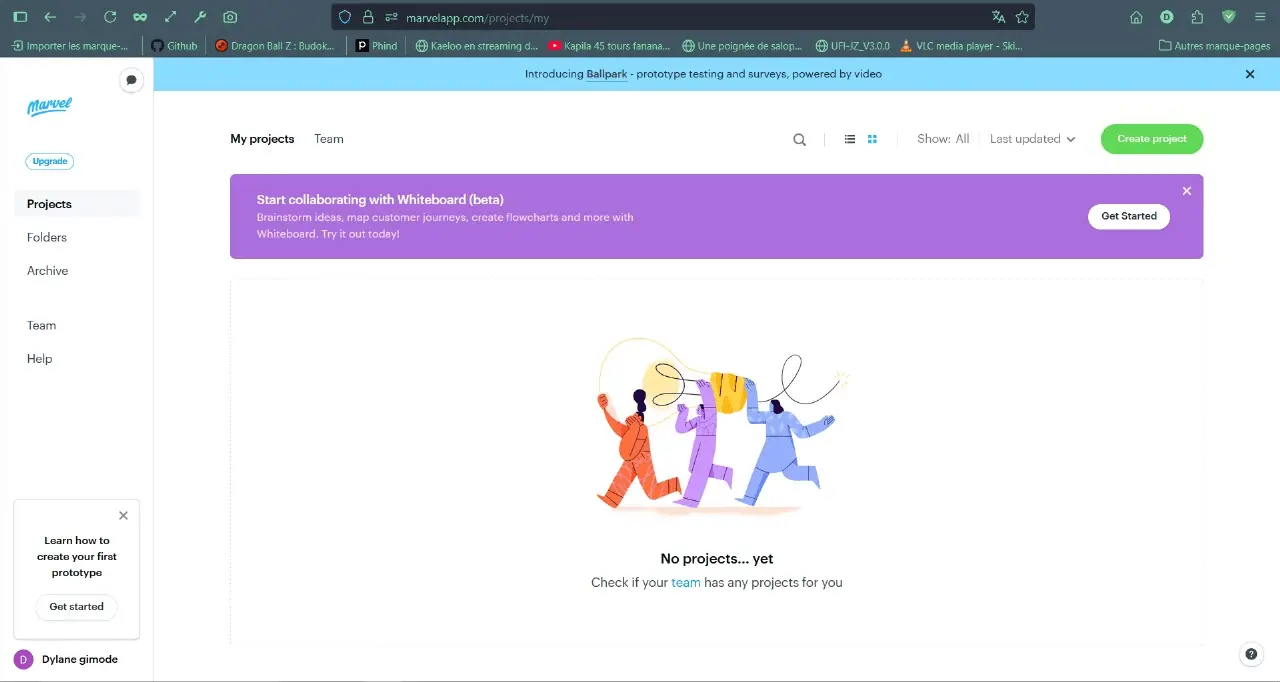
We all know how crucial user feedback is for validating our concepts. Marvel doesn't just prototype; its integrated user testing module is a real game-changer. Imagine launching sessions, recording journeys, and even collecting live feedback, all without leaving the tool. No more juggling with third-party platforms. For an agency like ours, centralizing this is a time-saver and a precious reactivity.
The other strong point is their approach to developer handoff. We're all familiar with the galley between the designer's pixel-perfect and the integration. With Marvel, once your prototype has been validated, it automatically generates CSS specifications, asset exports and dimensions. This makes communication between our designers and developers much smoother. Errors are reduced and efficiency is improved. That's the real added value for an agency project.
Marvel, despite its agility, shows its limits on large-scale projects. I've personally stumbled when collaborating with large teams or creating prototypes with highly complex interactions and dynamic logic. For some of our most advanced UX, the tool quickly proved to be limiting.
For these challenges, solutions like Figma or Framer (for advanced interactions) are more robust. But Marvel remains ultra-efficient for rapid prototyping or simpler projects. It retains a prominent place in our workflow.
In short, evaluate the tool according to your needs:
Highlights:
- Easy to use.
- Fast prototyping.
- Ideal for beginners.
Weak points:
- Limits on the complex.
- Collaboration perfectible.
- Less advanced interactions.
FAQS
Is it reliable and secure?
The security of your projects is paramount, and Marvel understands this. Their platform is based on a robust cloud infrastructure, ensuring encryption of all your data in transit (via TLS/SSL) and at rest. They comply with industry standards for information protection, which is a pledge of trust.
On the reliability side, their uptime rate is excellent. At Easy Web, we've never encountered a major problem impacting our workflow. You can count on Marvel for your prototypes: your creations are in a safe place.
At Easy Web, we've never had a major problem impacting our workflow.
Is it compatible with my other tools?
Compatibility is non-negotiable today. Marvel aligns itself well with the market leaders. Via dedicated plugins, you import your designs from Sketch, Figma or Adobe XD without a hitch. This is key to a smooth workflow. For the hand-off developer, everything is designed for simple integration. And yes, your classic image files integrate perfectly. We're always on the lookout for this fluidity at Easy Web.
Is there responsive customer support?
We've had the opportunity to request Marvel support several times at Easy Web. Honestly, their responsiveness is very satisfying. Whether for questions related to prototyping functionalities, export concerns, or integrations with other tools, feedback is fast. We often get a response within a few working hours. This is crucial when you're working to tight deadlines and a technical problem arises. A real plus for the continuity of your projects.
What do other users think?
From our exchanges with the community and the feedback I regularly receive, Marvel is often praised for its simplicity. Many designers point to its ease of prototyping ideas quickly and visualizing user flows (UX flows) without drowning in superfluous functionality. Teams appreciate it for the fluidity of sharing and collecting customer feedback, a real collaborative plus. However, if your needs are geared towards highly complex animations or an extremely robust design system, some may find it a little light compared to other, more integrated tools. It's the classic compromise between speed of execution and depth of functionality.
Can I easily change later?
From our exchanges with the community and the feedback I regularly receive, Marvel is often praised for its simplicity. Many designers point to its ease of prototyping ideas quickly and visualizing user flows (UX flows) without drowning in superfluous functionality. Teams appreciate it for the fluidity of sharing and collecting customer feedback, a real collaborative plus. However, if your needs are geared towards highly complex animations or an extremely robust design system, some may find it a little light compared to other, more integrated tools. It's the classic compromise between speed of execution and depth of functionality.
Alternatives
.svg)

Specializing in business creation, sales and digital marketing, he puts his expertise at the service of users to help them identify the solutions best suited to their needs. Passionate about digital innovation and optimizing online performance, Alexis is committed to providing detailed, transparent and unbiased comparisons.
Do you have an entrepreneurial project?
We support you in the structuring and development of your tech project. Make an appointment with one of our Business Strategists.