


.avif)





.svg)



Should Magisto be used in 2025?

.svg)
Magisto is an online platform designed to automate video editing using artificial intelligence. Targeting primarily content creators, small businesses, and marketing professionals, it promises to simplify the often complex and time-consuming process of editing with just a few clicks.
But in a market where video editing solutions abound, does Magisto really manage to stand out for its simplicity and AI features? This article offers a complete analysis to help you understand its positioning in 2025 and make an informed choice.
My experience with Magisto
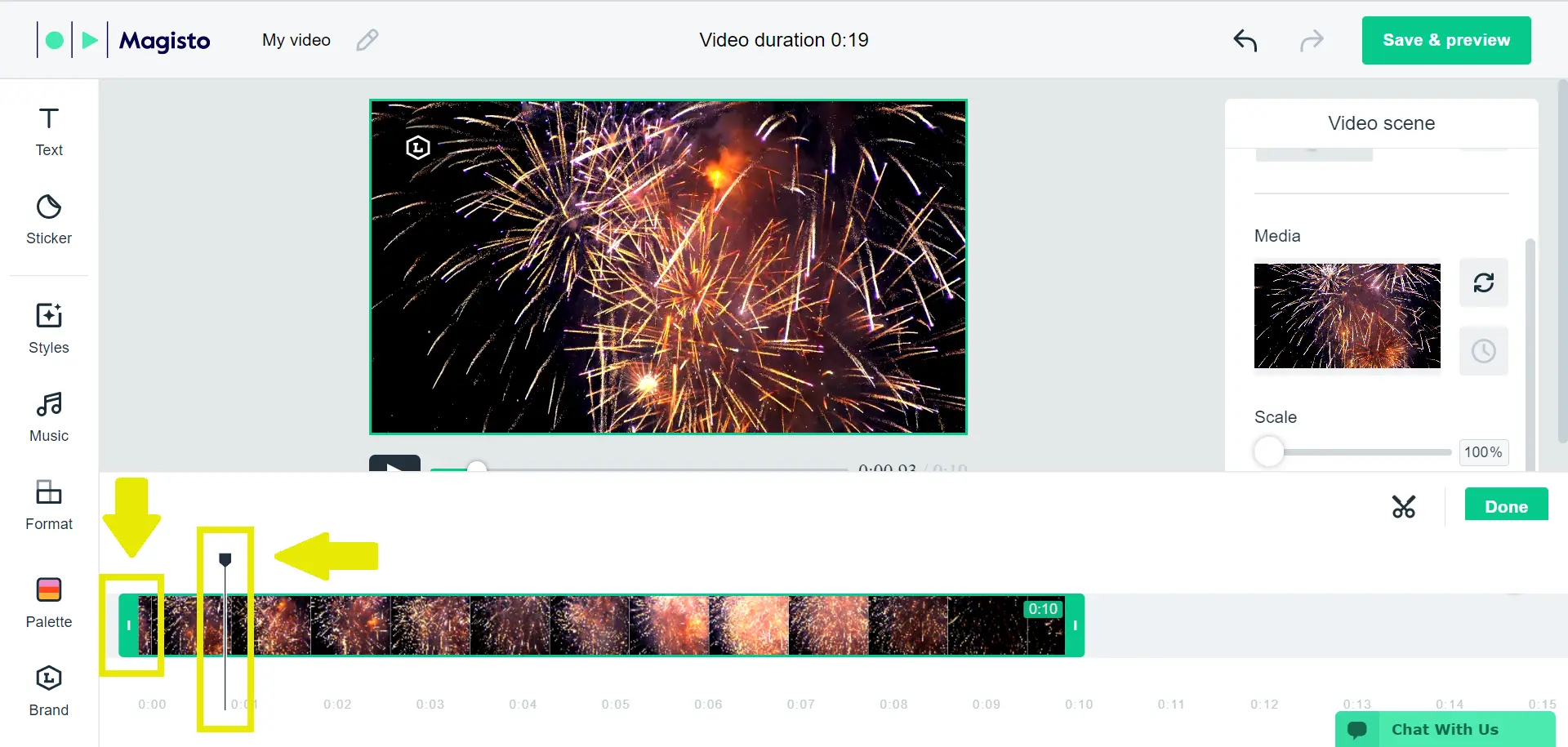
I've used Magisto mainly in a professional context for the rapid creation of promotional videos on social networks. What stood out for me was its ability to automate editing by intelligently selecting the best moments and synchronizing everything with a suitable soundtrack, which is a real strong point.
In high-frequency marketing campaigns, Magisto excels in delivering fast results on short formats, particularly for teaser videos or product presentations. Its simplicity makes it possible to go fast without sacrificing the minimum quality demanded by the market.
However, automation has its limits, especially for more advanced creative projects where customized and precise editing is required. Magisto does not allow fine editing of sequences or total control of the narrative flow, which restricts its use to certain types of content.
Is Magisto really right for me?
The real question to ask is: do you need fast, automated video editing rather than detailed, manual editing? Magisto can be very useful for those looking to produce a lot of video content without having the time or in-depth editing skills.
Many profiles can benefit from Magisto:
- Casual content creators who want attractive videos without technical effort.
- Marketing agencies requiring multiple short formats for regular campaigns.
- Small businesses looking to promote their products via eye-catching videos on social networks.
Another highlight is Magisto's ability to integrate free music and themes tailored to the desired style, facilitating automatic customization while remaining professional.

Is Magisto suitable for beginners?
Magisto is undeniably designed to make life easier for video editing beginners. Its intuitive interface and automation via AI mean that anyone can create a coherent edit without any prior technical skills. For example, automatic selection of key sequences and choice of suitable music are fully integrated.
For a novice, this means huge time savings and a virtually zero learning curve. Beginners can quickly test different videos, make minimal adjustments to the suggested parameters, and achieve an uncomplicated end result, reinforcing Magisto's accessible grasp.
How much does Magisto cost?
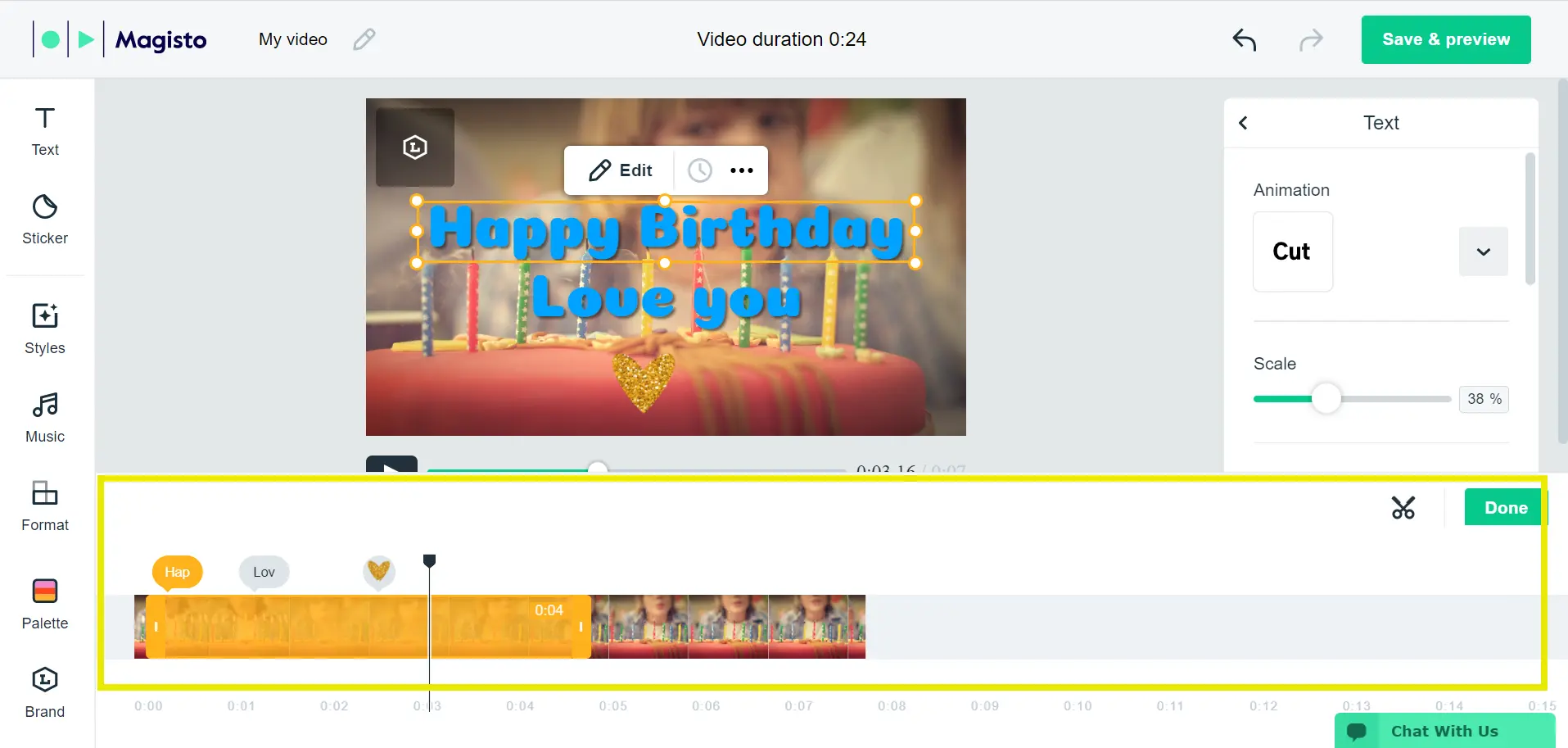
Magisto offers several pricing packages to suit different needs and budgets:
Free package: Offers limited functionality but already lets you create automatic videos with basic options, ideal for testing the tool without commitment.
Premium package (from $4.99/month): Gives access to more editing styles, the ability to import more clips, watermark removal and access to better export quality. It's perfect for regular creators or small businesses who want to enhance the professional look of their videos.
Professional package (approx. $9.99/month): Adds advanced features like HD editing, more music and extensive customization options. This package is aimed more at marketing professionals and agencies who need higher-quality, flexible video production.
What are Magisto's key features?
Magisto's number-one key feature is its automated video editing. Thanks to artificial intelligence, it analyzes imported footage, detects important scenes, and assembles the whole into a smooth, harmonious video without complex manual intervention.
Another major feature is the integrated royalty-free music library, offering a wide variety of styles to accompany videos. This enables the right soundscape to be created automatically, reinforcing the emotional impact of creations without the need to purchase external licenses.
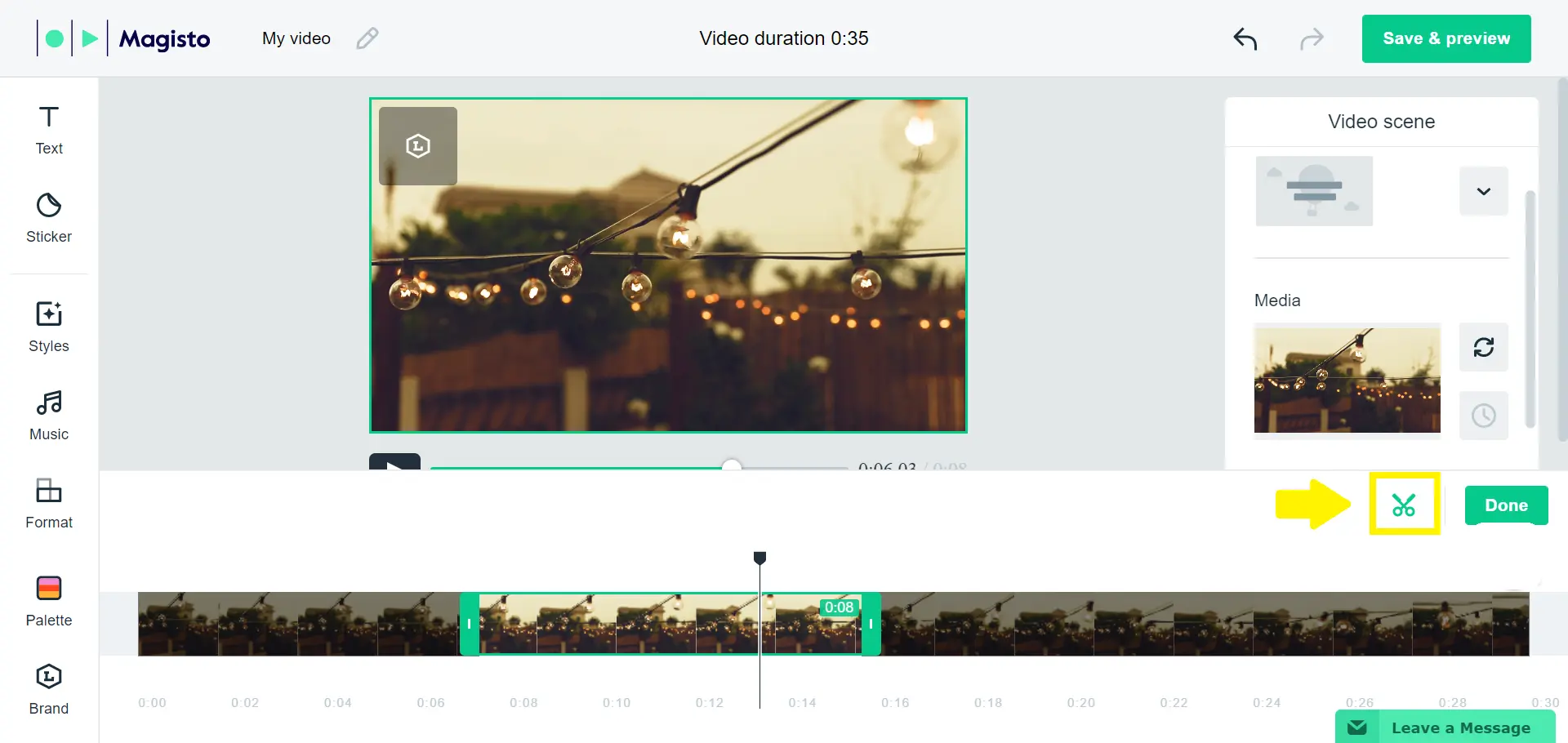
Magisto also offers advanced options such as automatic color and filter adjustment, rapidly improving the aesthetics of videos. This makes it easy to standardize visual rendering in just a few clicks.
Finally, an integrated sharing tool simplifies distribution on major social networks, optimizing formats and dimensions according to the platforms selected. This time-saving feature is a valuable asset for designers and marketers alike.
Magisto is not suited to every use case. For highly creative, narrative editing with a need for fine-tuned editing, its automated options prove too restrictive. It doesn't allow precise manipulation of clips, transitions or advanced effects.
Alternatives such as Adobe Premiere Pro or DaVinci Resolve offer far more control, but require a higher learning curve. For a user looking to combine simplicity with advanced customization, tools such as Clipchamp or InVideo may be more suitable while remaining accessible.
In summary, Magisto shines for its speed and ease of use, but this advantage comes with limited flexibility. So you need to weigh up advantages like simplicity against weaknesses like lack of advanced settings depending on your project.
FAQS
Is it reliable and secure?
Magisto uses modern security protocols, including SSL encryption for all communications between user and servers. The platform ensures the confidentiality of user data and protects content uploaded via secure servers.
Furthermore, technical robustness is based on a reliable cloud infrastructure, guaranteeing stable availability and rapid execution in video editing. The tool is therefore considered safe and reliable for everyday professional use.
Is it compatible with my other tools?
Magisto is compatible with the majority of standard video formats such as MP4, AVI, MOV. It facilitates direct import from mobile devices or computers. In terms of integrations, it allows direct sharing to popular platforms such as Facebook, Instagram, YouTube, and Vimeo.
The platform doesn't offer a public API, which limits the possibilities for custom integration, but it largely meets the basic and intermediate needs of content creators and marketers.
Is there responsive customer support?
Magisto customer support is accessible via an online ticketing system with response times typically under 24 hours on weekdays. The integrated knowledge base offers numerous guides and FAQs facilitating self-help.
For paying subscribers, priority support is offered, enabling faster and more personalized help, which is a not inconsiderable asset for fast-paced production teams.
What do other users think?
User reviews overwhelmingly highlight the ease of use and efficiency of automatic editing as strong points. Many appreciate the speed with which attractive content can be produced without technical effort.
However, some feedback points to the lack of flexibility to precisely customize videos or finely edit sequences, which can frustrate users looking for total control.
Can I easily change later?
User reviews overwhelmingly highlight the ease of use and efficiency of automatic editing as strong points. Many appreciate the speed with which attractive content can be produced without technical effort.
However, some feedback points to the lack of flexibility to precisely customize videos or finely edit sequences, which can frustrate users looking for total control.
Alternatives

Specializing in business creation, sales and digital marketing, he puts his expertise at the service of users to help them identify the solutions best suited to their needs. Passionate about digital innovation and optimizing online performance, Alexis is committed to providing detailed, transparent and unbiased comparisons.
Do you have an entrepreneurial project?
We support you in the structuring and development of your tech project. Make an appointment with one of our Business Strategists.