


.avif)





.svg)
.svg)




Inkscape is something of a historical challenger, the open-source tool that has made a name for itself against the vector design behemoths. It has always been the free, powerful, accessible solution that many designers have embraced. But in 2025, with the constant emergence of new platforms and the growing integration of AI, is Inkscape still relevant for demanding professional creations? After years of putting it to the test on our projects at Easy Web, here I share my complete feedback: its strengths, its weaknesses, and above all, for which uses it still excels today.
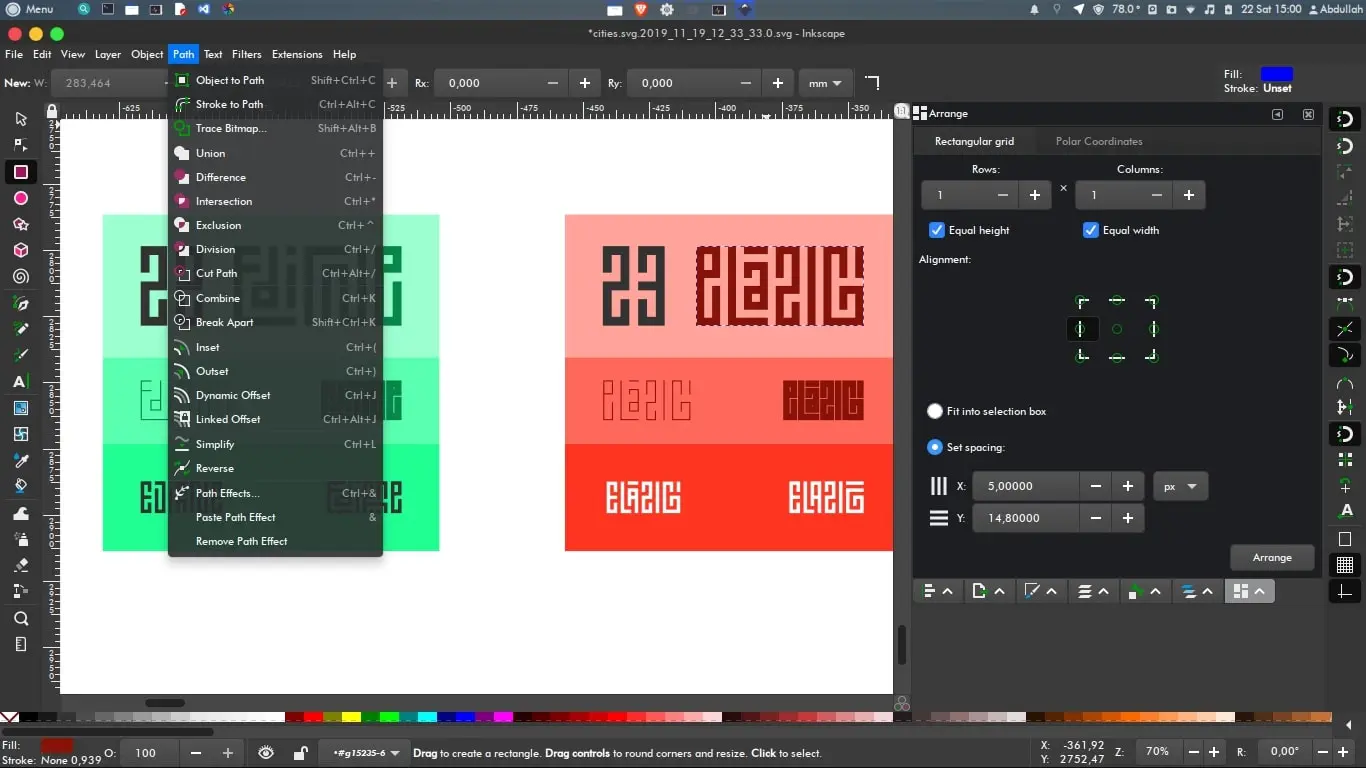
My experience with Inkscape
Inkscape is a tool I've been using for years, both for internal projects at Easy Web and for certain customer needs. I've watched it grow, and what's always blown me away is its impeccable handling of the SVG format.
For the creation of logos, icons or vector illustrations for the web that need to fit everywhere without loss of quality, it's unbeatable. Its open-source approach and ability to manipulate SVG in depth make it particularly effective and economical.
That said, it does have its downsides. On very heavy files or for complex CMYK print jobs, it can struggle. The interface is functional but less intuitive than that of some paid-for competitors, and real-time collaboration is virtually non-existent.
That said, it does have its drawbacks.
Is Inkscape really useful for my needs?
The real question to ask yourself before using Inkscape is: what's my purpose? Its relevance really depends on the purpose. If you're aiming to create precise vector graphics like logos, icons or complex illustrations, Inkscape is formidable. It excels with the SVG format, crucial for today's web.
For a freelance illustrator, web developer, or agency with an optimized budget, Inkscape is ideal. It lets you design complete visual identities, scalable UI elements, or technical schematics. Its vector power is a major asset for crisp, professional creations, without any compromises.
Its open-source status is a key asset. Free of charge, it benefits from an active community of developers. This ensures constant updates, varied extensions and solid support. It's a rare flexibility and durability for a design tool, offering appreciable autonomy in your projects.


Is Inkscape suitable for beginners?
For designers just starting out, or even for our teams training young talent, Inkscape is a remarkable gateway. Its interface, though dense at first glance, proves intuitive for fundamental tasks. Creating geometric shapes, manipulating nodes for simple logos or preparing icons for the web? You'll be up and running in no time. We've often used it at Easy Web to introduce our juniors to the basics of vector graphics.
It's free, open-source status is a game-changer. Gone are the financial barriers to getting into vector design. This accessibility, combined with an ultra-active community and a multitude of online tutorials, makes it an ideal learning environment. It's an excellent launching pad for understanding key concepts before exploring other horizons.
How much does Inkscape cost?
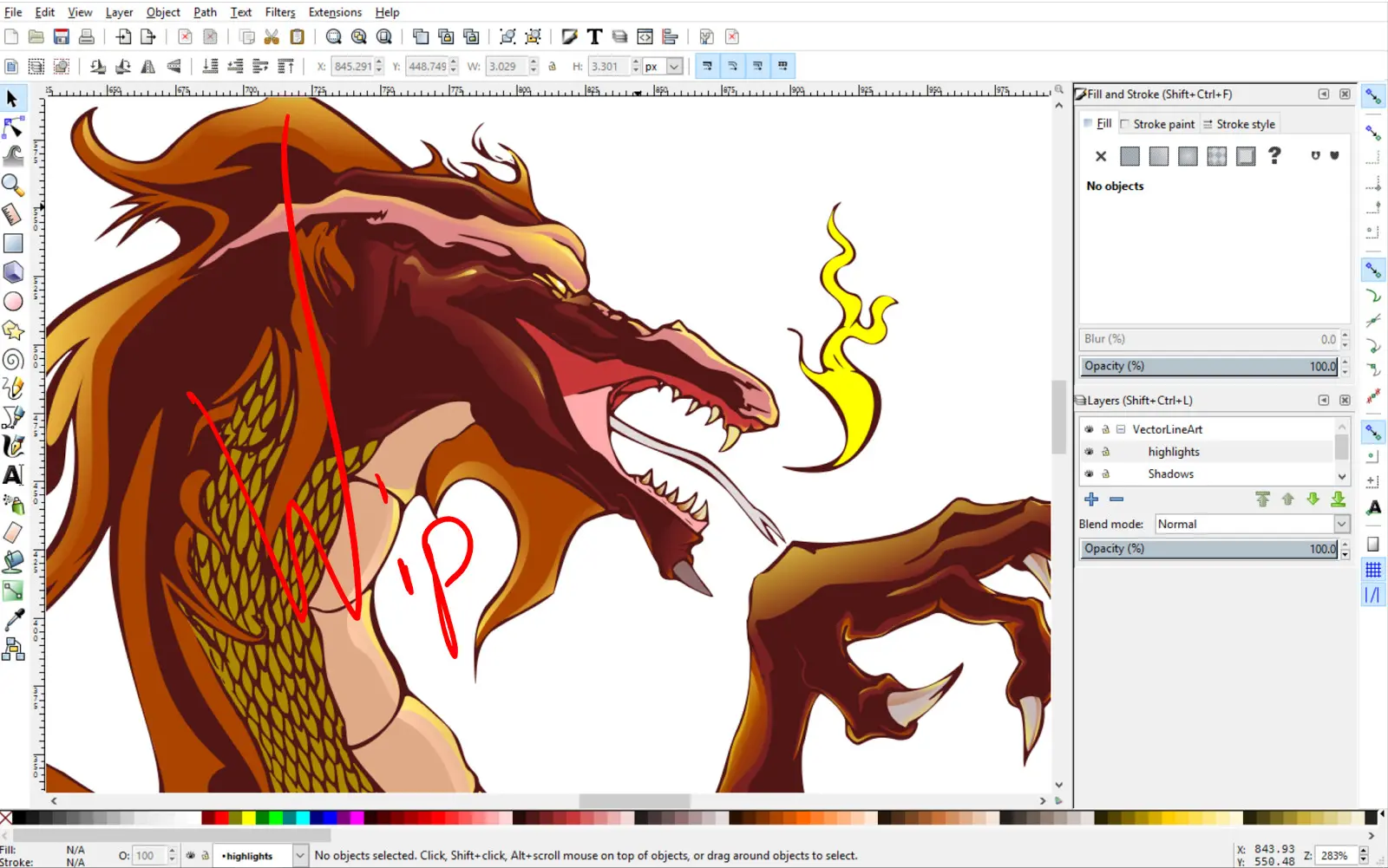
Let's talk finances, because that's often the sinews of war, especially in agencies. With Inkscape, get ready for an excellent surprise: this tool is totally free. Yes, you read that right. No hidden packages, no expensive annual subscriptions, no licenses to renew. This is open-source software, and that's a philosophy that speaks to me.
This free "single package" includes all its vector design features, from complex illustration to SVG file editing, without any restrictions. Who's it ideal for? Absolutely everyone! Freelancers just starting out, small structures like Easy Web was in our early days, or even more established agencies looking to optimize their costs without sacrificing quality. It's a strategic choice that frees up resources for other investments. A real game-changer.
What are Inkscape's key features?
When it comes to Inkscape, the first thing that strikes me is its robustness when it comes to vector editing. For us designers, the ability to create graphics that retain their sharpness at any scale is paramount. This is where Inkscape excels: you have precise control over Bézier paths and node manipulation. For logos, icons or web illustrations, its finesse is an undeniable asset. At Easy Web, it has proved its worth on projects requiring high scalability.
Then, its open source status is a strategic advantage. It's not only a guarantee of accessibility, but also the driving force behind an incredibly active community. This collective dynamic brings invaluable wealth: thousands of designers contributing and sharing resources. What's more, its native compatibility with the SVG format is a major asset for web integration. This synergy aligns perfectly with our quest for high-performance, agile tools at Easy Web.
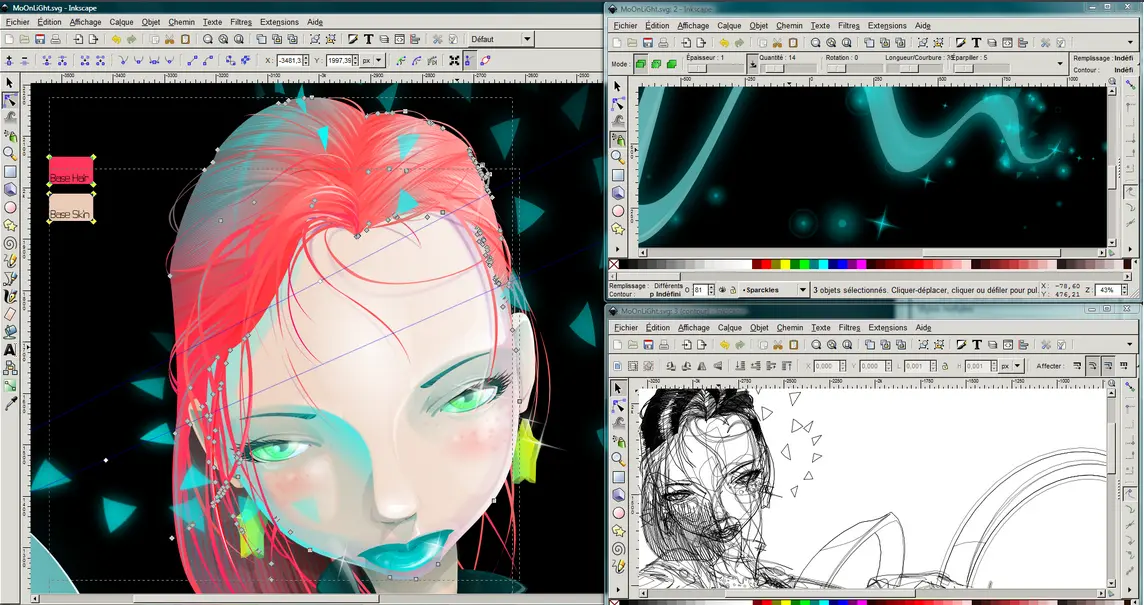
You know, when I launched Easy Web in 2020, one of my headaches was optimizing assets for the web. Inkscape, on this point, is a quiet champion. It excels in generating ultra-clean, lightweight SVG files. It may seem like nothing, but for our projects requiring performance and responsive adaptability, it's a major asset. No more unnecessary overloading, hello graphics that load in the blink of an eye without losing quality on any screen.
But where Inkscape really comes into its own for agencies like ours is with its extensions and the ability to script in Python. Imagine automating repetitive tasks, creating generations of complex patterns, or even developing bespoke tools for specific workflows. We've integrated it into a number of processes for creations requiring precision and repeatability that few open source tools allow. This flexibility will make all the difference in 2025.
Honestly, Inkscape, despite its strengths, has its limitations. For professional print projects requiring perfect CMYK, or for complex UI/UX interface design with advanced prototyping and collaboration needs, it quickly shows its weaknesses. Forget the fluidity and dedicated tools expected on large-scale productions.
To compensate for this, we naturally turn to behemoths like Adobe Illustrator or Affinity Designer for vector print, and of course Figma or Sketch for collaborative UI/UX. They are built for these demanding workflows. But Inkscape remains a strong ally for pure vector drawing, icons or simple schematics.
So, what's Inkscape for?
Advantages:
- Free and open-source.
- Powerful for vector illustration, logos, icons.
- Active community.
Disadvantages:
- Less suited to CMYK print production workflows.
- Lack of UI/UX collaboration and prototyping.
- Interface sometimes less intuitive for those used to paid suites.
FAQS
Is it reliable and secure?
Absolutely. As an open source tool, Inkscape benefits from total transparency. Its code is constantly audited by a vast community of developers. This openness is a strength: it enables rapid detection and effective correction of potential vulnerabilities, often much faster than with some proprietary software. We've used it on critical projects at Easy Web, and its stability, coupled with rigorous community maintenance, makes it a reliable and secure solution for professional use. You can integrate it with confidence.
Is it compatible with my other tools?
You're wondering whether Inkscape will fit into your existing workflow, and that's an excellent question. Its major asset is SVG, its native format and a web standard. Integration is often seamless if you're designing for the web. For other tools, it handles the import and export of PDF, EPS and even AI files. Beware, the latter may sometimes require adjustment, especially for Illustrator's very specific functionalities. It also supports PNG exports for bitmaps. In short, interoperability is good, but a quick test with complex proprietary formats is always wise.
Is there responsive customer support?
No, there's no direct customer support as you'd expect from proprietary software. Inkscape, being an open-source tool, relies on a very active community. Support is provided via dedicated forums, exhaustive wikis and user groups. Reactivity is there, but it depends on your ability to formulate your question and find the right resources. At Easy Web, we've learned our way around: it's a collaborative approach that, when properly mastered, is surprisingly effective in resolving most issues.
What do other users think?
Frankly, most of the feedback on Inkscape that I see is pretty nuanced. On the one hand, it's universally praised for being free and robust for vector illustration - a real asset for cutting costs. The open-source community is also a major strength, very active and helpful.
But on the other hand, some struggle with its interface, which can seem less intuitive or "polished" than proprietary software. There are also occasional reports of performance issues with very heavy files, which can slow down the workflow of designers used to other cadences. This is the downside of such a free and powerful tool.
.Can I easily change later?
Frankly, most of the feedback on Inkscape that I see is pretty nuanced. On the one hand, it's universally praised for being free and robust for vector illustration - a real asset for cutting costs. The open-source community is also a major strength, very active and helpful.
But on the other hand, some struggle with its interface, which can seem less intuitive or "polished" than proprietary software. There are also occasional reports of performance issues with very heavy files, which can slow down the workflow of designers used to other cadences. This is the downside of such a free and powerful tool.
.Alternatives
.svg)

Specializing in business creation, sales and digital marketing, he puts his expertise at the service of users to help them identify the solutions best suited to their needs. Passionate about digital innovation and optimizing online performance, Alexis is committed to providing detailed, transparent and unbiased comparisons.
Do you have an entrepreneurial project?
We support you in the structuring and development of your tech project. Make an appointment with one of our Business Strategists.