


.avif)





.svg)
.svg)



Should Iconfinder be used in 2025?

Iconfinder has long reigned supreme, establishing itself as a must-have reference for millions of designers looking for quality icons. It's a bit like the supermarket of visual resources, offering a colossal library. But in 2025, with the acceleration of trends and the emergence of new tools, is it still the most relevant solution for your visual creations? I've personally used Iconfinder on countless projects. I'm going to share my candid feedback on its simplicity, functionality, real-world performance and limitations, to help you decide whether this tool still fits your demanding needs.
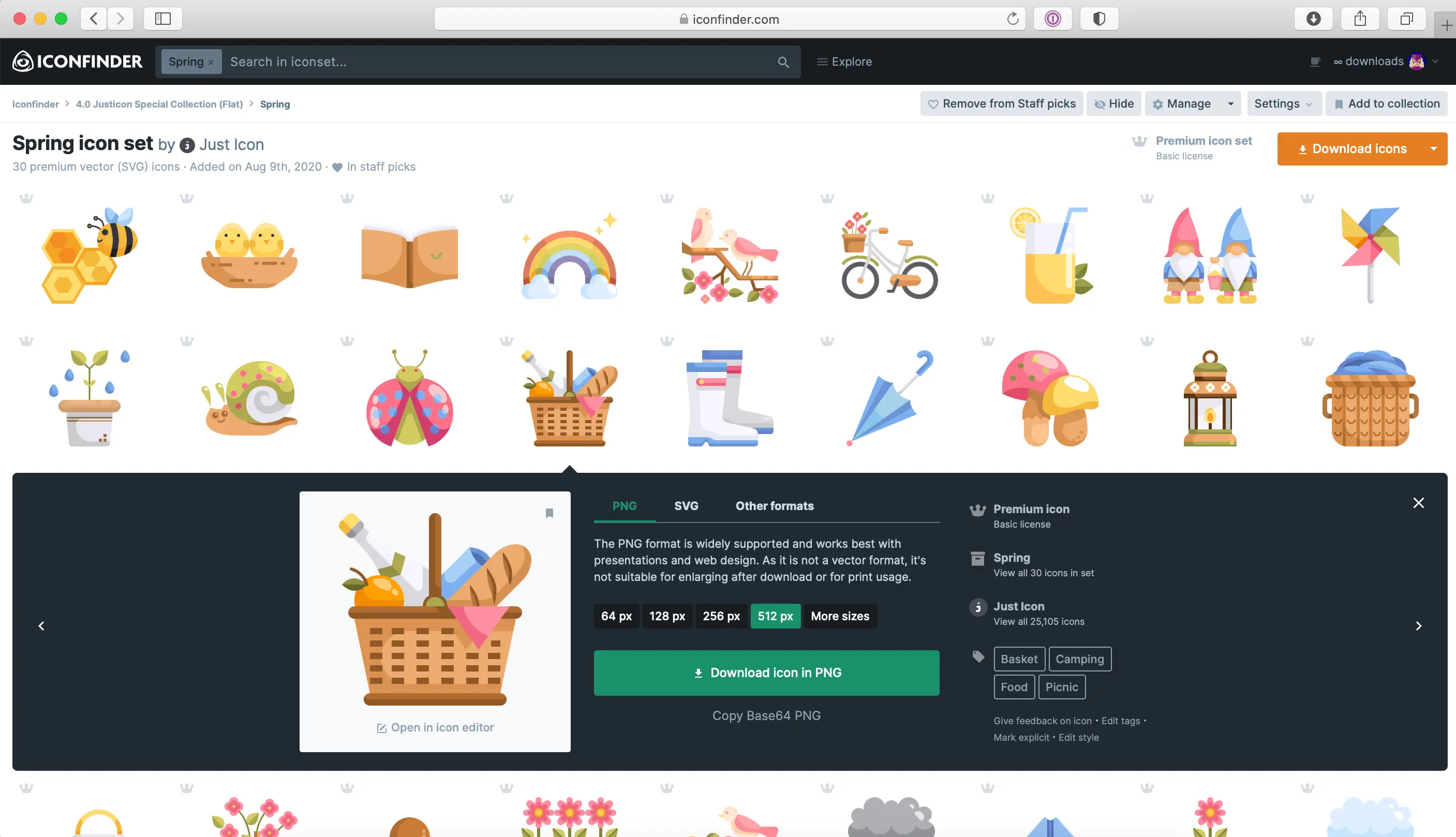
My experience with Iconfinder
Since I started at Easy Web in 2020, Iconfinder has become one of those tools I open almost daily. Whether it's for customer interfaces, presentations or quick mock-ups, it's always there. What I appreciate most of all is the depth and unrivalled quality of its icon catalog.
Its strength lies precisely in this richness: you'll find icon sets for every style and use, from clean lines to more complex illustrations. For a designer who needs visual consistency on a project or to quickly find a specific icon in a given style, it's a huge time saver.
However, while the library is immense, not all packs are of equal quality, and some styles may seem less up-to-date. What's more, for very specific needs or ultra-customized icons, you'll always have to turn to custom creation.
Is Iconfinder really useful for my needs?
The real question to ask yourself before using Iconfinder is: what is my objective? Because the relevance of Iconfinder depends very much on how you use it. If you're looking for a fast, efficient way to find and integrate quality icons into your web projects, UI/UX interfaces or presentations, this is a valuable resource. Time-saving guaranteed.
For UI/UX designers prototyping fast, developers integrating icons into their apps, or marketers creating visual media, Iconfinder is ultra-efficient. Imagine unearthing the perfect icon set for a new site feature or finding the exact vector icon for a mobile app: that's its strength.
Its other major strength lies in its flexibility. Most icons are available in several formats (SVG, PNG, ICO) and often customizable in color or size directly. This is crucial for adapting to any project without sacrificing consistency.


Is Iconfinder suitable for beginners?
When you set foot in the world of web design, the sheer immensity of resources can be bewildering. Iconfinder, for me, is the ideal gateway. I remember when we started Easy Web, we needed speed and efficiency. Here, the search is ultra-intuitive, and the precise filters lead you straight to the perfect icons in PNG or SVG. No need to master Photoshop or Illustrator to dress up a showcase site or presentation slides. It's plug-and-play efficiency.
And the big plus for novices is license management. No more legal headaches! Each icon is clearly labeled, so you know instantly whether it's royalty-free or requires attribution. This transparency is an enormous time-saver. The diversity of styles, even in the free packs, means you can explore without feeling lost. Iconfinder gives you a solid base from which to get started, a real springboard before tackling more complex tools.
How much does Iconfinder cost?
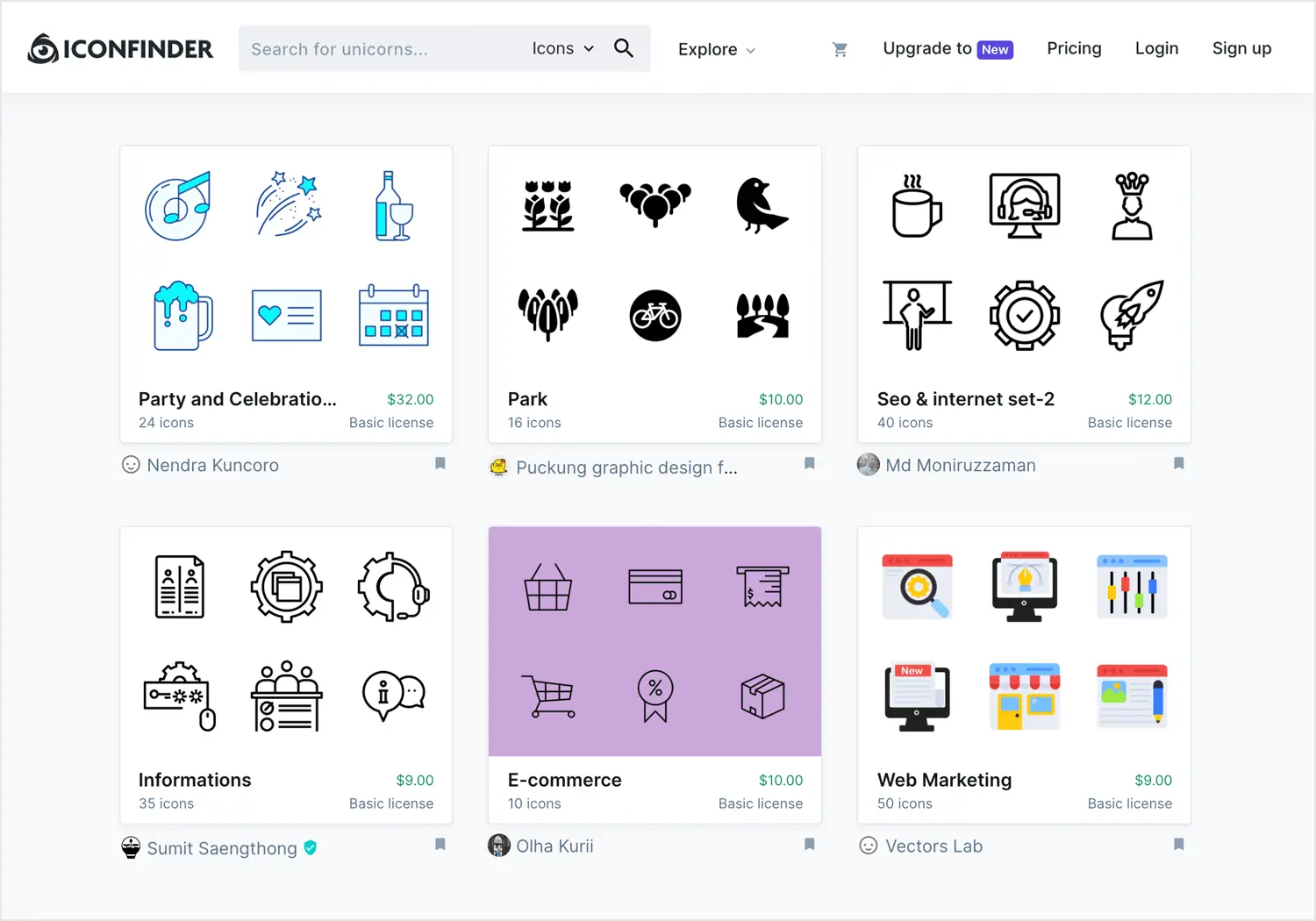
When it comes to Iconfinder, the question of cost is quickly on the table. For us at Easy Web, and for any professional, pricing clarity is essential.
Iconfinder's "Premium Subscription", often around €19 to €29 per month (depending on the annual commitment), stands out as the solution of choice for agencies or designers with constant needs. You get unlimited access to their entire library, including the rarest icons and exclusive sets. Ideal if you produce visual content on a daily basis or manage several projects simultaneously. An investment that quickly pays for itself for large volumes.
For those with more occasional needs, the credits or single purchase model remains relevant. You buy packs of credits that can be used to download individual icons or small sets, with prices often starting at a few euros for a standard icon. This is perfect for freelancers just starting out or small businesses with less frequent projects, offering appreciable budget flexibility without heavy commitment.
What are Iconfinder's key features?
If you're looking for the depth of an icon library, Iconfinder is a real goldmine. What has always amazed me is the diversity and quality of the sets on offer. We're not just talking about a few generic icons. No, you have access to thousands of vector icons, crucial to our projects. No more pixel-perfect, no more scalability without loss of quality, whether for a web app or a printed medium. It's the kind of solid foundation that lets you create consistent user experiences, without ever feeling limited.
But a vast library is worth nothing without efficient navigation, isn't it? And that's where Iconfinder comes into its own. Their search system is incredibly precise, with filters that let you target by style, format, or license. And the real plus, for me, is the integrated editor. Being able to adjust the color, size or even stroke of an icon directly in the interface, without opening your design software, is a huge time-saver. It's efficiency at the service of creativity.
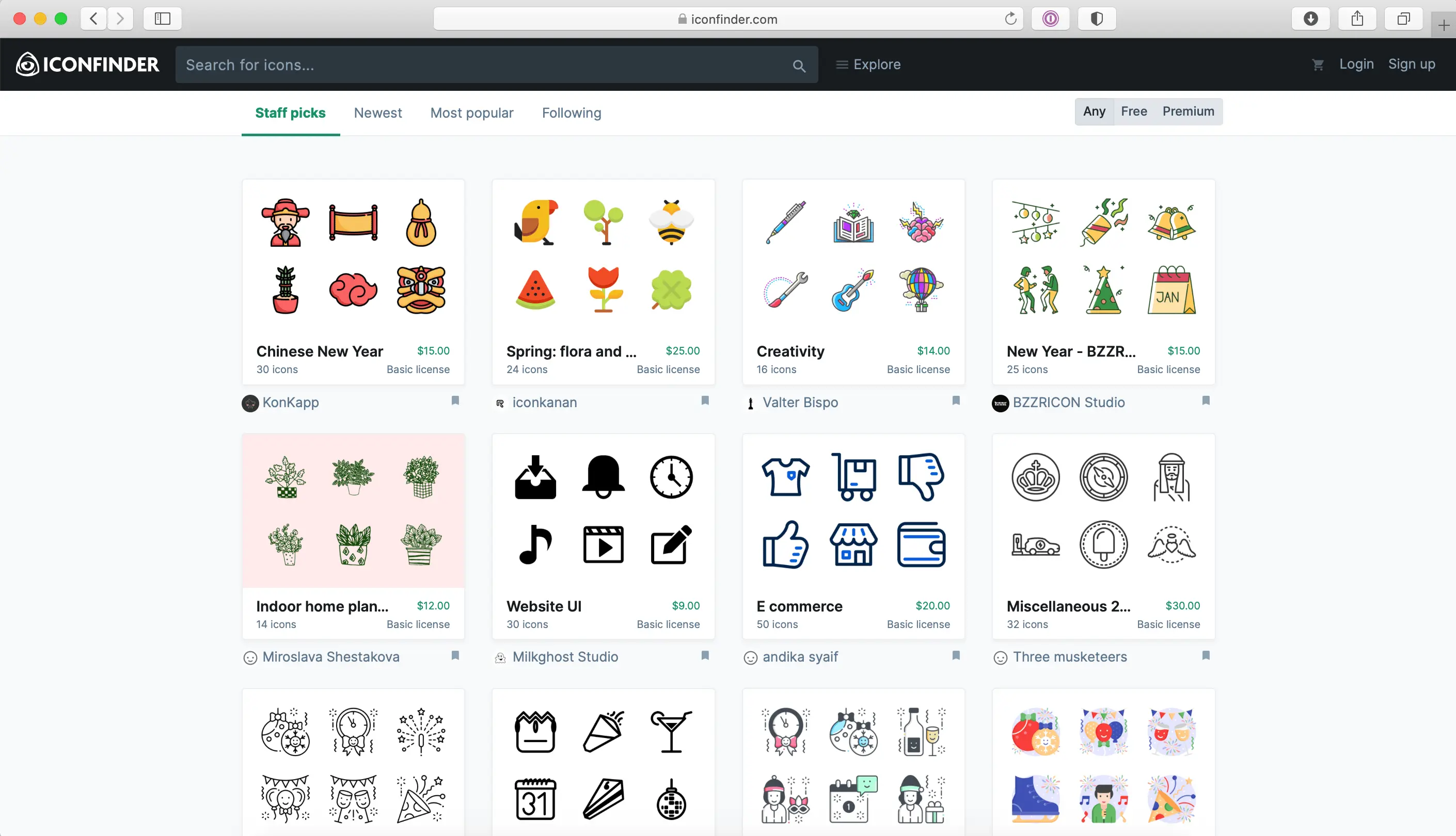
Frankly, what's always impressed me about Iconfinder is their integrated icon editor. No more incessant back-and-forth between the platform and your design software! I can directly edit SVGs: adjust colors, change line thickness, or even resize an element. It's a monstrous time-saver, especially when you're in the middle of a rapid iteration phase on a customer project and need instant declinations.
And for agencies who want to go further, Iconfinder's API is a real nugget. We've used it on complex projects, enabling direct integration with CMS or asset management systems. Imagine being able to search for and implement icons programmatically, without going through the interface. It's a powerful feature that opens doors to far more fluid and automated development and design workflows, especially when working on a large scale.
Iconfinder is great for a one-off icon. But for a complete visual identity with coherent sets on a large Easy Web project, or for more complex illustrations, it gets stuck. I've often found myself having to create missing icons to maintain consistency, which isn't ideal if you're looking to save time.
For these specific needs, we prefer Noun Project for its unified sets, or Freepik for elaborate vector illustrations. Despite these limitations, Iconfinder remains a must-have for fast, accurate searches. It's an excellent tool for targeted uses, even if it doesn't meet every need.
In brief:
Highlights:
- Vast choice of unique icons.
- Ultra-efficient search.
- Various formats (SVG, PNG).
Weak points:
- Lack of consistency for sets.
- Lack of complex illustrations.
- Team license management perfectible.
FAQS
Is it reliable and secure?
Listening, reliability and security are non-negotiables when choosing our tools at Easy Web. With Iconfinder, we've always had a solid track record. The platform is very stable, with no notable interruptions or download problems.
When it comes to security, they're serious. They use standard protocols like HTTPS to protect data. More importantly for us designers, they have a rigorous verification and curation process for their icons. This greatly minimizes the risk of downloading corrupt or malicious files, which is crucial when integrating SVG or other vector formats into your projects. It's a tool you can really rely on.
Is it compatible with my other tools?
Absolutely. Compatibility is a key point. Iconfinder makes its icons available in the most common formats: SVG, PNG, AI or EPS. This means you can easily integrate them into all your usual tools - whether Illustrator, Photoshop, Figma, Sketch or XD. For me, a good tool is one that doesn't hold you back in your creative workflow. And this is one of them.
Is there responsive customer support?
Clearly, the responsiveness of Iconfinder's customer support is a strong point that I've noticed, and it's something that our teams at Easy Web particularly appreciate. Generally speaking, feedback by email or via their ticketing system is rapid, often within a few hours for standard queries. For more specific issues or complex licensing questions, the turnaround time can be slightly longer, but the clarity and relevance of responses remain excellent. For us designers, this is an appreciable time-saver when we're stuck.
What do other users think?
When I talk to my teams or other professionals, the feedback on Iconfinder is generally very positive. The richness and diversity of the library is constantly highlighted: you'll find everything from "flat" styles to the most detailed "glyphs". The ease of searching, the ability to export in different formats (SVG, PNG) and the clarity of the licenses are also highly appreciated. The cost is sometimes mentioned, but the perceived value more than compensates, especially for projects demanding variety and quality. It's a reference tool for many.
Can I easily change later?
When I talk to my teams or other professionals, the feedback on Iconfinder is generally very positive. The richness and diversity of the library is constantly highlighted: you'll find everything from "flat" styles to the most detailed "glyphs". The ease of searching, the ability to export in different formats (SVG, PNG) and the clarity of the licenses are also highly appreciated. The cost is sometimes mentioned, but the perceived value more than compensates, especially for projects demanding variety and quality. It's a reference tool for many.
Alternatives
.svg)

Specializing in business creation, sales and digital marketing, he puts his expertise at the service of users to help them identify the solutions best suited to their needs. Passionate about digital innovation and optimizing online performance, Alexis is committed to providing detailed, transparent and unbiased comparisons.
Do you have an entrepreneurial project?
We support you in the structuring and development of your tech project. Make an appointment with one of our Business Strategists.