


.avif)





.svg)
.svg)




Humaaans quickly established itself as the go-to tool for designers looking to easily inject modular characters into their interfaces and creations. It democratized access to customizable illustrations without requiring advanced skills. But in 2025, with the explosion of AI-assisted design tools and ever-changing visual expectations, is Humaaans still a wise choice for your projects? Simplicity, customization, reusability and its real limitations... After years of intensive use within Easy Web, I'm here to give you my full analysis and objective opinion on the real usefulness of Humaaans for demanding professionals.
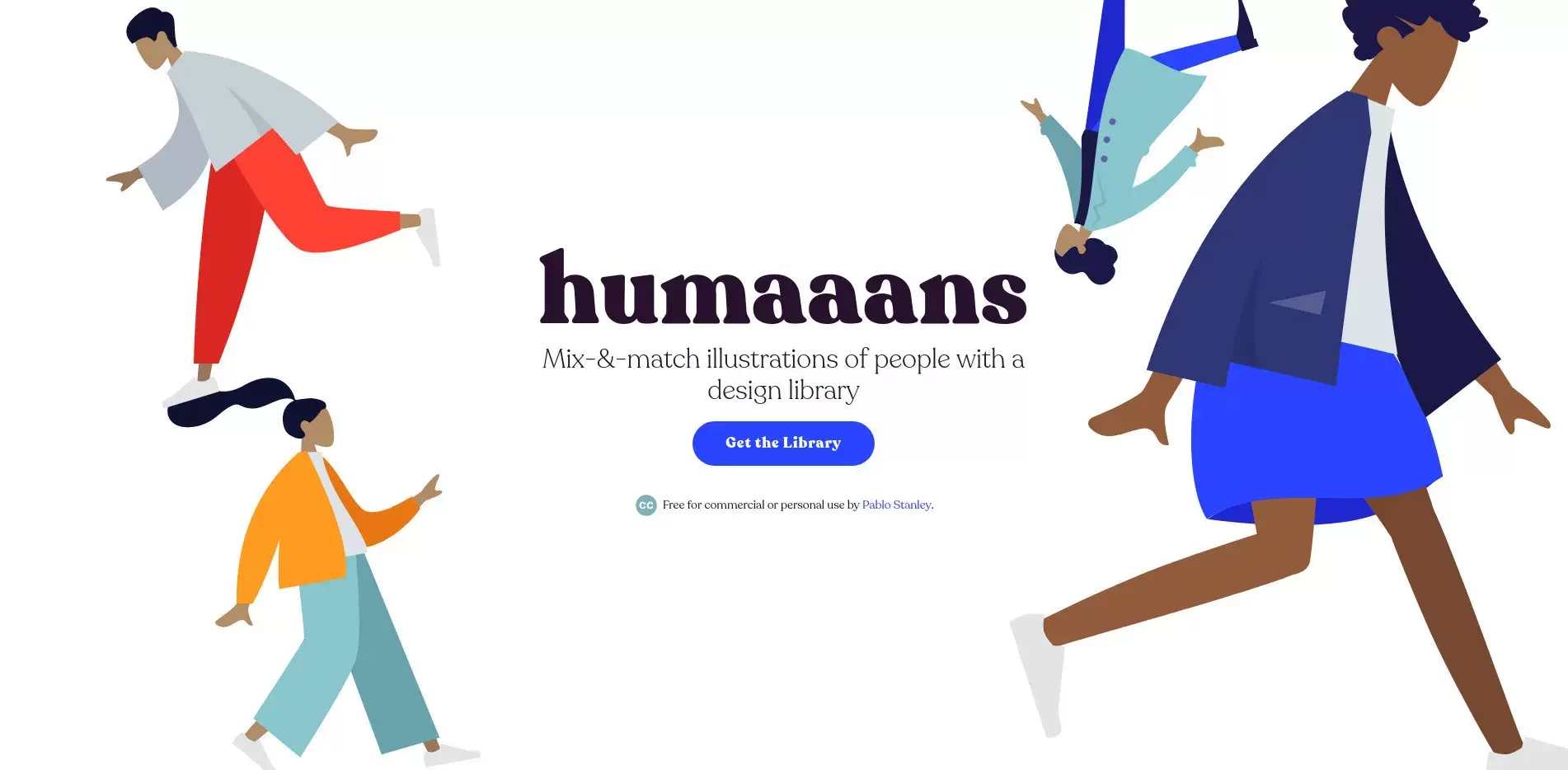
My experience with Humaaans
I've been using Humaaans since the early versions, integrating it into our workflows at Easy Web for a few years now. What really won me over, and has become a major asset, is its unrivalled modularity for creating diverse characters.
This tool particularly shines when you need illustrations of people for your mock-ups, customer presentations or even user interfaces. You can mix bodies, heads, clothes, poses, backgrounds... it's an incredible time-saver for consistent, inclusive rendering.
This tool shines particularly bright when you need people illustrations for mock-ups, customer presentations or even user interfaces.
That said, it's important to understand its limitations. Humaaans is fantastic for characters, but it's not a generic image bank. For more complex graphic elements or very specific art direction, you'll still need your usual design tools like Figma or other resources.
Is Humaaans really useful for my needs?
The real question to ask yourself before using Humaaans is: what is my objective? Because the relevance of Humaaans depends very much on how you use it. If your goal is to quickly integrate modern, customizable human illustrations into your user interfaces, presentations or marketing materials, then Humaaans proves incredibly relevant.
Whether you're a UI/UX designer, agency graphic designer, content creator or even product manager with a visual need, Humaaans is ultra-efficient. For example, for engaging onboarding screens, dynamic blog banners, or captivating presentation slides, it lets you create coherent, expressive scenes without being an illustrator.
Another major asset is its ability to maintain visual consistency across all your projects, no matter who creates them.


Is Humaaans suitable for beginners?
Just starting out in design, or need some quick illustrations without being a drawing expert? Humaaans is clearly your ally. Its drag-and-drop approach and library of pre-illustrated characters make it incredibly accessible. In just a few clicks, you can assemble poses, change clothes and skin tones, and create customized scenes. It's ideal for dressing up a landing page, a customer presentation, or even posts for social networks, without going through the "advanced illustration course".
Frankly, it's a monumental time-saver and one less frustration. The learning curve is virtually nil. You quickly get professional, consistent visuals, without having to master complex software like Illustrator. It's the perfect solution for rapid prototyping or for those who want to integrate cool illustrations without spending a fortune on licenses or custom artwork. It democratizes access to quality design.
How much does Humaaans cost?
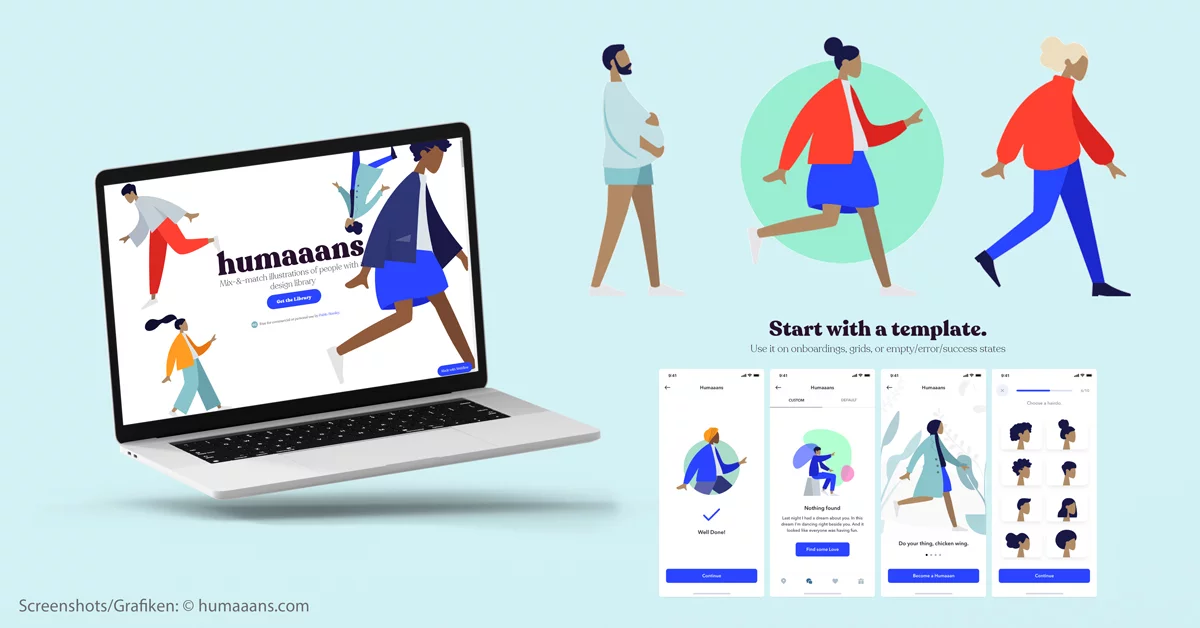
The cost of a tool is often the first question that comes up, isn't it? Especially when you're managing a budget, whether for an agency like Easy Web or as a freelancer. Humaaans, on this point, plays the clarity card, and that, I appreciate.
First you have the Free formula. This is a great starting point for exploring the tool with a selection of illustrations and basic customization features. Ideal for students, casual designers or just for a quick test before committing. This is where I first got my hands into it, just to see the potential.
Then, for pros, the Pro formula is around €19 per month. Here, you get unlimited access to the entire character library, with advanced customization options such as poses and facial expressions, and above all, a commercial license. For a freelancer or small team looking to optimize their graphic design workflows, this is a smart investment. The time saved and creative flexibility are considerable, a real lever for your customer projects.
What are Humaaans' key features?
When it comes to Humaaans, the first thing that comes to mind is that incredible flexibility. Imagine being able to assemble heads, bodies, poses, even clothes like Lego bricks. That's exactly what it is. This modular approach lets you create an infinite number of unique characters in just a few clicks, without having to be a professional illustrator. At Easy Web, we quickly realized the monstrous time savings for our mock-ups and customer presentations, while always retaining an ultra-personalized touch.
But Humaaans doesn't stop there. Beyond assembly, customization is king. You can change colors, add backgrounds, integrate objects so that your illustrations align perfectly with your project's graphic charter. And the best part? Vector export. You can then import these characters into Figma or Sketch and manipulate them. For us, this means impeccable visual consistency and workflow fluidity essential in 2025.
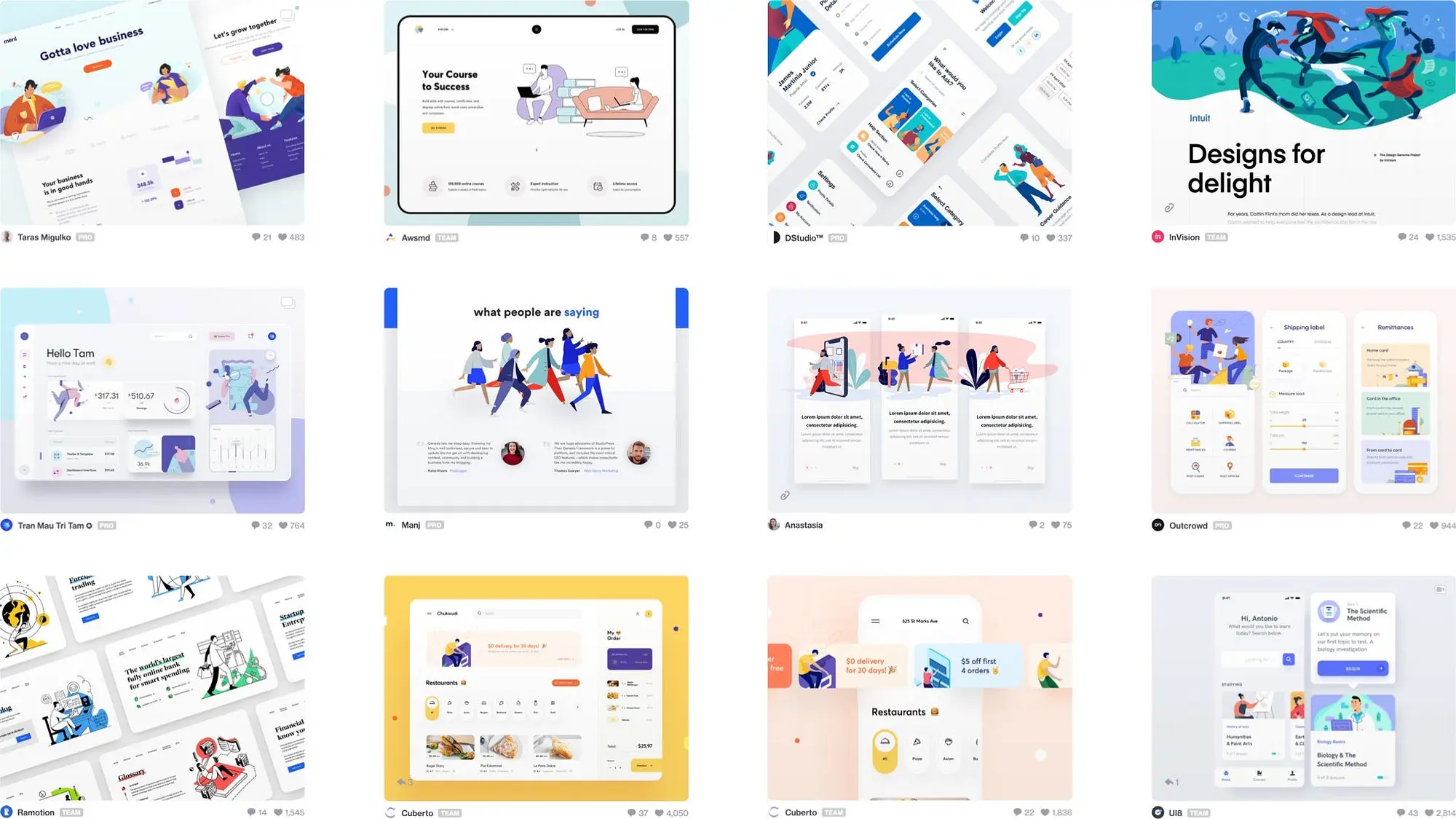
What really blew me away with Humaaans was its ability to generate customized characters far beyond basic avatars. You can mix and match heads, torsos and legs from different illustrations, but also vary clothes and hairstyles. It sounds simple, but this flexibility opens up incredible creative doors to represent a diversity of individuals, without being limited to prefabricated clichés.
Another highlight: the customization of poses and expressions. You're not confined to a static library. Humaaans lets you adjust limb orientation, change facial expression to stick exactly to the emotion or action you want to convey. That's what turns a simple illustration into a powerful visual storytelling tool for your projects.
Beware, designers! Humaaans is fantastic for fast, versatile illustrations, but there are cases where it shows its limits. Looking to create ultra-dynamic poses, subtle facial expressions or highly complex narrative scenes? The tool can quickly become frustrating, especially when branding requires millimetric graphic precision or fine details that are impossible to adjust.
For these more demanding scenarios, platforms like Blush or even illustration software like Adobe Illustrator and Procreate offer far greater creative freedom. They're not positioned in the same niche as Humaaans. But make no mistake: for quick needs and a library of generic characters, Humaaans remains an absolute must-have in our daily routine at Easy Web.
To sum up, here are my takeaways:
Benefits:
- Speed and ease of use
- Modern, customizable styling
- Ideal for quick mock-ups and presentations
Disadvantages:
- Limited personalization of poses and expressions
- Difficulty in creating fine details or complex scenes
- May lack uniqueness for advanced branding projects
FAQS
Is it reliable and secure?
At Easy Web, our analysis of Humaaans positions it as an illustration library, not a classic SaaS platform. Its reliability lies in the integrity and professional quality of the files, designed for seamless integration into your design software like Figma or Sketch. In terms of security, there's no management of personal data or server vulnerabilities. The risk is limited to the integrity of the assets themselves, which are generally free of malware because they come from recognized sources. You use it in your secure environment.
Is it compatible with my other tools?
Absolutely. Humaaans is designed to integrate seamlessly into your design ecosystem. Illustrations are mainly exportable in SVG (Scalable Vector Graphics), which guarantees perfect compatibility and easy editing in tools like Figma, Sketch, Adobe XD or Illustrator. For faster use, PNG is also available. The approach is one of interoperability: you have ready-to-use assets, which you inject into your preferred software. It's this flexibility that makes the difference every day.
Is there responsive customer support?
For a tool like Humaaans, expect support to rely more on comprehensive documentation and online resources, rather than 24/7 live chat. Their contact form is the main channel for more specific queries or bug reports. Reactivity is generally good for non-urgent questions; don't expect an instant response, but rather a follow-up e-mail within 24-48 business hours. It's an efficient support, adapted to a tool of this nature.
What do other users think?
The feedback is very clear: Humaaans is a breath of fresh air for many designers. Its modularity is unanimously praised. Teams appreciate the speed with which they can assemble unique characters, adjusting poses, outfits and colors. It's a colossal time-saver, especially when you're chaining together mock-ups or sales pages. Some are still looking for more diversity to avoid repetition, but overall, it's become a must-have for expressive, coherent web illustrations.
Can I easily change later?
The feedback is very clear: Humaaans is a breath of fresh air for many designers. Its modularity is unanimously praised. Teams appreciate the speed with which they can assemble unique characters, adjusting poses, outfits and colors. It's a colossal time-saver, especially when you're chaining together mock-ups or sales pages. Some are still looking for more diversity to avoid repetition, but overall, it's become a must-have for expressive, coherent web illustrations.
Alternatives
.svg)

Specializing in business creation, sales and digital marketing, he puts his expertise at the service of users to help them identify the solutions best suited to their needs. Passionate about digital innovation and optimizing online performance, Alexis is committed to providing detailed, transparent and unbiased comparisons.
Do you have an entrepreneurial project?
We support you in the structuring and development of your tech project. Make an appointment with one of our Business Strategists.