


.avif)





.svg)
.svg)



Should Graphic Burger be used in 2025?
.svg)
Graphic Burger is that well-known landmark, a veritable goldmine for graphic resources, from mockups to icons, that has accompanied many of us for years. But in 2025, with the explosion of generative AI and the constant evolution of tools, is it still a good idea to use it for your visual creations? Performance, asset relevance, limitations not to be ignored... I've spent countless hours exploring Graphic Burger for our projects at Easy Web. Here, I give you my feedback and my objective opinion on its real usefulness according to your needs.
My experience with Graphic Burger
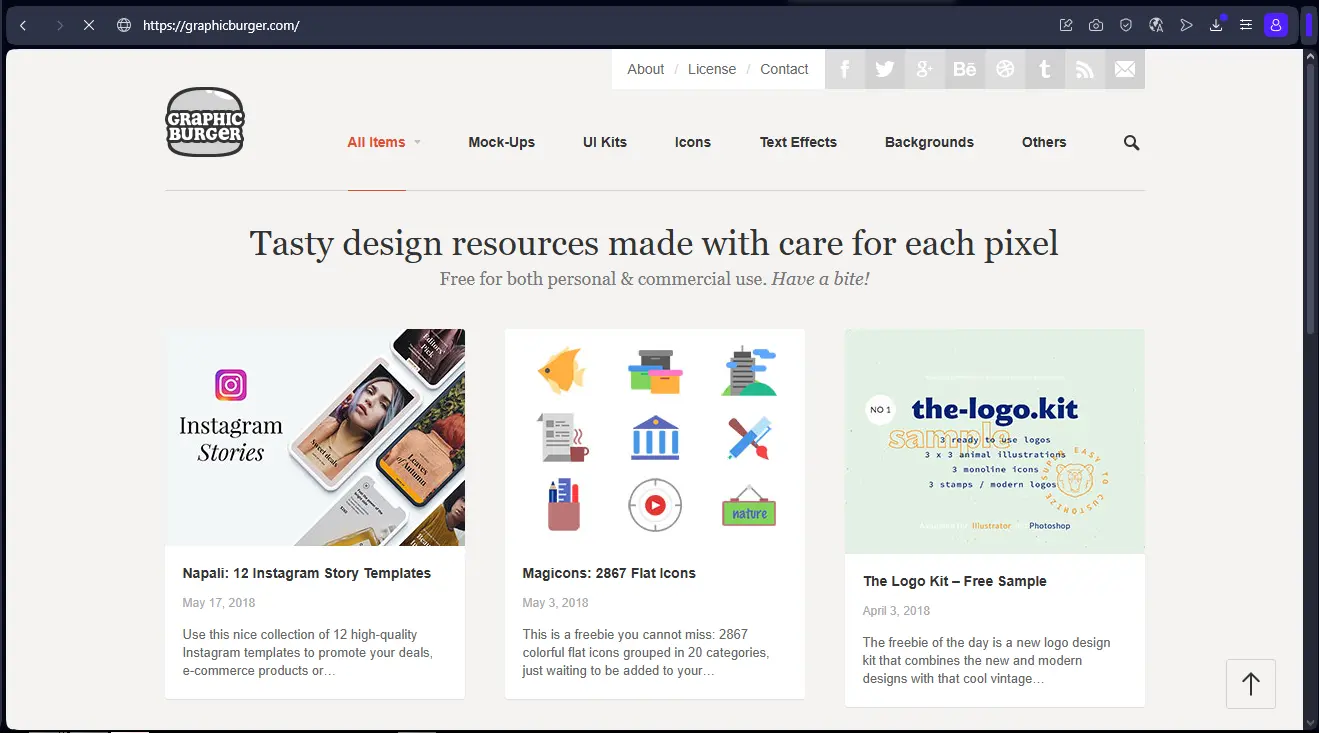
Trust me, Graphic Burger, I've been using it for years. It's become a reflex when I need a fast, quality resource for our projects at Easy Web. The thing that always blows me away is its ability to offer professional-quality mockups and UI kits, entirely free of charge.
When you're working under pressure or need to prototype quickly for a client, this tool is a lifesaver. It provides a solid foundation for impactful presentations or rapid integrations, avoiding the need to create everything from scratch. Ideal for validating concepts or enhancing existing deliverables with impeccable visual rendering.
That said, be warned: Graphic Burger is an excellent library, but not a creative studio. The resources are great, but they often require retouching on dedicated software like Photoshop or Figma. And of course, customization is limited by available stock.
Is Graphic Burger really useful for my needs?
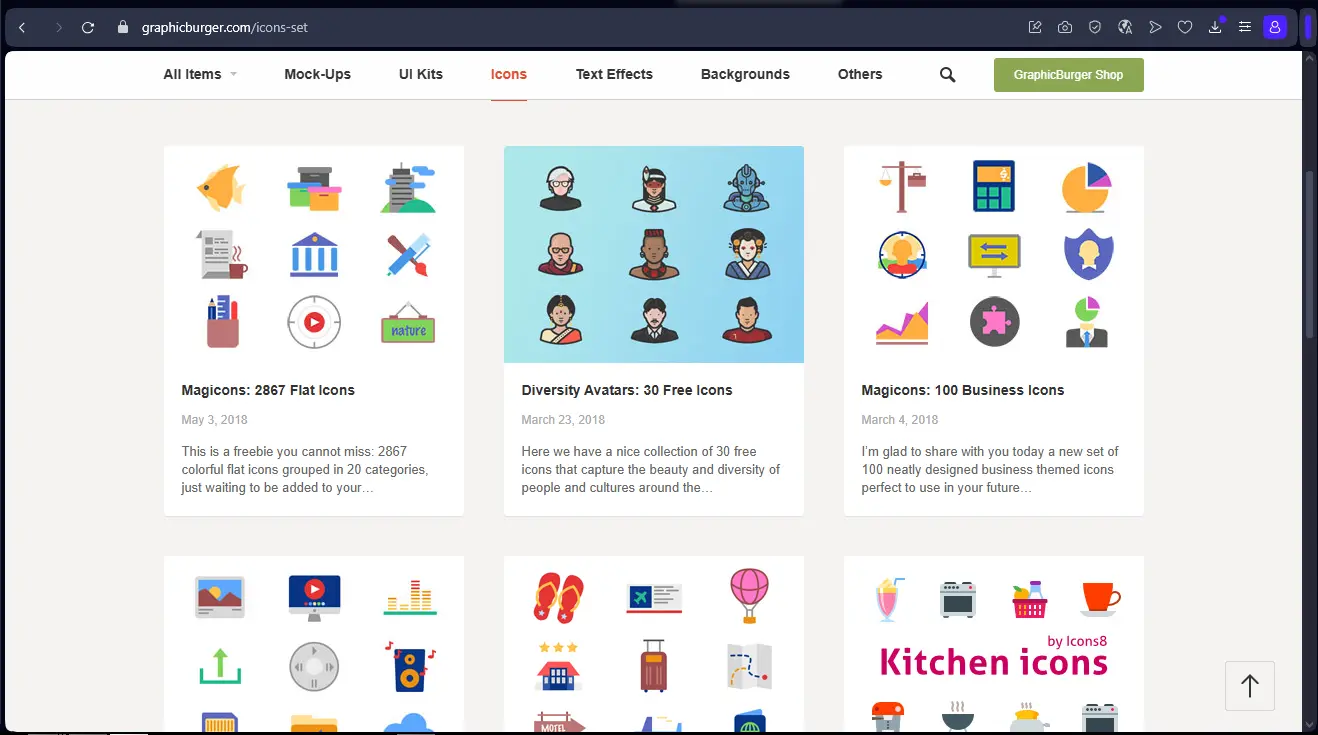
The real question before Graphic Burger? What's your purpose. Its relevance depends on the use. For me, it's THE resource when you're looking for precise graphic elements - mockups, icons, textures - to embellish an existing project. In that case, it's a precious time-saver.
.Freelance designer, small agency, or dev in a hurry? Graphic Burger is your solution. A realistic mockup for a client? A stylized icon set for an interface? It's a gold mine for professional, ready-to-use assets. Productivity gains guaranteed, without having to create everything from scratch.
Graphic Burger is your solution.And its other strong point? Curation. It's not a jumble. It's a selection of quality pro resources, guaranteeing that each element adds real aesthetic value to your creations. The final result is sublimated.


Is Graphic Burger suitable for beginners?
I remember how hard it was when I launched Easy Web in 2020 to find quality design resources without breaking the bank. For a beginner today, Graphic Burger is a gold mine. You'll find realistic mockups for customer presentations, ready-to-use icons and even complete UI/UX kits. It's ideal for launching a project without being an expert on complex design software.
The major advantage is the incredible time savings. No more reinventing the wheel for every element! But beyond that, browsing their selection of quality resources exposes you to a variety of styles, develops your eye for design, and gives you a solid foundation before venturing into more complex creations. A real launching pad.
How much does Graphic Burger cost?
When considering a new tool, the question of cost is often the first that comes to mind, isn't it? With Graphic Burger, what I've observed is a pretty crystal-clear pricing structure, designed to suit a variety of profiles.
We start with a Free package, ideal for getting to grips with the interface and accessing a basic selection of assets. It's perfect if you're a student, a beginner or have very occasional needs. For freelancers and emerging studios, the Pro offer, at €19 per month, unlocks the full premium library and essential collaboration tools; this is the choice I'd recommend for increased day-to-day productivity. Finally, for established agencies or larger teams, the Enterprise package, from €99/month, includes multi-user license management and priority support, facilitating seamless integration into complex workflows. The choice will really depend on the scale of your projects and your team.
What are Graphic Burger's key features?
One of the nuggets I've discovered on Graphic Burger is their mockups. When presenting a project to a customer, visual quality makes all the difference. Their photo-realistic mockups let you project your designs onto device screens, business cards or posters in just a few clicks. No more hours spent recreating complex layouts. It instantly professionalizes your deliverables, a real plus for convincing.
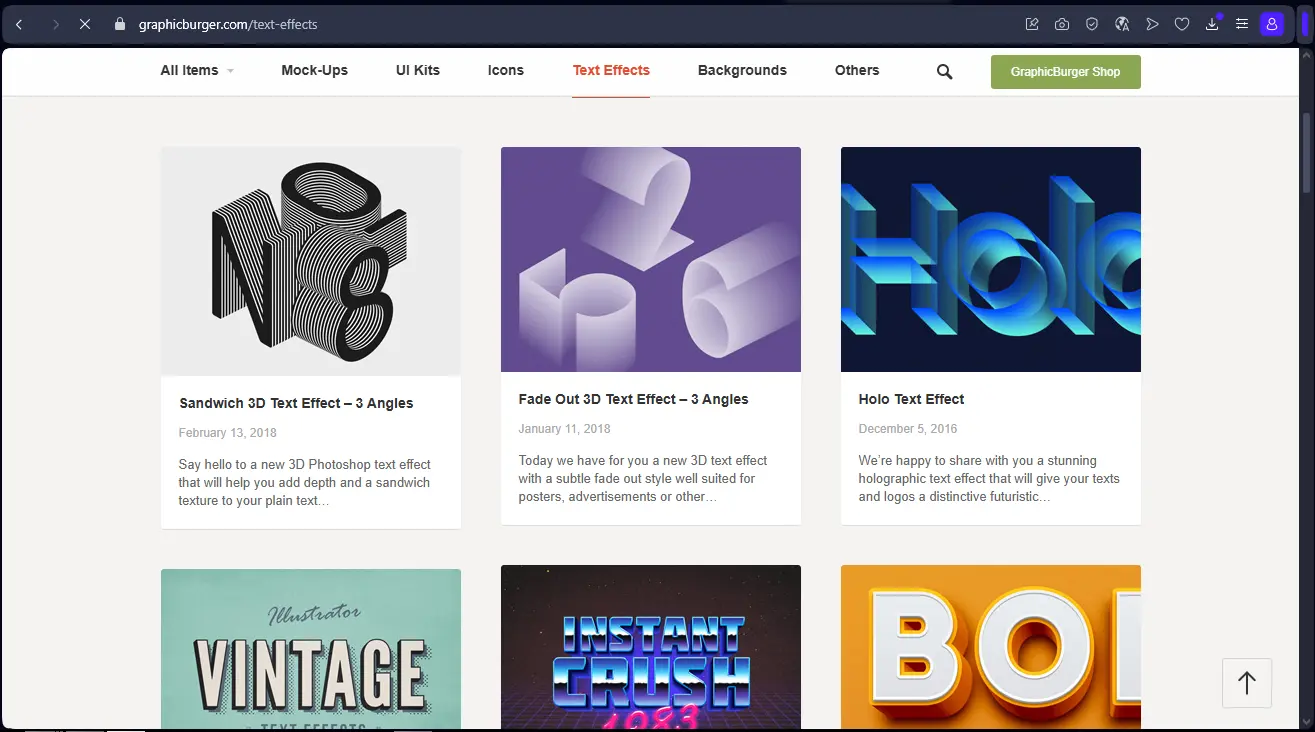
And let's talk about UI Kits. For us at Easy Web, they're an invaluable time-saver. These complete user interface kits - including buttons, menus, forms and more - are ready to use and follow a design logic. Using a UI Kit means drastically accelerating the prototyping phase and ensuring impeccable visual consistency across all elements of your applications or sites. It's efficiency at the service of creativity.
When I talk about Graphic Burger, what has always struck me is the depth of their editable resources. You don't just download beautiful images; you access incredibly clean source files (PSD, AI). Layers are named, blending masks are impeccable, dynamic objects are well used. For us designers, this is a monumental time-saver. No more deciphering messy files, we can dive straight into customization, and that's just vital when you're managing several projects.
Then, the finesse of their categorization and search system is a major asset. Beyond basic filters, you can refine your search to find the exact mockup, specific texture or UI kit that perfectly matches your brief. Need a 3D scene with special lighting? Or an isometric illustration in a specific color palette? Their search engine is smart enough for that. It's this kind of detail that, on a daily basis, makes the difference and really optimizes our productivity.
Frankly, Graphic Burger is great for a quick fix. But if you're looking for bespoke or highly specific assets for a cutting-edge customer project, it can quickly show its limitations. Forget deep template customization for complex brand identities or access to ultra-niche image banks. It's still inspiration, not your sole source.
For this, I'd rather turn to platforms like Envato Elements or Adobe Stock, which offer catalog depth and more tailored licensing. However, don't throw the baby out with the bathwater! Graphic Burger excels at creative intelligence and quick mock-ups. It's an excellent springboard.
In short, your benefits are clear:
- Gratuity
- Visual quality
- Time savings
Disadvantages to note:
- Lack of depth (niche/specific)
- Limited personalization
- Complex commercial licenses.
FAQS
Is it reliable and secure?
The reliability of Graphic Burger relies mainly on caution. It's an aggregation platform, which means that files come from multiple contributors. At Easy Web, we have a simple rule: always consider the source. We recommend favoring resources from recognized authors and, above all, never downloading blindly. A systematic antivirus scan is essential, especially for executable files or scripts that may contain malicious code. On the legal side, user licenses are generally well indicated, which is a guarantee of clarity for our pro projects.
Is it compatible with my other tools?
Absolutely. Most of the resources you'll find on Graphic Burger are offered in universally recognized formats. We're talking here about PSD files for Photoshop, AI for Illustrator, EPS, SVG, and often formats compatible with Sketch or even Figma.
You simply download the file and import it directly into your software of choice. That's the advantage: zero friction with your usual workflow. You avoid proprietary formats that lock you in. It's a library of resources designed to be integrated, not a new tool to be installed. Makes life easier, doesn't it?
Is there responsive customer support?
Let's be clear: when you use a free resource like Graphic Burger, customer support is virtually non-existent. That's the reality of the model. Their goal is to share resources, not to offer dedicated support. If you have a technical problem with a file, you're largely left to your own devices or to the community. In my experience, responsive support always comes at a price. For paid tools, it's legitimate to expect one. For freeware, you need to adapt your expectations.
What do other users think?
What I often hear in the community is a very positive echo for Graphic Burger. The quality is unanimously praised: clean, well-organized PSDs (Photoshop Document), ultra-realistic layouts and high-resolution textures. Many appreciate the constant updating of resources and the originality of the "freebies" (free resources), which make it possible to stand out from the crowd. It's a platform often cited for its relevance, offering fresh, high-quality visual elements, essential for our demanding projects. A sure bet, without a doubt.
Can I easily change later?
What I often hear in the community is a very positive echo for Graphic Burger. The quality is unanimously praised: clean, well-organized PSDs (Photoshop Document), ultra-realistic layouts and high-resolution textures. Many appreciate the constant updating of resources and the originality of the "freebies" (free resources), which make it possible to stand out from the crowd. It's a platform often cited for its relevance, offering fresh, high-quality visual elements, essential for our demanding projects. A sure bet, without a doubt.
Alternatives

Specializing in business creation, sales and digital marketing, he puts his expertise at the service of users to help them identify the solutions best suited to their needs. Passionate about digital innovation and optimizing online performance, Alexis is committed to providing detailed, transparent and unbiased comparisons.
Do you have an entrepreneurial project?
We support you in the structuring and development of your tech project. Make an appointment with one of our Business Strategists.