


.avif)





.svg)
.svg)




Freepik, we all know it. It quickly established itself as the reference platform for millions of graphic resources, a veritable Swiss army knife for designers and agencies in search of fast visuals. But in 2025, in the age of AI-driven image generators and increasingly specialized banks, is Freepik still the indispensable tool for our creations? Simplicity, features, limitations... I've been testing Freepik from every angle for several years, and here I give you my feedback, my objective opinion on its real usefulness, and above all, when it's relevant to use it for your projects.
My experience with Freepik
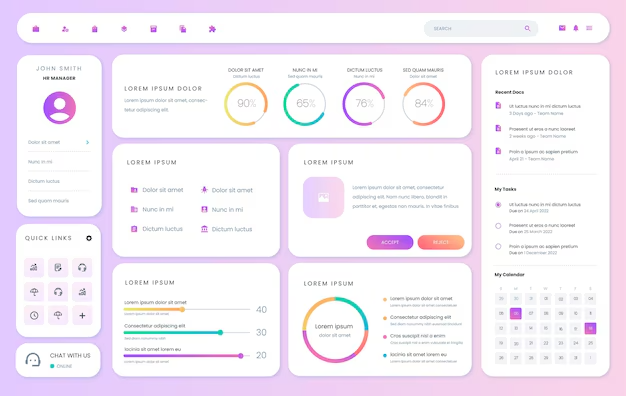
I've been using Freepik on a daily basis since the launch of Easy Web, and even long before. For a designer or agency, it's become an indispensable time-saving resource. What I appreciate most of all is the absolutely dizzying scope and constant diversity of its catalog of visual resources.
Whether for vectors, realistic photos, icons or quality mockups, Freepik is often our first reflex. To quickly conceptualize an idea, put together a striking moodboard or simply fill a precise visual need on a customer project, it's frighteningly efficient. It's a monumental time-saver for our teams.
However, this abundance has its downside. You have to sort through it, because the quality of the resources is not always consistent. And if you're looking for pure originality or hyper-specific elements for highly singular branding, you can quickly feel limited. Without in-depth personalization, the risk of "déjà-vu" is real.
Is Freepik really useful for my needs?
The real question to ask yourself before using Freepik is: what is my objective? Because the relevance of Freepik depends very much on how you use it. If your need is quick access to a vast bank of ready-to-use graphic elements - vectors, high-resolution photos, PSD mockups or specific icons - then Freepik becomes an indispensable ally.
Whether you're a designer in an agency with tight deadlines, a freelancer looking to diversify your visual sources, or a communications manager in a small to medium-sized business with a limited budget, Freepik optimizes your workflow. Think of those moments when you need to quickly deliver visuals for a social media campaign, illustrate a blog post without starting from scratch, or even find a relevant icon for a user interface. That's where Freepik excels.
More than just a resource, Freepik is also an incredible source of inspiration. You discover current visual trends and resonant styles, which is great for sharpening your eye and coming up with designs that are always relevant and fresh.


Is Freepik suitable for beginners?
When you're just starting out, whether as a freelancer or in a fledgling agency, Freepik proves to be a real gas pedal. I've seen so many young designers feel overwhelmed by the blank page. With Freepik, you have access to a colossal library of mockups, templates for brochures or social posts, and vector illustrations. It's ideal for quickly bringing an idea to life without drowning in technicalities, a real time-saver for your first customer projects or prototypes.
This major advantage for novices lies in its ability to provide a solid foundation. Not only do you save precious time by avoiding creating from scratch, but you also develop your designer's eye. By analyzing how elements are arranged in a professional template, you learn best practices. It's an excellent gateway before mastering more complex tools, enabling you to deliver impactful visuals right from the start.
How much does Freepik cost?
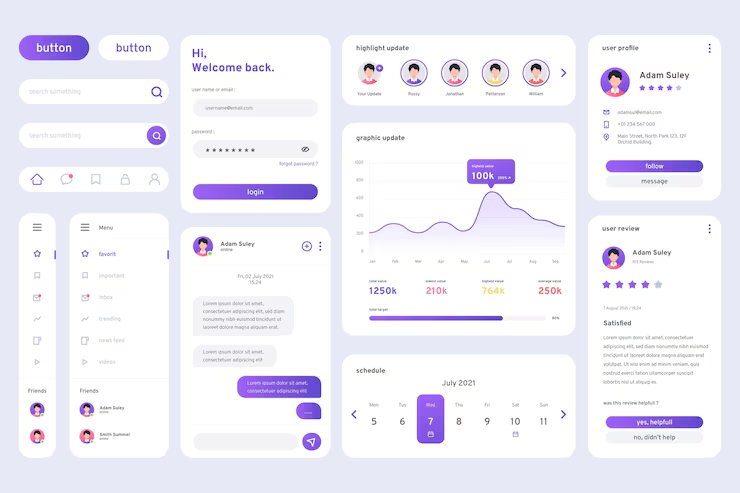
Let's talk budget, this is crucial for us designers. Freepik is two main options, each with its own logic and target audience.
First, the free formula. Ideal for students or freelancers just starting out, or for testing the tool on non-critical projects. You have access to a vast selection, but beware of download limitations and necessary attribution. For personal use or quick tests, it's perfect.
Then comes the Premium subscription. Costing around €15 per month (or a little less per year), this is where you change dimension. Unlimited access to the entire library, no more allocation, and total peace of mind for commercial use. This is the Holy Grail for agencies or designers who generate a lot of visuals. At Easy Web, we know that this investment is justified by the time saved and the consistent quality of the resources.
What are Freepik's key features?
You know, the first thing that always strikes me about Freepik is the sheer size of their library. Talk about an invaluable resource. Whether I'm looking for a specific vector for a client logo or a punchy mood shot for a landing page, the richness and diversity of content is just bluffing. It's a gold mine that saves me an incredible amount of time on a daily basis, without ever compromising quality.
But Freepik hasn't rested on its laurels. What also impresses me, especially in 2025, is their integration of advances in artificial intelligence. Features like intelligent search, capable of understanding complex queries, or even AI-driven element generation tools, are transforming the way we approach creation. This is a real boost for designers who want to stay at the cutting edge.
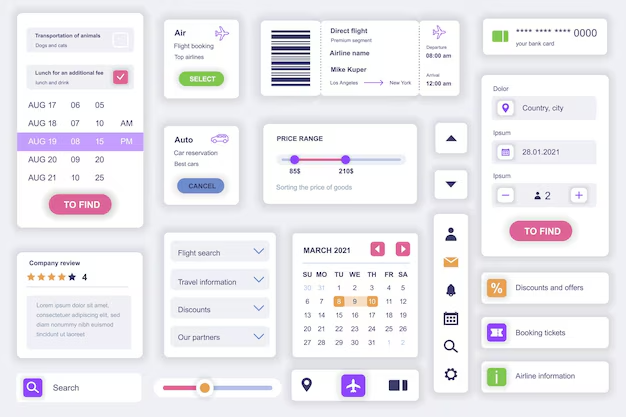
Finding THE perfect resource, the one that fits your brief exactly, can sometimes be a real headache. Freepik, now in 2025, has really boosted its search. I'm talking about ultra-specific filters, but above all a semantic search that "understands" your intention beyond the raw keywords. No more time wasted scouring endless pages, you save an incredible amount of time. That's crucial when deadlines are tight, isn't it?
And what about quality? When you dive into Premium content, it's another world. We're no longer on simple JPGs, but on clean, easily editable vector files, or super-organized PSDs (Photoshop Document). For an agency like ours at Easy Web, this is an invaluable working base. It allows us to take a professional element and turn it into a personalized masterpiece, without starting from scratch. A real productivity booster.
Need unique branding or custom illustrations? Freepik, for all its richness, will quickly show you its limits. For a project requiring absolute originality, such as a strong visual identity, you'll come up against potentially déjà vu designs or laborious customization. The structure of the files is not always optimized for rapid modification, making certain adaptations time-consuming.
For these cases, I turn instead to Adobe Stock for native integration, or Envato Elements for diversity, or even independent artists for the exclusivity sought. Freepik isn't the universal Swiss army knife, but it's still a gold mine for getting started quickly, testing concepts or for standardized needs. A real booster when budgets or deadlines are tight.
Here's my quick review:
Benefits:
- Great resource bank
- Affordable price (Premium)
- Incredible time savings
Drawbacks:
- Lack of exclusivity
- Somewhat cumbersome personalization
- Uneven quality of assets
FAQS
Is it reliable and secure?
Absolutely. Freepik is an industry behemoth, and that translates into a robust infrastructure. When it comes to security, they deploy standard protocols: SSL for all your transactions and rigorous management of personal data.
We use it regularly at Easy Web, and have never encountered any major reliability or security issues. Their content verification processes, while imperfect, greatly reduce the risk of questionable material. You can go there with confidence for your projects.
Is it compatible with my other tools?
Absolutely. Freepik's strength lies in the compatibility of its resources with the leading software on the market. You download vector files (AI, EPS, SVG) directly usable in Adobe Illustrator or Affinity Designer, and raster images (JPG, PNG) or PSD for Photoshop. For Figma or Sketch, SVG or PNG export works perfectly. It's a seamless integration that minimizes friction in our workflows at Easy Web, and that's what matters most to us every day.
Is there responsive customer support?
To be blunt, Freepik's customer support is functional, but not instantaneous. At Easy Web, we've had occasion to call on them for licensing issues or corrupted files. Returns generally arrive within 24 to 48 working hours, which is about average for a platform of this size. The efficiency of responses is good, but for complex problems, patience is sometimes required. This is "classic" support, adapted to standard queries.
What do other users think?
Professional feedback is generally very positive. You often hear about its richness: a goldmine for graphic resources, from vectors to photos. It's an undeniable time-saver when it comes to quickly creating mock-ups or filling one-off needs. The community appreciates its ease of access. It's true that quality varies, and experienced designers sometimes point to a lack of originality in flagship projects. But for efficiency and variety, Freepik remains a must-have for many agencies.
Can I easily change later?
Professional feedback is generally very positive. You often hear about its richness: a goldmine for graphic resources, from vectors to photos. It's an undeniable time-saver when it comes to quickly creating mock-ups or filling one-off needs. The community appreciates its ease of access. It's true that quality varies, and experienced designers sometimes point to a lack of originality in flagship projects. But for efficiency and variety, Freepik remains a must-have for many agencies.
Alternatives
.svg)

Specializing in business creation, sales and digital marketing, he puts his expertise at the service of users to help them identify the solutions best suited to their needs. Passionate about digital innovation and optimizing online performance, Alexis is committed to providing detailed, transparent and unbiased comparisons.
Do you have an entrepreneurial project?
We support you in the structuring and development of your tech project. Make an appointment with one of our Business Strategists.