


.avif)





.svg)
.svg)



Should you use Font Squirrel in 2025?

Font Squirrel is the tool that, for years, has democratized access to free, high-quality web fonts. It quickly established itself as a benchmark, something of a Swiss army knife for anyone looking to integrate stylish typography without breaking the bank. But in 2025, with the emergence of new platforms and ever more demanding requirements, is it really a good idea to rely on Font Squirrel for your most ambitious projects? Simplicity of use, functionalities, but also its hidden limits... I've been using it since the early days of Easy Web, and here's my unfiltered opinion, based on years of experience in the field. Let's see together if this tool still has a place in your creative arsenal.
My experience with Font Squirrel
Font Squirrel has been a reflex tool of mine for years now, an almost obligatory step whenever it comes to integrating unique and, above all, legitimate web fonts into a project. I've seen it evolve, but the core of its proposition has remained a solid anchor. What I appreciate most of all is his ability to generate impeccable and legal font-face kits.
For an integrator or designer looking to implement a specific typeface without the hassle of licensing, Font Squirrel is unbeatable. Its @font-face kit generator greatly simplifies the process, turning any royalty-free font into a ready-to-use package for all browsers.
However, let's face it, it's not an unlimited library. The catalog, while qualitative, is dependent on "desktop" licenses convertible to "webfont". Don't expect to find all the latest trends or ultra-creative typefaces, its strength really lies in the reliability of the open-source fonts available.
Is Font Squirrel really useful for my needs?
The real question to ask yourself before using Font Squirrel is: what is my objective? Because the relevance of Font Squirrel depends very much on how you use it. If your goal is to find free, high-quality fonts with clear licenses for commercial use on your web projects, then yes, Font Squirrel is a must-have. That's its main mission, and it does it brilliantly.
Whether you're a freelance web designer, the technical manager of a small agency, or a developer looking to integrate webfonts without the usual headaches, Font Squirrel offers you a reliable solution. For example, if you need to deliver a customer site with a precise and unique typography, you can find and check the license in just a few clicks. It's insurance against rights problems, and a huge time-saver.
In addition to its extensive library, its Webfont generator is a major asset. You can upload your own font (TTF or OTF) and the tool converts it into all the necessary formats (WOFF, WOFF2, EOT, etc.) with `@font-face` CSS ready for use. This guarantees optimum compatibility on all browsers, without juggling multiple tools.


Is Font Squirrel suitable for beginners?
When you set foot in the world of web design, there's so much to learn. For beginners, Font Squirrel is a real nugget. Its Webfont Generator is a godsend: you upload a font, it spits out the complete kit with all formats (WOFF, WOFF2, EOT, TTF) and the CSS @font-face that goes with it. No need to struggle with manual conversions or code! Plus, this huge library of free fonts, handpicked for their quality and web license, is a great starting point for any project, with no legal risk.
Trust me, when you're just starting out, focusing on creativity without worrying about complex technical aspects is paramount. Font Squirrel drastically simplifies font integration, allowing you to experiment and prototype quickly. It's a platform that gives you access to professional-quality resources without the burden of expensive licenses or arduous technical manipulations. Ideal for building your first portfolio or client site without breaking the piggy bank or your head!
How much does Font Squirrel cost?
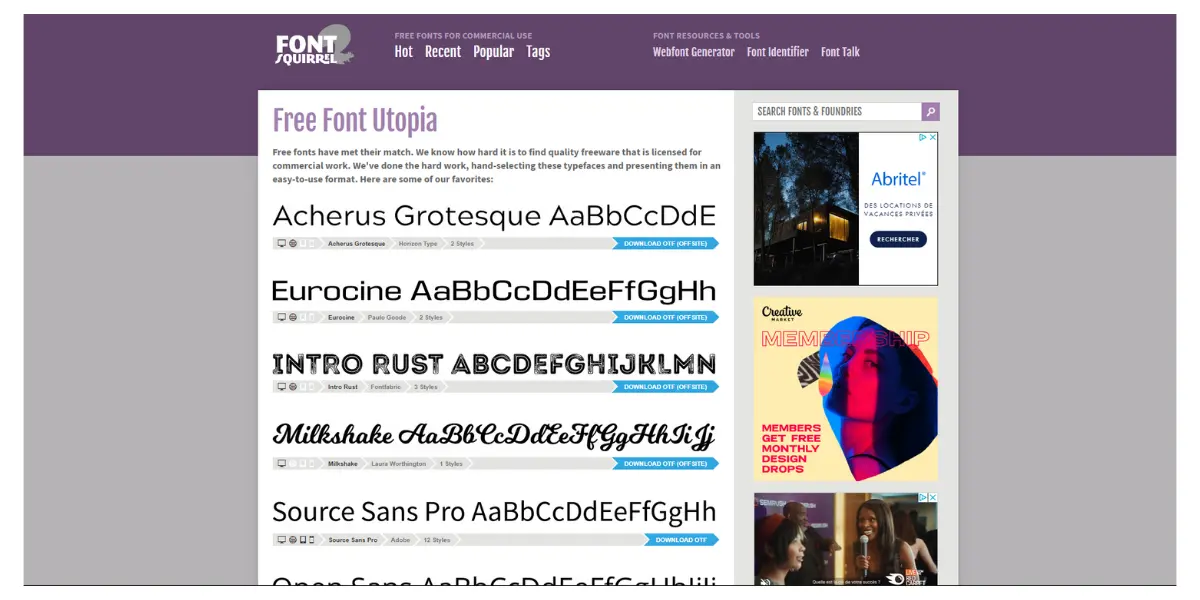
The question of cost always comes up. And with Font Squirrel, the answer is straightforward, and you'll like it. There are no premium packages or complicated pricing structures to unravel. It's completely free. Yes, you read that right: all the fonts you find here are commercially licensed, ready to use at no extra cost. For a freelancer just starting out, this is a major advantage: every euro you save is an investment in your development. For an established agency like Easy Web, it means a rich and diverse typographic library without impacting the design budget. We can explore and experiment without financial constraints, which is a luxury in our business. Zero cost, maximum value!
What are Font Squirrel's key features?
You know, finding the perfect font is challenging enough. But making sure it's commercially exploitable without getting in over your head with licensing? That's another story. And that's precisely where Font Squirrel shines. Their collection is a goldmine of handpicked fonts, all verified for commercial use. No more legal worries: you choose, you use. For our projects at Easy Web, it's an invaluable time-saver and a welcome reassurance.
But the tool doesn't stop there. I was blown away by their Webfont Generator. If you've ever struggled with web font formats - WOFF, WOFF2, EOT, SVG... - you know what I mean. You upload your font, and the tool converts it into all the necessary formats, with the CSS to match. It's simple, efficient and perfectly compatible with all browsers. A real breath of fresh air for any self-respecting web developer.
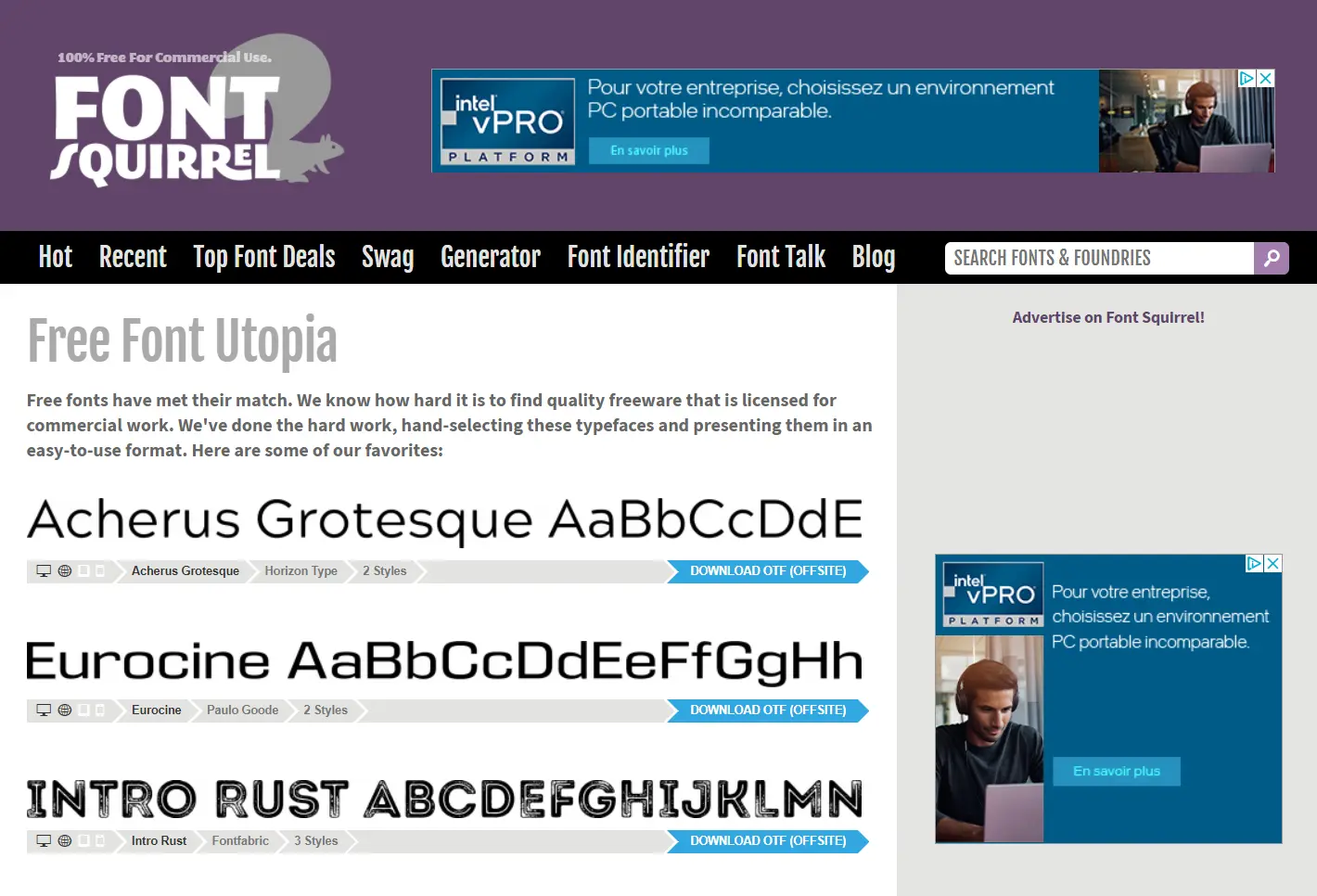
Have you ever complained about fonts clogging up a site? Font Squirrel's Webfont Generator is the solution we use. You drag in your font, and with one click, it spits out optimized formats - WOFF, WOFF2, etc. - with the Font Generator. - with subsetting (reducing file size by keeping only the characters used) and hinting (rendering optimization) to boot. That's what makes the difference when it comes to a fast site and clean typography, even on mobile. We've integrated it into our workflows at Easy Web, a real time and performance saver.
And let's talk licenses! That's the number one pitfall, isn't it? Font Squirrel is your shield on this point. All their fonts are hand-picked to be 100% commercially usable for the web, which takes a hell of a legal thorn out of your side. Their advanced filters, for classification or even character recognition, save you an incredible amount of time. You don't have to drown yourself in legal notices, you can concentrate on pure design. Now that's efficiency!
When you push the cursor, Font Squirrel shows its limits. For a simple conversion, it's fine. But if you need to manage variable fonts for ultimate adaptability, or ultra-precise subsetting to lighten your pages as much as possible, you're going to feel hamstrung. It doesn't cover use cases where advanced optimization or typographic flexibility are critical.
For these scenarios, I turn to platforms like Google Fonts or Adobe Fonts. They offer more robust ecosystems, fluid integrations and far more extensive libraries. But make no mistake: Font Squirrel remains a must-have for its simplicity and ability to make any font usable on the web. That's its raw strength.
So, a quick review:
Advantages:
- Fast, free font conversion.
- Clear commercial licenses.
- Automatic generation of @font-face kit.
Disadvantages:
- No support for variable fonts.
- Limited subsetting options.
- Lack of integrated library management.
FAQS
Is it reliable and secure?
Absolutely. Font Squirrel is a recognized resource in the web ecosystem, its reliability no longer in question. Their webfont generator, essential for your conversions, operates on secure servers. As for fonts, they come from reliable sources and the tool actively verifies licenses, which is crucial to protect you from any legal worries. It's a platform I use and recommend with my eyes closed for the compliance and security of your projects.
Is it compatible with my other tools?
When it comes to integration, Font Squirrel is top notch. The @font-face kits they generate are pure web standard. That means they integrate seamlessly into any web project, whether you're working with your favorite code editor, a CMS like WordPress, or JavaScript frameworks. It's classic HTML and CSS, designed for universal compatibility. You won't have any nasty surprises, it just works with your existing stack.
Is there responsive customer support?
Customer support responsiveness... This is an excellent question, and it deserves clarification. Font Squirrel is not a commercial service with dedicated customer support in the traditional sense. It's a fantastic resource, yes, but it's free. Their model doesn't provide for a team to respond to each individual query. If you encounter a technical problem, your best option is to consult their comprehensive FAQ section or seek answers within their community or specialized forums. Just don't expect a ticket with a response within 24 hours, you know?
What do other users think?
What I find is that Font Squirrel is almost universally appreciated for its role as a curator of free, commercially usable fonts. Designers especially praise the simplicity of its `@font-face` kit generator - a real time-saver for web integration. Some may be looking for a more extensive library, but for open source and well-licensed fonts, this is the reference. We appreciate the clarity of the terms of use, which is a real thorn in the side when it comes to legal issues.
Can I easily change later?
What I find is that Font Squirrel is almost universally appreciated for its role as a curator of free, commercially usable fonts. Designers especially praise the simplicity of its `@font-face` kit generator - a real time-saver for web integration. Some may be looking for a more extensive library, but for open source and well-licensed fonts, this is the reference. We appreciate the clarity of the terms of use, which is a real thorn in the side when it comes to legal issues.
Alternatives
.svg)

Specializing in business creation, sales and digital marketing, he puts his expertise at the service of users to help them identify the solutions best suited to their needs. Passionate about digital innovation and optimizing online performance, Alexis is committed to providing detailed, transparent and unbiased comparisons.
Do you have an entrepreneurial project?
We support you in the structuring and development of your tech project. Make an appointment with one of our Business Strategists.