


.avif)





.svg)



Should FilmoraGo be used in 2025?
FilmoraGo is a mobile video editing app aimed specifically at content creators, videographers and marketers looking for a quick and easy solution on smartphone or tablet. This platform from Wondershare offers an intuitive interface and a set of tools tailored to light to moderate editing needs, perfect for creating social videos, tutorials or promotional clips.
In a market saturated with mobile apps, FilmoraGo stands out for its ease of use and rich functionality, while offering a free version with paid options. How can you navigate its features efficiently to optimize your video production? This article explores FilmoraGo's capabilities, benefits, limitations and costs in detail to guide you in your choice.
My experience with FilmoraGo
I've used FilmoraGo mainly for quick editing on mobile, in a professional context where mobility and speed are key. What I particularly appreciated was the simplicity of the interface, which makes it possible to produce decent videos without wasting time understanding complex tools.
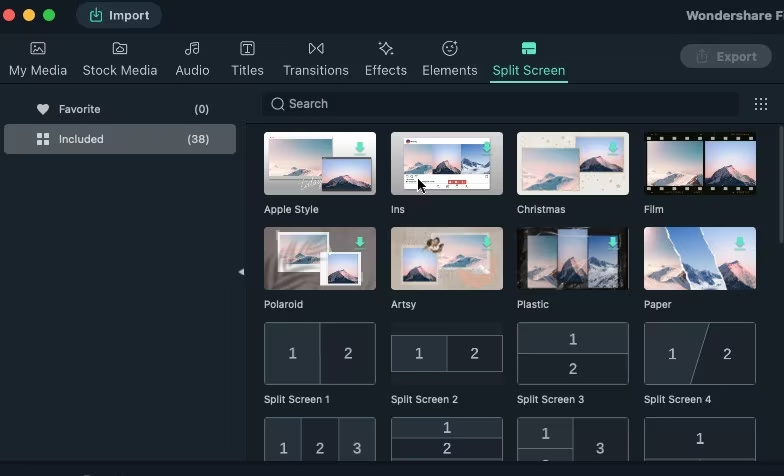
FilmoraGo excels in particular when it comes to editing content intended for social networks, such as Instagram stories or TikTok videos, thanks to its predefined formats and integrated effects that quickly energize a sequence.
However, the tool has limitations when it comes to the more advanced editing offered on desktop, particularly in terms of fine audio management or complex effects. For advanced editing, you'll need to turn to more comprehensive solutions.
Is FilmoraGo really useful for my needs?
The real question to ask yourself before adopting FilmoraGo is how much video editing you want to do, and on what device. This mobile software is cut out for fast, accessible editing, ideal for those who want to create without investing in complex tools.
Here are just a few profiles for whom FilmoraGo makes sense:
- Social network content creators, who need to edit dynamic, quickly formatted videos.
- Marketers and agencies producing short clips for ads or tutorials.
- Beginners wishing to learn the basics of mobile editing, with intuitive guide features.
In addition to its simplicity, FilmoraGo offers easy integration with social platforms, making it very handy for immediate distribution after editing.

Is FilmoraGo suitable for beginners?
FilmoraGo is just right for beginners, thanks to its crystal-clear interface and accessible features. Tools like drag-and-drop, built-in editing templates and the editing wizard make it easy to learn the basics without frustration.
For novices, this means being able to make decent-quality videos quickly, without getting lost in complex menus. Built-in tutorials also help to quickly understand how to use the main tools available.
How much does FilmoraGo cost?
FilmoraGo offers a free package, which is a significant plus for creators on a tight budget. This version offers access to most editing tools, but incorporates a watermark on exports and limits certain advanced features.
The paid version costs around $7.99 per month. This package removes the watermark, unlocks all advanced editing options, and offers additional resources such as royalty-free effects, transitions and music. This plan is particularly suited to regular users looking to produce more professional videos from their mobile.
What are FilmoraGo's key features?
FilmoraGo's first key feature is its intuitive, clear interface, specially designed for fast mobile editing. It makes it easy to cut, merge and organize clips thanks to a simple drag-and-drop system, crucial for users on the move.
Then FilmoraGo offers a wide range of effects, transitions and animated title templates. These elements facilitate the creation of dynamic content without the need for special design or animation skills, saving precious time.

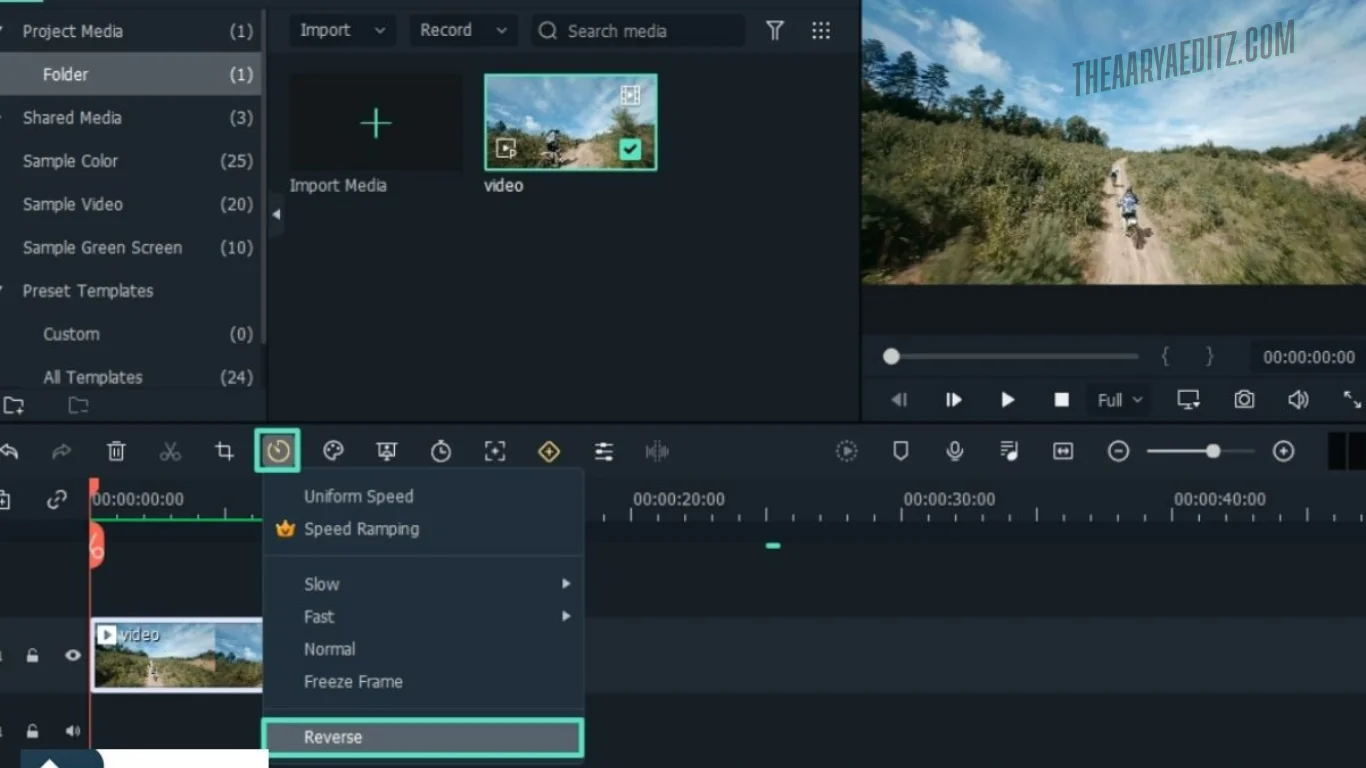
In addition, FilmoraGo offers advanced options such as speed adjustment, insertion of royalty-free music and basic audio track management. These tools significantly enrich the final rendering, useful in particular for promotional videos or tutorials.
Another asset is the ability to export in various formats suitable for social platforms, with resolutions up to 1080p. This compatibility ensures optimal distribution on Instagram, TikTok, YouTube or Facebook.
FilmoraGo is effective for basic to intermediate editing, however its limitations become apparent in demanding professional settings. For example, its audio processing remains simple, with no advanced mixing, which may hinder more experienced editors. Similarly, the absence of certain advanced features such as precise keyframing or extremely high resolution export is noteworthy.
Alternatives such as Adobe Premiere Rush or Kinemaster can provide more flexibility and options. Nonetheless, FilmoraGo retains a clear advantage for its quick learning curve and simplified key features.
In summary, FilmoraGo is ideally suited to occasional or semi-professional mobile users, but remains less suitable for complex productions requiring powerful, detailed editing tools.
FAQS
Is it reliable and secure?
FilmoraGo is an application developed by Wondershare, a well-known company in the field of multimedia software, which guarantees a satisfactory level of security and reliability. The application uses standard protocols to protect user data and does not require excessive permissions on mobile devices.
In addition, regular updates improve the application's stability and correct any vulnerabilities, ensuring a secure experience. Wondershare also ensures the confidentiality of projects, complying with current standards.
Is it compatible with my other tools?
FilmoraGo supports the most common video formats such as MP4, MOV, AVI and MPEG, making it easy to import and export files. The app is available on iOS and Android, offering great mobile compatibility.
It also offers simple integrations with major social platforms for immediate sharing. However, it does not yet have public APIs for customized professional integrations.
Is there responsive customer support?
FilmoraGo customer support is accessible via the Wondershare website, offering FAQs, tutorials and email assistance. Response time is typically 24 to 48 hours.
Online resources are quite comprehensive, often allowing common problems to be resolved without delay. For more personalized support, paid options may be available.
What do other users think?
FilmoraGo user reviews often highlight ease of use and rich effects as strong points. On the other hand, some users criticize the presence of the watermark in the free version, as well as the limitations on advanced functionalities that can hinder professional use.
FilmoraGo's user reviews often highlight ease of use and a wealth of effects as strong points.
Can I easily change later?
FilmoraGo user reviews often highlight ease of use and rich effects as strong points. On the other hand, some users criticize the presence of the watermark in the free version, as well as the limitations on advanced functionalities that can hinder professional use.
FilmoraGo's user reviews often highlight ease of use and a wealth of effects as strong points.
Alternatives
.svg)

Specializing in business creation, sales and digital marketing, he puts his expertise at the service of users to help them identify the solutions best suited to their needs. Passionate about digital innovation and optimizing online performance, Alexis is committed to providing detailed, transparent and unbiased comparisons.
Do you have an entrepreneurial project?
We support you in the structuring and development of your tech project. Make an appointment with one of our Business Strategists.