


.avif)





.svg)
.svg)




You've probably heard of Feather. It has established itself as a particularly agile design solution, a serious challenger to the market behemoths. But in 2025, with the digital ecosystem changing at breakneck speed and AI redefining our workflows, is it still the right tool for your visual creations? Believe me, I've spent hours on Feather since its release. This article is my raw feedback: together we're going to dissect its strengths, its shortcomings, and see if Feather really corresponds to your reality as a designer or web agency today.
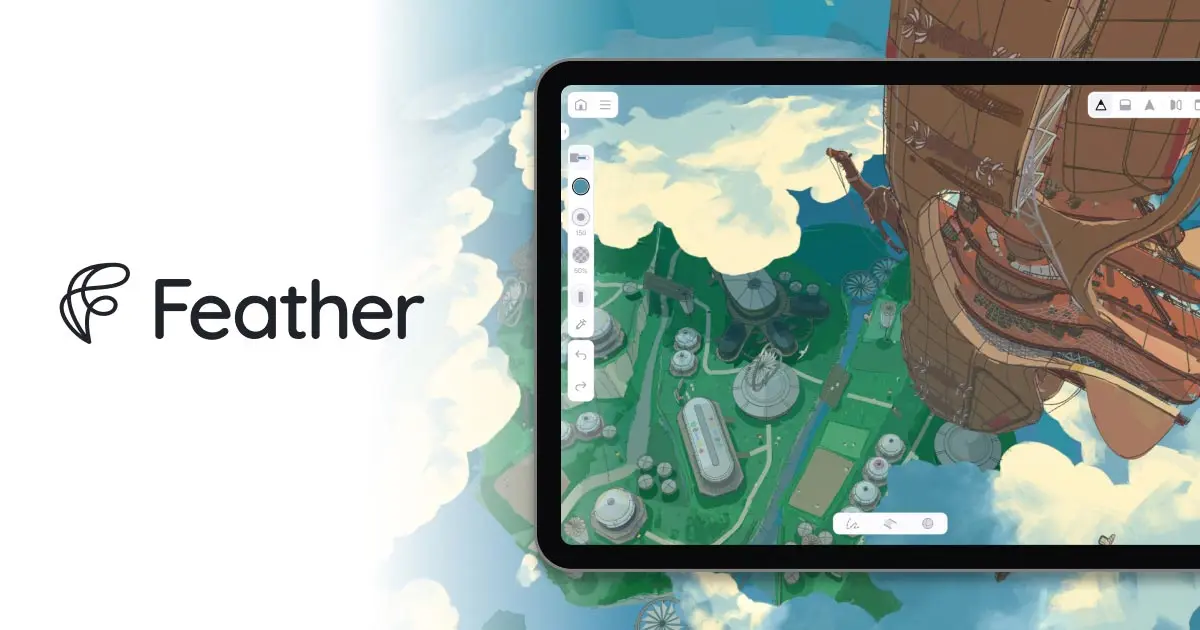
My experience with Feather
Feather has been a staple in our workflows at Easy Web for several years now. As soon as I discovered its ability to synchronize component libraries in real time, I knew it was a game changer. For us, its collaborative management and consistency of design systems are absolutely key.
In the context of agencies and design teams working on complex projects with multiple stakeholders, Feather excels. It ensures that everyone uses the most up-to-date version of assets, minimizing errors and dramatically speeding up the validation and handoff process to developers. It's an incredible time and efficiency saver.
However, we have to be realistic: Feather is not an all-in-one solution. For very specific needs such as advanced photo retouching or the creation of hyper-detailed vector illustrations, you'll always need complementary tools. Its pure graphic customization features can sometimes be a little less advanced.
Is Feather really useful for my needs?
The real question to ask yourself before using Feather is: what is my objective? Because the relevance of Feather depends very much on how you use it. If your goal is to rapidly prototype user interfaces based on design systems, or to manage component libraries, Feather excels. For this agility, it's clearly a major asset.
Whether you're a UI/UX designer, a lead designer managing a team, or an agency validating visual concepts, Feather saves you precious time. Need to iterate on a complex flow or adapt a design system for a new project? Feather offers a structured and efficient framework for these crucial tasks.
Another Feather strength is its seamless integration with development tools. Exporting specs or code snippets for your developers is a game-changer. It streamlines the whole process, from concept to release.
Feather's other strong point is its seamless integration with development tools.


Is Feather suitable for beginners?
Feather is clearly positioned as a major ally for those taking their first steps into design, or seeking maximum efficiency without a steep learning curve. Its intuitive interface, ultra-reactive drag-and-drop and library of pre-integrated components are major assets. You can quickly generate basic mock-ups, landing page prototypes, or even visuals for social networks in the blink of an eye, without drowning in superfluous functionality.
.The great thing about Feather is that it demystifies the creative process. It lets you focus on the idea and composition, rather than pure technical mastery. It's a gentle and effective gateway to acquiring the basics of visual design and understanding workflows without the complexity of the more robust tools we use every day at Easy Web for more complex projects.
How much does Feather cost?
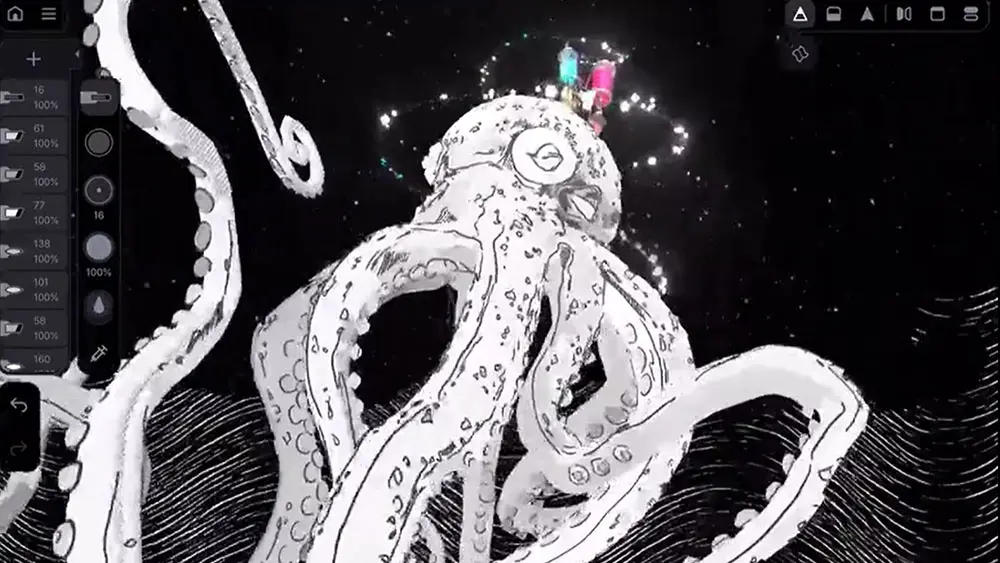
Feather offers a free package, ideal for beginners. It gives access to basic functionality: a few projects, the essential vectorization tools and a limited icon library. It's perfect for students, freelancers testing the tool or those with very occasional needs. You can quickly get the hang of it without any commitment. I remember when we first started out at Easy Web, we would have loved to have options like this for our trainees who were just discovering the business.
The Feather Pro package, priced at around €19/month, is clearly designed for the freelance designer or solo professional. It unlocks unlimited access to projects, extensive cloud storage space, advanced export options (optimized SVG, multiple formats) and integration with platforms like Slack or Jira. This is where the tool comes into its own, allowing you to manage complex briefs and optimize your workflow. It's the kind of investment that pays off quickly if you produce a lot.
For agencies and larger teams, the Feather Studio package, often around €49/user/month, is essential. It includes everything from the Pro version, but adds crucial collaborative features: shared component libraries, version management, real-time comments and user roles. This greatly simplifies brand consistency across multiple projects. At Easy Web, we know how key fluid collaboration is when multiple designers are working on the same graphic charter.
What are Feather's key features?
You know, we're always on the lookout for time-saving, efficiency-boosting tools at Easy Web. What blew me away with Feather was, first and foremost, its intelligent layout engine. At first, I was a little dubious about the idea of AI for design, but believe me, this feature is a real nugget. It doesn't replace your creativity, far from it, but it does speed up the first stages of design, such as the rapid generation of wireframes or the exploration of various page structures in the blink of an eye. It's a huge time-saver for the exploratory phases.
Next, let's talk about collaboration, an essential point for any agency in 2025. Feather really excels with its real-time co-editing system. Gone are the nightmares of multiple versions and scattered comments. The whole team can work simultaneously on the same file, with clear cursors to see who's doing what. The contextual annotation system is child's play for internal and customer feedback. It makes our workflows smoother than ever, and we've seen quite a difference on our most complex projects.
The first thing that struck me about Feather was its truly advanced collaboration management. It's a far cry from simple file sharing. You can work with several people in real time on the same canvas, with an ultra-efficient contextual comments system. We even tested the intelligent version history function: no more risk of losing crucial work, Feather handles it like a pro, allowing you to go back or compare iterations in the blink of an eye. It's a game-changer for our teams.
And that's not all. Feather takes integration to a level I particularly appreciate. Connect it directly to your development tools, like VS Code, for smoother-than-ever design-dev handover. Or even use its automation capabilities to generate variants of your components with disconcerting speed. At Easy Web, this ability to streamline our workflow, to connect the links in the production chain, is what we're looking for above all else. That's efficiency in 2025.
Let's be clear, while Feather shines for rapid design, it quickly reaches its limits on precise projects. For advanced vector illustrations or complex interactive animations à la Lottie, the tool proves insufficient. And let's not even mention the management of massive design systems with nested components; flexibility is sorely lacking.
.Faced with these cases, I often resort to tools like Figma for design systems or Illustrator for pure vector. Yet Feather retains a special place in my arsenal: it's an excellent starting point for wireframing or basic UI design, without the complexity of "all-in-one" suites.
Feather is a great way to get started.
In short, here's how I feel about it:
Advantages:
- Fast to pick up and run
- Ideal for wireframing and simple UI
- Uncluttered interface
Disadvantages:
- Lack of depth for vector/animation
- Complex management of advanced design systems
- Less suited to very heavy projects
FAQS
Is it reliable and secure?
Absolutely. Reliability and security are pillars for Feather. The tool incorporates end-to-end encryption, protecting your data and design projects from the very first line. We were able to verify their strict policy on information protection, including regular security audits by external experts. Their compliance with standards such as the RGPD is also a key point that reinforces our confidence. For us at Easy Web, this is non-negotiable.
Is it compatible with my other tools?
Absolutely, that's one of its great strengths. Feather integrates very well into an existing workflow. You can import and export SVG, PNG or JPG files without a hitch, making it easy to transfer to Figma, Sketch, or even your Adobe tools like Photoshop and Illustrator. At Easy Web, we particularly appreciate this fluidity for fast round-trips. It even offers API integrations for certain CMS, optimizing direct export to your web projects. Compatibility is clearly on the agenda.
Is there responsive customer support?
Absolutely! When you integrate a new tool like Feather, the responsiveness of customer support is non-negotiable for us. From our side, the overall experience has been very positive. Support is accessible and their responses, whether via live chat or tickets, are generally fast and accurate. We've been able to resolve some pretty tricky technical issues without too much delay. This is an essential aspect that ensures peace of mind, especially on customer projects with tight deadlines. A good point for them.
What do other users think?
The feedback I receive on Feather is very positive overall. Users mostly praise its lightness and fluidity, particularly for rapid prototyping and user interface iteration. Its learning curve is often highlighted as a major asset, enabling even designers with less experience of this type of tool to get to grips with it quickly. A few comments are sometimes made about more specific export functionalities or more advanced integration with certain ecosystems, but the overall impression is that of a high-performance, intuitive tool that simplifies workflow.
.Can I easily change later?
The feedback I receive on Feather is very positive overall. Users mostly praise its lightness and fluidity, particularly for rapid prototyping and user interface iteration. Its learning curve is often highlighted as a major asset, enabling even designers with less experience of this type of tool to get to grips with it quickly. A few comments are sometimes made about more specific export functionalities or more advanced integration with certain ecosystems, but the overall impression is that of a high-performance, intuitive tool that simplifies workflow.
.Alternatives
.svg)

Specializing in business creation, sales and digital marketing, he puts his expertise at the service of users to help them identify the solutions best suited to their needs. Passionate about digital innovation and optimizing online performance, Alexis is committed to providing detailed, transparent and unbiased comparisons.
Do you have an entrepreneurial project?
We support you in the structuring and development of your tech project. Make an appointment with one of our Business Strategists.