


.avif)





.svg)
.svg)



Should Designspiration be used in 2025?

Designspiration is that refuge, that bubble where visual inspiration reigns supreme, far removed from the hustle and bustle of more generalist platforms. It's a library of pure references, an essential resource for designers looking for a spark. But in 2025, with the explosion of generative AI and the abundance of other sources, is it still the tool you need to unearth the rare pearl for your creations? Simplicity, relevance of results, and yes, a few frustrations... For several years now, Designspiration has been one of my almost daily stops. In this article, I share my experience and give you my objective opinion on whether this tool still has a place in your creative arsenal.
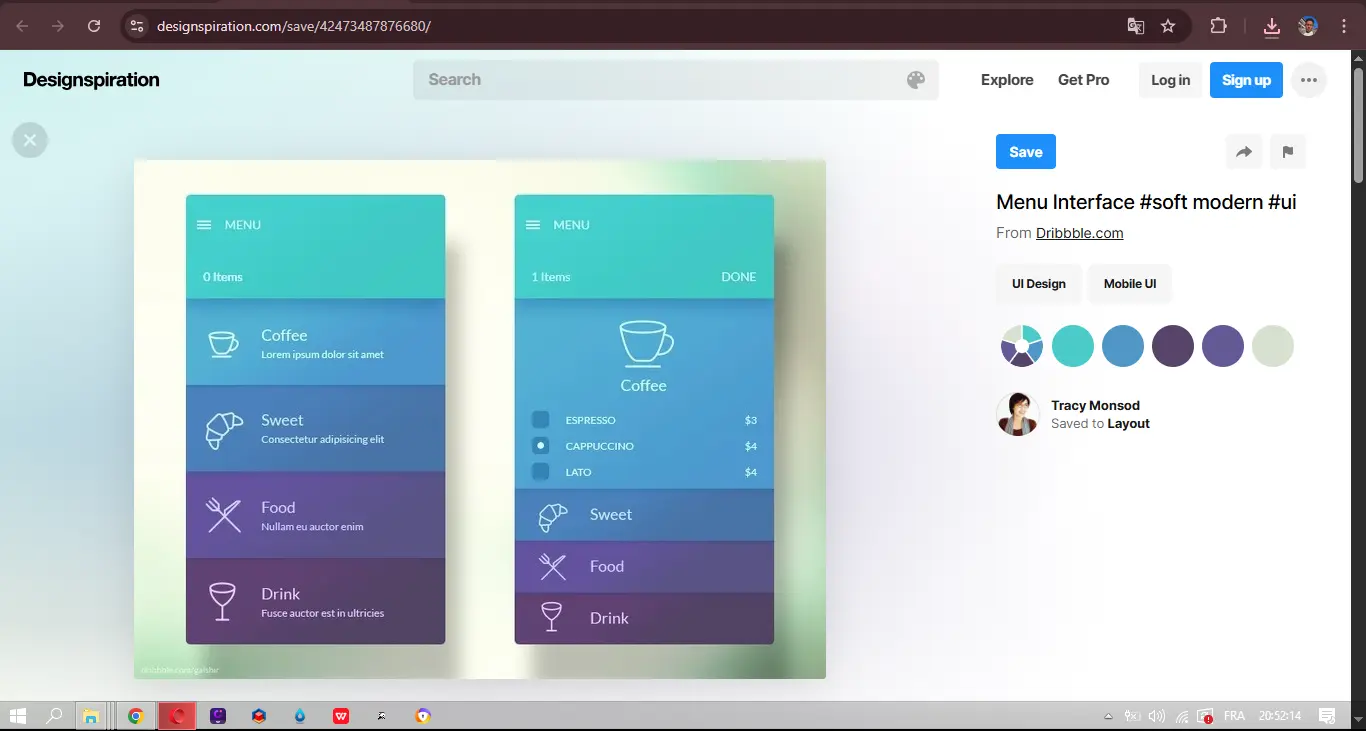
My feedback with Designspiration
I discovered Designspiration a few years ago now, and it's become an indispensable resource in my daily workflow. What I appreciate most of all is its ability to offer visual curation of exceptional quality.
When I'm looking for the initial spark for a new project - whether it's a strong brand identity, an innovative user interface or even overall art direction - Designspiration is where I turn. The uncluttered interface lets you immerse yourself totally in pure inspiration, without the distractions often found elsewhere.
That said, it's crucial to understand its nature. Designspiration is neither a library of downloadable resources, nor a collaborative platform. Its role is purely exploratory and inspirational. So don't expect project management tools or direct integrations with your usual design software.
Is Designspiration really useful for my needs?
The real question to ask yourself before using Designspiration is: what is my objective? Because the relevance of Designspiration depends very much on how you use it. If your primary need is creative intelligence and pure inspiration, then yes, it's a gold mine. For visual brainstorming or mood boards, it's formidable and its effectiveness is undeniable.
Whether you're an art director in search of a new aesthetic, a graphic designer looking to break codes, or even a web developer soaking up the latest UI/UX trends, Designspiration is effective. For example, to define the artistic direction of a new customer project or to refresh your own brand identity, the tool provides you with a constant stream of relevant ideas.
Beyond raw inspiration, its ability to refine your search by dominant color or precise tags makes it incredibly efficient. You save precious time targeting exactly what you're looking for.


Is Designspiration suitable for beginners?
Designspiration, I see as a real springboard for anyone setting foot in the world of design. Its uncluttered interface? A major asset. No frills, no long-winded menus. Looking for a color mood for a new customer project? A specific typographic style? Or just some raw inspiration for a mood board? Navigation is intuitive, tags are relevant. It's perfect to start sharpening your eye without being drowned in superfluous options.
It's a platform for pure, almost meditative exploration. It forces you to focus on the image, on visual emotion. And that's crucial to developing your designer's "eye", to understanding what makes a concept striking, long before you touch Figma or Photoshop. It's the ideal place to build your visual culture, explore varied aesthetics and nurture your creativity without the pressure of production.
How much does Designspiration cost?
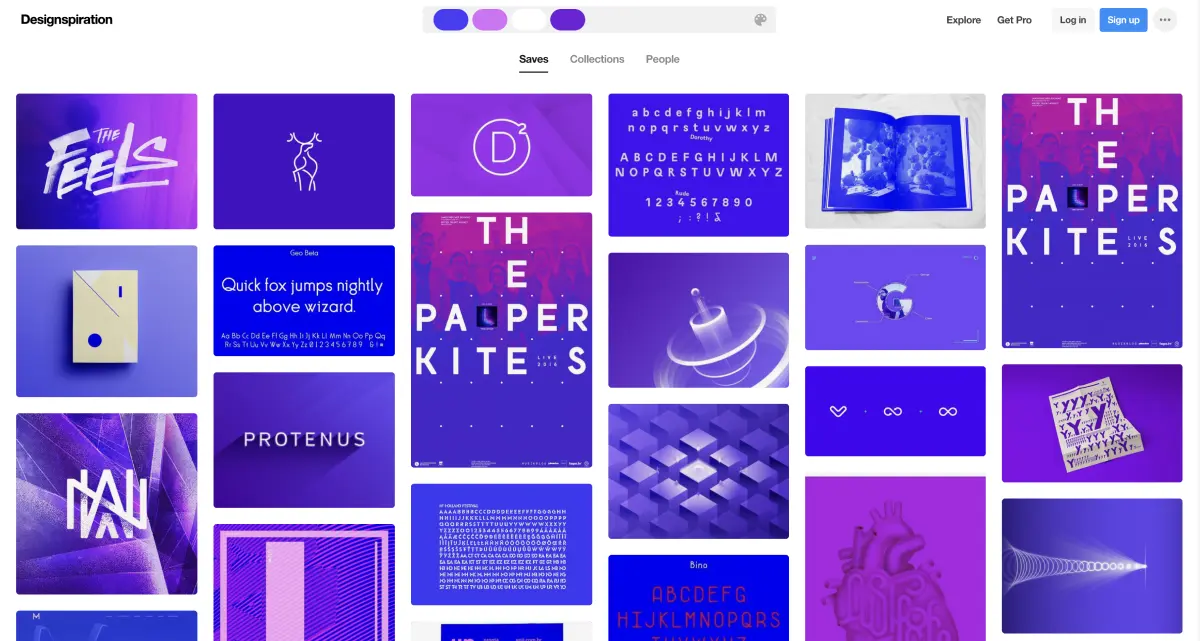
So, the question that often gets in the way: price. With Designspiration, it's pretty straightforward, and that's something I appreciate. The basic package is entirely free. You have unlimited access to their incredible collection of inspiring images, the ability to create public boards and save your favorites. For a student, freelance designer or even the occasional agency creative watch, it's a great tool that costs nothing.
For those who really want to push the experience, there's the "Premium" package at €8 per month. It unlocks key features: unlimited private boards for your confidential projects, better image resolution when exporting, and above all, simplified API integration. It's perfect for advanced freelancers or small agencies looking to integrate the tool more deeply into their workflow and collaborate more fluidly with their clients without constraint. A small investment, but one that brings real added value.
What are the key features of Designspiration?
You know that moment when you're obsessed with a particular color or visual mood? Designspiration excels with its chromatic and visual search function. You can upload an image or select a specific color, and the tool returns thousands of inspirations that match perfectly. It's a real lever when it comes to maintaining branding consistency or simply unlocking a visual idea that's getting stale. No more wasted hours searching for the perfect shade.
But what's also striking is the depth of its database. Far from generic image banks, Designspiration offers hyper-qualitative collections, organized by relevant tags. Whether you're looking for bold typography, a moodboard for an e-commerce site, or UI/UX concepts, the filters are precise and the content handpicked. It's a real time-saver for us at Easy Web, and an undeniable asset.
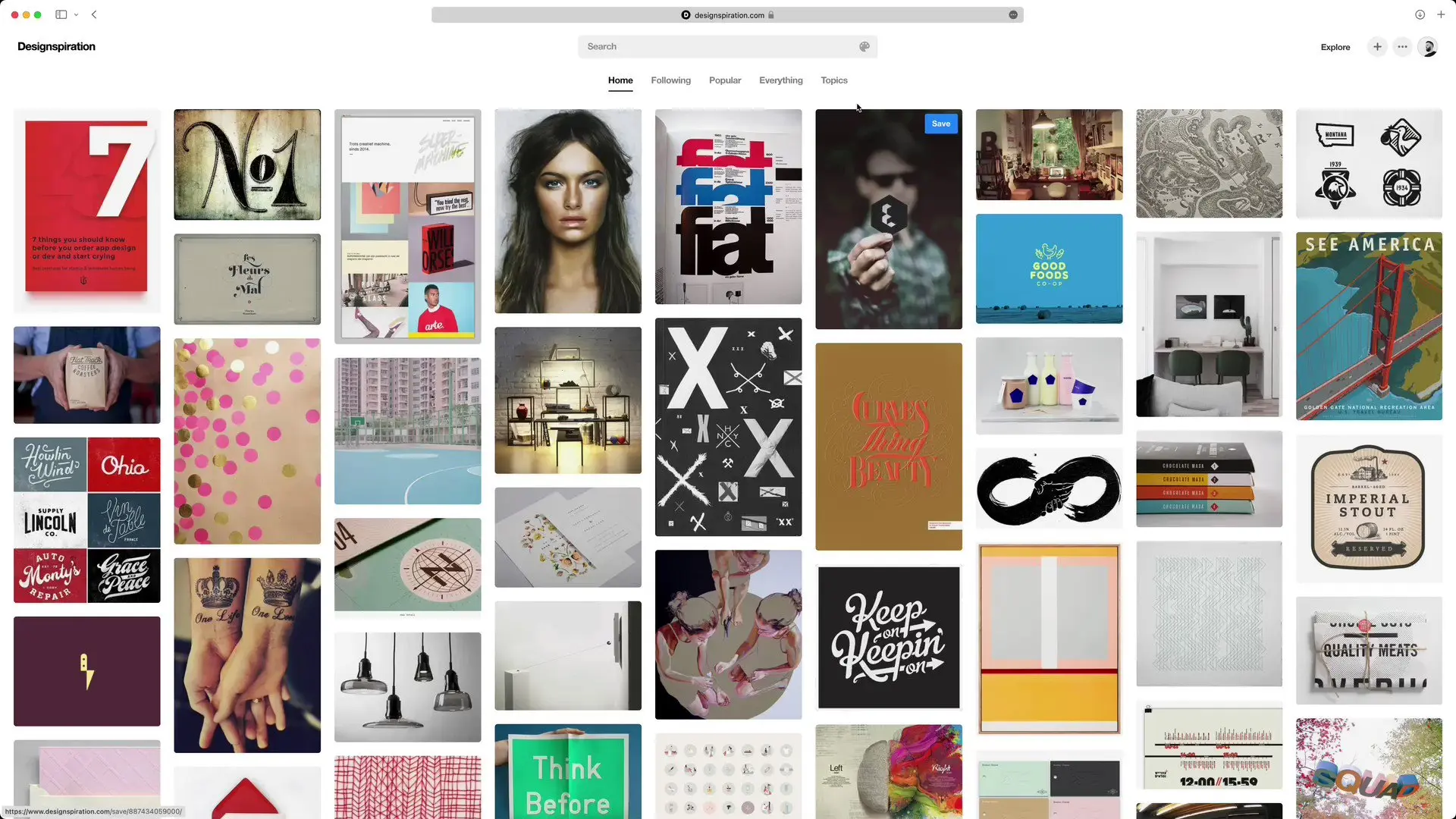
When I'm looking for the spark for a new project at Easy Web, I don't settle for generic keywords. What strikes me about Designspiration is the depth of its filters. Not only can you target ultra-specific color palettes, but you can also refine by hue, saturation, or even hue predominance. It's an enormous time-saver when it comes to refining a precise visual direction, far beyond a simple search.
But that's not all. I particularly appreciate its ability to flush out unexpected visual correspondences. Often, I start with an image and the tool suggests inspirations that, while different on the surface, share subtle compositions, textures or patterns. It's this semi-guided exploration that drives us at Easy Web to think outside the box and constantly innovate.
Designspiration is a goldmine for pure inspiration, we agree. But beware, if your goal is to collaborate as a team on interactive moodboards, manage design versions or directly integrate your inspirations with mock-up tools like Figma, there, it quickly shows its limits. It's a great starting point, not an end-to-end solution.
For these more collaborative and integrated needs, platforms like Milanote or InVision Freehand are far more relevant, offering shared workspaces and advanced feedback features. This in no way devalues Designspiration! It remains my reference for quick visual brainstorming and for rekindling the creative flame solo, even before plunging into the thick of the project.
To sum up, here's my opinion of Designspiration:
Advantages:
- Unparalleled source of visual inspiration.
- Uncluttered, distraction-free interface.
- Perfect for personal creative exploration.
Disadvantages:
- Lack of collaborative features.
- No native integration with design tools.
- Limited for project management and feedback.
FAQS
Is it reliable and secure?
Personally, I've been relying on Designspiration for years as my watchdog. The site's stability is exemplary. Their strict moderation process guarantees impeccable content quality, which is essential for a source of inspiration. In terms of security, the platform is solid. Of course, as with any external link, caution is required, but Designspiration has never been associated with major flaws or data problems. For me, it's a safe bet.
Is it compatible with my other tools?
Designspiration is first and foremost a platform for visual inspiration. Its compatibility does not lie in direct file integrations with tools like Figma, Sketch or Adobe Creative Suite. In fact, its role is complementary. You'll use it upstream, to research and curate ideas.
The visuals you discover there can then be easily pinned, downloaded, or simply viewed on your second screen, feeding your creative process in your usual software. It's an essential resource that integrates naturally into your workflow, without the need for specific connectors. You work with it, not in it.
Is there responsive customer support?
Honestly, Designspiration isn't a tool with traditional customer support. It's not a SaaS solution requiring constant technical support, but rather a visual curation platform. If you have a question or concern, expect to find answers via their FAQ or user community. There's no hotline, live chat or responsive ticketing system. It's a resource to explore, not software that requires regular troubleshooting from a publisher.
What do other users think?
The feedback has been very positive overall. What designers appreciate most is the quality and relevance of the curation. Designspiration is often praised for its algorithm, which unearths rare visual nuggets, far removed from the noise of more generalist platforms. I'm often told that it's a goldmine for the ideation phase. The only downside sometimes raised is an interface that's a little minimalist for some, but for sheer inspiration, many place it above.
Can I easily change later?
The feedback has been very positive overall. What designers appreciate most is the quality and relevance of the curation. Designspiration is often praised for its algorithm, which unearths rare visual nuggets, far removed from the noise of more generalist platforms. I'm often told that it's a goldmine for the ideation phase. The only downside sometimes raised is an interface that's a little minimalist for some, but for sheer inspiration, many place it above.
Alternatives
.svg)

Specializing in business creation, sales and digital marketing, he puts his expertise at the service of users to help them identify the solutions best suited to their needs. Passionate about digital innovation and optimizing online performance, Alexis is committed to providing detailed, transparent and unbiased comparisons.
Do you have an entrepreneurial project?
We support you in the structuring and development of your tech project. Make an appointment with one of our Business Strategists.