


.avif)





.svg)
.svg)



CorelDRAW is a bit of a veteran of vector design, a solid alternative that has carved out a niche for itself, particularly in the printing and technical illustration sectors. But, honestly, in 2025, is it still the tool to bet on for your visual creations and those of your customers? Having used CorelDRAW quite a bit over the years at Easy Web, I'm going to dive into its features, benefits and real limitations. Expect unfiltered feedback so you can judge for yourself how relevant it is today.
My experience with CorelDRAW
Since I started working with Easy Web, CorelDRAW has been a recurring tool for many of our projects. I've had the opportunity to use it on hundreds of designs, from logos to more complex illustrations. What I appreciate most of all is its unrivalled versatility for large-format printing and cutting.
To be frank, when it comes to preparing files ready to go to the printer, whether for an XXL tarpaulin or a super-precise vinyl cutout, CorelDRAW is formidable. Its CMYK color management is ultra-reliable, and its vector tools are truly thought out for production and hardware output.
On the other hand, make no mistake. If your core business is user interface design or real-time web collaboration, there's something better out there. Its ecosystem is less open, and integration with certain web workflows may require some fine-tuning.
If your core business is user interface design or real-time web collaboration, there's something better out there.
Is CorelDRAW really useful for my needs?
The real question to ask yourself before using CorelDRAW is: what is my objective? Because the relevance of CorelDRAW depends very much on how you use it. Honestly, for everything to do with print-oriented graphic design, especially large format and signage, it remains a formidable tool. Its vector precision and advanced color management capabilities are real assets.
.If you're a printer, teacher or graphic designer specializing in pre-press, CorelDRAW is your ally. For example, for complex vinyl cutting projects, detailed packaging or industrial technical diagrams, it offers unrivalled efficiency and process control. I've seen agencies successfully integrate it to optimize entire production workflows, it's powerful.
Another strong point, often underestimated, is its robust management of legacy files and its extensive compatibility with various formats. This is a considerable time-saver for those juggling archives or clients using a variety of software.
It's a powerful tool for optimizing entire production workflows.


Is CorelDRAW suitable for beginners?
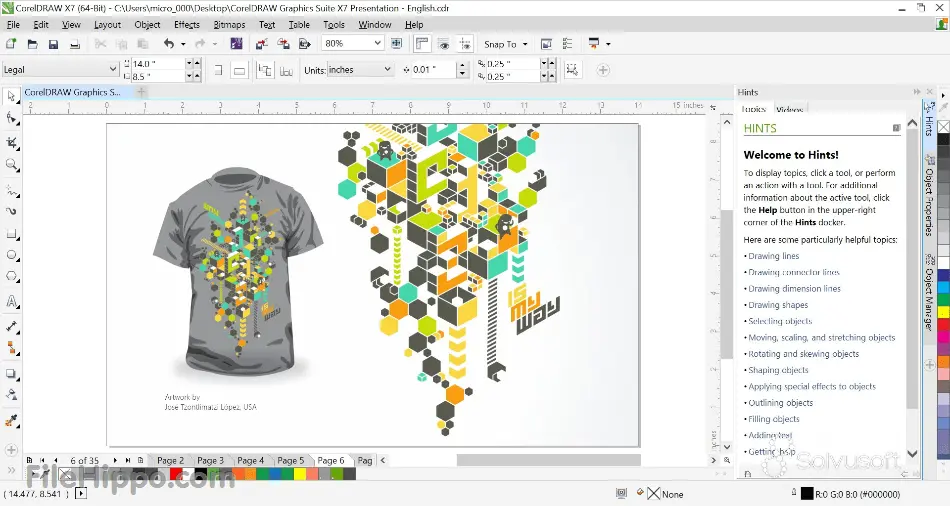
CorelDRAW and beginners, a story that works. Often, we imagine an arduous learning curve with pro design software. But with CorelDRAW, I was surprised at how accessible the basics are. For a graphic designer just starting out, creating a simple vector logo, business cards or even illustrations for infographics quickly becomes intuitive thanks to its uncluttered interface and context-sensitive guides.
It's not just an impression. The shape, text and color tools are there, clear and precise. No unnecessary frills to get lost in. For your first steps, being able to juggle between illustration and layout without switching applications is a huge time-saver. That's the advantage: you produce quickly and well, without drowning. A real springboard.
How much does CorelDRAW cost?
The cost of CorelDRAW is a key issue, isn't it? We're always looking for the best value for our production tools. At Easy Web, we've explored the options, and CorelDRAW is positioned on two main models for professionals.
You have the perpetual license: a one-off payment, often around €700-800, which gives you access to a specific version of the software. This is perfect for the freelance designer with stable needs, who prefers an initial investment with no recurring subscription. He knows what he's using and doesn't have to change every four mornings.
Then there's the annual subscription, at around €300-400 per year. This formula includes updates and access to the latest features as soon as they are released, as well as additional cloud services. For an agency like ours, which needs to stay at the cutting edge of technology and benefit from constant market developments, this is the preferred option. Flexibility and access to new features justify this ongoing investment in productivity.
What are CorelDRAW's key features?
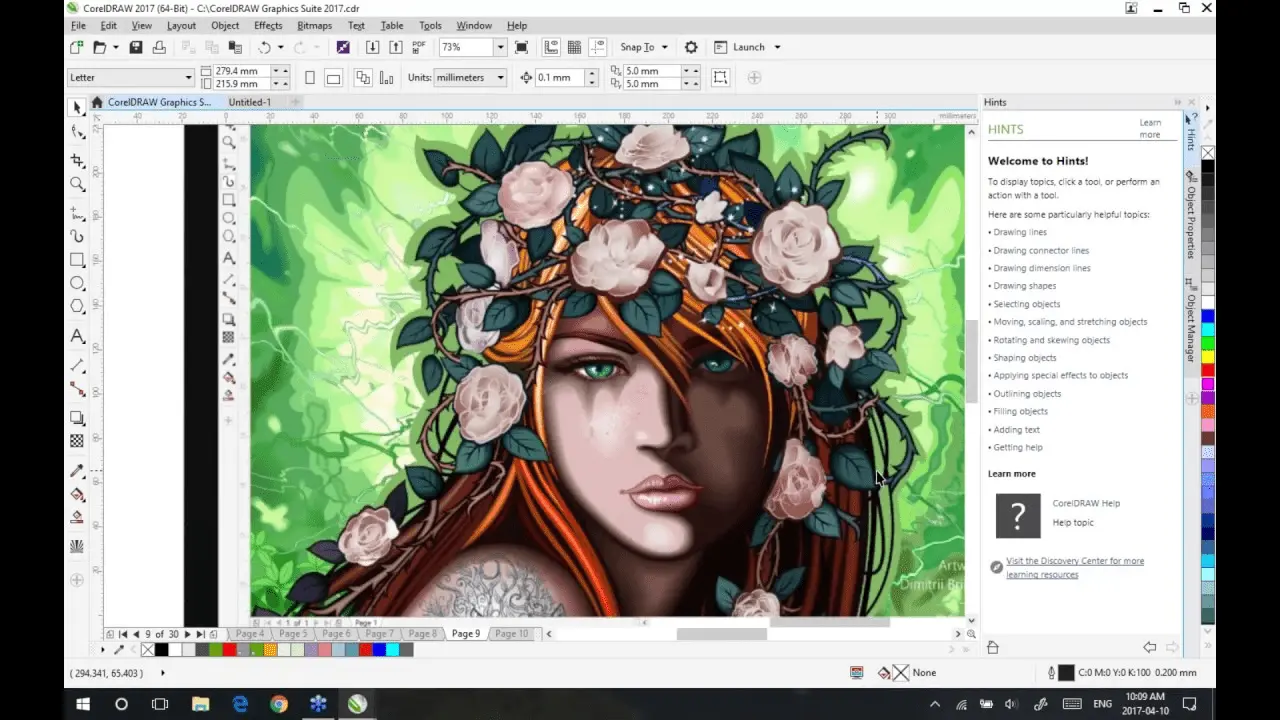
I can assure you that CorelDRAW's strength lies first and foremost in its vector illustration capabilities. I've spent countless hours sculpting precise logos and complex graphics; mastering Bézier curves and managing nodes is intuitive. It's this precision that's fundamental when we need to guarantee a perfect rendering, whatever the size, for our customers.
But CorelDRAW goes beyond simple vector drawing. What I particularly appreciate is its integrated approach to editorial design. The ability to easily manage multi-page documents, integrate rich text and images into a coherent layout, it's a game changer. No more going back and forth between several software programs for a simple leaflet or report! This saves us precious time on customer projects.
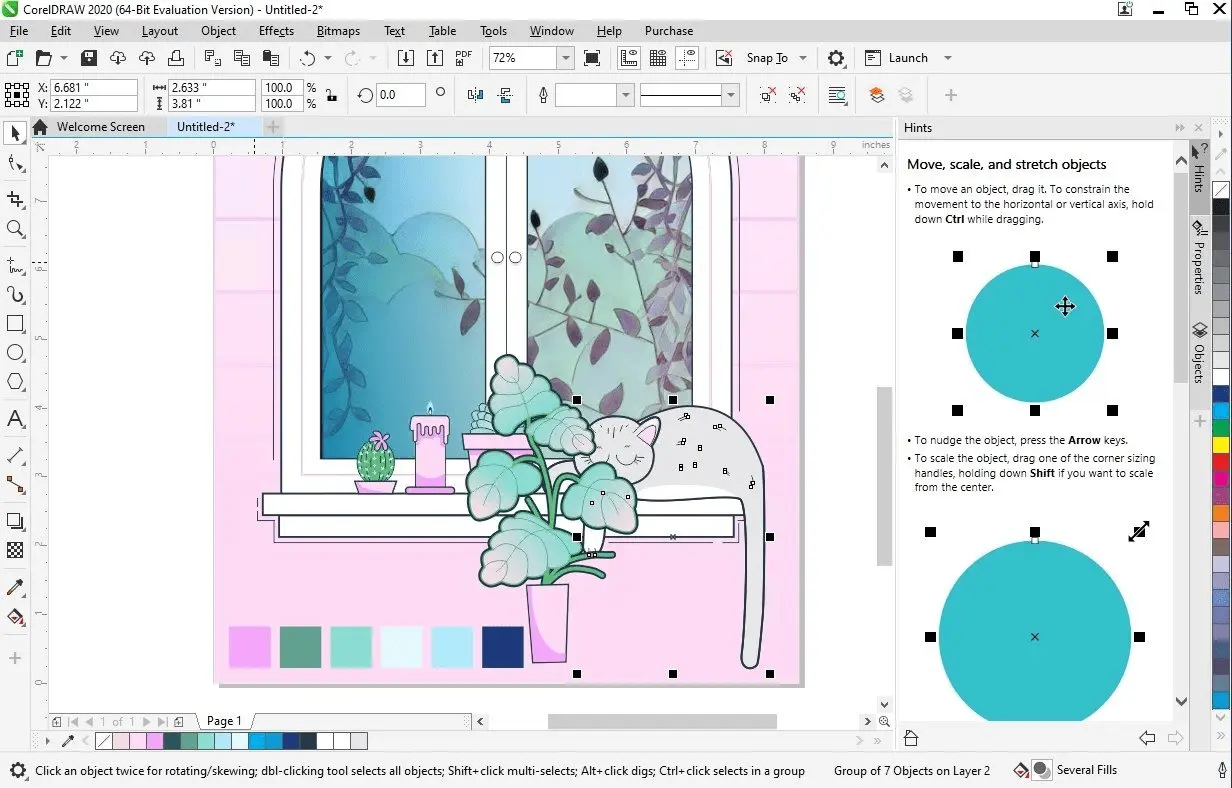
I remember the early days of Easy Web, when switching from paper sketches to vector graphics was a real battle. Today, a tool like CorelDRAW's LiveSketch changes the game. It interprets even the fastest freehand strokes, instantly transforming them into perfect vector curves. It's amazing to see the AI understand your intention. For me, it's a huge time-saver when it comes to rapid iteration and capturing raw ideas, a real plus for your creative workflow.
And if you're working on complex logos, patterns or illustrations, Symmetrical Drawing mode is a little revolution. No more copying and pasting and flipping elements manually. You draw once, and CorelDRAW duplicates your stroke with pixel-accuracy on the axes you define. It's a real time-saver, and opens up creative possibilities never imagined before. This is typically the kind of function that makes a software powerful for a pro.
At Easy Web, we've seen CorelDRAW evolve. It's a powerhouse for vector graphics, but in 2025, it's stuck. Real-time collaboration on agency projects is difficult. For modern UI/UX and interactive prototyping, it's not optimized. We've had to adapt.
For these challenges, we prefer Figma for collaboration or Adobe Illustrator for the ecosystem. CorelDRAW has its place! For pure illustration and print, it remains formidable, easy to access for its regular users.
For these challenges, we prefer Figma for collaboration or Adobe Illustrator for the ecosystem.
So, as an entrepreneur, here are my key points:
Benefits:
- Robust vector illustration.
- Complete suite for print design.
- Unique purchasing model.
- Familiarity for experienced users.
Disadvantages:
- Limited real-time collaboration.
- Less adapted to modern UI/UX.
- Weak web integration.
- Learning curve for newcomers.
FAQS
Is it reliable and secure?
Absolutely. In my experience, CorelDRAW is a very stable tool. Crashes have become rare, and file management with automatic backups is robust, which is essential on large-scale projects. In terms of security, the editor is diligent. Frequent updates incorporate the latest vulnerability patches, protecting your data and ensuring compliance with current standards. This is a fundamental aspect that we systematically validate at Easy Web.
Is it compatible with my other tools?
Absolutely. CorelDRAW supports a wide range of import and export formats. You'll be able to open and work with vector files like Adobe Illustrator's AI or EPS, as well as Photoshop's PSD. On the web side, SVG is well supported, essential for responsive design. It's crucial to have this flexibility to integrate CorelDRAW into your existing creative pipeline, especially if you're collaborating with teams using different tools. We all know that compatibility is the key to a smooth workflow.
Is there responsive customer support?
When it comes to customer support, that's crucial, isn't it? With CorelDRAW, our experience shows a responsiveness that depends very much on the nature of your query. For standard questions or activation, it's pretty quick. On the other hand, if you encounter a complex bug, say concerning the export of specific vector files or the integration of third-party plugins, the wait can get a little longer. Chat is often the most direct channel for initial help. My advice: be specific from the outset, it always helps.
What do other users think?
On the ground, CorelDRAW is a somewhat divisive subject, but with clear strengths. Experienced users praise its robustness for vector illustration and page layout, especially for print projects. It's a real Swiss Army knife. The main criticism often raised is its learning curve, which requires an initial investment. But once you get the hang of it, its productivity is undeniable. It's a solid choice for those looking for a powerful, complete alternative.
Can I easily change later?
On the ground, CorelDRAW is a somewhat divisive subject, but with clear strengths. Experienced users praise its robustness for vector illustration and page layout, especially for print projects. It's a real Swiss Army knife. The main criticism often raised is its learning curve, which requires an initial investment. But once you get the hang of it, its productivity is undeniable. It's a solid choice for those looking for a powerful, complete alternative.
Alternatives
.svg)

Specializing in business creation, sales and digital marketing, he puts his expertise at the service of users to help them identify the solutions best suited to their needs. Passionate about digital innovation and optimizing online performance, Alexis is committed to providing detailed, transparent and unbiased comparisons.
Do you have an entrepreneurial project?
We support you in the structuring and development of your tech project. Make an appointment with one of our Business Strategists.