


.avif)





.svg)
.svg)



Should Brand Colors be used in 2025?

Looking for the exact palette of an iconic brand for your latest project? Brand Colors has quickly established itself as the essential reference for accessing the color codes of the most influential companies. But in 2025, with the constant evolution of tools, is it still the indispensable ally for our visual creations? Simplicity, hidden features, and sometimes its limits... Since the creation of Easy Web, I've had the opportunity to use it many times. Here, I give you my unfiltered feedback, so that you can find out if this tool really fits your needs in 2025.
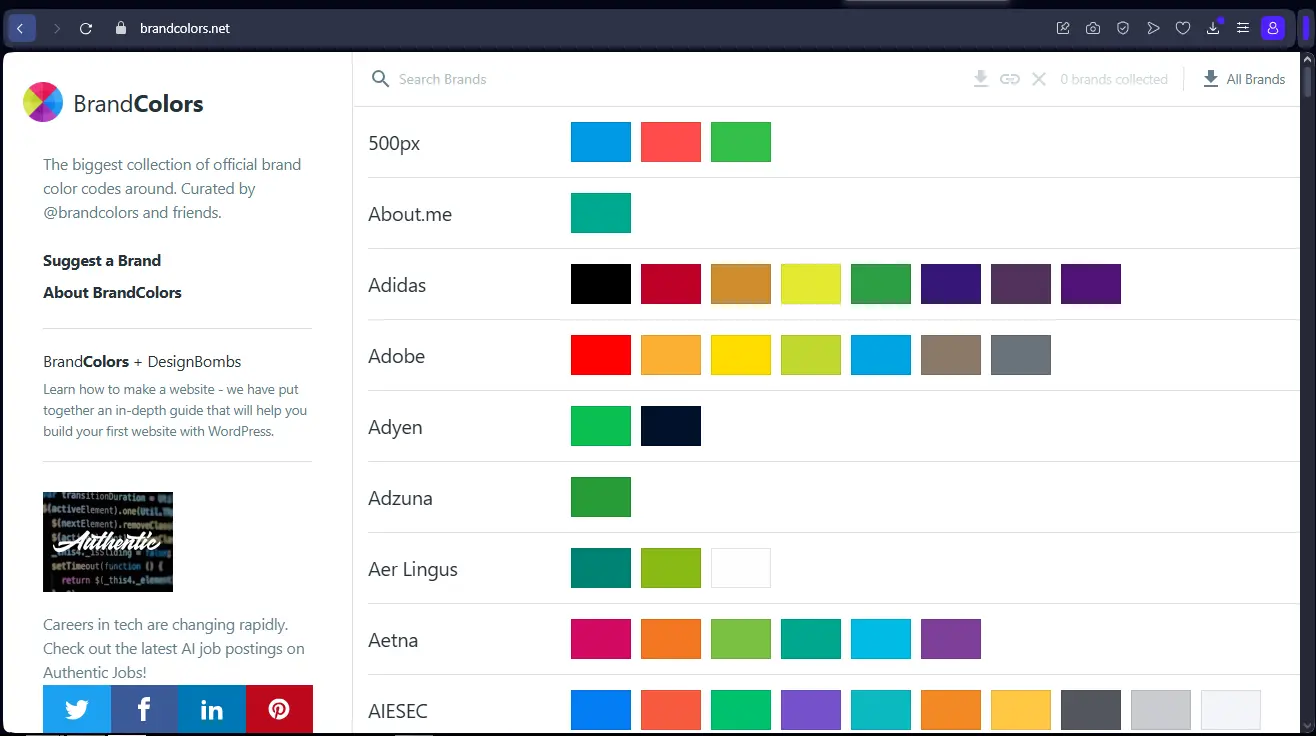
My experience with Brand Colors
Brand Colors has been an integral part of our workflows at Easy Web for a good three years now. We've integrated it gradually, and it's become indispensable for managing our visual identities. What won me over immediately was its ability to ensure flawless chromatic consistency across all our deliverables.
If Brand Colors excels, it's in environments where color accuracy and harmonization are vital. For an agency like ours, juggling multiple brands, having a single source of truth for hues and their codes (HEX, RGB, CMYK) is a huge time-saver. It's ideal for guaranteeing strict compliance with each identity.
However, let's be clear: Brand Colors has its limits. It will never replace creative software for advanced colorimetric exploration or palette generation. Its role is to manage and distribute what already exists. Its direct integration with certain prototyping tools can also cause some friction.
Is Brand Colors really useful for my needs?
The real question to ask yourself before using Brand Colors is: what is my objective? Because the relevance of Brand Colors depends very much on how you use it. If you're looking for ultra-fast access to the official color palettes of major brands for mockups or charter checks, then yes, Brand Colors is frighteningly effective. It greatly simplifies this process.
For a freelance designer juggling multiple clients, an agency graphic designer pressed for deadlines, or even a developer integrating styles, this tool is an ally. Need a client's exact colors for a quick mock-up? Or to check the conformity of a visual? Brand Colors excels at providing you with this information instantly, taking the guesswork out of the equation.
Another strong point? Its ability to ensure impeccable visual consistency. It helps avoid shade errors and ensures that every creation respects the brand identity. It's a precious time-saver and a real peace of mind.
A further strength?


Is Brand Colors suitable for beginners?
Are you new to web design? Brand Colors is the perfect beginner's manual. Just imagine: instant access to the color palettes of the most famous brands, a real course in design by example. No need to search desperately for the right shade; the tool gives you the HEX, RGB or HSL codes directly. It's simple, intuitive, and unlocks so many initial frustrations. For Easy Web, in 2020, it would have been a game changer for our trainees!
It's not just copying and pasting code. It's a gateway to understanding how the big names manage their visual identity. You'll assimilate the principles of coherence and harmony without even realizing it. For those taking their first steps, this simplification of the basics is crucial. It allows you to concentrate on creativity, not pure technique, and to quickly build up your skills. That's the real bonus.
How much does Brand Colors cost?
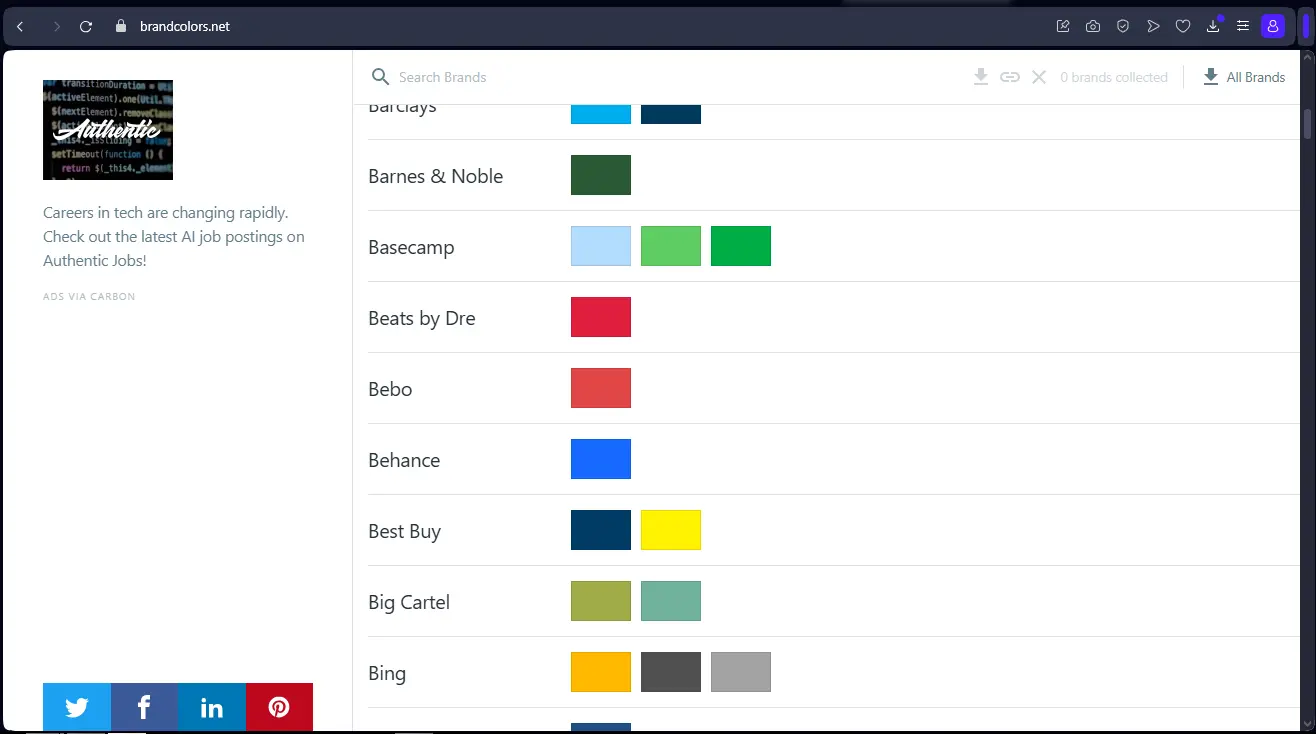
Frankly, when I started Easy Web, one of the first things I looked at was the cost of the tools. Brand Colors, it offers a Free package that's far from a mere preview. With this option, you already have access to a solid library of brand palettes, with efficient search features and the ability to save your favorites. It's ideal for freelancers just starting out, design students, or even small agencies who want to do a quick scan or explore creative avenues without committing a budget. An excellent entry point to test the tool before, perhaps, considering more advanced features if your needs evolve.
What are the key features of Brand Colors?
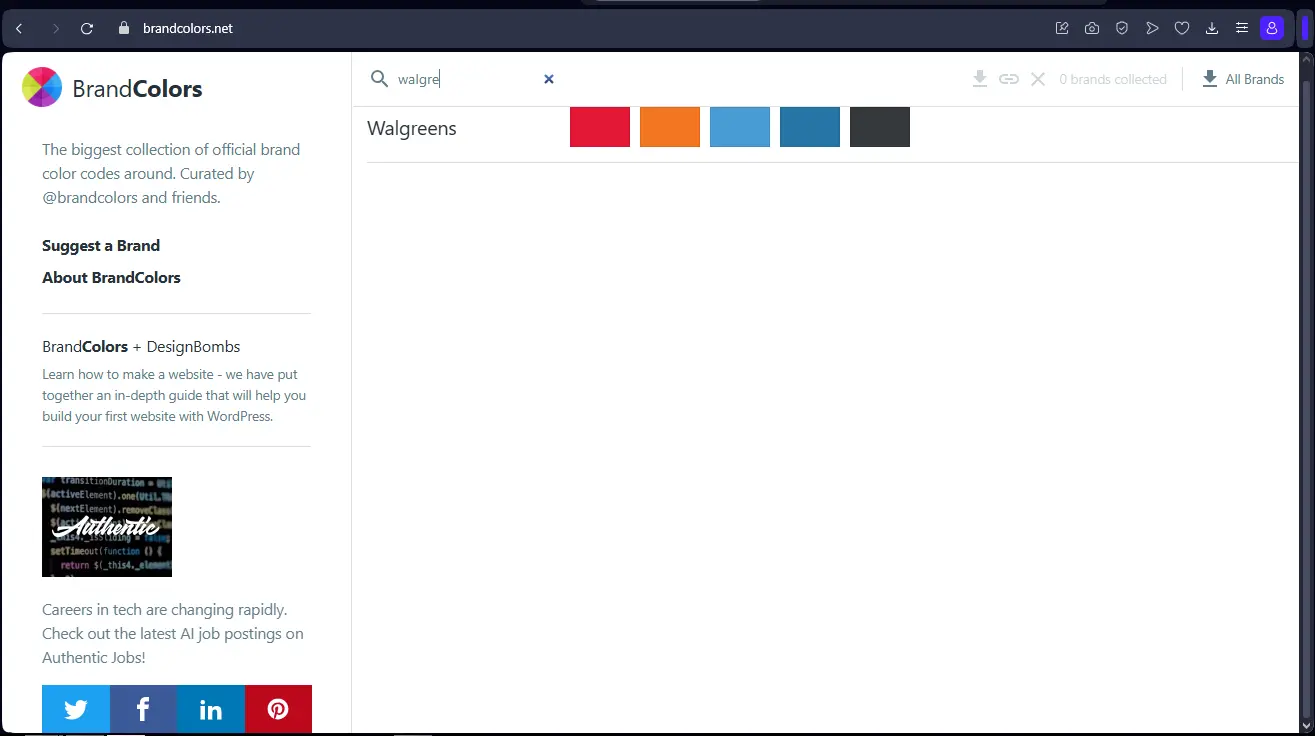
Do you know how much time is spent tracking down a brand's exact palette? Brand Colors is the corporate color bible. It centralizes an incredible database of thousands of brands, with their precise hexadecimal and RGB codes. No more guesswork or endless searches. At Easy Web, it's a reflex for all existing identities. The result: impeccable consistency and monstrous time savings.
But where Brand Colors really shines is in its ability to export these palettes directly into the formats that speak to us: CSS, SCSS, JSON, or even to tools like Adobe XD or Figma via dedicated plugins. This smoothes the transition from design to development. No more manual cutting and pasting. This seemingly simple automation makes a real difference to the efficiency of our teams and the speed of execution on dozens of projects.
.
For us at Easy Web, one of the features that really changed the game with Brand Colors was its real-time collaborative management. No more multiple versions of palettes floating around! We can now work together on the same graphic identity, and instantly see each other's modifications. This is crucial for the coherence of our projects and the speed of our design teams, and we feel it every day.
.And where Brand Colors really blew us away in 2025 was with its integrated WCAG accessibility analysis. We all know how important inclusion is today. The tool automatically checks color contrasts, alerting you if your choices don't comply with accessibility standards. It saves you a considerable amount of time, provides essential quality assurance and ensures that you deliver truly accessible interfaces.
Brand Colors is great for quick access to official palettes, but let's be clear, for projects with ultra-customized palettes or advanced dynamic management, it quickly shows its limits. Are you looking to explore complex harmonies or incorporate seasonal variations into your guidelines? Then the tool may not be up to the task.
For these cases, platforms like Figma (with dedicated plugins), or more robust tools like Frontify or Zeplin, take over. They offer far greater depth for managing design systems. However, Brand Colors retains a place of choice for its simplicity and invaluable database for quick reference.
In brief:
Advantages:
- Ultra-fast access to brand colors.
- Significant time savings for standby.
- Ideal for simple compliance.
Disadvantages:
- Limited palette customization.
- Lack of advanced features (colorimetric modes).
- No advanced integration with complex design systems.
FAQS
Is it reliable and secure?
Absolutely. At Easy Web, reliability and security are non-negotiable for our tools. Brand Colors is fully in line with this requirement. The tool is built on a robust architecture, guaranteeing constant availability and a low probability of bugs.
Where security is concerned, your data - your precious pallets and information - are treated with the utmost care. The tool uses standard encryption for transfers (SSL/TLS protocols) and relies on secure servers for storage. Regular updates reinforce this protection. It's a solution you can rely on.
Is it compatible with my other tools?
Wondering if Brand Colors integrates directly into your software suite? Let's be clear: it's not a plugin in the strict sense of the word. Rather, its strength lies in its ability to offer you instant access to the color codes (HEX, RGB, CMYK) of the brands you're studying. Simply copy these values and paste them into your preferred tools, whether Figma, Sketch, Adobe XD or your development environment. It's a fast, efficient source of truth, designed to simplify your workflow without adding software complexity.
Is there responsive customer support?
On the responsiveness of Brand Colors support, I can confirm that they are efficient. Our teams have often had feedback within 24 hours, and for critical problems, it's sometimes even faster. Communication is mainly by email. What's important, for a tool that you use every day, is the reliability of the help when you need it. And they deliver.
What do other users think?
Frankly, the feedback I receive from the design community, and which I share, is very positive. The pros unanimously praise the efficiency of Brand Colors. It's a huge time-saver for quickly finding official brand color palettes. Its reliability and ease of use are often cited as major assets. Some may mention a desire for more advanced integration with their usual design tools, but for speed and accuracy of information, it's a real Swiss Army knife that everyone agrees on. A must-have for daily monitoring and production.
Can I easily change later?
Frankly, the feedback I receive from the design community, and which I share, is very positive. The pros unanimously praise the efficiency of Brand Colors. It's a huge time-saver for quickly finding official brand color palettes. Its reliability and ease of use are often cited as major assets. Some may mention a desire for more advanced integration with their usual design tools, but for speed and accuracy of information, it's a real Swiss Army knife that everyone agrees on. A must-have for daily monitoring and production.
Alternatives
.svg)

Specializing in business creation, sales and digital marketing, he puts his expertise at the service of users to help them identify the solutions best suited to their needs. Passionate about digital innovation and optimizing online performance, Alexis is committed to providing detailed, transparent and unbiased comparisons.
Do you have an entrepreneurial project?
We support you in the structuring and development of your tech project. Make an appointment with one of our Business Strategists.