


.avif)





.svg)



Should Bardeen be used in 2025?

Bardeen has established itself today as one of the most accessible automation tools for professional developers and web agencies looking to optimize their workflows. Offering an intuitive interface and a range of robust integrations, it pushes the limits of productivity without requiring advanced coding skills. But in such a competitive field, can you really rely on Bardeen to efficiently automate all your processes? This article offers a comprehensive tour of Bardeen, its strengths and limitations, to help you determine whether it deserves a place in your arsenal in 2025.
My experience with Bardeen
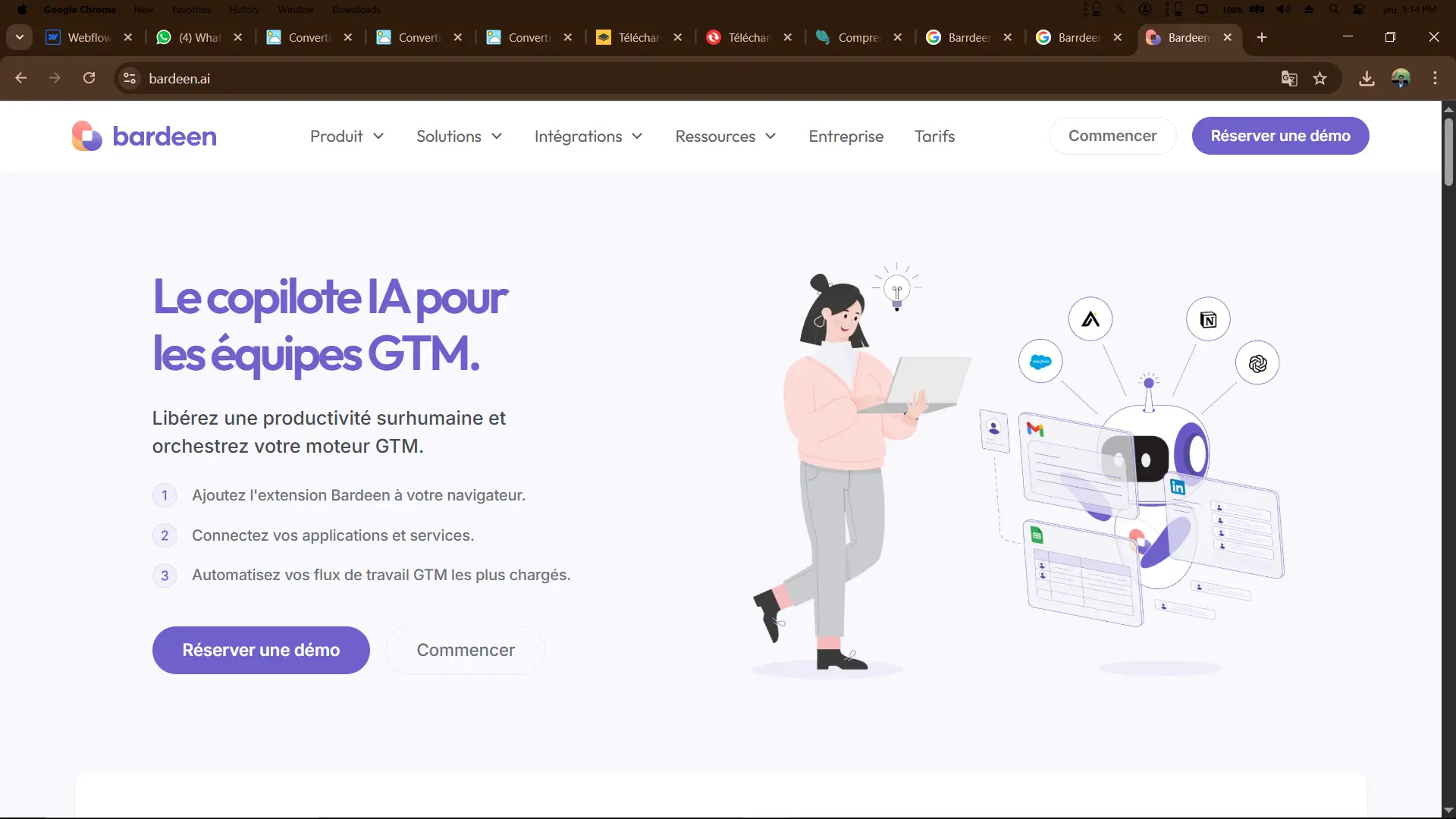
In a professional context, I integrated Bardeen to automate various repetitive tasks related to project management and data analysis. Bardeen's strong point clearly lies in its **ease of use and speed of deployment of customized automations** without coding.
Bardeen particularly excels when it comes to interactions with popular applications such as Google Sheets, Slack, or even Trello, enabling data to be centralized and synchronized without manual effort.
However, the tool shows its limits when it comes to complex automations requiring advanced scripts or specific integrations outside supported applications. Nevertheless, it remains highly effective for the day-to-day needs of many teams.
Is Bardeen really useful for my needs?
The real question to ask before committing to Bardeen is whether your automation needs fall within an accessible framework without advanced technical expertise.
Bardeen is ideally suited to several profiles:
- Developers wishing to automate repetitive tasks without resorting to code
- Project managers looking to synchronize data from third-party applications
- Marketing teams wanting to automate monitoring and reporting
What sets Bardeen apart is its ability to create simple yet powerful automations while offering a clear interface, making it easy to adopt quickly, even by less technical profiles.

Is Bardeen suitable for beginners?
Bardeen is perfectly suited to beginners, thanks to its intuitive interface and fast learning curve. Pre-designed automation templates enable a novice to launch workflows in just a few clicks, without any prior technical knowledge.
For junior developers or agency members with no programming expertise, Bardeen greatly simplifies the automation of time-consuming tasks, offering real time savings and efficiency from the very first uses.
How much does Bardeen cost?
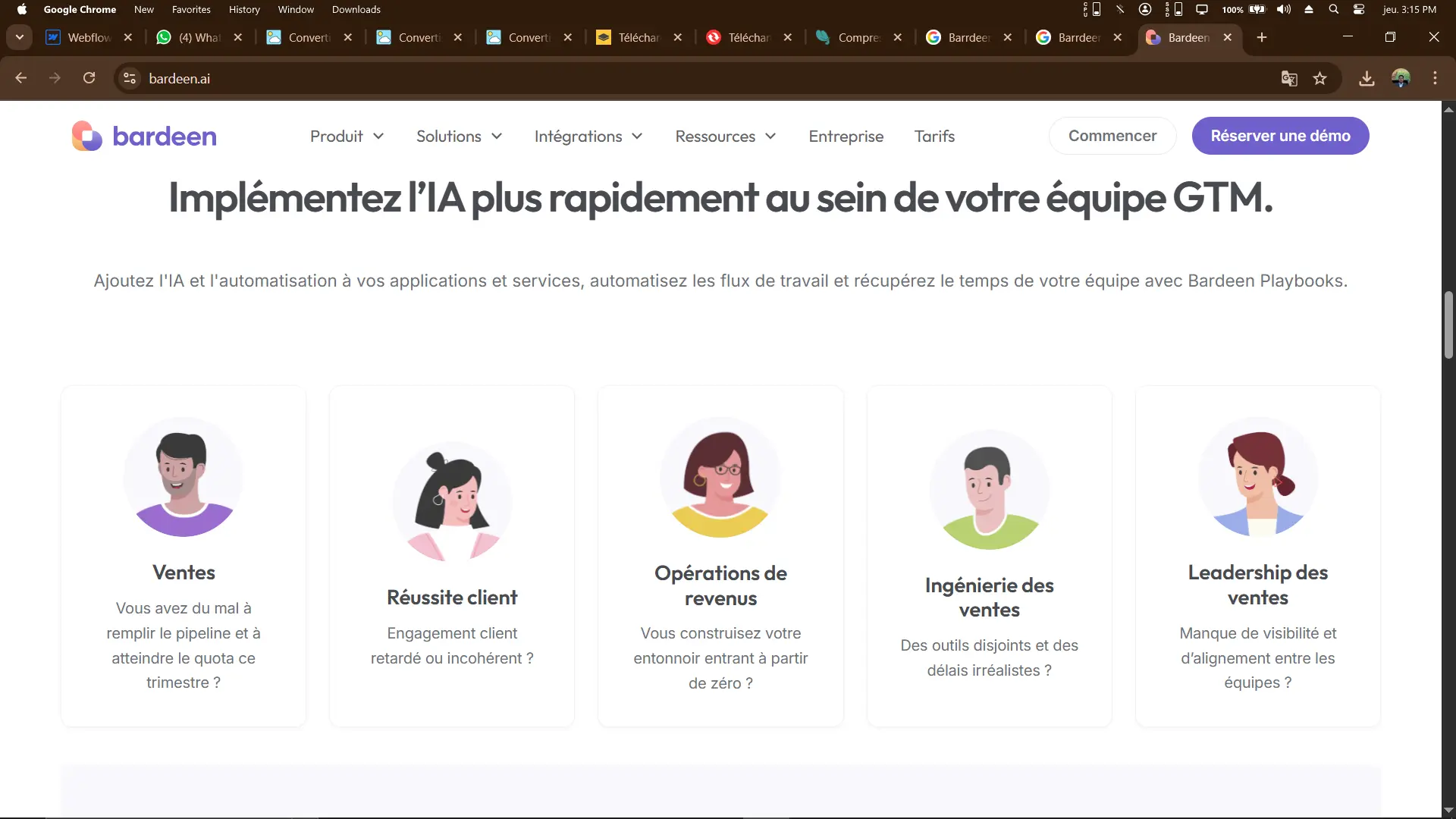
Bardeen offers a comprehensive free package that is well suited to most standard uses, including a significant number of monthly automations and access to core integrations.
This free package is ideal for freelancers, small teams or beginners wishing to test or automate quickly at no cost.
For more demanding teams, Bardeen offers paid options with advanced features, a greater number of automated tasks and priority support, at reasonable rates suited to professionals and agencies.
What are Bardeen's key features?
Bardeen's key feature is its code-free automation, which enables you to quickly connect your favorite applications (Google Sheets, Slack, Gmail, Trello...) to create workflows in record time. This ease of use is a significant productivity booster.
Another major asset is the ability to trigger actions based on various events or conditions, thus offering dynamic automation that can be adapted to your precise needs.

Among its advanced features, Bardeen offers intelligent data recognition from your documents or web pages, automatically structuring information for your processes.
It also offers the ability to create multi-step automations, integrating multiple applications into a coherent, fluid chain, to manage complex workflows without cumbersome programming.
.Bardeen reveals its limitations mainly in use cases that go beyond basic automation. For bespoke automations requiring complex scripts, or integration with highly specialized services, its ecosystem can become restrictive.
Competing with the likes of Zapier or Integromat (Make), Bardeen is lighter and simpler, favoring speed and ease over functional depth. These alternatives offer greater flexibility for advanced cases.
In conclusion, Bardeen offers an excellent compromise between simplicity of use and efficiency, but it should be chosen according to your specific needs and the complexity of the desired automations.
FAQS
Is it reliable and secure?
Bardeen is a reliable and secure platform, using standard encryption protocols to protect data exchanged with the various integrated applications. Confidentiality is taken seriously, with rigorous access and authorization management.
The robustness of its cloud architecture ensures high availability and resistance to failures, guaranteeing continuity of automations. Bardeen also complies with the usual compliance standards, reassuring business users that their data is safe.
Is it compatible with my other tools?
Bardeen is compatible with a large number of popular applications via its native integrations, including Google Workspace, Slack, Trello, Gmail, Airtable, and many others. It also offers an API for custom integrations, expanding its possibilities.
The common exchange format used facilitates the passage of data between applications and ensures smooth interoperability.
Is there responsive customer support?
Bardeen's customer support is accessible via several channels, including email and live chat. Response times are generally fast, with a satisfactory level of expertise.
Users also benefit from a rich knowledge base and tutorials to make it easy to get started and troubleshoot independently.
What do other users think?
Bardeen's user feedback highlights its simplicity and efficiency in automating common tasks, making it a popular tool for developers and productive teams.
On the other hand, some mention limitations in advanced customization and a catalog of integrations that could be expanded to cover more specific cases.
Can I easily change later?
Bardeen's user feedback highlights its simplicity and efficiency in automating common tasks, making it a popular tool for developers and productive teams.
On the other hand, some mention limitations in advanced customization and a catalog of integrations that could be expanded to cover more specific cases.
Alternatives
.svg)

Specializing in business creation, sales and digital marketing, he puts his expertise at the service of users to help them identify the solutions best suited to their needs. Passionate about digital innovation and optimizing online performance, Alexis is committed to providing detailed, transparent and unbiased comparisons.
Do you have an entrepreneurial project?
We support you in the structuring and development of your tech project. Make an appointment with one of our Business Strategists.