


.avif)





.svg)
.svg)



Should you use Affinity Publisher in 2025?

.svg)
Affinity Publisher has established itself as a credible, subscription-free alternative to the DTP heavyweights, offering a complete solution for professional page layout. But in 2025, with the constant emergence of new options and growing workflow expectations, is it still relevant for our web agencies and designers? I've spent years pushing this tool to its limits, exploring its simplicity, its unique features and also its limitations. What I offer is an honest overview and pragmatic opinion, based on real-world use, to help you see things clearly.
My experience with Affinity Publisher
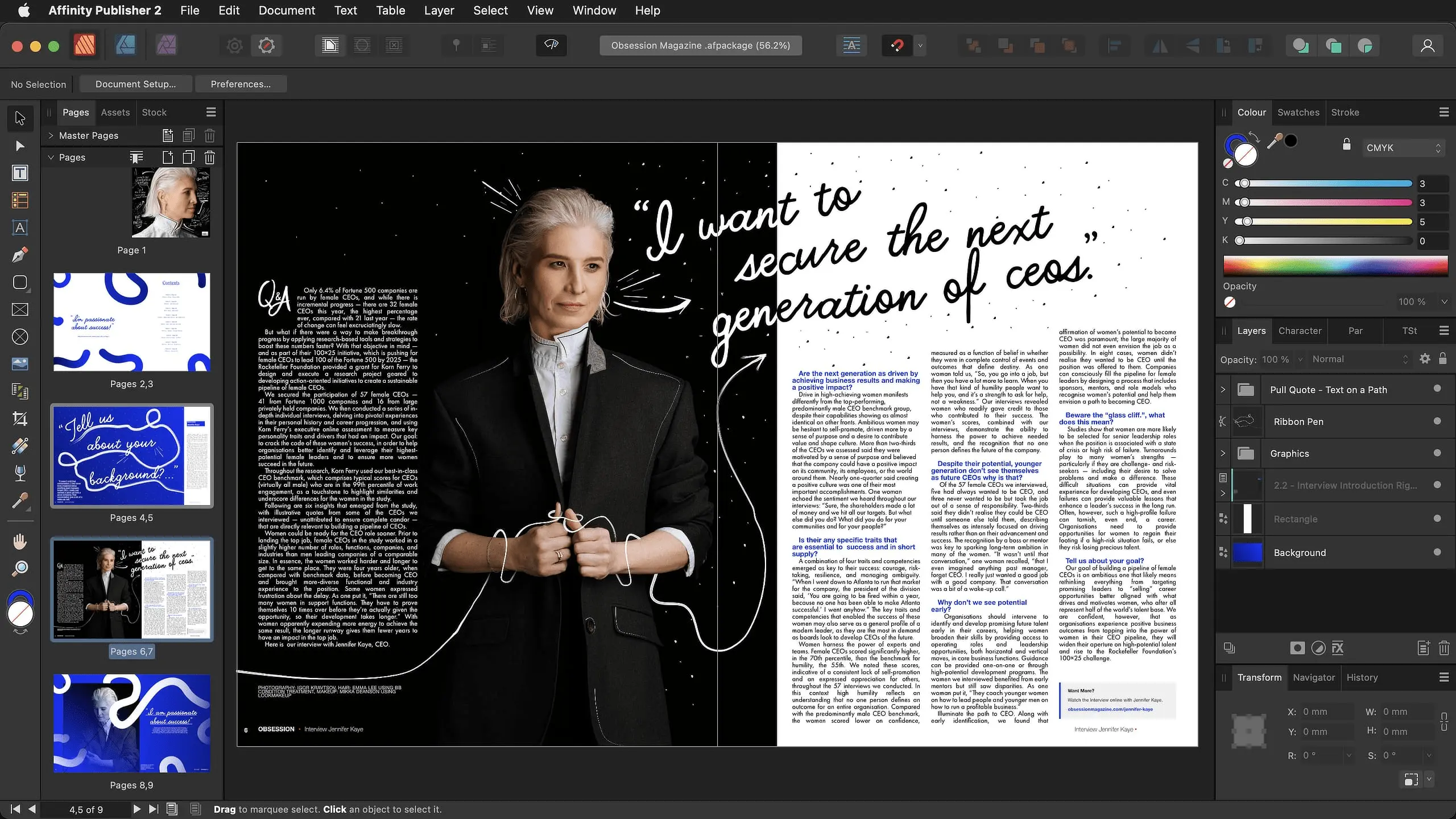
I've been juggling Affinity Publisher at Easy Web for quite some time now. We've gradually integrated it for various projects, and I have to say what really blew me away was its unique licensing model and incredible value for money.
Honestly, for print professionals, freelancers who want a solid alternative to InDesign, it's a nugget. It handles the layout of complex documents, from magazines to e-books, with disconcerting fluidity, without tying you down to a monthly subscription. It's perfect when you're looking for performance and cost control.
On the other hand, you need to be lucid. If you're used to the Adobe ecosystem and its advanced collaborative workflows, the transition will take a little getting used to. Integration with third-party tools is less well-developed, and sharing files with collaborators on InDesign can sometimes be a headache.
If you're used to the Adobe ecosystem and its advanced collaborative workflows, the switch will take a little getting used to.
Is Affinity Publisher really right for me?
The real question to ask yourself before using Affinity Publisher is: what is my objective? Because the relevance of Affinity Publisher depends very much on how you use it. If your goal is the professional layout of long, complex documents, such as magazines, books or annual reports, then yes, Publisher is a formidable ally. That's where it really shines.
Whether you're a freelance graphic designer, a communications manager in a SME, or even within an agency managing editorial projects, Publisher can really make your life easier. Need to design a polished multi-page brochure, a detailed report or an interactive e-book? It gives you the flexibility and precision you need for quality print or web renderings.
And one point I particularly appreciate is its seamless integration with Photo and Designer. This coherent suite lets you switch effortlessly from one software to the other, for tenfold productivity on your creative projects. A real plus for a smooth workflow in 2025.


Is Affinity Publisher suitable for beginners?
When it comes to introductory design, the learning curve is often steep. That's where Affinity Publisher comes into its own. Its surprisingly intuitive interface lets you get up to speed quickly. No more hours spent searching for a function. For creating simple flyers, basic brochures or even the initial layouts of an e-book, it's frighteningly efficient. I've seen juniors with us, or even customers who wanted to dabble in design, do very well with it for sales brochures or LinkedIn posts.
It's not just about simplicity, it's also a smart investment. Unlike other behemoths, its single, affordable cost removes the monthly subscription barrier, a real plus for those just starting out or on a tight budget. And best of all, this affordability doesn't sacrifice rendering quality. You get professional, print- or web-ready exports, without having to go through more complex software.
How much does Affinity Publisher cost?
The question of the cost of a tool is always on the table, and here Affinity Publisher scores a crucial point. Forget lengthy monthly subscriptions; here, it's a one-off investment. To purchase Affinity Publisher on its own, you'll pay around €70. It's the ideal solution for freelancers or small businesses who need a page-layout workhorse without blowing their budget.
.But the most relevant offer for agencies and multi-skilled designers is unquestionably the Universal License V2. For around €170, you get access to Publisher, Designer and Photo, usable on all platforms - Windows, Mac and iPad. It's an unbeatable proposition that meets studio requirements and provides a complete suite, with no hidden costs. A real "game changer" in our ecosystem in 2025.
What are Affinity Publisher's key features?
Frankly, what blew me away with Affinity Publisher was clearly the StudioLink. Imagine switching instantly between Publisher, Photo and Designer modes, without leaving the application. No need to export an image, retouch it and then import it again. No, we do everything directly. At Easy Web, for our projects where graphic design and page layout are intertwined, it's a monumental time-saver and a fluidity of work that changes everything. A real revolution in daily workflow.
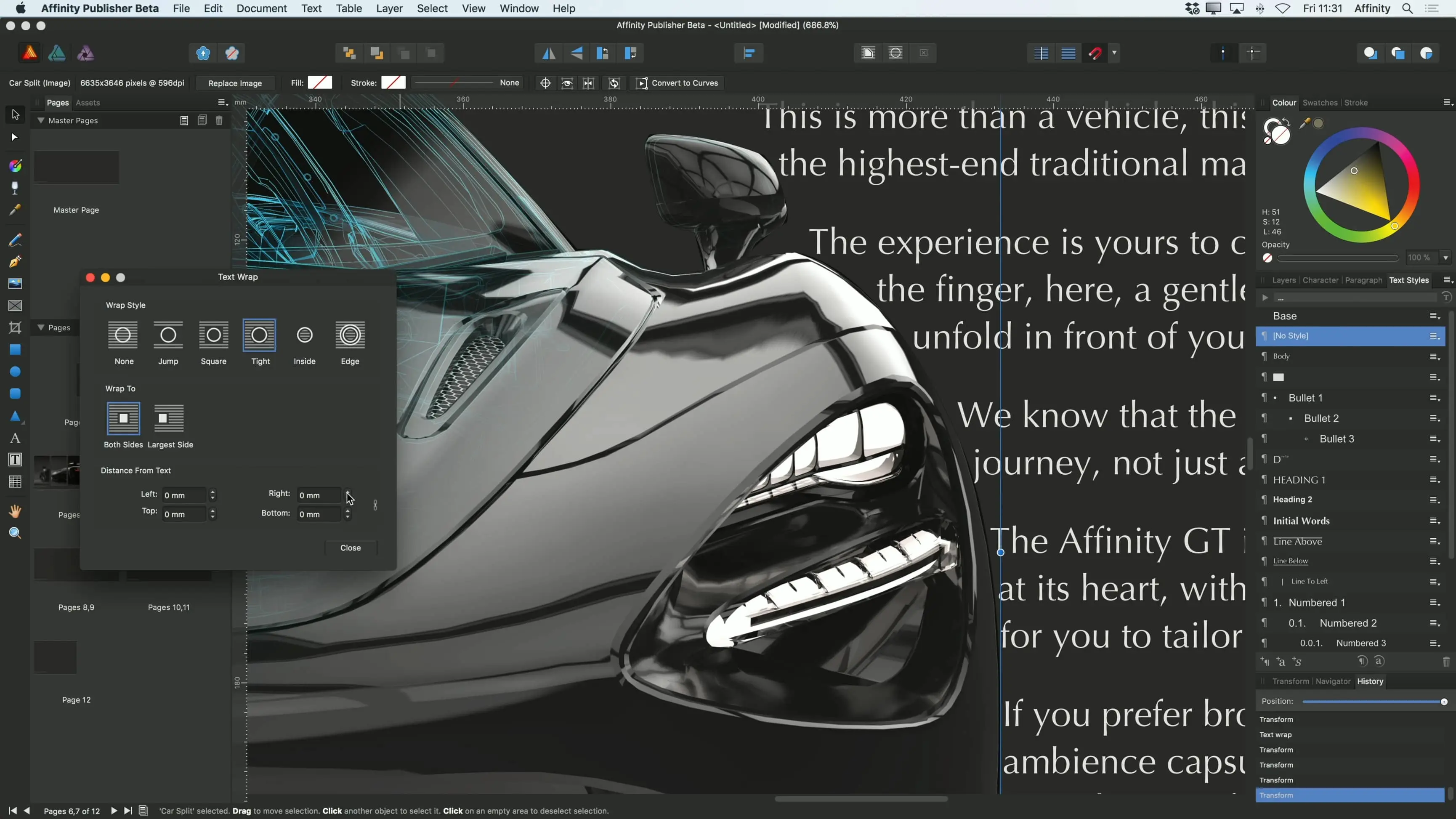
Then, another strong point, essential for any designer who does serious layout: master page management. This is the basis for building coherent documents. You define your templates, your recurring elements (headers, footers, numbering). They apply automatically. No more repeating the same actions page after page. For reports, magazines or ebooks, this is an indispensable feature to guarantee professional consistency and optimize your time.
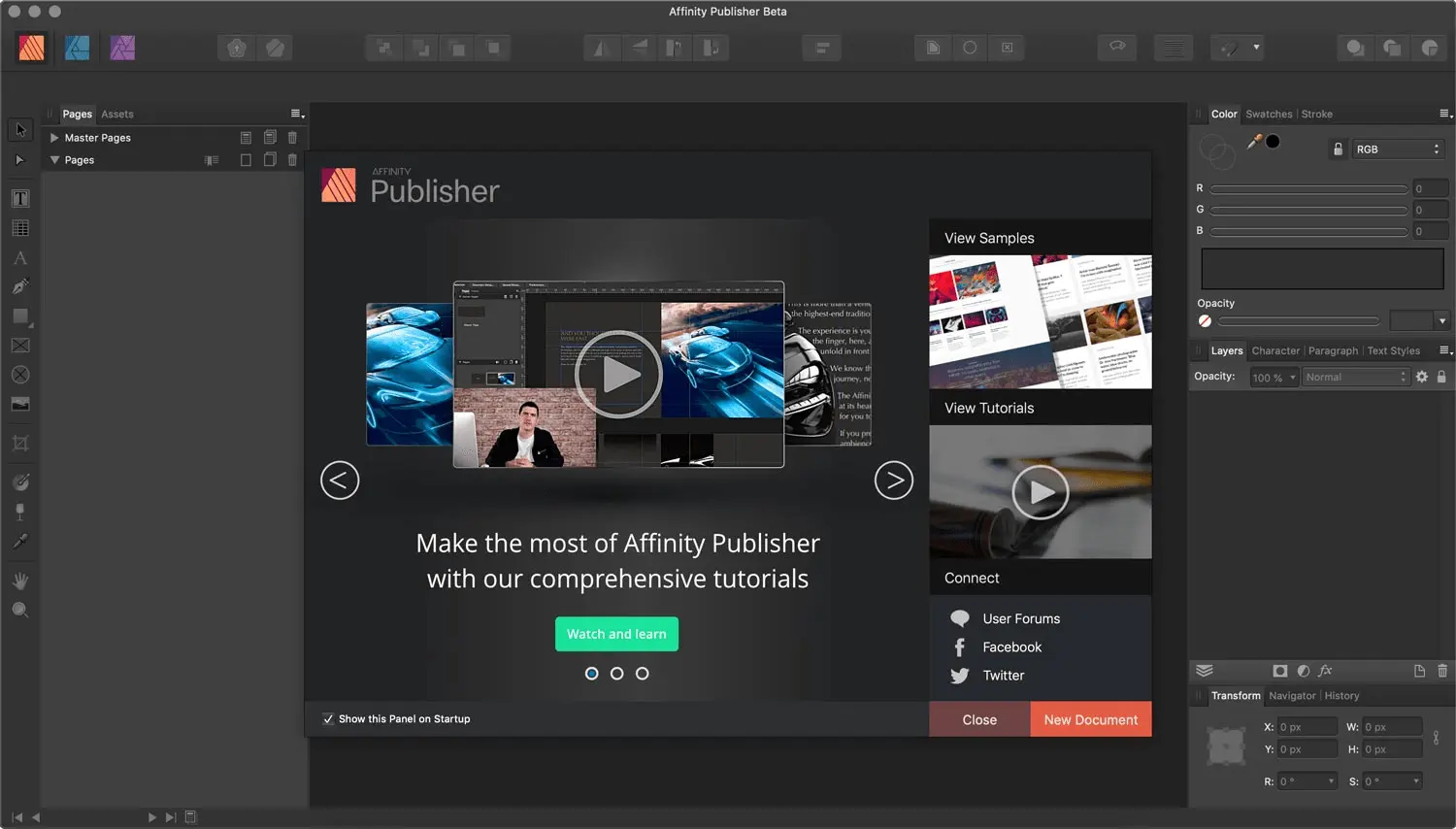
At Easy Web, when we plunged into Affinity Publisher, the StudioLink function won us over straight away. Imagine: instantly switching between Publisher's page layout tools, Designer's vector capabilities and Photo's photo editing options, all in the same interface. No more exporting, no more importing. It's a real game-changer for our productivity, especially when you're juggling graphic design and complex page layout. It makes the process so much simpler!
But Publisher's strength for pros also lies in its robustness in crucial areas such as preflighting and data merge. Integrated Preflight is a safety net for detecting printing errors before they become costly. And Data Merge? When it comes to personalizing large-scale documents, such as letters or catalogs with variable data, it's a gold mine. We've seen the potential increase tenfold on certain customer projects.
Let's be blunt: Affinity Publisher has its limits. For very heavy editing projects or real-time multi-user collaboration, essential for an agency in 2025, it struggles. Advanced dynamic content management or versioning functions are lacking compared to the leaders.
Where Publisher falters, tools like InDesign excel for very heavy publishing, or Figma for pure collaboration. But don't rule it out: for specific uses, its unique cost and performance make it a formidable alternative.
Publishers are the best choice.
So, what's the bottom line?
Advantages:
- Single purchase model, no subscription required.
- Smooth performance, even with complex files.
- Seamless integration with Photo and Designer.
Drawbacks:
- Lack of real-time collaboration features.
- Limited management of very large editorial projects.
- Less third-party integrations.
FAQS
Is it reliable and secure?
I can reassure you on this point: Affinity Publisher is really robust. Over the years that we've been using it at Easy Web, stability has been the order of the day. Crashes are rare, and file recovery is efficient, which is essential when working on complex layouts. As for security, since it's a desktop application, your data remains on your machine. This greatly limits the risks associated with the cloud. What's more, the developers are very active with regular updates that correct any bugs and reinforce this reliability.
Is it compatible with my other tools?
Absolutely. This is a vital point for any designer. Affinity Publisher excels in its extensive compatibility. It natively handles the import of PSD (Photoshop), AI (Illustrator) and EPS files, which is crucial if you're juggling assets created on Adobe tools. Export to standard formats such as PDF for professional printing, JPEG, PNG or SVG for the web is just as robust. This ensures smooth integration into your existing workflows and makes collaboration much easier, without unnecessary friction.
Is there responsive customer support?
Frankly, when it comes to customer support, it's a crucial issue for any pro. With Affinity Publisher, the model is a little different from what you may be familiar with. Their strength lies in an extremely active and responsive forum community. This is often where you'll find the most relevant and rapid answers.
For direct support from Serif (the publisher), it's less instantaneous than 24/7 online chat. You have to go through a ticket system, which can take a little longer. But the quality of answers is there, and their knowledge bases and video tutorials are a goldmine for self-reliance.
What do other users think?
What I'm hearing and observing is that the general opinion of Affinity Publisher is very positive, not least for its unbeatable value for money. Many praise its performance and fluidity, positioning it as a credible alternative to more expensive solutions, especially for agencies or freelancers looking to optimize their costs without sacrificing quality. Users particularly appreciate its robust handling of complex documents and its extensive compatibility with professional formats. Some point out that a few very niche features could be enriched, but the overall consensus is excellent for a subscription-free tool.
.Can I easily change later?
What I'm hearing and observing is that the general opinion of Affinity Publisher is very positive, not least for its unbeatable value for money. Many praise its performance and fluidity, positioning it as a credible alternative to more expensive solutions, especially for agencies or freelancers looking to optimize their costs without sacrificing quality. Users particularly appreciate its robust handling of complex documents and its extensive compatibility with professional formats. Some point out that a few very niche features could be enriched, but the overall consensus is excellent for a subscription-free tool.
.Alternatives

Specializing in business creation, sales and digital marketing, he puts his expertise at the service of users to help them identify the solutions best suited to their needs. Passionate about digital innovation and optimizing online performance, Alexis is committed to providing detailed, transparent and unbiased comparisons.
Do you have an entrepreneurial project?
We support you in the structuring and development of your tech project. Make an appointment with one of our Business Strategists.