


.avif)





.svg)
.svg)



Should you use Adobe Photoshop in 2025?
Photoshop. The name is engraved in every designer's DNA, the undisputed champion of photo retouching and image manipulation that has shaped our industry. But in 2025, as the digital landscape evolves at breakneck speed, is it still the go-to tool for all your visual creations? New platforms and generative AI are shaking up our habits. Key features, current limitations, but also its undeniable strengths... Drawing on my years of experience at the helm of Easy Web, here's my objective opinion and concrete feedback on Photoshop's real usefulness today, according to your specific needs.
My experience with Adobe Photoshop
At Easy Web, Adobe Photoshop has been our faithful ally since 2020. Fine photo retouching, complex graphic compositions: it's a must-have. What I appreciate most is its polyvalence and unrivalled power in graphic creation.
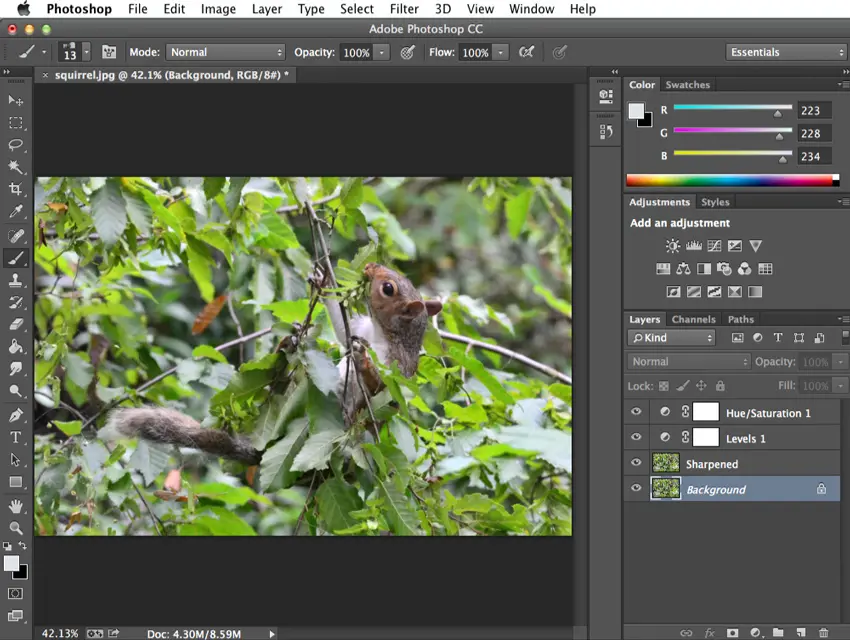
It shines for pro retouching, complex photomontages and the creation of bitmap elements. Its management of layers, masks and pixel-accuracy make it the ideal tool for projects that demand impeccable quality and total control.
It shines for pro retouching, complex photomontages and the creation of bitmap elements.
However, its learning curve is steep and the Creative Cloud subscription weighs down. For pure vector or page layout, Illustrator or InDesign remain more relevant. And for UI prototyping, tools like Figma or XD are often preferred.
Is Adobe Photoshop really useful for my needs?
The real question to ask yourself before using Adobe Photoshop is: what is my objective? Because the relevance of Adobe Photoshop depends very much on how you use it. If your main need is advanced photo retouching, the manipulation of complex images or the creation of photorealistic graphic compositions, then Photoshop is unquestionably the most powerful tool on the market.
Whether you're a professional photographer, specialized retoucher, digital illustrator or UI/UX designer working on precision mock-ups, Photoshop is frighteningly efficient. For example, for fine retouching of portraits, sophisticated advertising montages or the creation of hyper-detailed visual assets for the web, it really excels.
Another major asset is its seamless integration within the Adobe Creative Cloud ecosystem and its non-destructive editing capabilities via layers. This synergy makes it an unavoidable pillar for a smooth and efficient professional workflow.
A further advantage is its seamless integration within the Adobe Creative Cloud ecosystem and its non-destructive editing capabilities via layers.


Is Adobe Photoshop suitable for beginners?
Many people think of Photoshop as a workhorse reserved for seasoned pros. Not so! Its basic functionalities are surprisingly accessible even to a novice. Want to quickly retouch a photo for a post on social networks, create a simple visual for an advertising banner or even divert a product for an e-commerce listing? It's perfectly feasible in just a few hours. We're not asking you to become a layer expert from day one, just to get started.
The real advantage for beginners is the huge learning ecosystem. Tutorials by the thousands, dedicated YouTube channels, a vibrant community... You're never alone with the tool. And let's be clear: understanding the basics of Photoshop is a fundamental skill in 2025. It's a stepping stone, not a wall. Go for it, you'll see.
How much does Adobe Photoshop cost?
When it comes to pro tools, price is always at the heart of discussions. For Photoshop, Adobe offers two main focuses. If your focus is purely photo retouching or isolated graphic creation, the "Photoshop (single application)" subscription at around €24.19/month is ideal. You get the complete tool, with no extras. It's perfect for the freelance photographer or specialized graphic designer.
On the other hand, for agencies or multi-skilled designers like us at Easy Web, who touch on webdesign, video and more, the "Creative Cloud All Applications" offer is the logical choice. At around €62.47/month, it unlocks the complete ecosystem (Illustrator, InDesign, Premiere Pro, etc.), an investment that truly optimizes workflow for demanding professionals. The cost is there, but the gain in flexibility is considerable.
What are the key features of Adobe Photoshop?
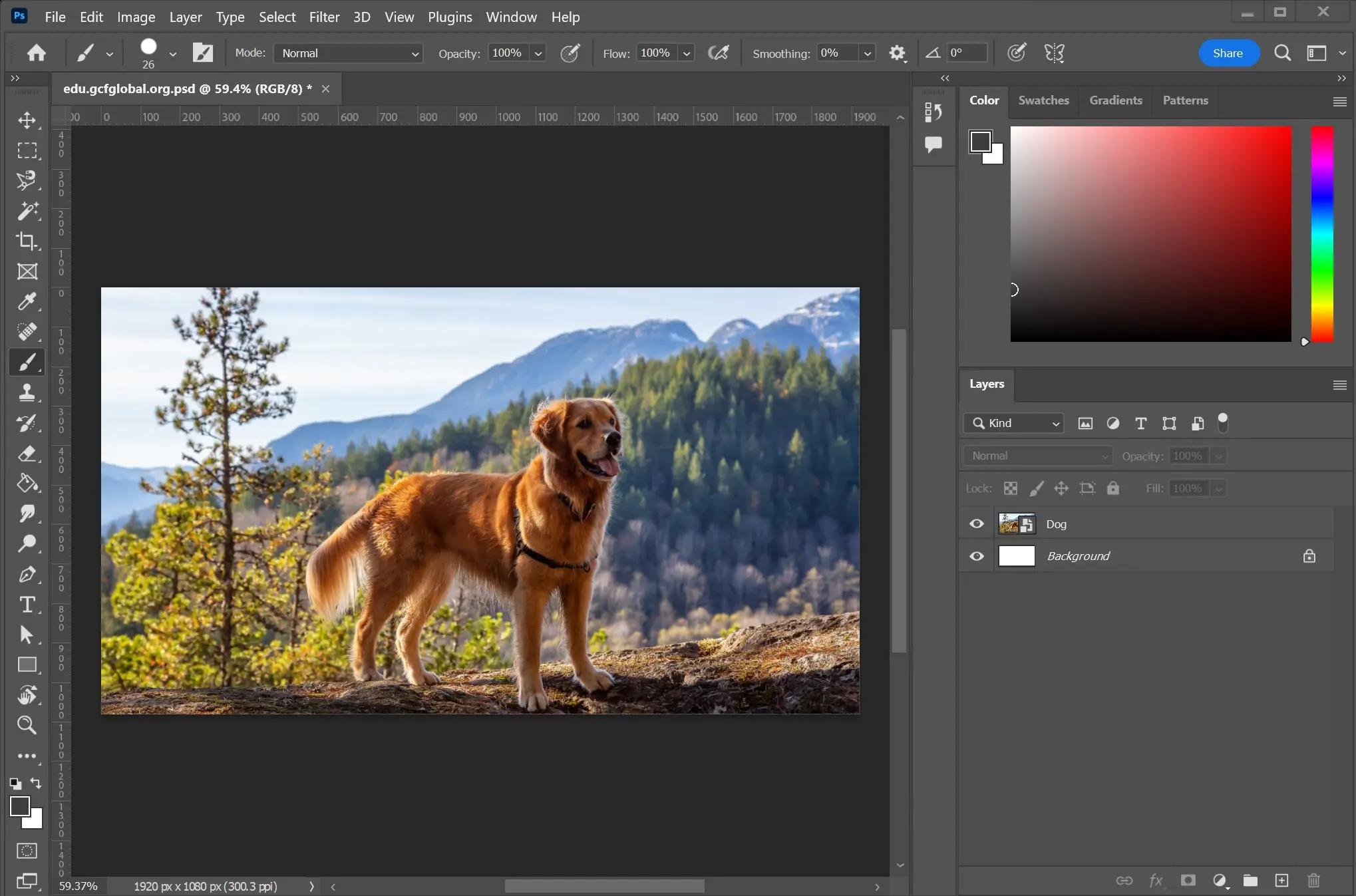
If I had to choose one essential feature that makes Photoshop a must-have for professionals, it would unquestionably be its layer management. It's the pillar of our productivity at Easy Web. Working non-destructively - with adjustment layers and masks - gives us unprecedented flexibility. We can go back and test variations without ever touching the original image. Unrivalled security and efficiency.
But what has really transformed our workflows in recent years is the integration of AI. Take functions like Generative Fill or automated object selection. Gone are the hours spent on detours or creating complex elements. In 2025, these tools allow us to prototype and iterate at breakneck speed, freeing up our time for pure creativity and the strategic. It's a game changer, no exaggeration.
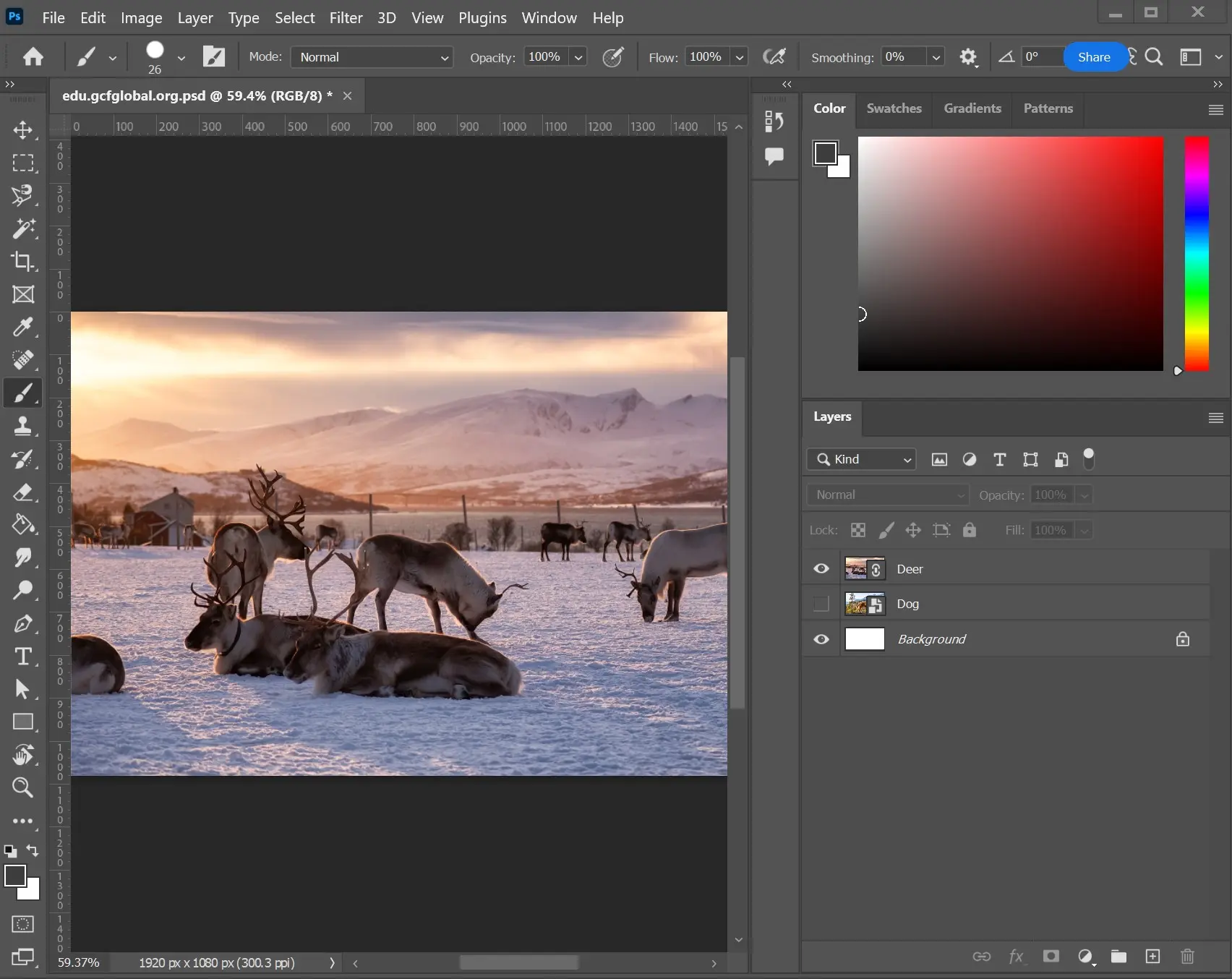
When it comes to advanced functionalities, Photoshop's Generative Fill has really shaken up our habits. At Easy Web, we use it almost daily for complex retouching or background extension. It's amazing to see how it speeds up the creative process, allowing ideas to be iterated in a few clicks without colossal manual effort. This frees up precious time to concentrate on the real added value of our work as designers.
Another pillar for any pro: Dynamic Objects (Smart Objects). This is the basis of a non-destructive workflow. Whether you resize, transform or apply filters, the image's original information is preserved. Believe me, it's a lifesaver when a client asks for infinite adjustments or you need to reuse an element at several scales. It's the guarantee of maximum flexibility and consistent quality, indispensable in agency work.
Photoshop is the all-rounder, but for some tasks it shows its limits. I'm thinking of UI/UX design, interactive prototyping or real-time collaborative work. Its photolayer logic quickly becomes cumbersome for these specific uses. You lose agility, believe me.
For this, tools like Figma or Sketch are much better suited. They were built for these workflows and co-design. But beware, for advanced photo retouching, precise photomontage or the creation of digital artworks, Photoshop remains the undisputed champion. Its power is unrivalled.
To sum up, its record is mixed, but clear:
Advantages:
- Professional photo editing and illustration.
- Complete Adobe ecosystem.
- Powerful pixel control.
Disadvantages:
- Less agile for UI/UX and prototyping.
- Limited collaboration.
- Subscription cost.
FAQS
Is it reliable and secure?
At Easy Web, we've relied on Photoshop from the start, and believe me, its reliability is one of its greatest strengths. Crashes have become an anomaly, not a habit. Adobe deploys constant updates that armor stability and correct flaws.
When it comes to security, Adobe invests heavily. Your files and data are hosted on secure servers with state-of-the-art encryption protocols. This is a tool built for the pros, and it shows in the robustness of its foundations.
For security, Adobe invests heavily.
Is it compatible with my other tools?
Absolutely. Photoshop is the backbone of the Adobe Creative Cloud ecosystem. It integrates natively with Illustrator for vectors, InDesign for layout, and XD for UX/UI prototyping. You can easily juggle between them via Creative Cloud libraries and Smart Objects, which guarantee non-distortion of elements. For external solutions, its extensive support for standard formats (PSD, TIFF, JPG, PNG) and open APIs facilitate integrations via plugins and scripts, ensuring near-universal workflow fluidity with most of your usual tools.
Is there responsive customer support?
Adobe customer support? At Easy Web, we have a nuanced experience. You have access to 24/7 online chat, an ultra-exhaustive knowledge base and vibrant community forums. For everyday concerns, responsiveness is generally guaranteed via chat. For more technical or complex problems, you may need a little patience. But they always come up with a solution, even if it takes a little time.
What do other users think?
What I often hear, and what we see at Easy Web, is that Photoshop remains the undisputed reference for photo retouching and compositing. Its suite of features is unrivalled in its richness, and its integration with the Adobe ecosystem is a big plus for agencies. On the other hand, the subscription model and resource-hungry nature of the software are points that come up time and time again. And yes, the learning curve is steep for novices, but for pros, it's a must-have.
Can I easily change later?
What I often hear, and what we see at Easy Web, is that Photoshop remains the undisputed reference for photo retouching and compositing. Its suite of features is unrivalled in its richness, and its integration with the Adobe ecosystem is a big plus for agencies. On the other hand, the subscription model and resource-hungry nature of the software are points that come up time and time again. And yes, the learning curve is steep for novices, but for pros, it's a must-have.
Alternatives
.svg)

Specializing in business creation, sales and digital marketing, he puts his expertise at the service of users to help them identify the solutions best suited to their needs. Passionate about digital innovation and optimizing online performance, Alexis is committed to providing detailed, transparent and unbiased comparisons.
Do you have an entrepreneurial project?
We support you in the structuring and development of your tech project. Make an appointment with one of our Business Strategists.