


.avif)





.svg)



You've probably heard of Adobe XD. For many of us, it's become the benchmark tool for rapid prototyping and UI/UX design, a pillar of the Adobe ecosystem that's made a name for itself thanks to its lightness. But in 2025, with the constant evolution of tools, is it still a good idea to use it for your visual creations? Simplicity, features, limits... I've been using Adobe XD on a daily basis for several years now at Easy Web, and here I share my feedback and objective opinion on its real usefulness for your needs.

My experience with Adobe XD
For years, Adobe XD has been a fundamental pillar of our workflow at Easy Web. I've seen it evolve, used it on countless projects, from wireframes to interactive prototypes. What I appreciate most, and which is its strength, is its ease and speed in creating and sharing interactive prototypes.
This is precisely where XD shines, especially for agencies where agility is king. Generating clickable mock-ups in the blink of an eye, having them tested or validated by customers, speeds up our feedback cycles and design iterations. It's cut out to optimize the journey from idea to product.
However, we must also recognize its limitations. For highly advanced vector illustrations or ultra-sophisticated UI animations, it doesn't reach the level of more specialized tools. It remains a champion of UX/UI prototyping, but not the ultimate Swiss army knife for the graphic designer.
Is Adobe XD really useful for my needs?
The real question to ask yourself before using Adobe XD is: what is my objective? Because the relevance of Adobe XD depends very much on how you use it. If your main need is to design and prototype user interfaces for applications or websites, with a focus on interactivity and user journeys, then yes, XD is an undeniable asset.
For UX/UI designers in agencies, specialized freelancers, or product teams in startups, Adobe XD is formidable. Imagine prototyping complex mobile application interfaces, e-commerce shopping paths, or interactive wireframes for user testing. Its ease of use for rapid prototyping and iteration makes it a preferred choice for these scenarios.
Another key strength of the tool is its seamless integration with the Adobe ecosystem. Being able to import assets directly from Photoshop or Illustrator, then manipulate and animate them in XD, is a considerable time-saver if you're already immersed in the Creative Cloud suite.
The tool's seamless integration with the Adobe ecosystem is another key strength.

Is Adobe XD suitable for beginners?
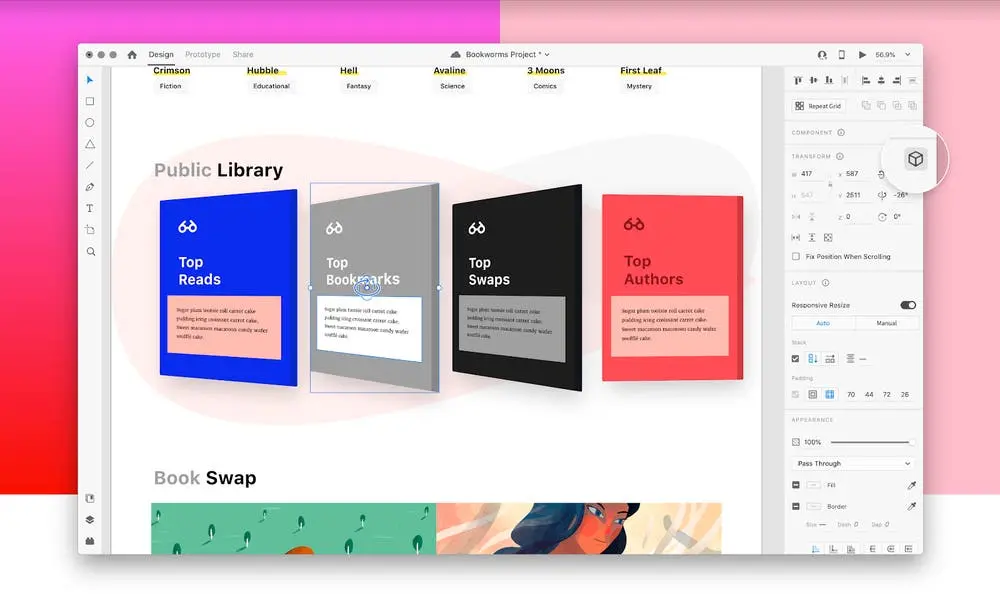
When you're just starting out in UI/UX design, Adobe XD really comes into its own. Its interface is disarmingly simple, so you're not drowned under a ton of functionality right from the start. Just think of the Repeat Grid: creating lists of items or product cards becomes child's play. Or the Auto-Animate for fluid interactive prototypes without breaking the bank. It's perfect for laying the foundations without frustration.
This streamlined approach quickly teaches the fundamental reflexes of prototyping and iteration. No need to master complex plugins or convoluted workflows. Fluid integration with other Adobe tools and a wealth of tutorials (both official and community-based) are real assets. That, plus the fact that a free version exists, makes XD hyper-accessible to start your web design journey.
How much does Adobe XD cost?
Let's talk budget, it's essential.
The free Adobe XD package is an excellent entry point. It gives you access to basic features for wireframing and prototyping. Ideal if you're just starting out, for students or personal projects with no financial constraints. At Easy Web, we often recommend it for first-time concept explorations.
Next up, the Adobe XD-only subscription, at around €23.99/month. Here, you unlock unlimited sharing of prototypes and design specs, and much more substantial cloud storage space. It's the perfect solution for freelancers and small agencies specializing solely in UI/UX who want the full power of the tool.
Finally, there's the full Creative Cloud package. For around €59.99/month, XD is included with the entire Adobe suite (Photoshop, Illustrator...). That's the investment we make at Easy Web. This package is aimed at agencies, large design teams and demanding professionals who juggle several tools to create complete digital ecosystems. A substantial cost, but justified by the synergy of the tools.
What are the key features of Adobe XD?
Frankly, if one thing has changed the way we work at Easy Web, it's the power of Adobe XD's interactive prototyping. You transform static wireframes into almost real user experiences in the blink of an eye. Smooth transitions, intuitive micro-interactions... It lets you test complex user paths and gather ultra-precise feedback long before you go to dev. How many times have I seen it save us hours of rework? It's a formidable efficiency lever.
.But where XD really stands out for teams like ours is in real-time collaboration. Working with several people on the same file, simultaneously, without version conflicts, is a godsend. No more "saving as" or worrying about losing a colleague's work. What's more, the ease of sharing prototypes via the cloud, with direct feedback to customers or handoff to developers, makes the whole process much smoother. For an agency, this is just indispensable in 2025.
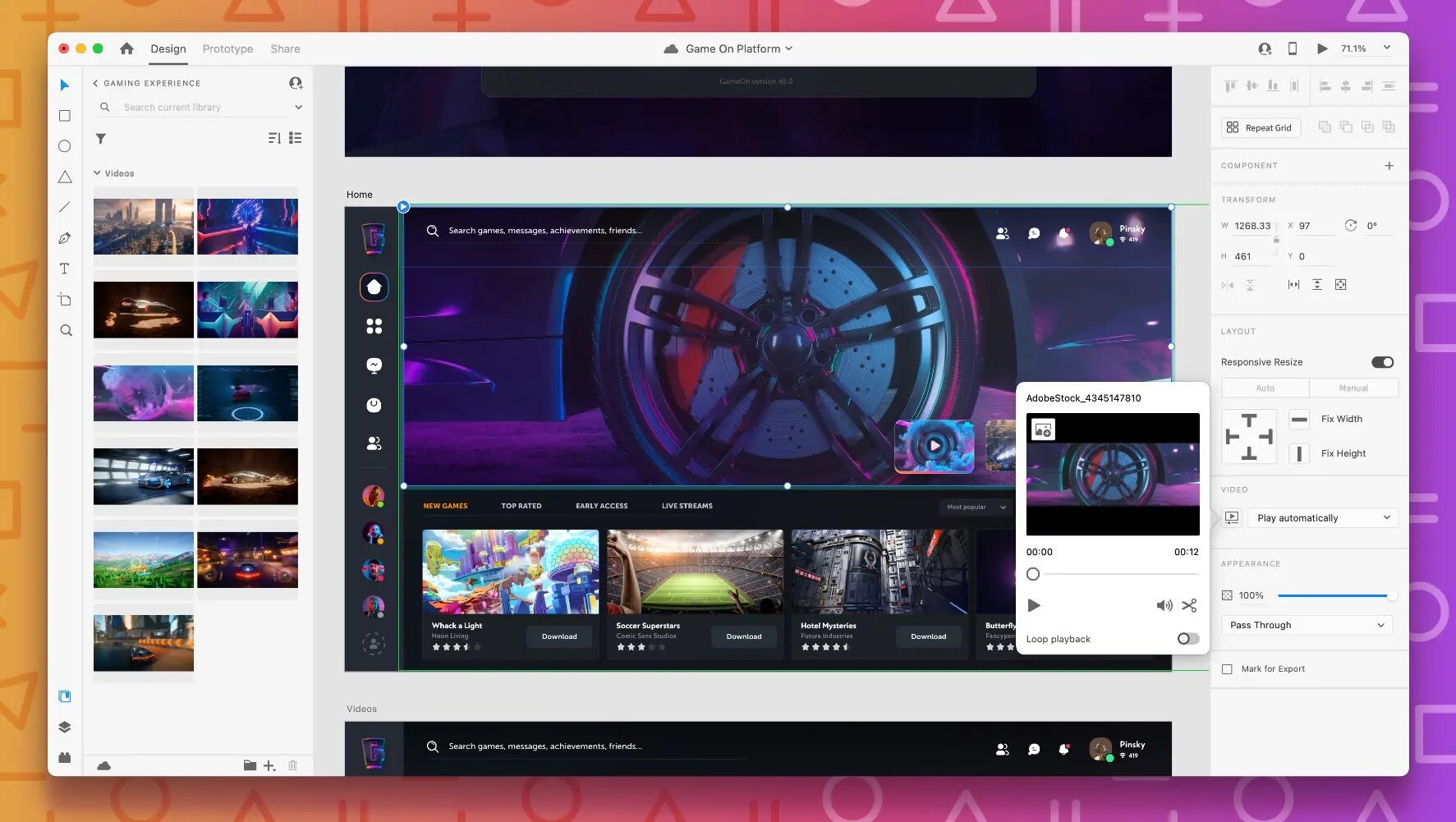
When it comes to agency efficiency, Adobe XD strikes hard with its Component States. Say goodbye to the headache of dozens of variations for a button! You create a master component, and bang, you define its different states - normal, hover, clicked, disabled. It's literally transformed our lives at Easy Web. Just imagine how much time we've saved by no longer having to duplicate and manage these elements manually. It's the cornerstone of a robust, scalable design system, indispensable for our complex projects in 2025.
Another feature that makes the difference for our customers: Auto-Animate. It's not just a basic transition. XD analyzes the changes between two working planes and creates fluid, intelligent animations. We use it to prototype complex micro-interactions - an element that expands on click, a menu that glides elegantly. It makes our interactive models so much more realistic and convincing. It's the trump card for making the user experience feel, not just show it.
Are you looking to create ultra-complex animations or manage massive design systems? That's where Adobe XD can show its limits. For simultaneous collaboration on the same file with a large team, or a hyper-specific handoff dev, the tool can clearly become a bottleneck.
For these precise cases, tools like Figma excel in their collaborative fluidity and integrations. Sketch, with its ecosystem of plugins, also offers robust alternatives. But beware, XD remains a powerful choice for the vast majority of your projects, especially if you're already immersed in the Adobe universe.
In short, XD is an excellent, agile and efficient starting point.
- Highlights:
- Fast learning curve and intuitive interface.
- Dynamic prototyping, Auto-Animate function.
- Fluid integration into the Adobe ecosystem.
- Weak Points:
- Limitations for highly complex animations and in-depth handoff dev.
- Multi-user collaboration less advanced than some competitors.
- Plugin ecosystem less rich than Sketch.
FAQS
Is it reliable and secure?
Absolutely. It's a stable and robust tool, essential for our agency's intensive productions. Security is managed via Creative Cloud integration: your files are encrypted and synchronized, minimizing the risk of loss. Collaborative permissions are precise, guaranteeing the confidentiality of your projects. We've never had a nasty surprise on this front.
Is it compatible with my other tools?
Clearly, compatibility is a major strength of Adobe XD. It integrates naturally with the rest of the Adobe suite: import your assets directly from Photoshop or Illustrator, and export your prototypes to After Effects for advanced animations.
For third-party tools, such as Figma or Sketch, plugins are your best ally for importing/exporting SVG or JSON files. We're talking about an open ecosystem, essential for a fluid workflow in 2025. Your production chain won't have to suffer.
Is there responsive customer support?
Clearly, with Adobe XD, you benefit from Adobe's classic support. Reactivity varies. For simple questions or common bugs, their online documentation is robust and the community forums are ultra-active, often providing a quick response. For direct contact via chat or ticket, our experience at Easy Web shows that this is effective for critical issues. For the rest, you can expect the usual delays from the major publishers, neither lightning-fast nor catastrophic. It's reliable, without being instantaneous.
What do other users think?
The general feeling? Excellent. Designers greatly appreciate its ease of use, especially for those already accustomed to the Adobe ecosystem. The speed of prototyping is a major plus, allowing you to go from idea to interactivity in the blink of an eye. Real-time collaboration is also often cited as a big plus. Some more demanding users would like more flexibility or a richer ecosystem of plugins, but overall, it's a tool much appreciated for its fluidity and efficiency.
.Can I easily change later?
The general feeling? Excellent. Designers greatly appreciate its ease of use, especially for those already accustomed to the Adobe ecosystem. The speed of prototyping is a major plus, allowing you to go from idea to interactivity in the blink of an eye. Real-time collaboration is also often cited as a big plus. Some more demanding users would like more flexibility or a richer ecosystem of plugins, but overall, it's a tool much appreciated for its fluidity and efficiency.
.Alternatives
.svg)

Specializing in business creation, sales and digital marketing, he puts his expertise at the service of users to help them identify the solutions best suited to their needs. Passionate about digital innovation and optimizing online performance, Alexis is committed to providing detailed, transparent and unbiased comparisons.
Do you have an entrepreneurial project?
We support you in the structuring and development of your tech project. Make an appointment with one of our Business Strategists.