


.avif)





.svg)



Table of Contents



Published on
26/3/26
-
5 min
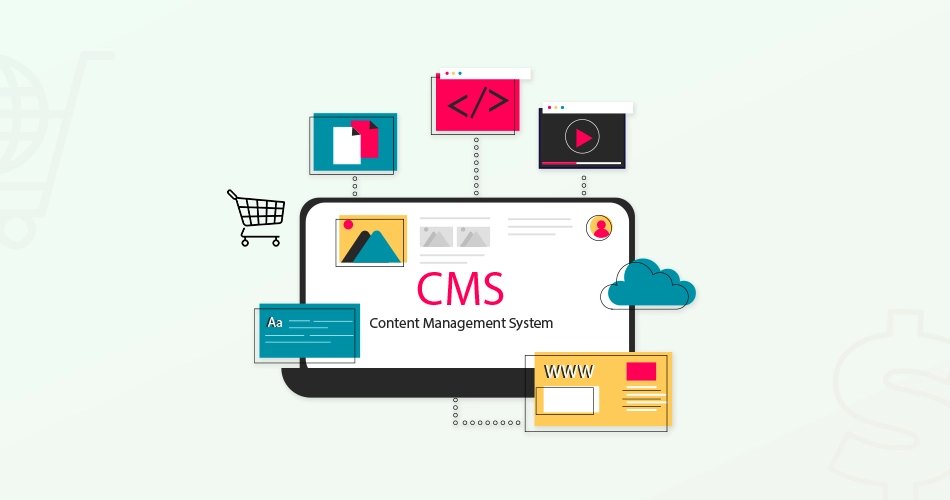
Nowadays, anyone can create their own online store, even without advanced technical skills. With no-code tools, you can quickly launch your e-commerce project, but is it always a good idea to go it alone? Before choosing this option, check out our dedicated article: Should you create your store yourself or use an e-commerce agency? to better understand the advantages and disadvantages of each choice.
Opting for a no-code solution to launch your e-commerce business has many advantages. These platforms allow you to create your store in just a few clicks, thanks to an intuitive visual interface. Customizing the design and features is usually made easy by a drag-and-drop system, making the process accessible even to beginners. This allows you to quickly upload your product catalog, manage your orders, and launch your business without having to master complex languages.
However, it is important to choose the right tool for your project to ensure professional and effective results. Here is a selection of essential tools you should know about.

Shopify is a must-have in the world of no-code online stores. Easy to use, this platform offers professional templates optimized for SEO and conversion. Shopify also offers numerous extensions to enhance your site with advanced marketing features (emailing, abandoned carts, etc.). Its intuitive interface and customization capabilities make it an excellent choice for novice entrepreneurs.
WordPress is no longer just a blogging tool. Thanks to WooCommerce, WordPress's e-commerce extension, it has become an essential reference for creating your online store. The simplicity of its interface allows any user, even those without technical skills, to quickly set up an attractive, responsive, and search engine-optimized store.
With thousands of themes and plugins available, WordPress offers great freedom in customizing and designing your e-commerce site. Whether you want to manage payments, optimize your SEO, or analyze your performance with Google Analytics, you'll easily find a suitable extension.
However, keep in mind that adding too many extensions can slow down your website's performance. It is therefore advisable to carefully select your plugins and regularly check your store's security and updates.
Webflow stands out for its advanced customization options, allowing you to create a unique, responsive, and fully customized online store. Although Webflow is slightly more complex to learn than Shopify, its advanced no-code features offer great freedom in creating interactions and animations on your e-commerce site.
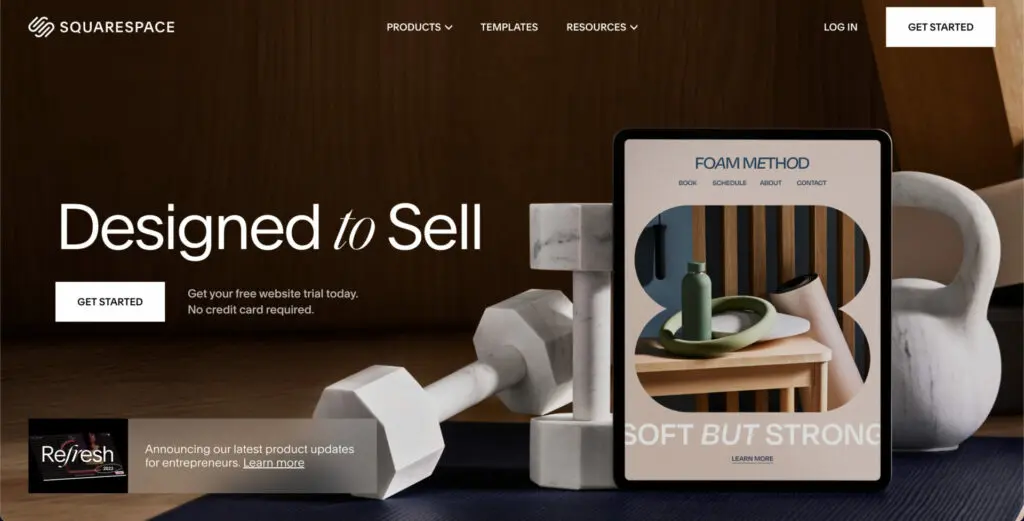
Squarespace is perfect if you want to create a store with a polished aesthetic and strong branding. This no-code platform offers elegant, minimalist templates tailored to online stores, with native online payment integration and simple product management. Ideal for e-commerce projects related to design, fashion, or photography.
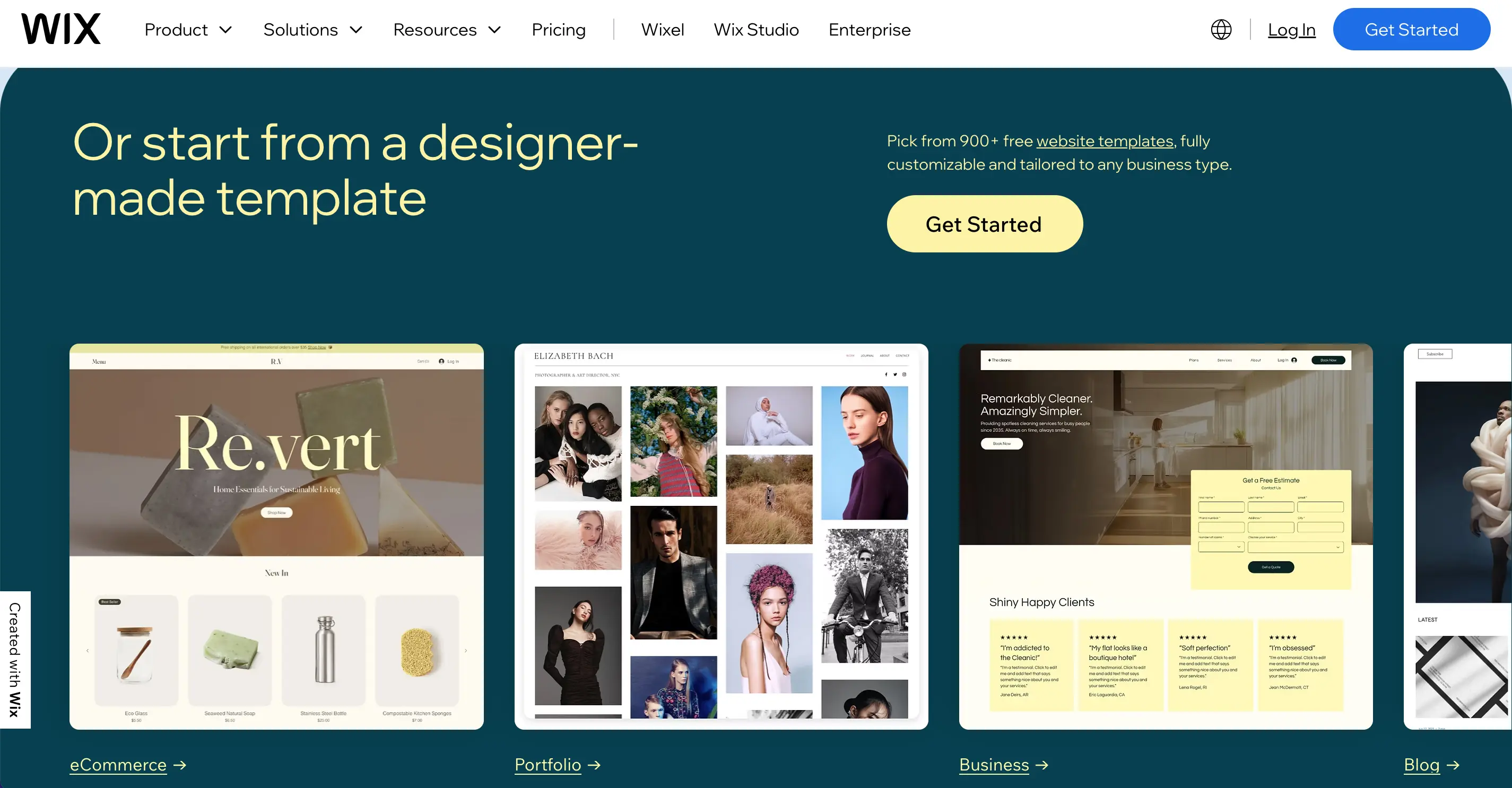
With Wix, you can create your online store in a matter of hours thanks to an ultra-simplified visual editor. Wix also has many built-in e-commerce modules: catalog management, secure payment methods, order tracking, etc. However, this solution is more suited to small stores than large catalogs or complex projects.
To select the right platform, you need to consider several essential criteria:
To help you choose the CMS best suited to your e-commerce site, watch this explanatory video.
While no-code tools offer an excellent gateway to e-commerce, they do not necessarily replace the support of a professional e-commerce agency, especially if you have big ambitions. To learn more about this topic, check out these additional articles:
Take the time to study each option to effectively launch your online business!




