


.avif)





.svg)



Table of Contents



Published on
5/3/26
-
5 min

Before launching a redesign, it is essential to start with a rigorous audit. To maximize the results of your project and avoid common mistakes, first refer to our article "How to successfully redesign your website for better results," which sets out the strategic framework and objectives to aim for.
This practical guide complements the original article by going into operational detail. You will find a step-by-step methodology for auditing the user experience, technology, and SEO, tools to use, prioritization criteria, and concrete deliverables to request from your agency or team.
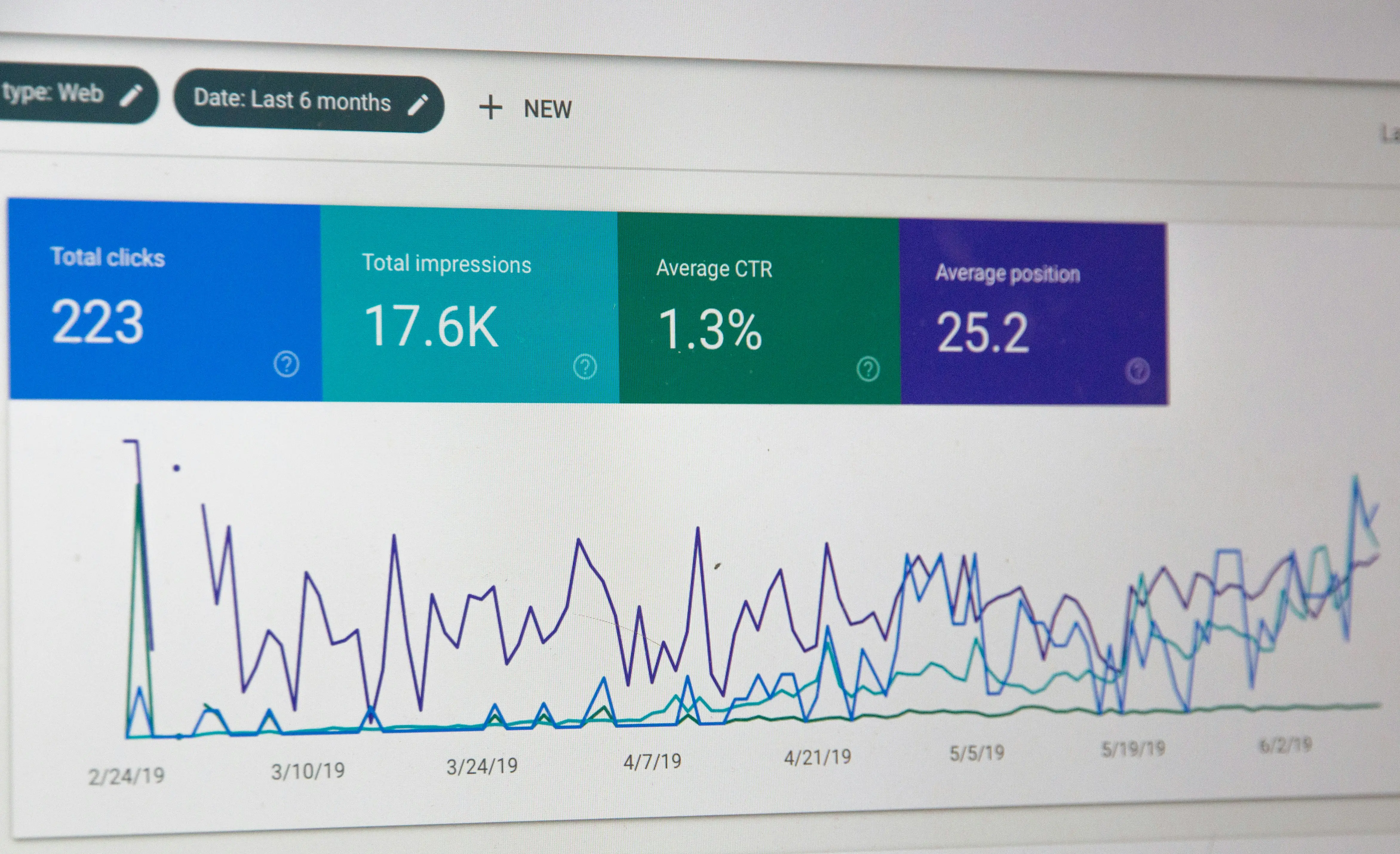
Start by segmenting your data in Google Analytics. Inspect the paths that lead to conversions and those that are far from it. Identify pages with a high bounce rate and those where the average time spent is low. Conversion funnels reveal exactly where prospects drop off; combine this information with session recordings and heatmaps to identify unclicked elements, interrupted scrolls, and poorly optimized forms.
Evaluate the logic of the information architecture: the page hierarchy should reflect the priority paths of prospects and customers. Clear navigation reduces the number of clicks needed to reach essential information. Test the consistency of menu labels, the relevance of product filters, and the fluidity of the conversion funnel. For e-commerce sites, check the following: product page, shopping cart, payment, and confirmation pages; each friction point detected becomes a prioritized area for improvement.
Readability, the size of clickable targets, and contrast directly affect conversion. The audit also checks basic accessibility to ensure that your content remains usable by as many people as possible. Test micro-interactions, error messages, and form steps: a clear message often reduces the abandonment rate. Document responsive design recommendations for mobile and tablet.

Measure performance with PageSpeed Insights, Lighthouse, and server tools. Analyze time to first interactivity, blocking elements, and heavy third-party scripts. Identify unoptimized images, unused CSS, and caching opportunities. Performance simultaneously influences SEO and conversion rates.
Check the display and behavior on mobile. If a PWA is being considered, document the technical requirements: service worker, caching, offline display. The audit should specify the gaps and improvements needed to deliver a mobile-first experience.
Review robots.txt, XML sitemap, canonical tags, and redirects. Prepare a URL mapping and a precise 301 redirect plan to avoid any loss of traffic during migration. Identify broken links and orphan pages that need to be corrected.
Check the HTTPS configuration, backups, protection against common attacks, and GDPR compliance on trackers and forms. For e-commerce, test payment flows and certificate management.
Check title tags, meta descriptions, and Hn structure. Ensure that each page targets a clear intent and that priority keywords appear naturally in key elements. Check the implementation of structured data (products, breadcrumbs, etc.).
Identify high-performing pages and those that should be merged. Write briefs to enrich priority pages and define internal linking in line with your semantic cocoon to concentrate SEO juice on your business pages.
Analyze the inbound link profile to identify valuable sources and potentially toxic links to disavow. Ensure that pages receiving backlinks remain accessible or are properly redirected during migration.
Measure your current positions on essential keywords to set realistic goals. Study the structure and content of the highest-ranked competitors to identify opportunities for format, secondary keywords, and rich snippets.
To complement this article, here is a video that explains step by step how to perform a complete SEO audit before a redesign. It shows you how to analyze technical performance, crawl the site, evaluate content quality, and review the backlink profile.
Performing a comprehensive UX, technical, and SEO audit before a redesign turns risk into opportunity. This work protects your SEO, improves the user experience, and guides technical choices toward performance and conversion. To learn more about the rest of the project, check out our additional articles:
• How to restructure your site's content during a redesign without losing your SEO?
• Why are photos and videos essential in a website redesign?
Need help with your audit or its implementation? Leave it to Easyweb. We perform a complete audit (SEO, technical, UX), deliver a prioritized report, test templates, and a ready-to-use migration plan. We transform the checklist into a Google Sheet and generate the redirection plan from your sitemap.




