


.avif)





.svg)
.svg)


.svg)

A few years ago, Looka established itself as the leader in AI-powered logo generators, promising a quick visual identity even without graphic design skills. But in 2025, with the explosion of AI-assisted design tools, is it still a serious option for your visual creations, especially if you're a professional? I've been working with Looka since its inception, and I've seen it evolve. In this article, I share my unfiltered feedback, analyzing its simplicity, practical features, and limitations to help you decide if it still has a place in your toolbox.
My experience with Looka
Looka has been one of our favorites for several years now, especially when time is of the essence. What I've always found impressive is its ability to quickly generate a consistent basic visual identity and a set of ready-to-use brand assets.
This tool is a real champion when it comes to prototyping a logo or creating a solid initial brand foundation for a client with a tight budget or urgent needs. It allows you to get a professional visual starting point in minutes, without spending hours on Illustrator or Figma.
However, for projects that require true uniqueness, conceptual depth, or extensive customization, Looka quickly reaches its limits. This is generated design, not tailor-made agency work. It lacks the creative touch and fine control that only a human designer can provide.
Is Looka really useful for my needs?
The real question to ask yourself before using Looka is: what is your goal? Because Looka's relevance depends greatly on how you use it. If your goal is to quickly get a decent logo for a start-up project or an MVP, Looka excels. It perfectly meets this need for speed and practicality.
Whether you're a micro-entrepreneur, a solopreneur launching a side project, or a small business looking for a quick visual identity, Looka could be the right choice for you. To validate an idea with a professional visual, create a logo for your YouTube channel or showcase website, Looka offers an effective starting point without a major investment.
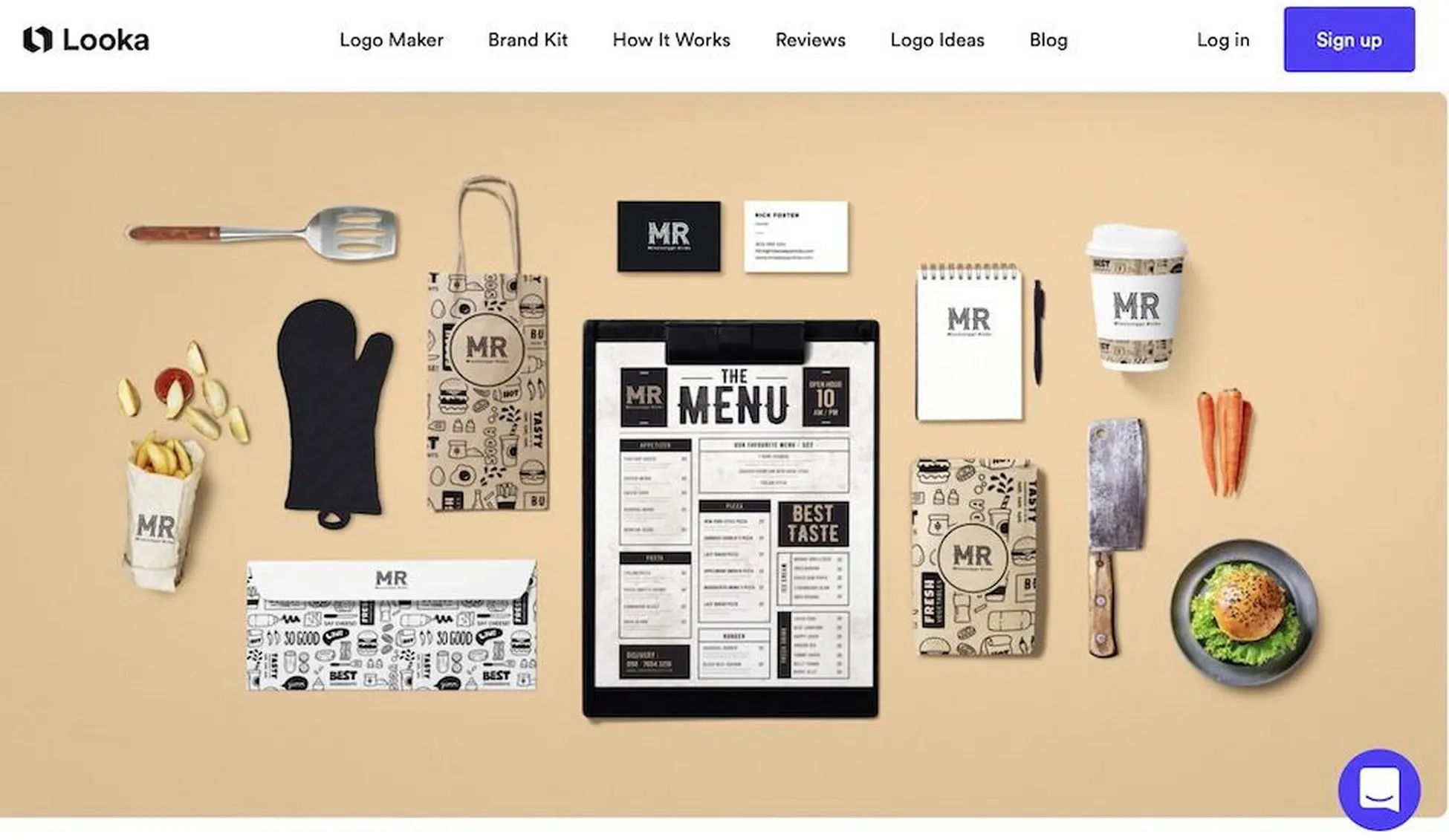
Another advantage of Looka is its ability to generate, beyond the logo, a draft graphic charter. You get colors, fonts, and even mockups for business cards or social media profiles. It's a solid foundation for starting your brand consistency without being a designer.
Is Looka suitable for beginners?
For beginners, Looka is a bit like the Swiss Army knife I wish I'd had in 2020. Its ultra-simple AI engine lets you generate logos in just a few clicks. No more hours spent trying to understand complex software. Just enter your name, a few keywords, and voilà—dozens of proposals ready to be customized. It's perfect for quickly launching a personal project or micro-business without an initial design budget.
The interface is intuitive, designed for those with no experience. No need to master Bézier curves or layers. You can customize colors, fonts, and symbols with ease. It's ideal for quickly creating a basic brand kit. It saves an incredible amount of time when validating an idea or running a quick test before investing in a professional designer.


How much does Looka cost?
Looka's Logo Package is the entry point. It's a basic package, a one-time payment of around $75, which gives you access to vector and high-resolution files of your logo. Ideal if you or your client need a quick, clean visual with no frills. Think startups on a tight budget or a quick draft for a one-off project.
For maximum brand consistency, the Brand Kit Subscription, available for around €192 per year, is the comprehensive option. This package unlocks a whole arsenal of tools: social media templates, business cards, customizable brand guidelines, and email templates. For agencies or freelancers managing multiple visual identities, this is the solution for a flawless presence across all media. Clearly, it saves valuable time.
What are the key features of Looka?
Take a look at Looka, and you'll first see its AI-powered logo generator. For us designers, it's not a competitor, but a way to speed up the exploratory phase. You enter a few keywords, choose some styles, and boom! Dozens of visual concepts pop up. I found it impressive for roughing out ideas or offering a client initial directions without spending hours on it. It's true digital brainstorming.
Looka doesn't stop at logos. What's really interesting for an agency like ours is its ability to generate a complete brand kit. Once the logo has been approved, the tool automatically generates the graphic charter: colors, fonts, templates for business cards, social media, and even product mockups. This allows us to deliver consistent visual identities very quickly, which is a valuable asset for our client deliverables.

When we talk about AI-based design tools, we often think of logos alone. But what really impressed me about Looka was their advanced brand consistency management. Once your logo is generated, the tool doesn't stop there: it automatically offers a complete "Brand Kit," including color palettes, complementary fonts, and even variations for various media. For us designers, this saves a tremendous amount of time in ensuring visual consistency across all of a client's media.
What's also powerful is the post-generation flexibility that Looka offers. AI gives us a solid foundation, that's true, but the magic happens when we can dive into the details. We can refine symbols, adjust spacing, and modify color shades with truly impressive precision. In 2025, that's what I expect from a tool: for it to be an intelligent co-pilot, not just an executor, and Looka ticks that box for the customization phase.
When you push Looka to its limits, with a really specific client brief or a complex brand identity, its limitations quickly become apparent. Imagine wanting to embody subtle nuances or create a logo that can be modified over the long term. Looka, with its predefined options and automated approach, won't give you the creative control you need for total uniqueness or extensive brand evolution. It's a starting point, not a complete solution.
For these more demanding scenarios, tools such as Adobe Illustrator for advanced vectorization, or even Figma for freer exploration of concepts and branding, are obviously more suitable. They offer the flexibility and depth that a professional needs. Despite this, Looka remains a tremendous asset for startups or projects with limited budgets that are looking for a quick and professional initial visual identity without going through an agency.
Here is a quick summary:
Advantages:
- Speed of creation
- Ease of use
- Affordable cost for getting started
Disadvantages:
- Limited customization
- Lack of originality for expert users
- Does not replace comprehensive strategic branding
FAQ
Is it reliable and secure?
Absolutely. Security at Looka is taken seriously. They use SSL/TLS encryption protocols to protect your data and transactions, which is standard for reliable online platforms in 2025. Your personal information and the designs you create remain confidential. In terms of reliability, the service is robust. Servers are monitored and regular backups are standard, ensuring constant availability. For a generative design tool, it's crucial to know that your work is safe and accessible when you need it.
Is it compatible with my other tools?
Absolutely. Looka was designed with integration in mind. You can retrieve your designs in all standard formats: SVG for vector graphics, high-resolution PNG, EPS... files that are compatible with the professional ecosystem. Whether you work with the Adobe suite (Illustrator, Photoshop) or tools like Figma, importing is seamless. For me, this interoperability is a non-negotiable criterion for an agency. We want efficiency!
Is there responsive customer support?
In my experience, Looka's customer support is responsive, especially via their ticket system. I've received responses within 24 business hours for technical questions or license clarifications. There's no live chat, which could speed up some resolutions, but their team is efficient once contact is made. For us agencies, this is something to consider: no absolute urgency, but a reliable response.
What do other users think?
Overall, users praise Looka for its ease of use and the speed with which logo drafts can be generated. This is an undeniable strength for those who are just starting out or have urgent needs, without requiring artistic depth. However, among more experienced designers, the consensus leans toward the offering being too generic. They often point to the lack of fine creative control and the recurrence of certain styles, limiting differentiation. For projects requiring a truly customized visual identity, feedback is mixed, with a tendency to favor more comprehensive software.
Can I easily change later?
Absolutely, and this is a crucial issue for any professional designer. Looka's real strength for the next generation is exporting. You download your designs in vector formats, such as SVG or EPS. That's your ticket to flexibility! Then it's simple: you import these files into your favorite software suite—think Illustrator or Affinity Designer. There, you have complete freedom to refine and modify every curve, color, or font, without any limitations or loss of quality. Basic edits are still possible on the platform, but the real work happens after export.
Alternatives
.avif)
Specializing in business creation, sales and digital marketing, he puts his expertise at the service of users to help them identify the solutions best suited to their needs. Passionate about digital innovation and online performance optimization, Alexis is committed to providing detailed, transparent and unbiased comparisons.
Do you have an entrepreneurial project?
We support you in structuring and developing your tech project. Make an appointment with one of our Business Strategists.